
Whalesync
Whalesync is a powerful tool that allows users to manage their applications directly from a spreadsheet, enabling seamless two-way data sharing between various platforms like Airtable, Notion, and Web
9,872
Votes
14,751
Views
7,376
Bookmarks
About
Whalesync is a powerful tool that allows users to manage their applications directly from a spreadsheet, enabling seamless two-way data sharing between various platforms like Airtable, Notion, and Webflow. Its core functionality revolves around creating deep integrations that keep data synchronized across multiple applications, ensuring that any changes made in one app are instantly reflected in another. This capability is particularly beneficial for teams that rely on real-time data updates to streamline their operations and enhance productivity. The target audience for Whalesync includes startups, enterprises, and teams that require efficient data management solutions. By empowering users to control their apps from a spreadsheet, Whalesync caters to those who prefer a no-code approach to integration, making it accessible for individuals without extensive technical expertise. This focus on user-friendliness sets Whalesync apart in a market often dominated by complex automation tools. Whalesync's unique value proposition lies in its ability to provide a reliable and scalable two-way sync solution, unlike traditional automation tools that often rely on brittle, one-way processes. This deep integration capability allows users to enrich their data, personalize outreach, and manage internal tools more effectively. The tool's design prioritizes ease of use, enabling users to start syncing their data in just a few minutes by connecting their apps and mapping their data fields. Key differentiators of Whalesync include its focus on mission-critical customer data integrations, real-time sync capabilities, and a user-friendly interface that simplifies the setup process. Users can monitor their syncs in real-time, manage errors easily, and access detailed logs of all changes made between synced databases. This level of transparency and control is essential for teams that need to maintain data integrity and accuracy across their operations. In terms of technical implementation, Whalesync is built to handle integrations across various platforms, including CRMs, no-code tools, and databases. It ensures enterprise-grade data safety with compliance to standards like SOC 2 Type II and GDPR, providing users with peace of mind regarding their data security. Overall, Whalesync is a game-changing tool that transforms how teams manage their data and applications, making it easier to achieve operational efficiency and growth.
Key Features
- Two-way sync: Keeps your data updated across apps, so you always have the latest information without manual updates.
- Easy setup: Connect your apps and start syncing in minutes, making it simple for anyone to use.
- Real-time monitoring: Track the status of your data syncs in real-time, ensuring everything is running smoothly.
- Error management: Quickly identify and fix any issues that arise during syncing, helping you maintain data accuracy.
- Customizable mapping: Choose which fields to sync between apps, allowing you to tailor the integration to your specific needs.
FAQ
What apps can I sync with Whalesync?
You can sync various apps like Airtable, Notion, Webflow, HubSpot, and Salesforce with Whalesync.
How does the two-way sync work?
Whalesync allows data changes in one app to be instantly reflected in another app, keeping everything up to date.
Is Whalesync easy to set up?
Yes, you can connect your apps and start syncing in just a few minutes without needing technical skills.
What kind of support does Whalesync offer?
Whalesync provides dedicated support and account management to help you with any issues you may encounter.
Is my data secure with Whalesync?
Yes, Whalesync ensures enterprise-grade data safety with compliance to SOC 2 Type II and GDPR standards.
Can I customize which data fields to sync?
Absolutely! Whalesync allows you to choose which fields to map and sync between your apps.
You may also like
More tools in Automation
Summit
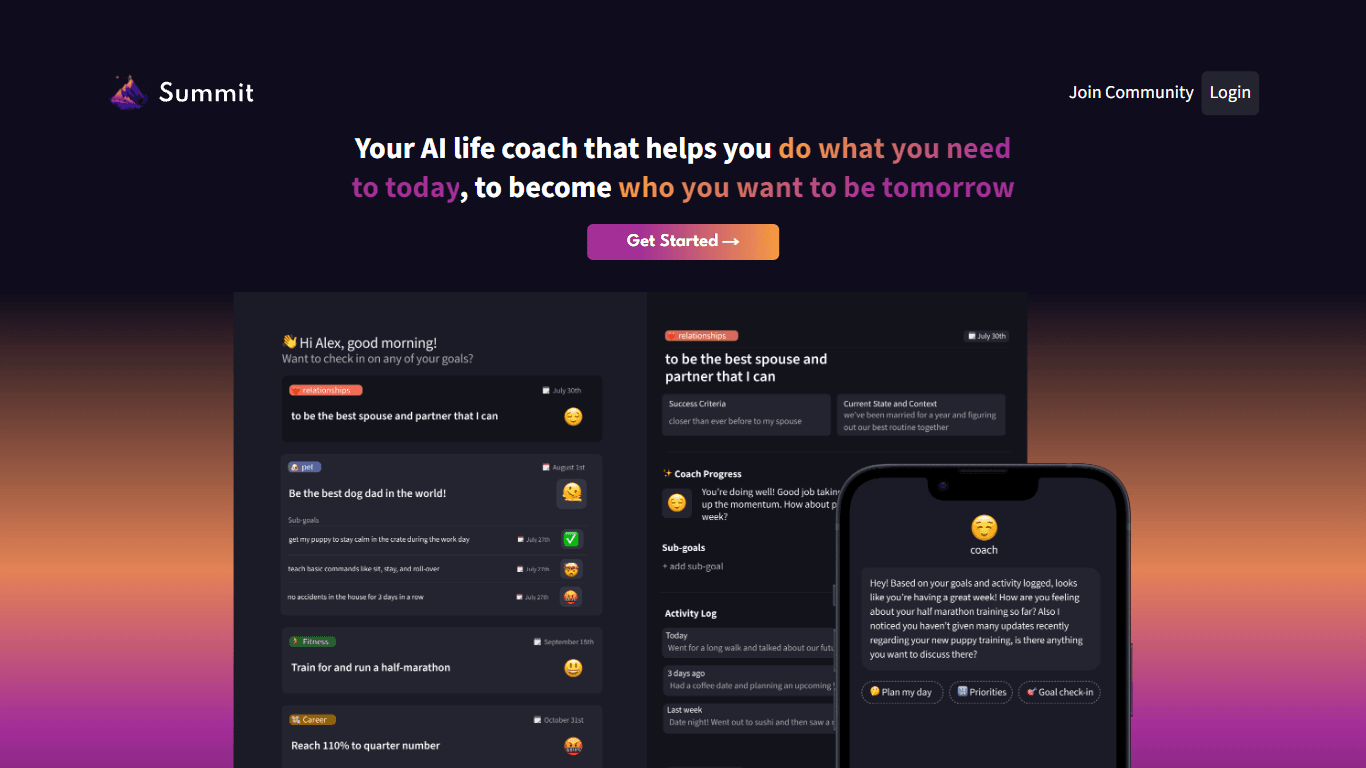
Summit is a comprehensive AI-powered platform designed to revolutionize the way businesses optimize their operations. With an array of cutting-edge features and advanced algorithms, Summit offers unpa
AI Outbound Agents
AI Outbound Agents is a cutting-edge AI-driven Business Development Representative (BDR) service designed to streamline and enhance outbound demand generation for businesses. This innovative solution
Ever Efficient AI
Ever Efficient AI provides an array of AI automation services designed to streamline your business operations and improve efficiency. By harnessing the power of your existing historical data, Ever Eff
HeyCloud
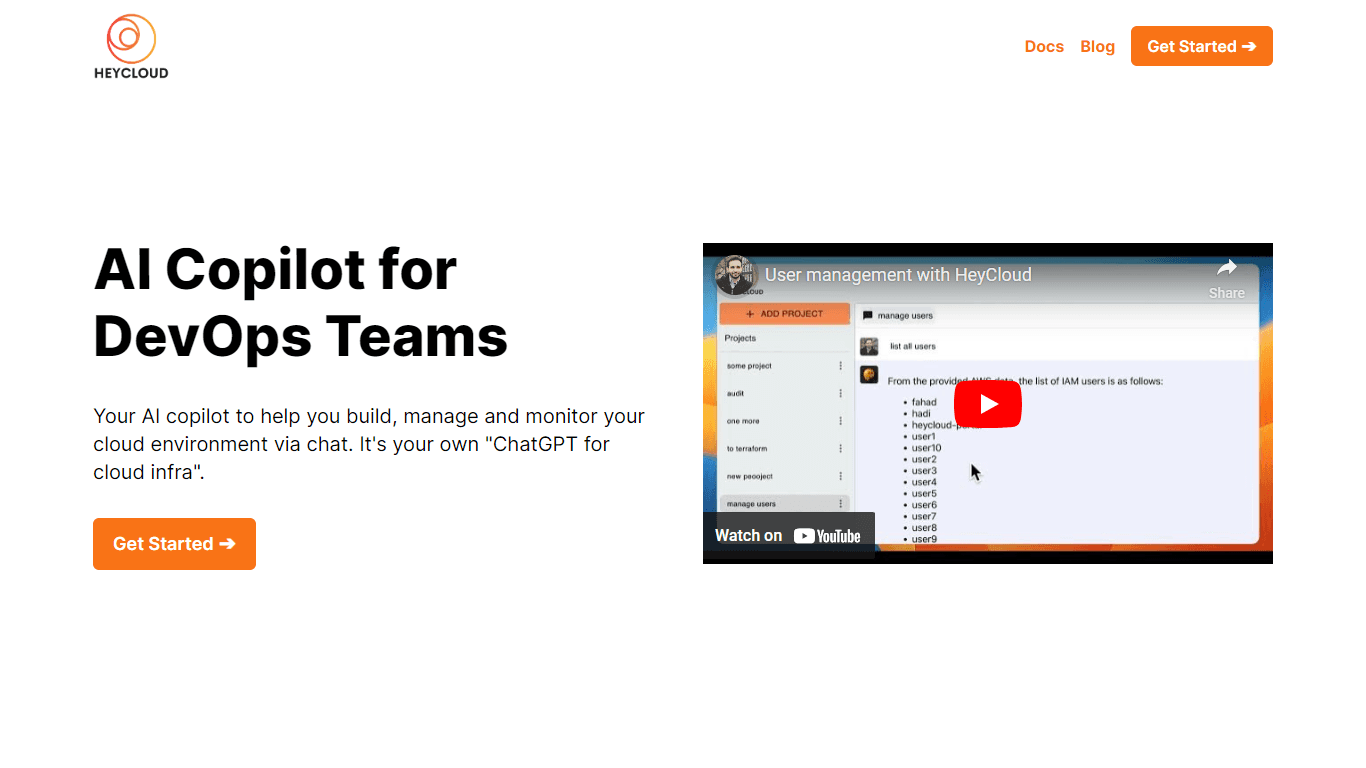
HeyCloud revolutionizes cloud management by allowing you to build and manage your AWS stack using plain English commands. It acts as an AI copilot for DevOps teams, streamlining cloud integration and
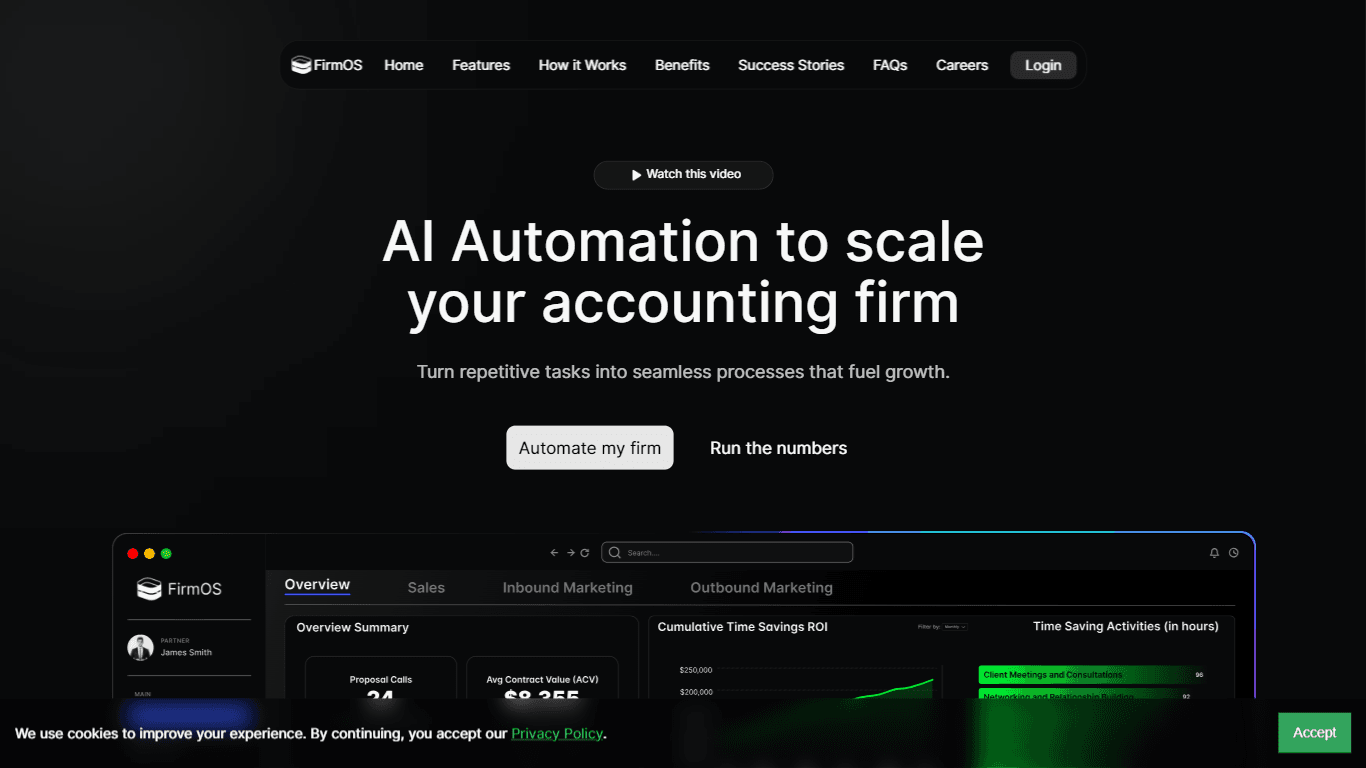
FirmOS
FirmOS is a comprehensive platform designed to help accounting firms scale their operations through AI-driven automation and streamlined workflows. Its core functionality revolves around enhancing cli
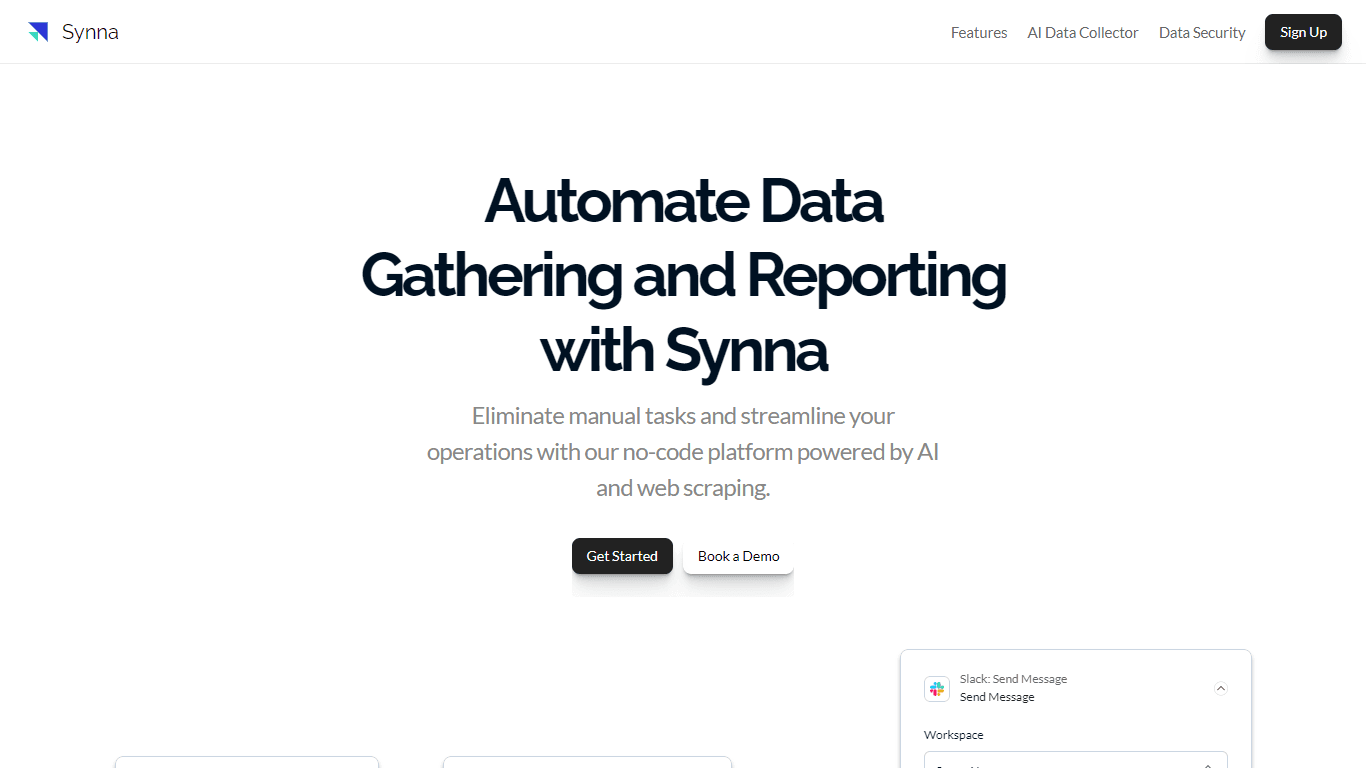
Synna.Ai
Synna.Ai revolutionizes the way businesses automate their data gathering and reporting processes with its user-friendly, no-code AI report automation and workflow builder. Whether you need to compil
APAC AI
APAC AI ACCOUNT Portal is the one-stop destination for harnessing the power of advanced artificial intelligence to streamline your workflows and boost productivity. With a focus on multi-modality AI,
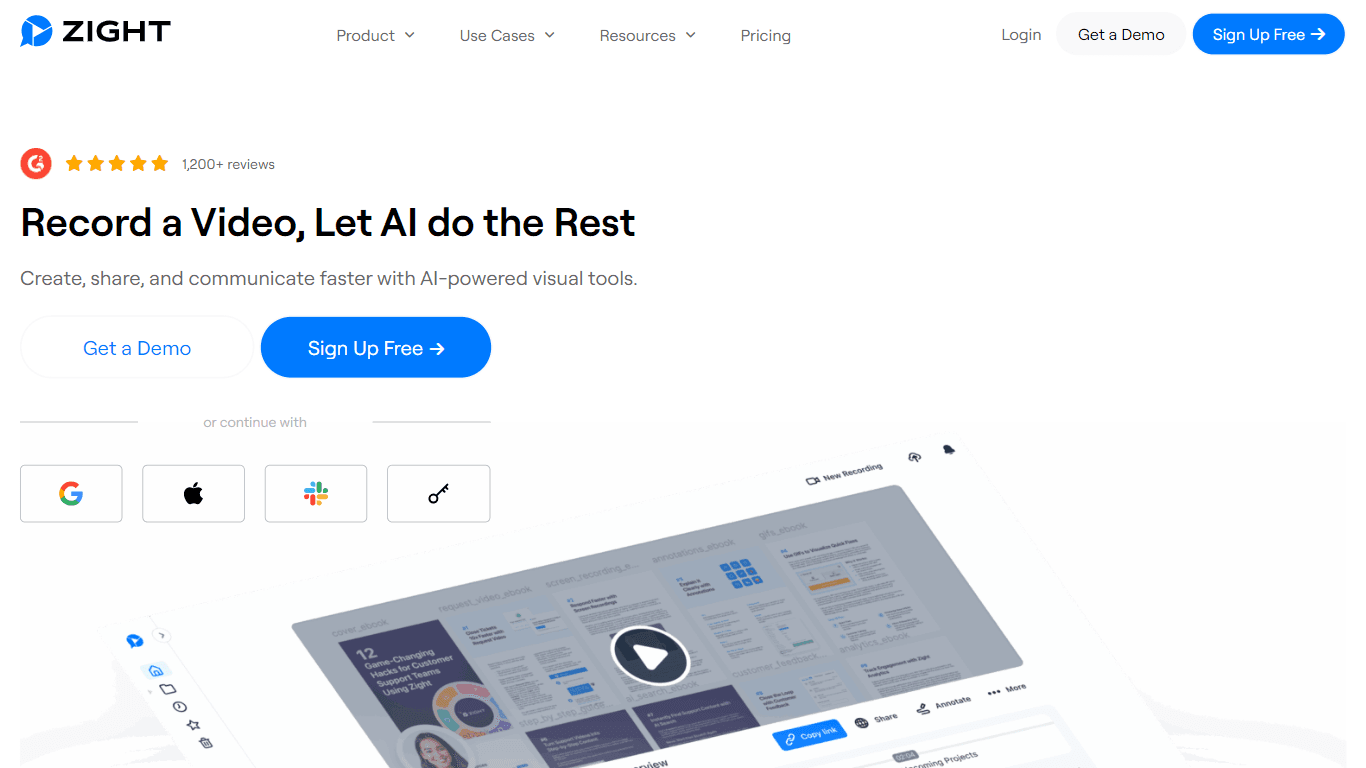
Zight
Zight is a comprehensive screen recording tool designed for users across various platforms including Mac, Windows, Chrome, and iOS. Its core functionality revolves around enabling users to easily capt

HiredScore
HiredScore is a cutting-edge AI-powered platform that revolutionizes the recruitment process by utilizing artificial intelligence, automation, and deep integrations. With its advanced technology, Hire

Super Send
The only outbound automation tool dedicated to founders looking to get their first 100 customers.Automate Cold Outreach Across Email, Linkedin and Twitter and includes email warmup, email validator, u
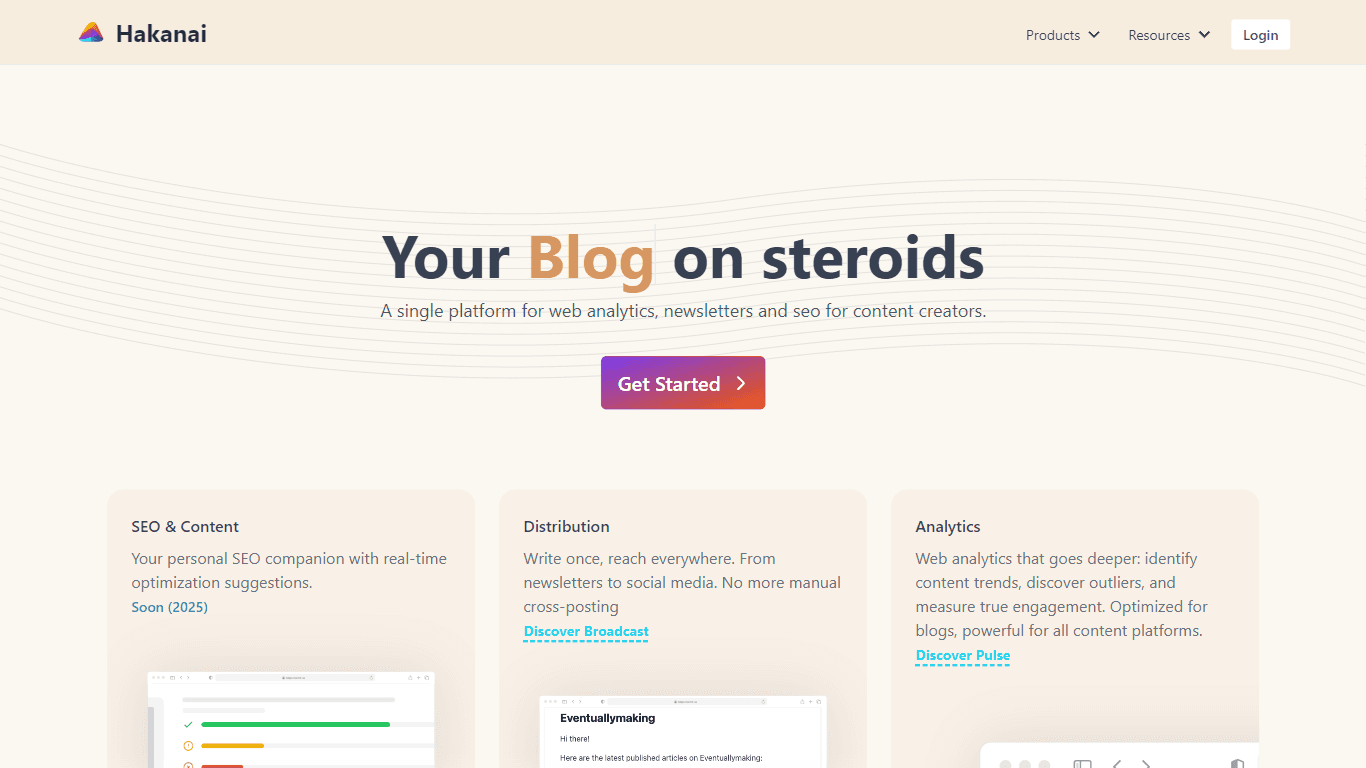
Hakanai
Hakanai is a powerful toolbox designed specifically for blogs of all sizes, catering to everyone from personal storytellers to large enterprises. Its core functionality revolves around providing a sin
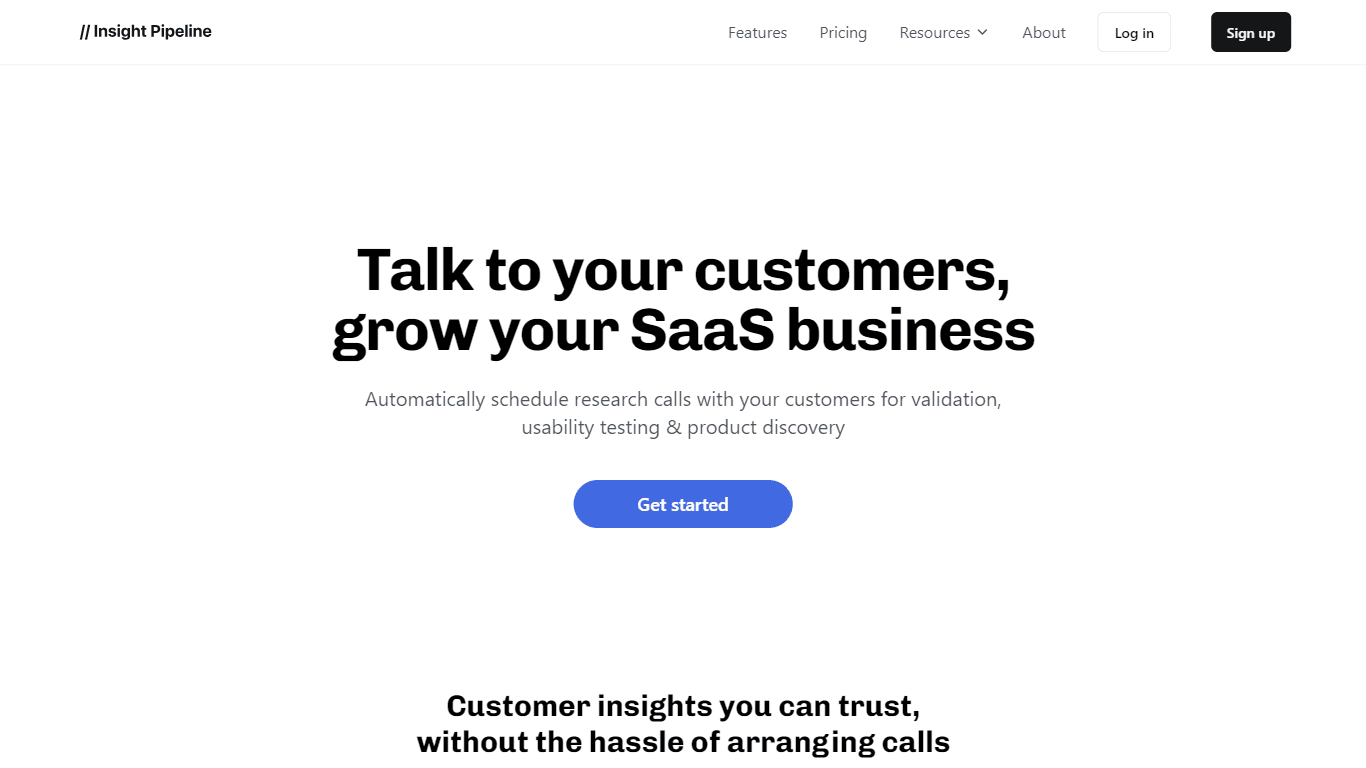
Insight Pipeline
Insight Pipeline is a tool designed to simplify the process of scheduling research calls with customers. Its core functionality revolves around automatically arranging these calls for validation, usab