Zight
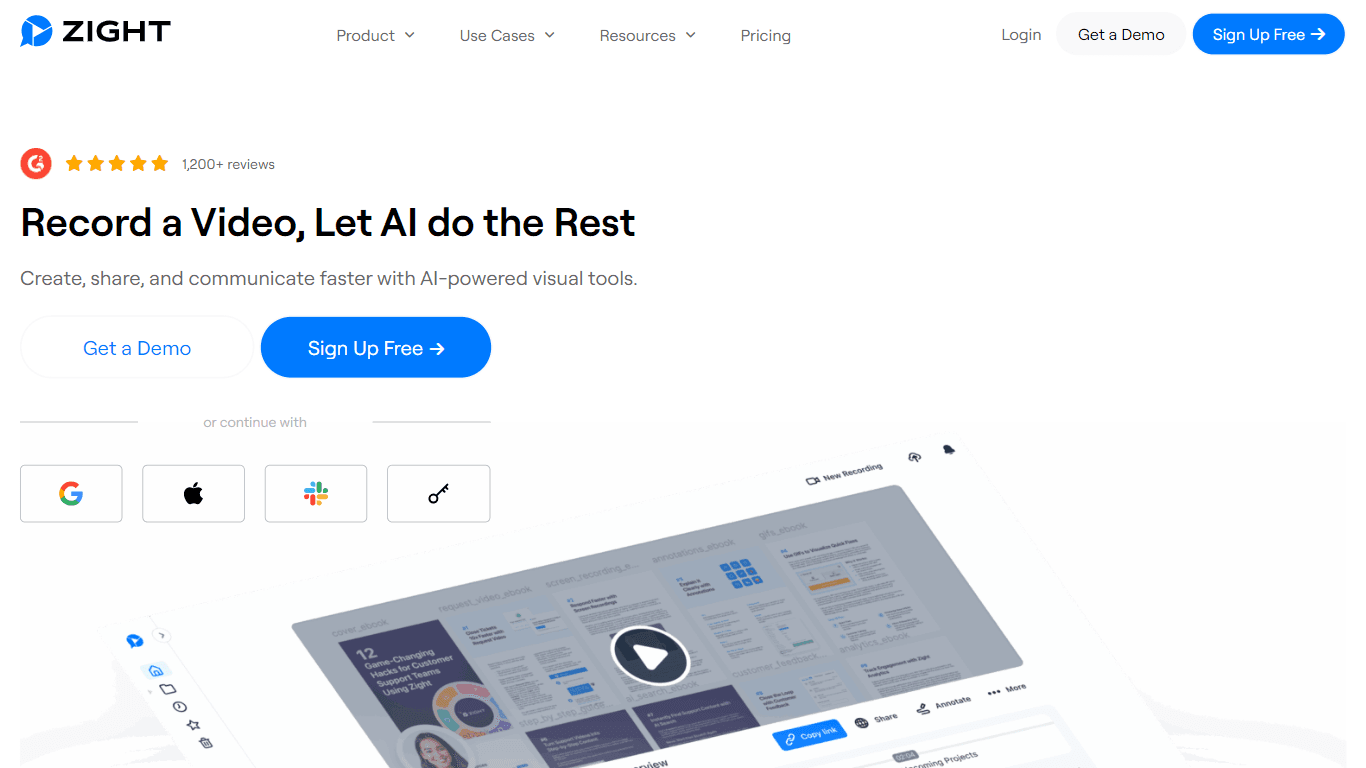
Zight is a comprehensive screen recording tool designed for users across various platforms including Mac, Windows, Chrome, and iOS. Its core functionality revolves around enabling users to easily capt
12,422
Votes
21,767
Views
6,821
Bookmarks
About
Zight is a comprehensive screen recording tool designed for users across various platforms including Mac, Windows, Chrome, and iOS. Its core functionality revolves around enabling users to easily capture their screens, webcams, or both, making it ideal for creating tutorials, product demos, and feedback sessions. The intuitive interface allows for quick recording, ensuring that users can start their projects without any technical hurdles. Zight also offers cloud storage for instant access to recordings, which enhances user convenience and productivity. The target audience for Zight includes professionals, educators, and teams who require efficient visual communication tools. With over 5 million users, Zight has established itself as a go-to solution for businesses looking to improve their workflows and communication. The platform is particularly beneficial for those who need to create visual content quickly and effectively, making it a valuable asset in any digital toolkit. One of Zight's unique value propositions is its integration of AI technology, which automates various tasks such as generating meeting notes and video transcripts. This feature not only saves time but also enhances the overall user experience by reducing manual work. Additionally, Zight's ability to create GIFs and edit videos further sets it apart from traditional screen recording tools, providing users with a versatile platform for all their visual content needs. Key differentiators include Zight's extensive integration capabilities with popular platforms like Slack, Microsoft Teams, and Zendesk, allowing for seamless communication and collaboration. The tool also supports over 50 languages for transcriptions, making it accessible to a global audience. Furthermore, Zight's focus on user-friendly design ensures that even those with minimal technical skills can navigate the platform with ease. In terms of technical implementation, Zight operates on a cloud-based system, which allows for easy storage and sharing of content. Users can access their files from any device, ensuring flexibility and convenience. The platform's commitment to security is evident in its enterprise-grade cloud storage options, which cater to businesses that prioritize data protection. Overall, Zight combines powerful features with a user-centric approach, making it an essential tool for anyone looking to enhance their visual communication.
Key Features
- Easy Screen Recording: Start recording your screen or webcam in seconds with a simple interface, making it perfect for tutorials and demos.
- Automatic Transcription: Zight converts your video recordings into meeting notes and guides, saving you time and effort in documentation.
- Video Editing Tools: Trim, crop, and enhance your videos with filters to create polished content ready for sharing.
- Instant Sharing: Share your recordings and screenshots easily with auto-generated links, allowing for quick distribution without clutter.
- Multi-Platform Support: Use Zight on Mac, Windows, Chrome, and iOS, ensuring you can capture content wherever you are.
FAQ
What platforms does Zight support?
Zight is available on Mac, Windows, Chrome, and iOS, allowing users to record on various devices.
Can I edit my recordings?
Yes, Zight offers video editing tools that let you trim, crop, and enhance your recordings before sharing.
How does Zight help with transcriptions?
Zight automatically transcribes your video recordings into text, making it easier to create notes and guides.
Is there a way to share my recordings?
Absolutely! You can share your recordings and screenshots via auto-generated links, making it easy to distribute your content.
Does Zight support GIF creation?
Yes, Zight allows you to create loopable GIFs, which can be useful for quick explanations and instructions.
What is the AI feature in Zight?
Zight uses AI to automate tasks like generating meeting notes and video titles, helping you save time.
You may also like
More tools in Automation
Summit
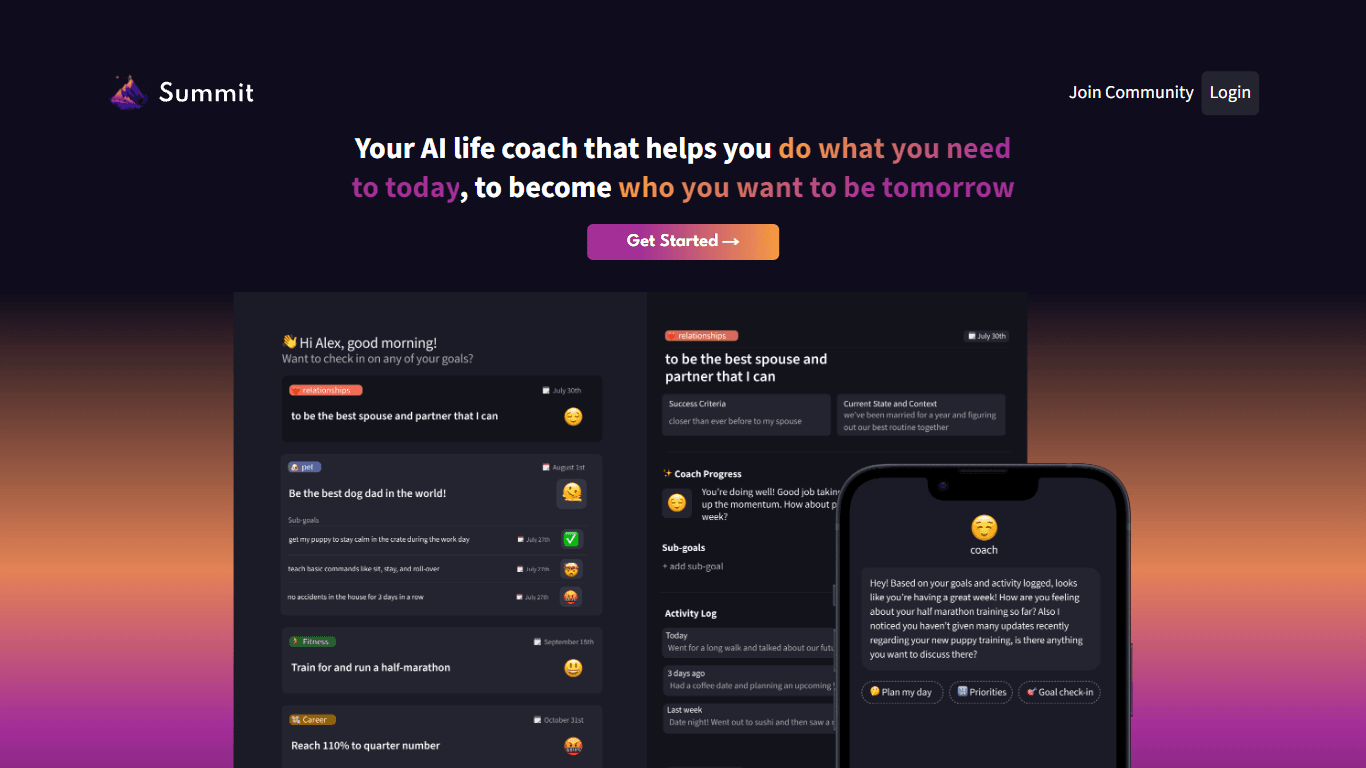
Summit is a comprehensive AI-powered platform designed to revolutionize the way businesses optimize their operations. With an array of cutting-edge features and advanced algorithms, Summit offers unpa
AI Outbound Agents
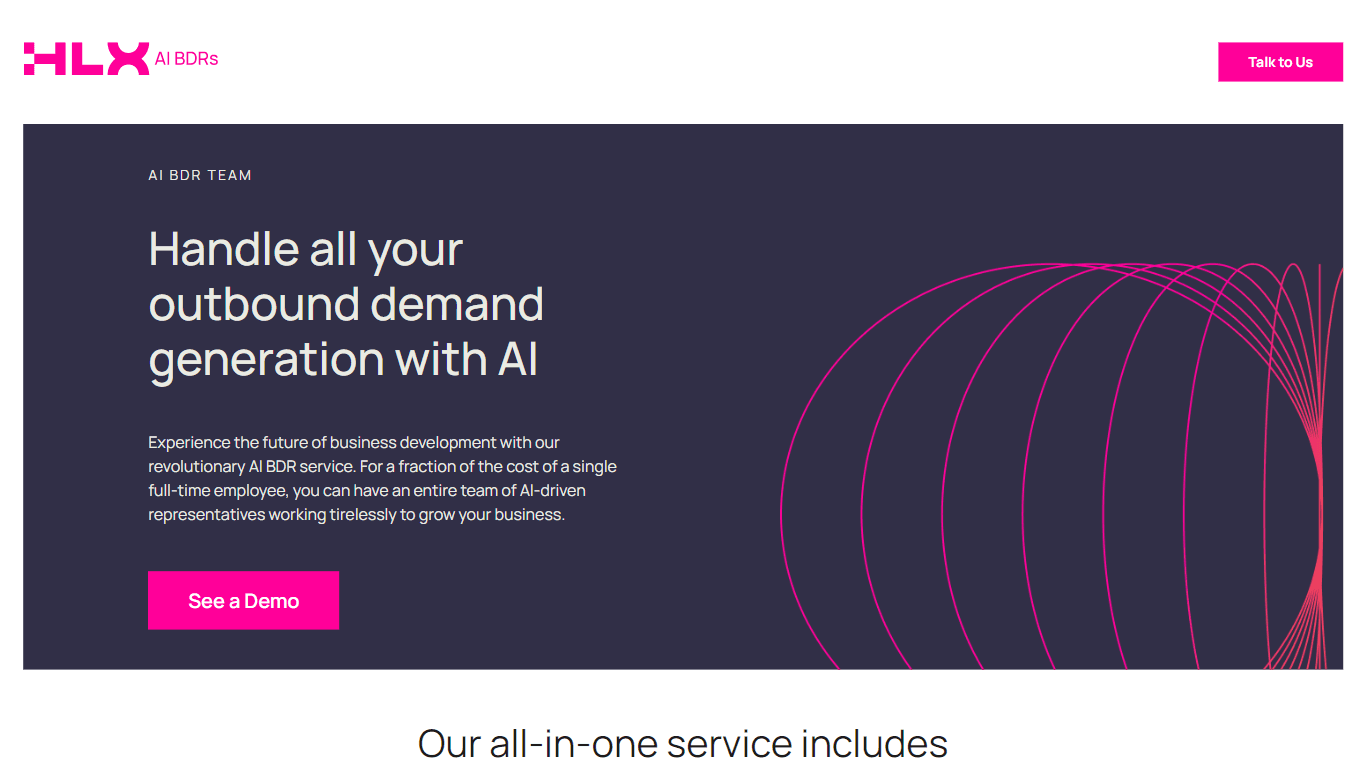
AI Outbound Agents is a cutting-edge AI-driven Business Development Representative (BDR) service designed to streamline and enhance outbound demand generation for businesses. This innovative solution
FirmOS
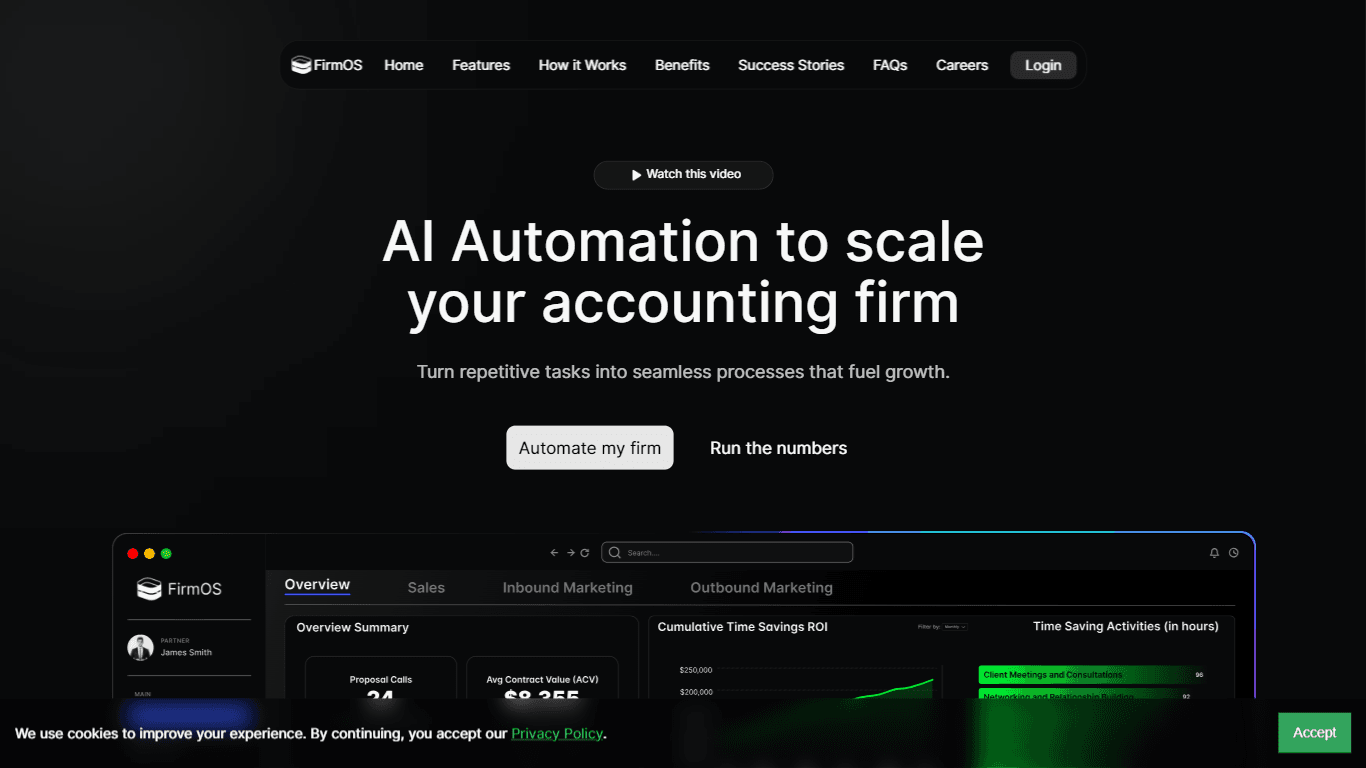
FirmOS is a comprehensive platform designed to help accounting firms scale their operations through AI-driven automation and streamlined workflows. Its core functionality revolves around enhancing cli
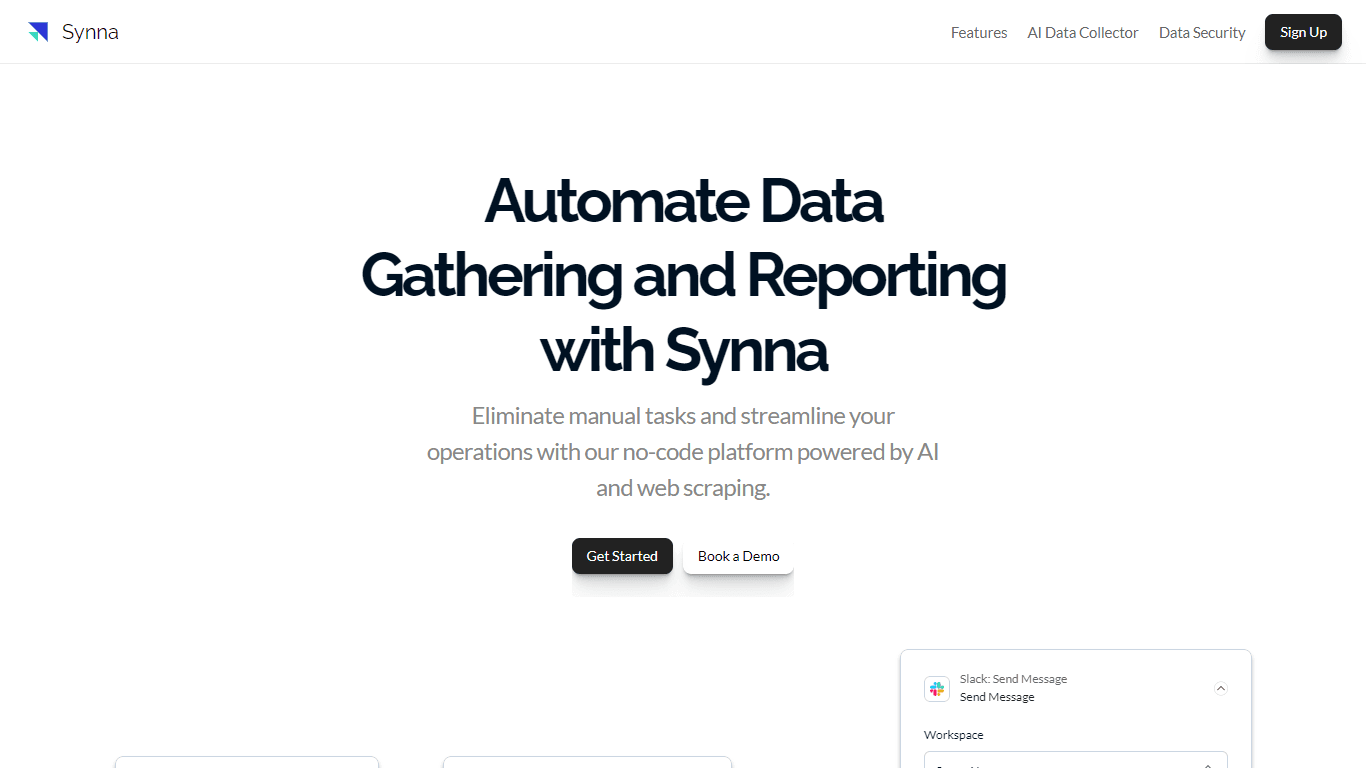
Synna.Ai
Synna.Ai revolutionizes the way businesses automate their data gathering and reporting processes with its user-friendly, no-code AI report automation and workflow builder. Whether you need to compil
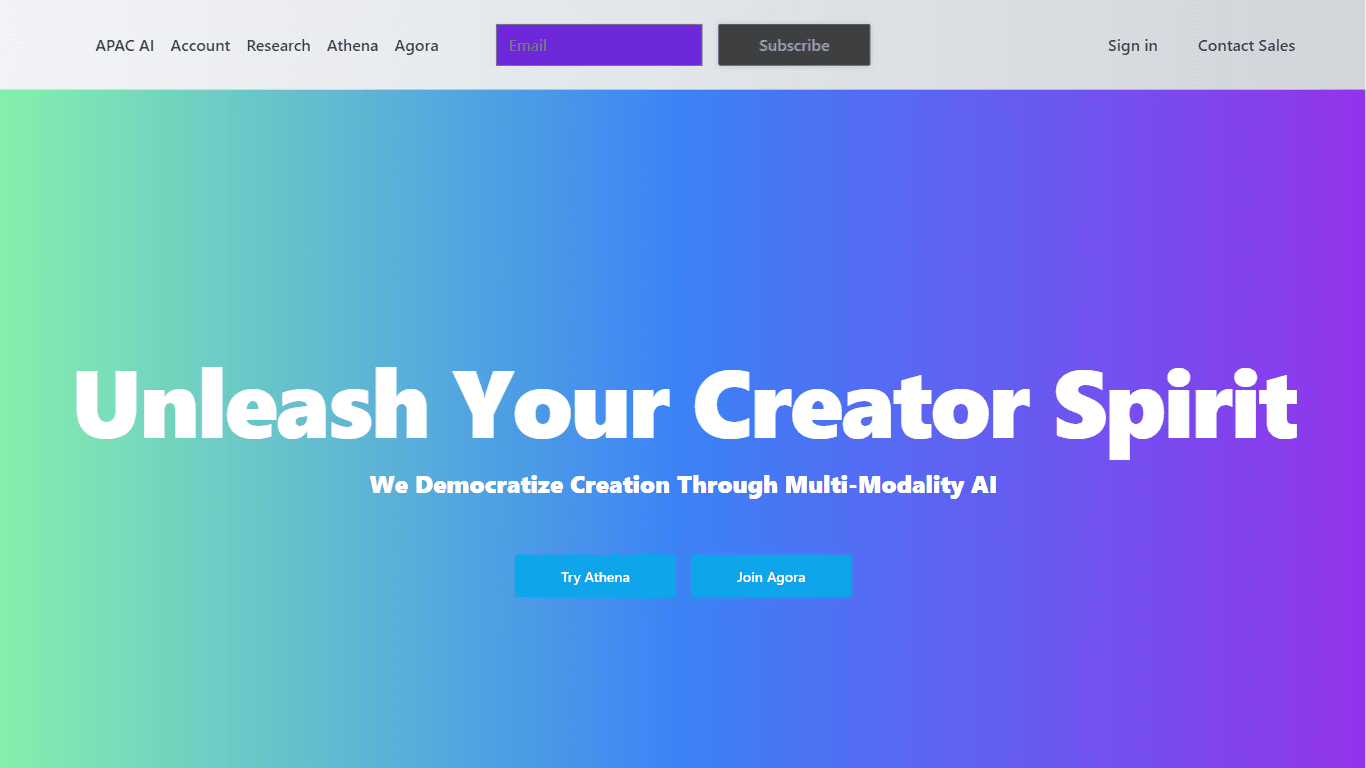
APAC AI
APAC AI ACCOUNT Portal is the one-stop destination for harnessing the power of advanced artificial intelligence to streamline your workflows and boost productivity. With a focus on multi-modality AI,
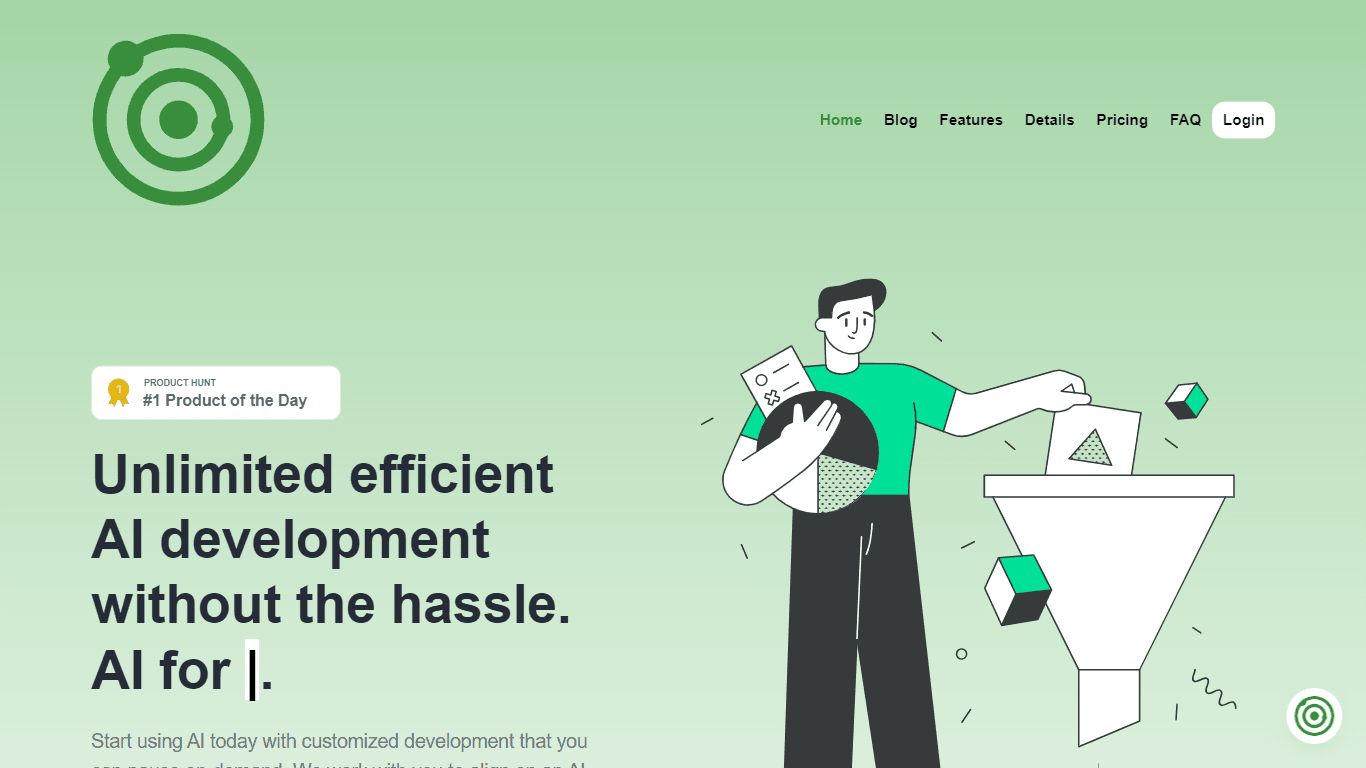
Ever Efficient AI
Ever Efficient AI provides an array of AI automation services designed to streamline your business operations and improve efficiency. By harnessing the power of your existing historical data, Ever Eff
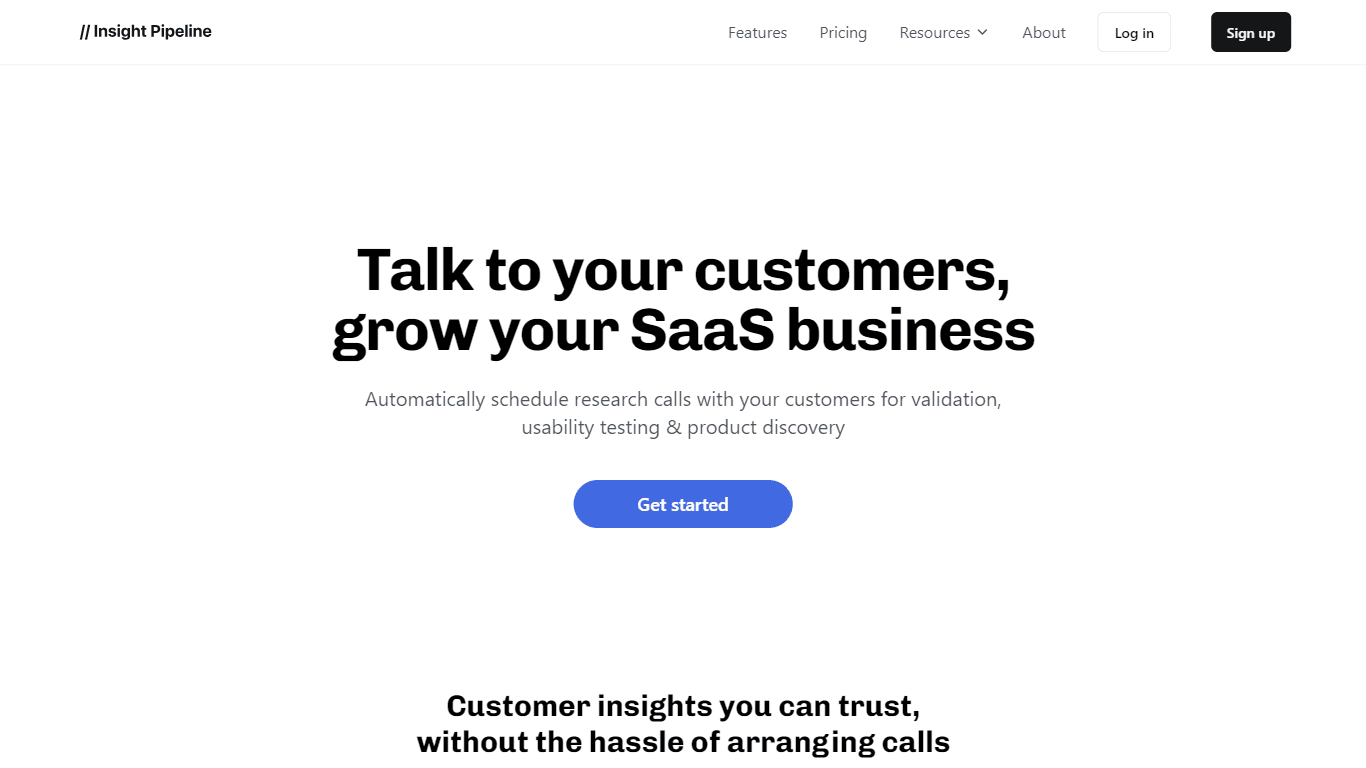
Insight Pipeline
Insight Pipeline is a tool designed to simplify the process of scheduling research calls with customers. Its core functionality revolves around automatically arranging these calls for validation, usab
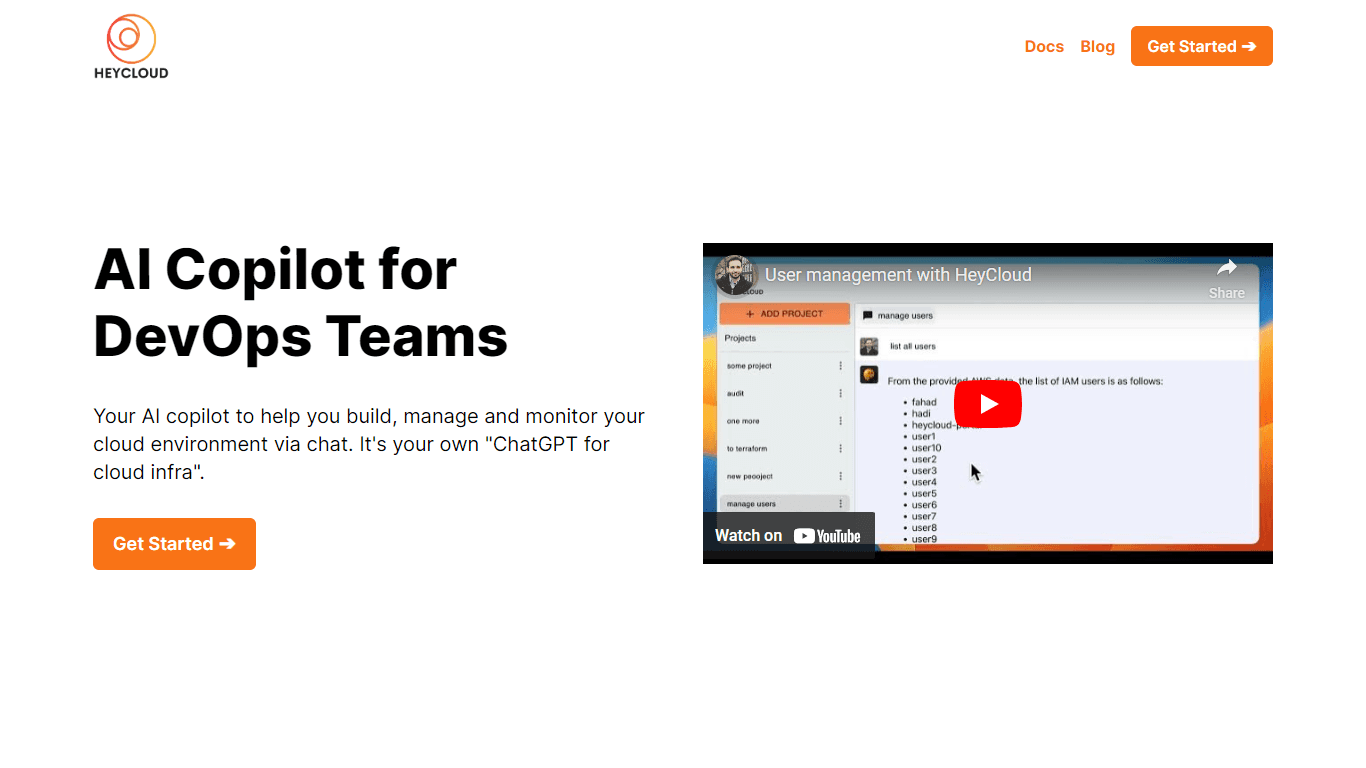
HeyCloud
HeyCloud revolutionizes cloud management by allowing you to build and manage your AWS stack using plain English commands. It acts as an AI copilot for DevOps teams, streamlining cloud integration and

Doc ai
Docai is a powerful tool designed to automate the generation of project documentation directly from JIRA releases. Its core functionality revolves around simplifying the documentation process, which i
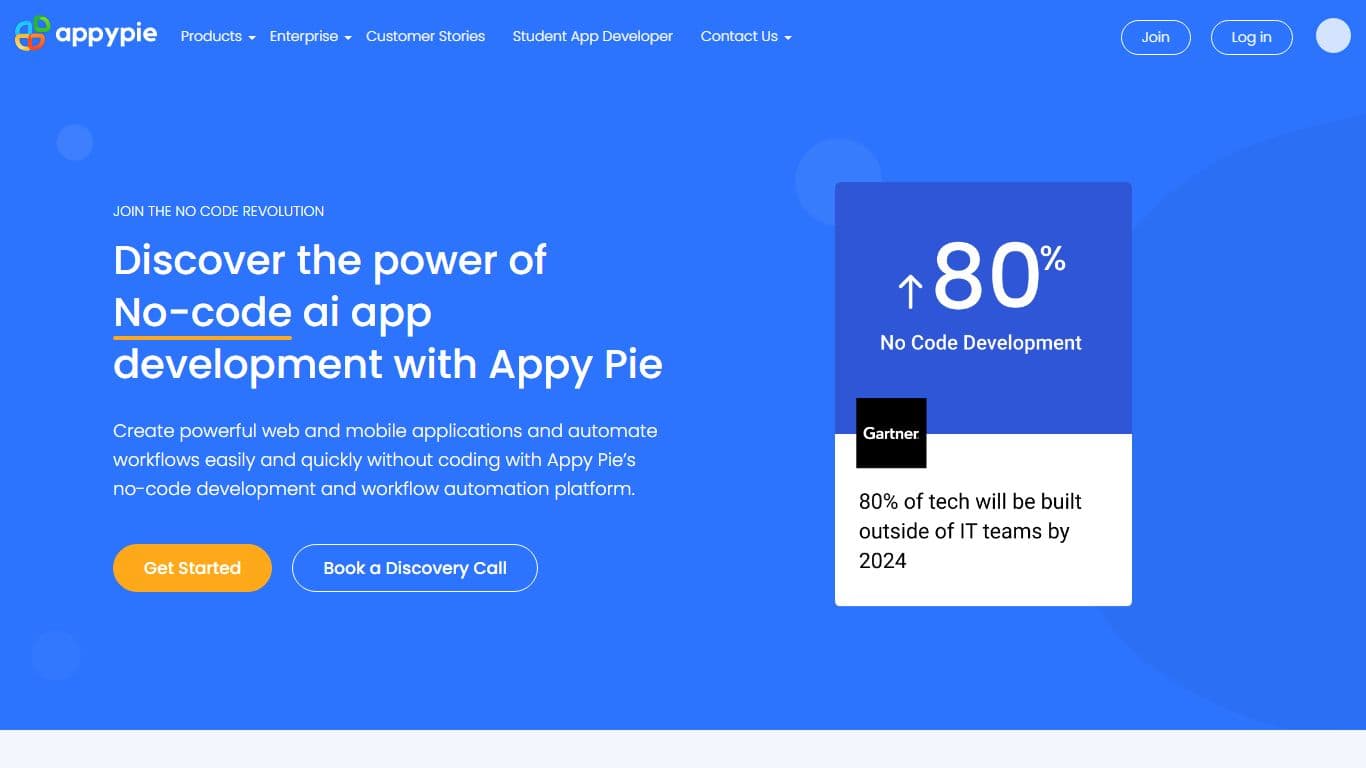
Appypie
Create applications & automate workflows with Appy Pie’s workflow automation & no code ai app development platform.

Sendsteps
Sendsteps is a tool that helps you make your audience more engaged during your live presentation, lecture, or event. With Sendsteps, you can use your phone, tablet, or computer as a poll, survey, or q

AI Stud
Unlock the full potential of artificial intelligence with AI Studio, a comprehensive platform that arms you with an array of AI tools designed to tackle your most complex challenges. Whether you're lo