
Wispr Flow
Dictate and edit documents three times faster with AI.
14,265
Votes
24,288
Views
6,914
Bookmarks
About
Wispr Flow a voice dictation tool designed to transform how you interact with your computer. It allows you to use your voice to type up to three times faster than traditional typing methods, enhancing productivity and efficiency across various applications. Wispr Flow is tailored for professionals and individuals who seek to streamline their workflow, offering features like AI commands, auto-editing, and support for over 100 languages.
Key Features
- AI Commands and Auto-Edits: Wispr Flow incorporates advanced AI-driven commands to facilitate seamless document management and auto-editing, ensuring your voice inputs are accurate and polished.
- Multi-Language Support: With support for over 100 languages, Wispr Flow caters to a global audience, making it a versatile tool for multilingual users.
- Context-Aware Voice Typing: The tool adapts to different contexts, whether you're drafting an email or coding, ensuring appropriate tone and syntax.
- Tone Match: Wispr Flow personalizes the dictation experience by adjusting to your unique voice and style, enhancing communication consistency across different platforms.
Pros
- Time Efficiency: Allows users to dictate and edit documents significantly faster than traditional typing, saving valuable time.
- Enhanced Accuracy: Offers high precision in voice recognition, minimizing errors and reducing the need for manual corrections.
- User-Friendly Interface: The intuitive design ensures a smooth user experience, even for those new to voice dictation.
- Versatile Usage: Compatible with various applications, making it a flexible tool for different professional and personal needs.
Cons
- Initial Learning Curve: New users may require some time to fully adapt to the advanced features and voice commands.
- Limited Free Usage: The free tier restricts users to 2,000 words per week, which might not suffice for heavy users.
Who Uses It
- Writers and Authors: Utilizing Wispr Flow for drafting manuscripts and editing content more efficiently.
- Business Professionals: Employing the tool for drafting emails, reports, and presentations with ease.
- Students: Leveraging Wispr Flow to take notes and write essays quickly.
- Software Developers: Using Wispr Flow for coding and documentation purposes.
- Uncommon Use Cases: Adopted by individuals with mobility impairments for easier computer interaction; Used by language learners to practice and enhance their speaking skills.
Pricing
- Flow Basic: $0 per month. Includes 2,000 words per week, lightning-fast voice typing, and support for 100+ languages.
- Flow Pro: $15 per month. Offers unlimited words, command mode for editing, and personalized writing style learning.
- Flow Enterprise: $24 per user per month. Features team-wide shared context, SSO/SAML support, and VIP support.
You may also like
More tools in AI Chatbots
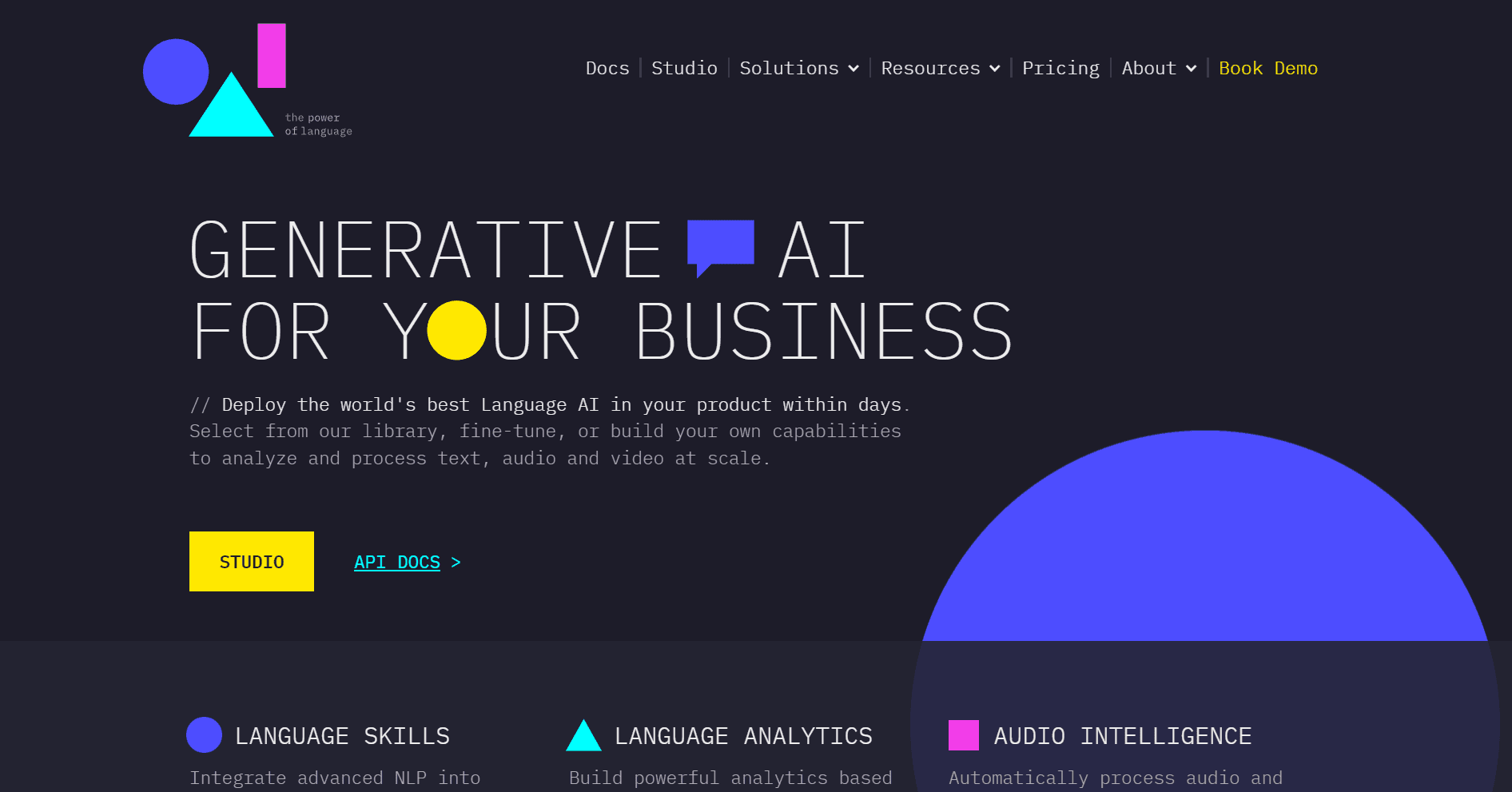
One AI
Boost website engagement and sales with adaptive AI-driven interactions.
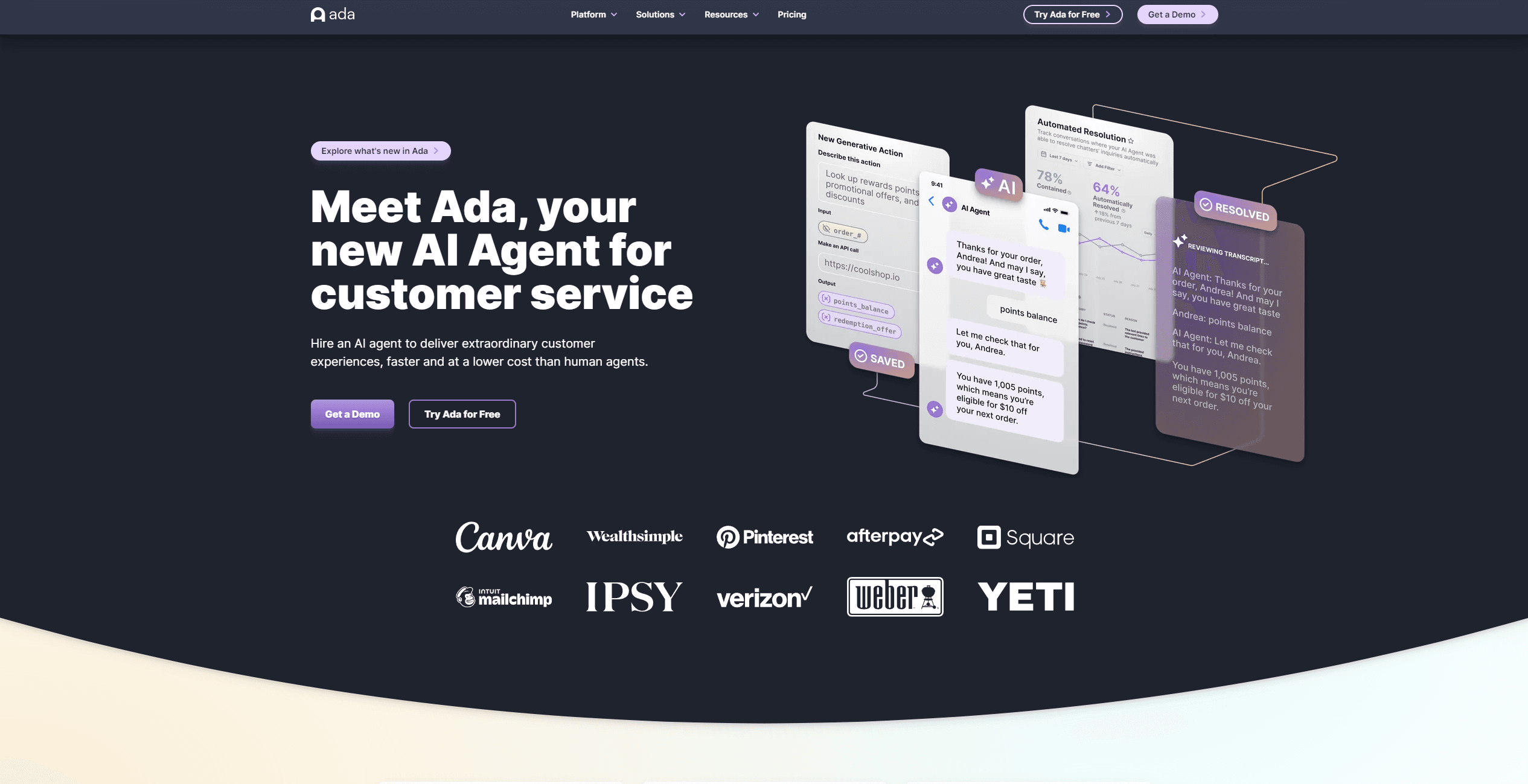
Ada
Revolutionize customer service with AI across all digital platforms.
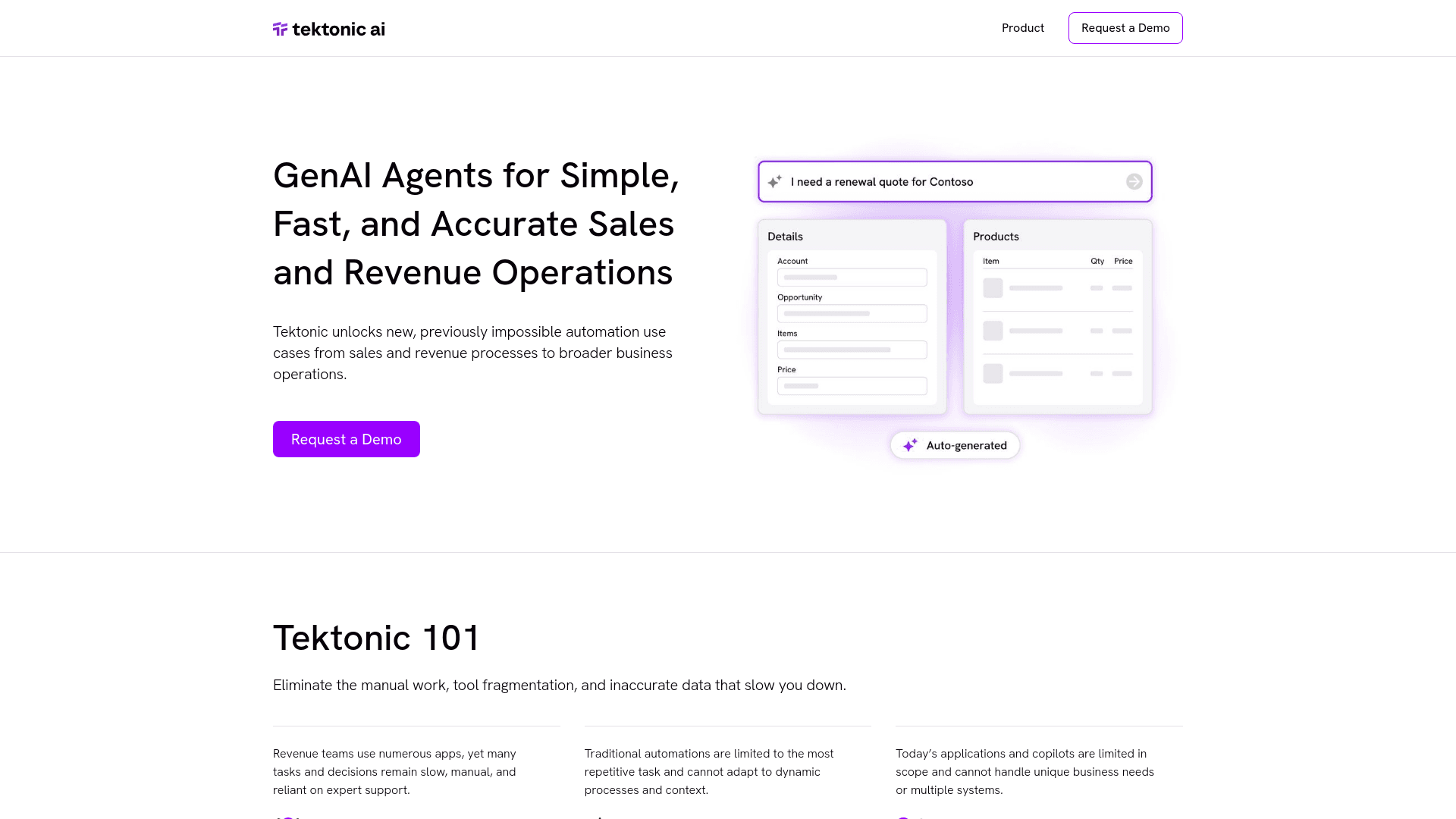
Tektonic AI
Streamline sales and revenue operations with advanced AI-driven automation.

Replicate
Unlock AI's potential: run, fine-tune, deploy models easily and cost-effectively.

UiPath
Streamline workflows with AI-driven automation and seamless integration.
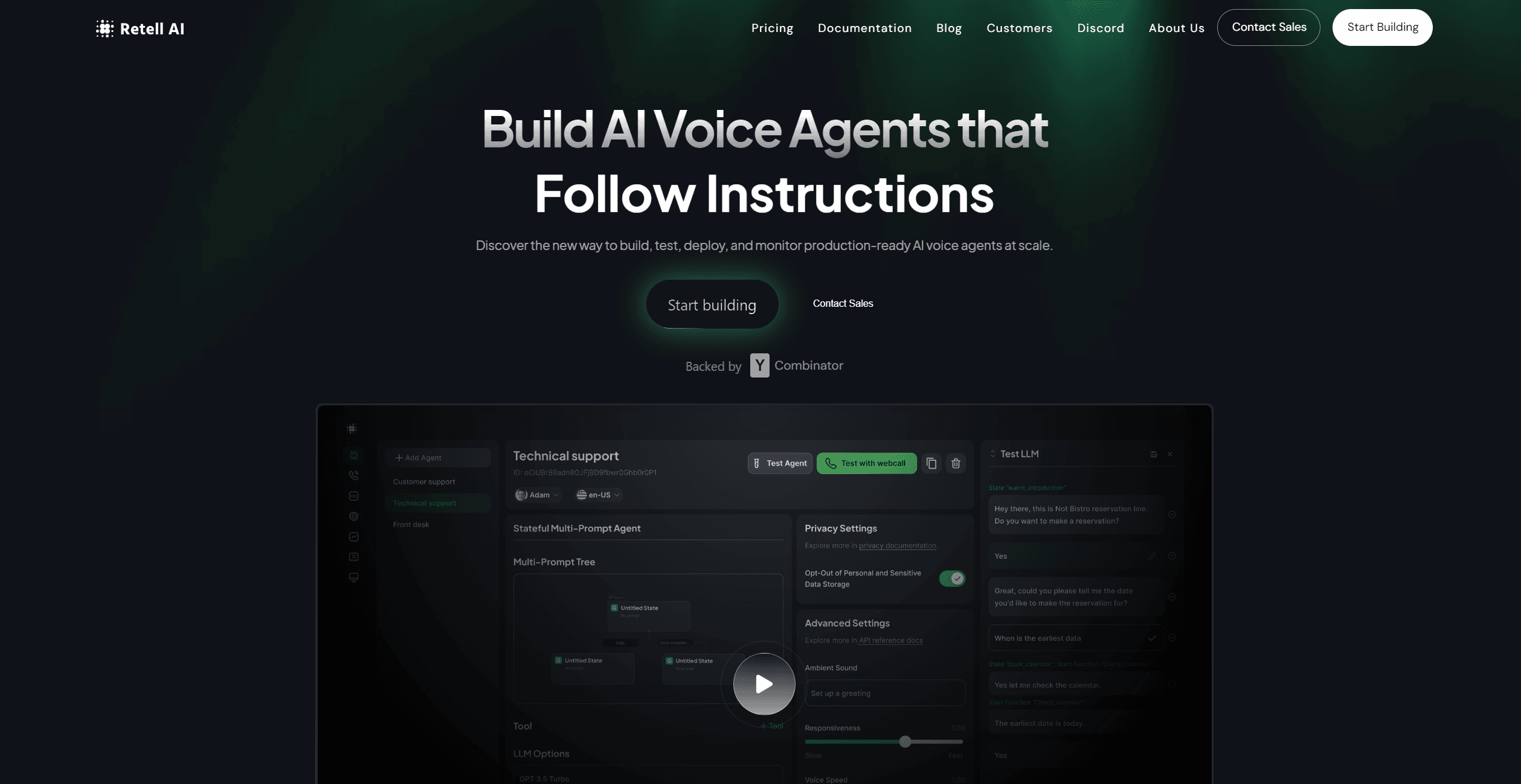
Retell AI
Create lifelike AI voice agents, deploy anywhere, analyze real-time.
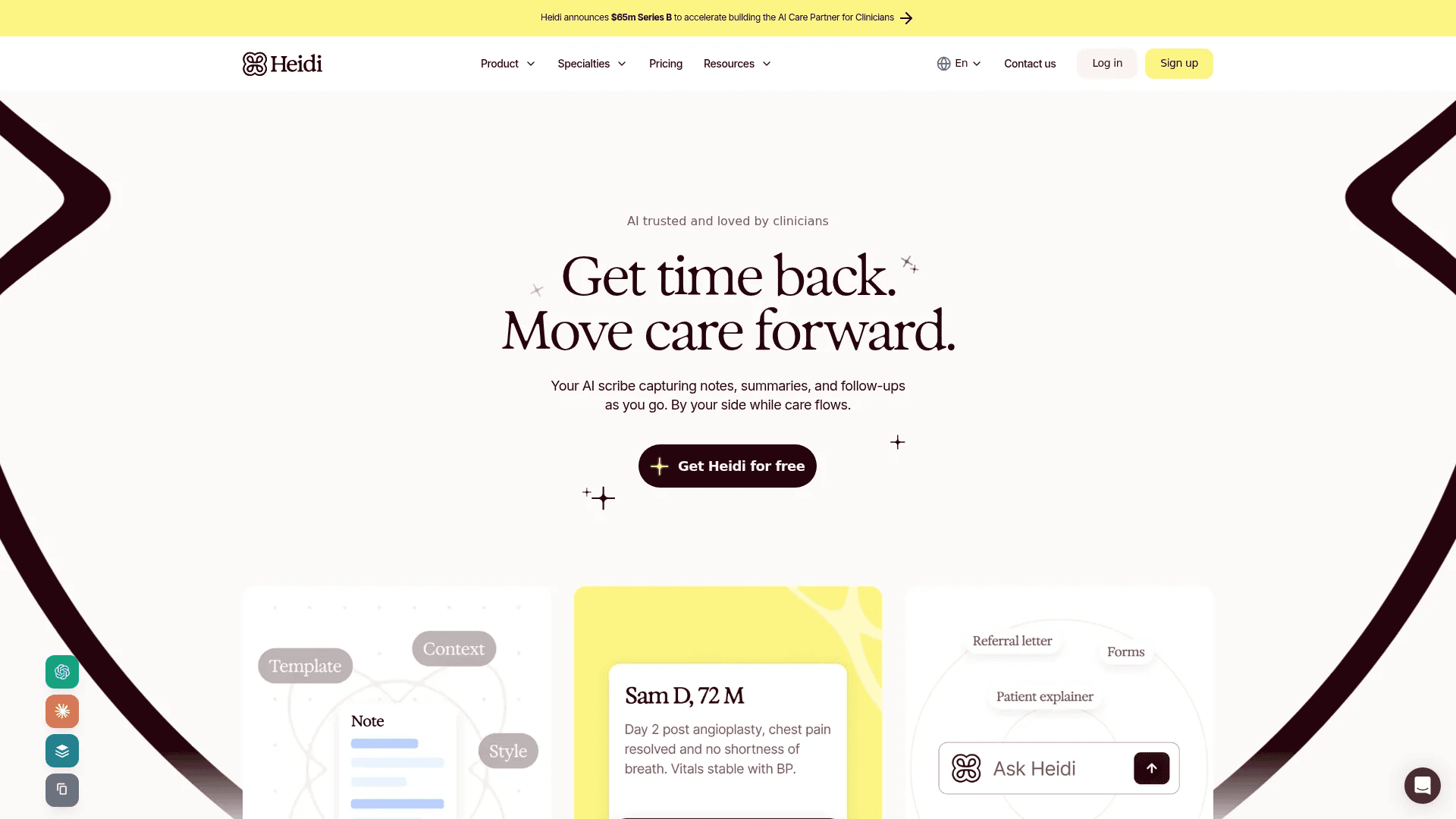
Heidi
Streamline healthcare admin tasks, and enhance patient focus.

Replika
AI companion for personalized chat, emotional support, and self-growth.
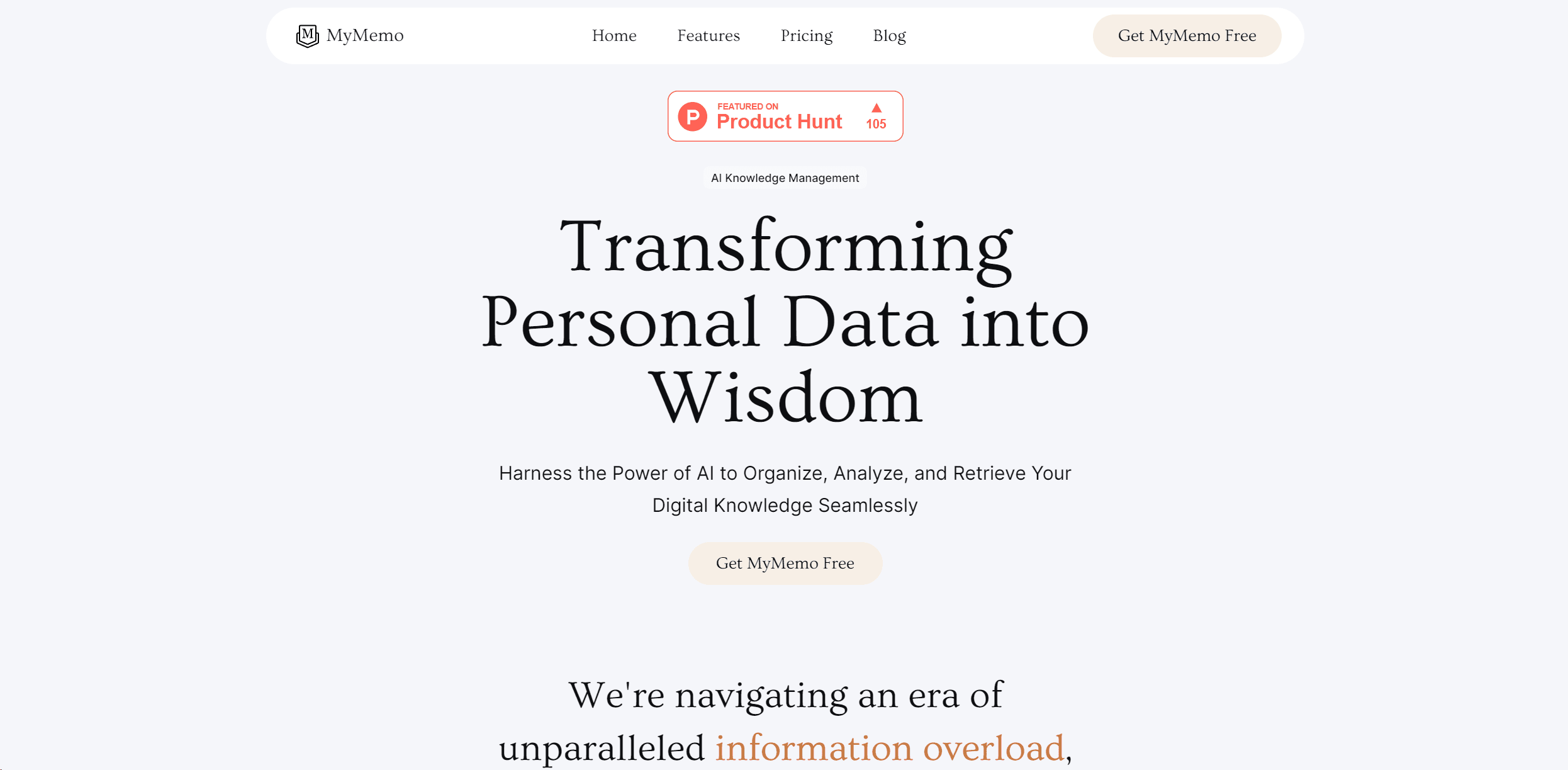
MyMemo AI
Transform digital chaos into an organized, AI-enhanced knowledge oasis.

RowSpeak
Turn messy spreadsheets into clear, ready reports.
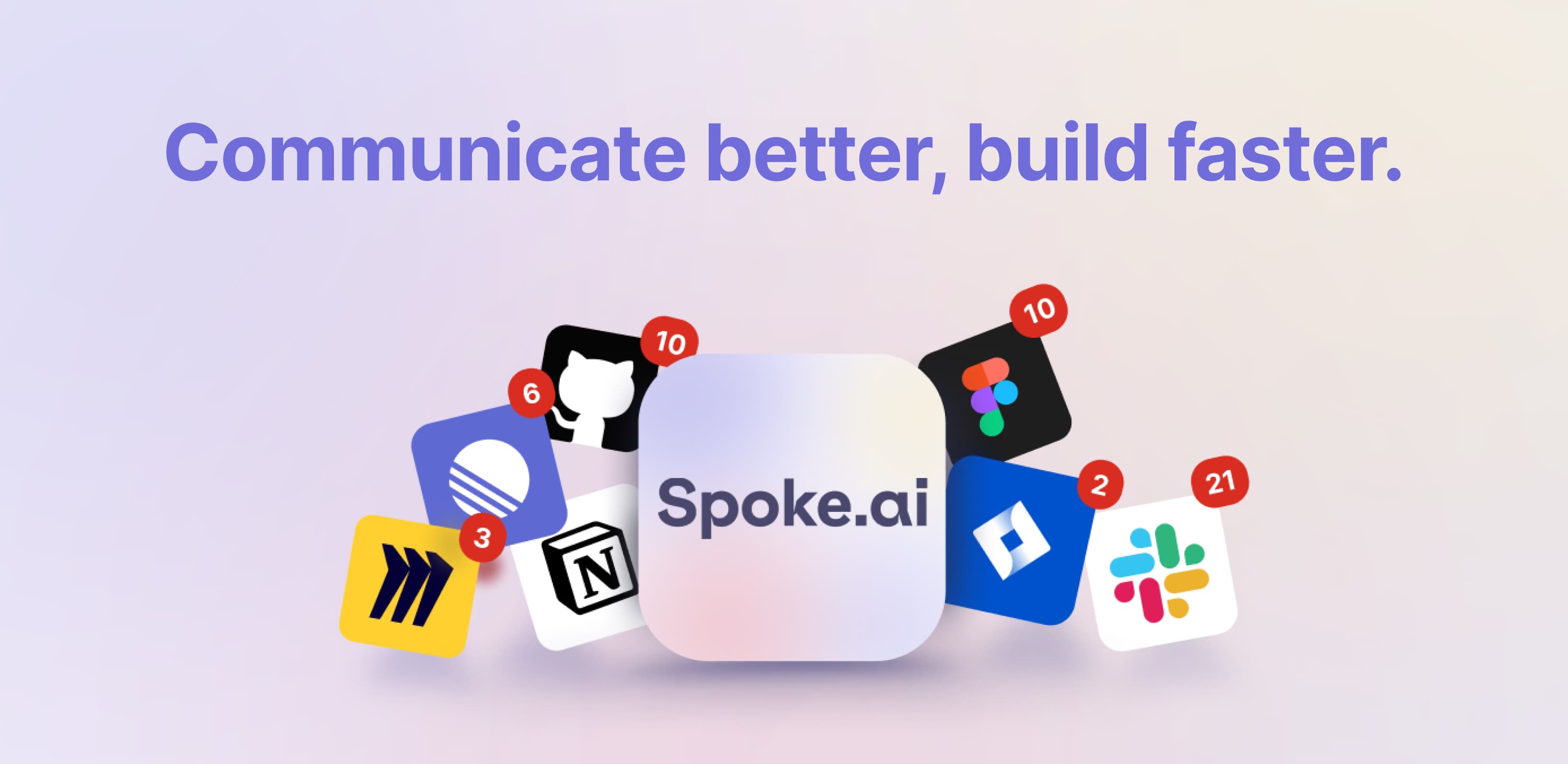
Spoke.ai
AI-powered tool revolutionizes team communication and project management.
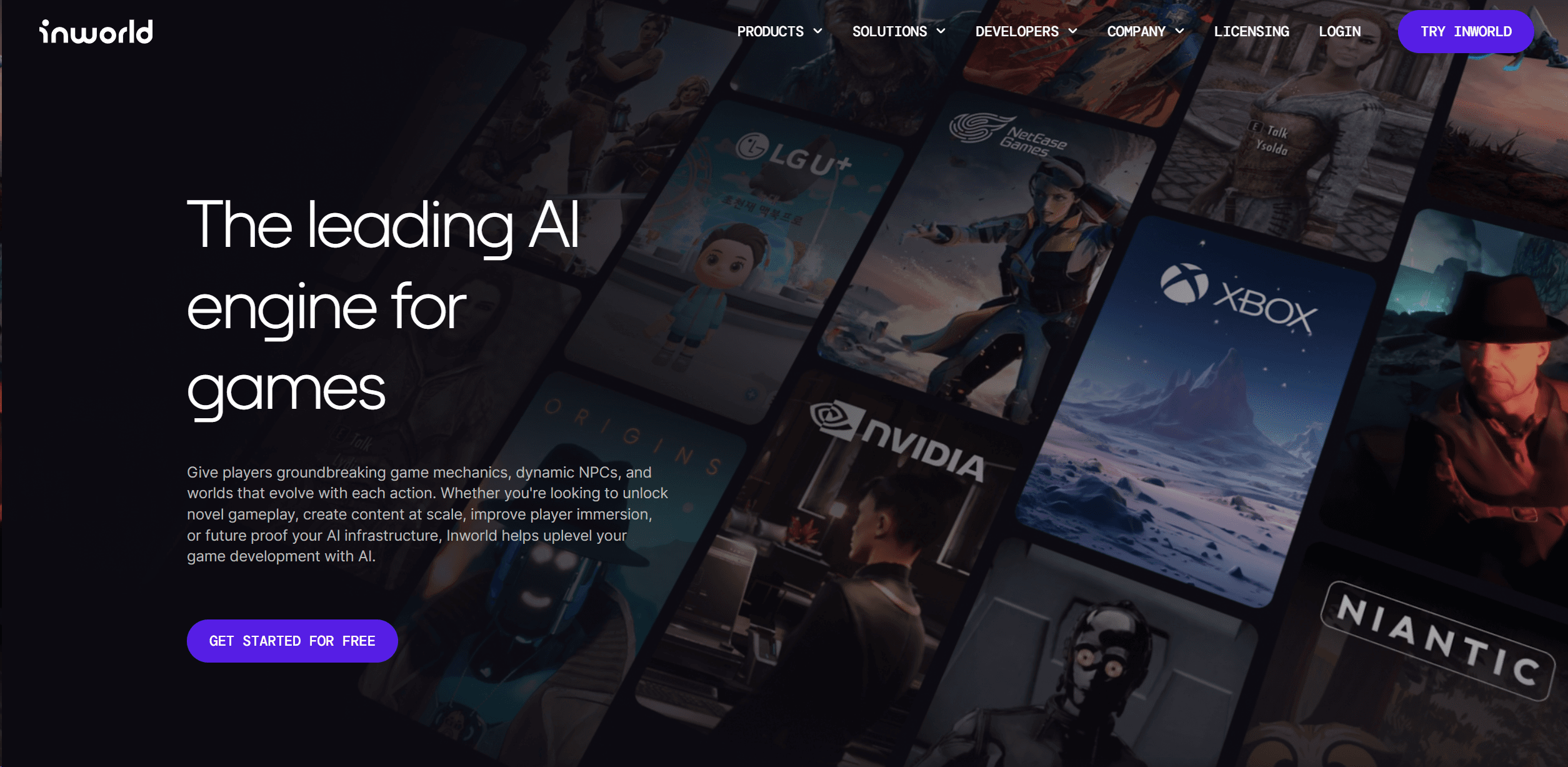
Inworld
Elevate game development with dynamic NPCs, immersive worlds, and AI-driven content creation.