
vivago.ai
Turn text into videos, images, and 3D models.
11,024
Votes
23,622
Views
6,821
Bookmarks
About
vivago.ai is a cutting-edge AI-powered creative visual design platform that aims to enhance creativity and productivity. It offers a range of tools including video generation, image generation, repainting, enhancing, and more, making it a versatile platform for various creative needs.
Key Features
- Text to Video: Transform written prompts into engaging videos, ideal for storytelling, marketing, or educational content.
- Image to Video: Animate static images by adding motion and depth, creating dynamic visual narratives.
- Magic Brush: Animate specific parts of images with a simple brush stroke, bringing photos to life.
- Video Enhance: Upgrade videos to 4K resolution for sharper, more detailed visuals.
- Text to Image: Generate high-quality images from text descriptions, turning ideas into visuals effortlessly.
- AI Replace: Edit selected areas of an image seamlessly, allowing for precise modifications without affecting the entire composition.
- Magic Eraser: Remove unwanted elements from images with precision, cleaning up photos for a polished look.
- Magic Expand: Expand images to add more context and detail, enhancing the visual experience.
- Text to 3D: Create stunning 3D models from text prompts, enabling users to bring their visions to life in three dimensions.
Pros
- Versatile Content Creation: Supports a wide range of creative outputs, including videos, images, and 3D models.
- User-Friendly Interface: Intuitive design makes it accessible for users of all skill levels.
- High-Quality Outputs: Offers tools to enhance visuals to professional-grade quality, including 4K resolution.
- Creative Flexibility: Features like Magic Brush and AI Replace provide users with granular control over their creations.
Cons
- Learning Curve: While user-friendly, the breadth of features may require time to master fully.
- Resource Intensive: High-quality rendering, especially for 4K videos and 3D models, may demand significant system resources.
- Limited Offline Access: Primarily a web-based platform, which may limit functionality without an internet connection.
Who Uses It
- Digital Marketers: Creating compelling promotional content and advertisements.
- Content Creators: Producing engaging visuals for social media, blogs, and video platforms.
- Educators: Developing interactive and visually rich educational materials.
- Design Professionals: Enhancing design workflows with AI-generated assets.
- Uncommon Use Cases: Utilized by event planners for visualizing event setups; adopted by authors for creating book illustrations.
Pricing
- Free: $0 per month. Includes free daily fast-generation credits, 1 task in queue, up to 2 images per generation, and 5-second video generation—ideal for casual experimentation.
- Basic: $6 per month. Offers 1,000 monthly fast-generation credits, unlimited relaxed generations, 2 tasks in queue, 2 images per generation, 10-second videos, watermark-free downloads, and full access to all AI tools.
- Plus: $20 per month. Increases to 4,000 monthly fast-generation credits, 4 tasks in queue, and 4 images per generation. Also includes 10-second video generation, watermark-free downloads, and access to all tools.
- Pro: $60 per month. Unlocks 15,000 monthly fast-generation credits, up to 8 tasks in queue, and everything from the Plus plan—designed for power users and creative professionals.
You may also like
More tools in Video Tools

MokSa.AI
Enhances retail operations with AI-driven video intelligence.
Camb.ai
Transforms video dubbing with nuanced voice preservation and 100+ languages.

Glato AI
Glato AI is an innovative platform that revolutionizes the creation of video content by leveraging artificial intelligence. With Glato AI, users can quickly produce high-quality, engaging, and viral v
Midjourney
Unlock true digital artistry.
MimicPC
Unlock AI tools instantly, browser-based, no installs needed.
Pipio
Pipio is an innovative AI-powered video production platform designed to simplify the creation of professional videos. With Pipio, users can craft high-quality AI videos effortlessly by typing a script

Paper Animator
A tool to transform images and text into paper-style animations.
Noisee AI
Find powerful Noisee AI alternatives for creators.

Eddie AI
A software for video editing through rough cuts and integrating with existing software.
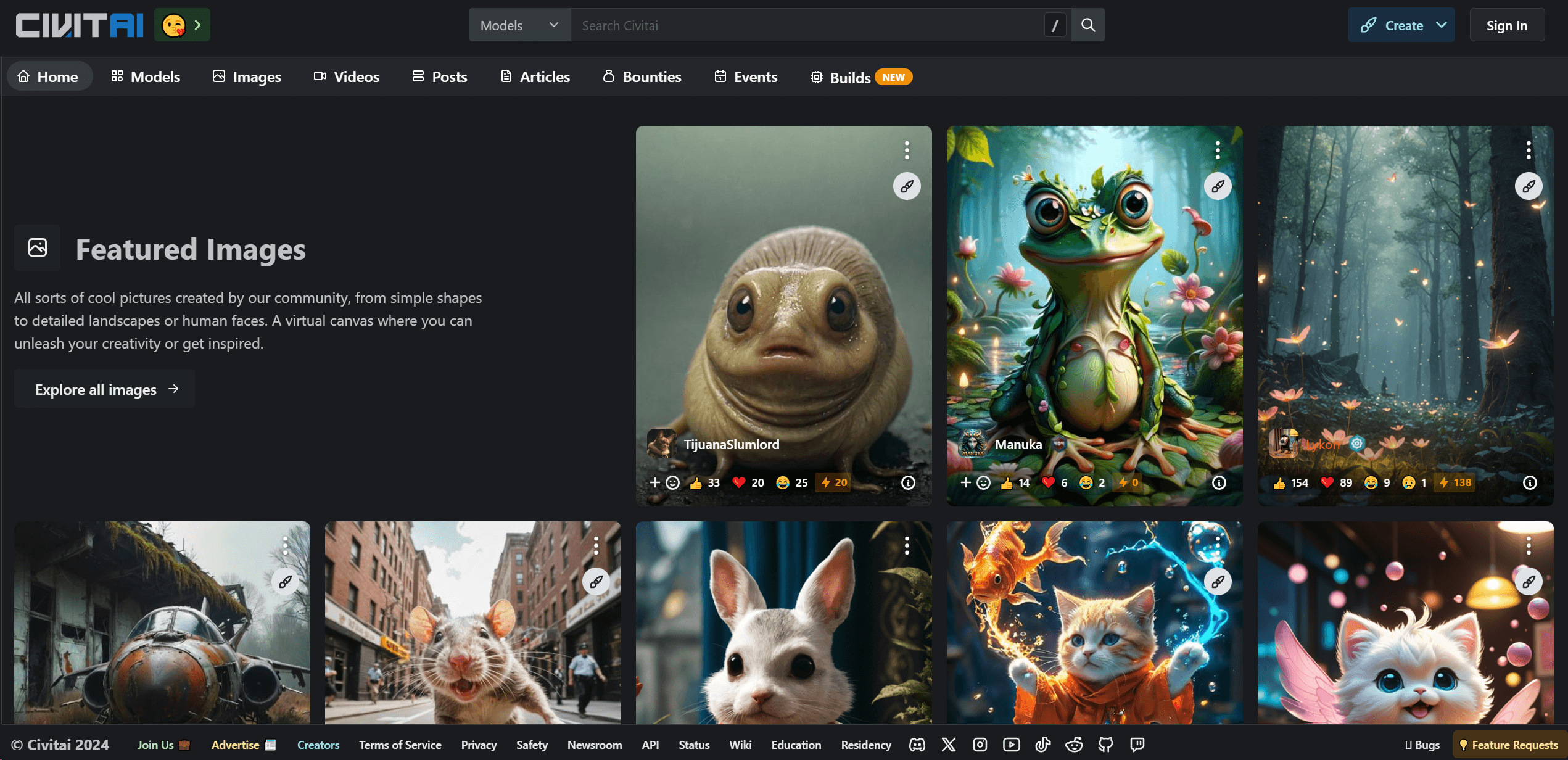
Civitai
Open-source platform for AI model creation and collaboration.
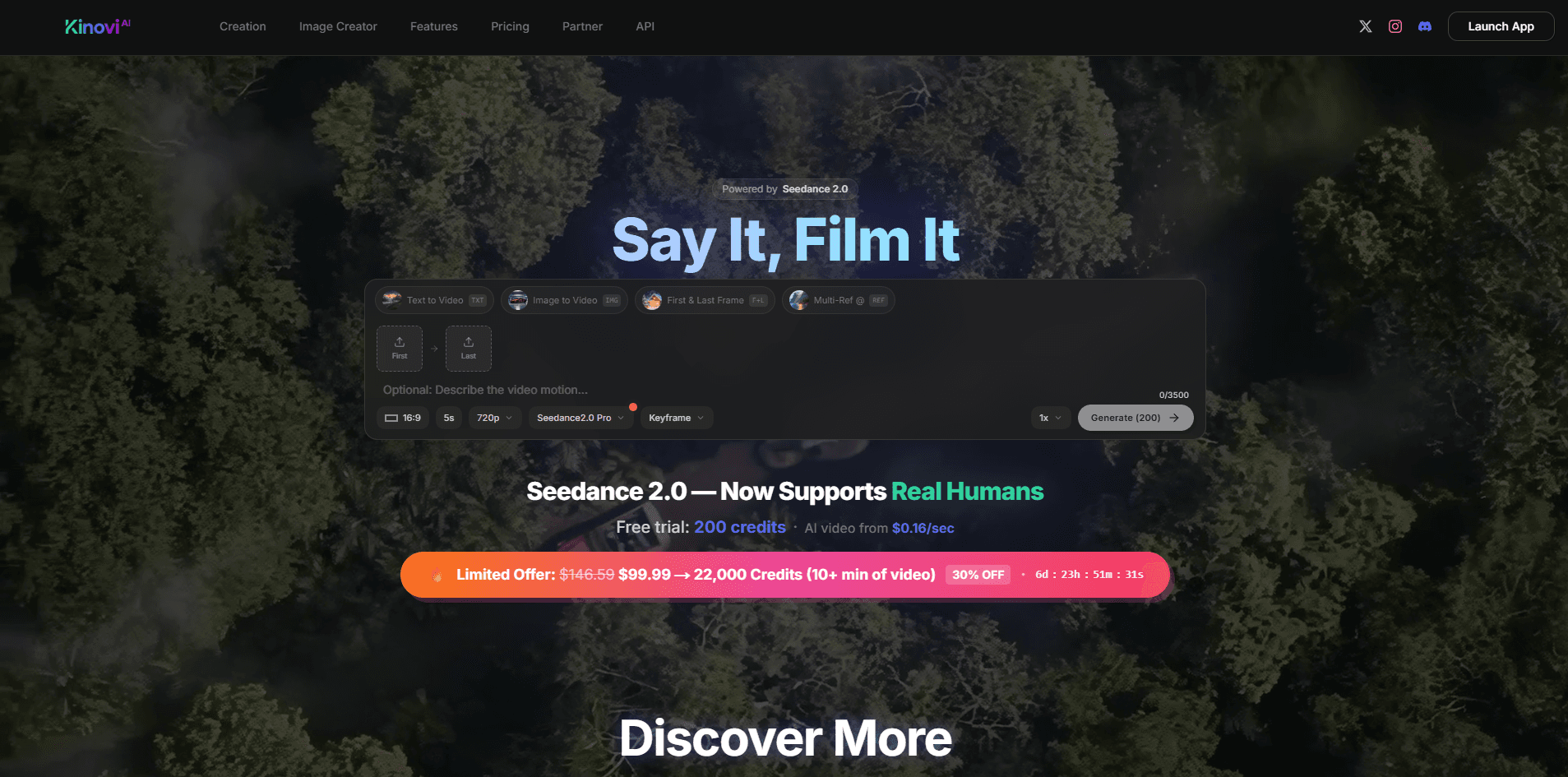
Kinovi
Direct cinematic clips from prompts and references.
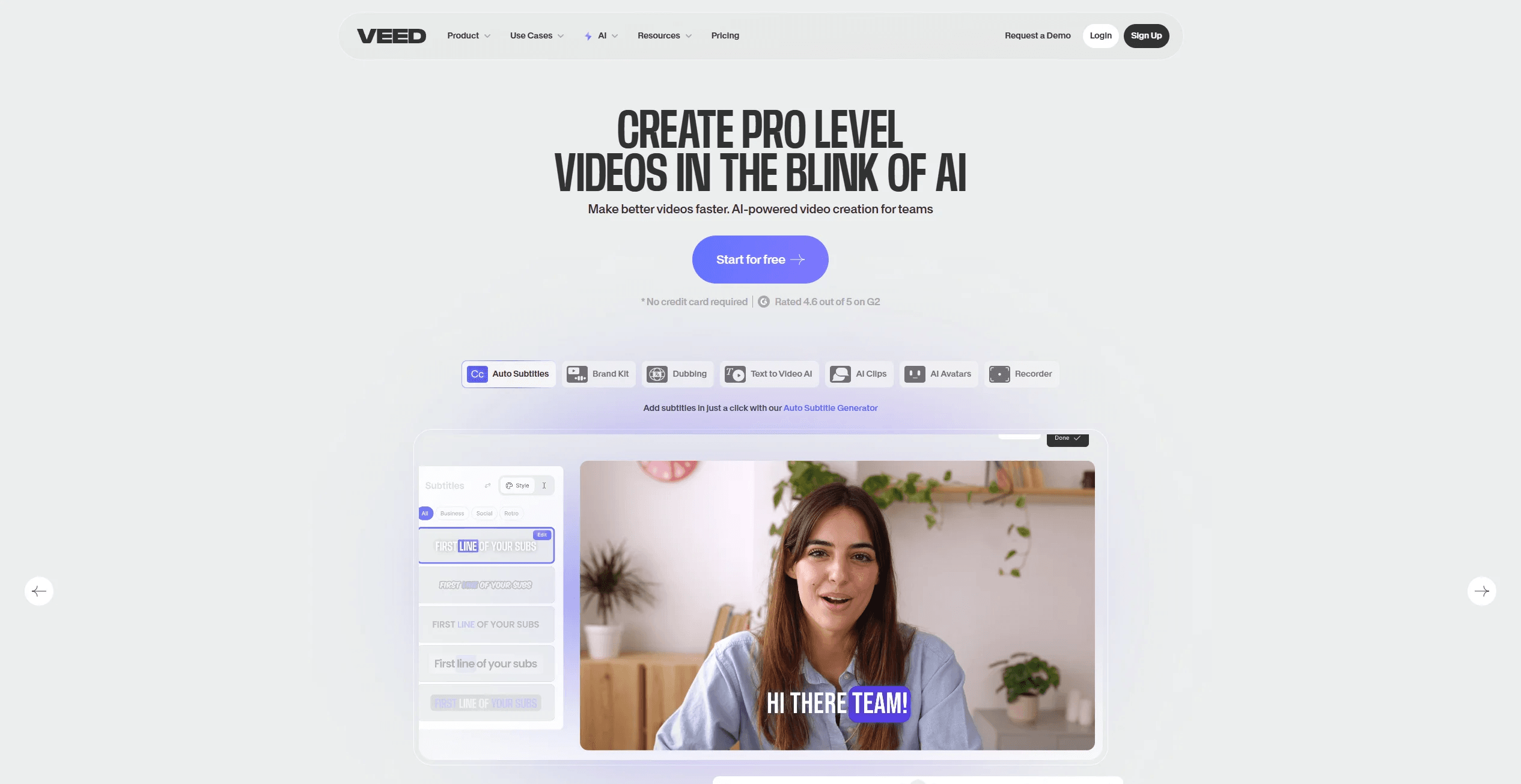
VEED.IO
Create, edit, subtitle, and translate pro-grade videos instantly.