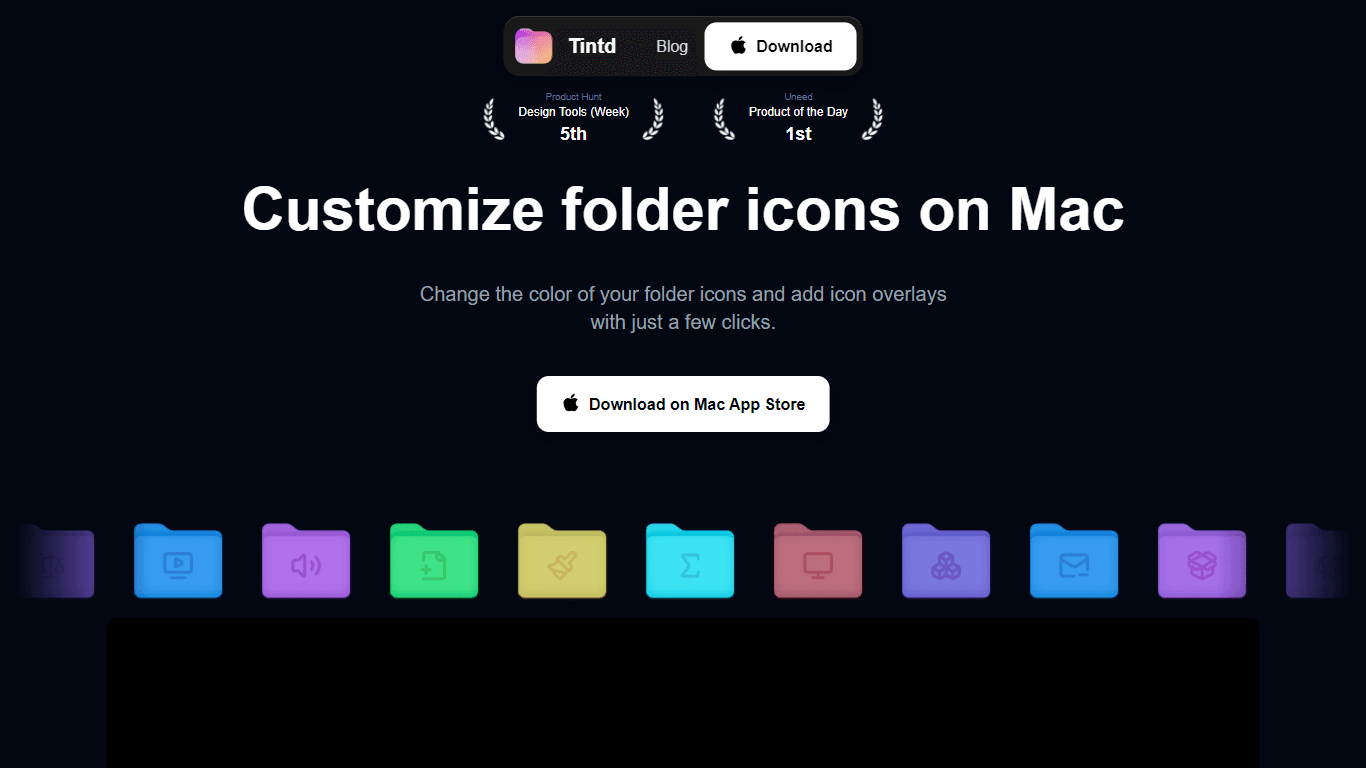
Tintd
Tintd is a specialized application designed for MacOS that allows users to customize and enhance the appearance of their folder icons effortlessly. The core functionality of Tintd revolves around enab
10,078
Votes
19,645
Views
6,483
Bookmarks
About
Tintd is a specialized application designed for MacOS that allows users to customize and enhance the appearance of their folder icons effortlessly. The core functionality of Tintd revolves around enabling users to change the color of their folder icons and add overlays from a vast library of over 11,000 icons. This tool is particularly beneficial for individuals seeking to personalize their digital workspace, making file organization more intuitive and visually appealing. By offering a user-friendly interface, Tintd caters to a diverse audience, including students, professionals, and anyone who values aesthetic organization on their MacOS devices. The unique value proposition of Tintd lies in its simplicity and efficiency, allowing users to achieve significant customization with minimal effort. Users can select or drag and drop any folder for customization, with no limit on the number of folders that can be modified simultaneously. This feature is particularly advantageous for those managing large volumes of files, as it saves time and enhances productivity. Key differentiators include the ability to import custom icons, use emojis as overlays, and access a history of previously created icons, which collectively contribute to a highly personalized user experience. In summary, Tintd stands out in the market for its comprehensive customization options, ease of use, and the ability to create a visually organized workspace. It empowers users to express their individuality through their digital environment, making it an essential tool for anyone looking to enhance their MacOS experience.
Key Features
- Custom Color Selection: Users can create their own folder colors or choose from a predefined palette, allowing for personalized aesthetics.
- Extensive Icon Library: Access to over 11,000 icons for folder overlays, providing a wide range of options for customization.
- Batch Customization: The ability to customize multiple folders simultaneously, significantly improving efficiency for users managing numerous files.
- Drag and Drop Functionality: Users can quickly customize folders by dragging and dropping them onto the menu bar icon, streamlining the process.
- Emoji Integration: Users can utilize emojis as folder icon overlays, adding a fun and personal touch to their file organization.
FAQ
What is Tintd?
Tintd is a MacOS application that allows users to customize their folder icons by changing colors and adding overlays from a library of over 11,000 icons.
How do I customize my folder icons?
Users can customize their folder icons by selecting a folder, choosing a color from the palette, and selecting an icon overlay from the extensive library.
Is there a limit to the number of folders I can customize?
No, there is no limit to the number of folders you can customize with Tintd, allowing for extensive personalization.
Can I use my own images as icons?
Yes, Tintd allows users to import their own images or icons, enabling truly personalized folder designs.
What if I want to reuse a previously created icon?
Tintd provides access to your icon history, allowing you to quickly reuse previously created folder icons.
Is there a free trial available?
Yes, users can try Tintd for free before deciding to purchase a license for permanent use.
You may also like
More tools in Productivity

Supametas.AI
A tool to transform unstructured data into structured formats for AI models and knowledge bases.

Assert AI
Automatically generates test cases, identifies bugs, and provides insights.

ZEN AI
Discover unparalleled customer service with ZEN AI, an intelligent customer support assistant designed for businesses of all sizes. ZEN AI operates around the clock, ensuring that your customers alway
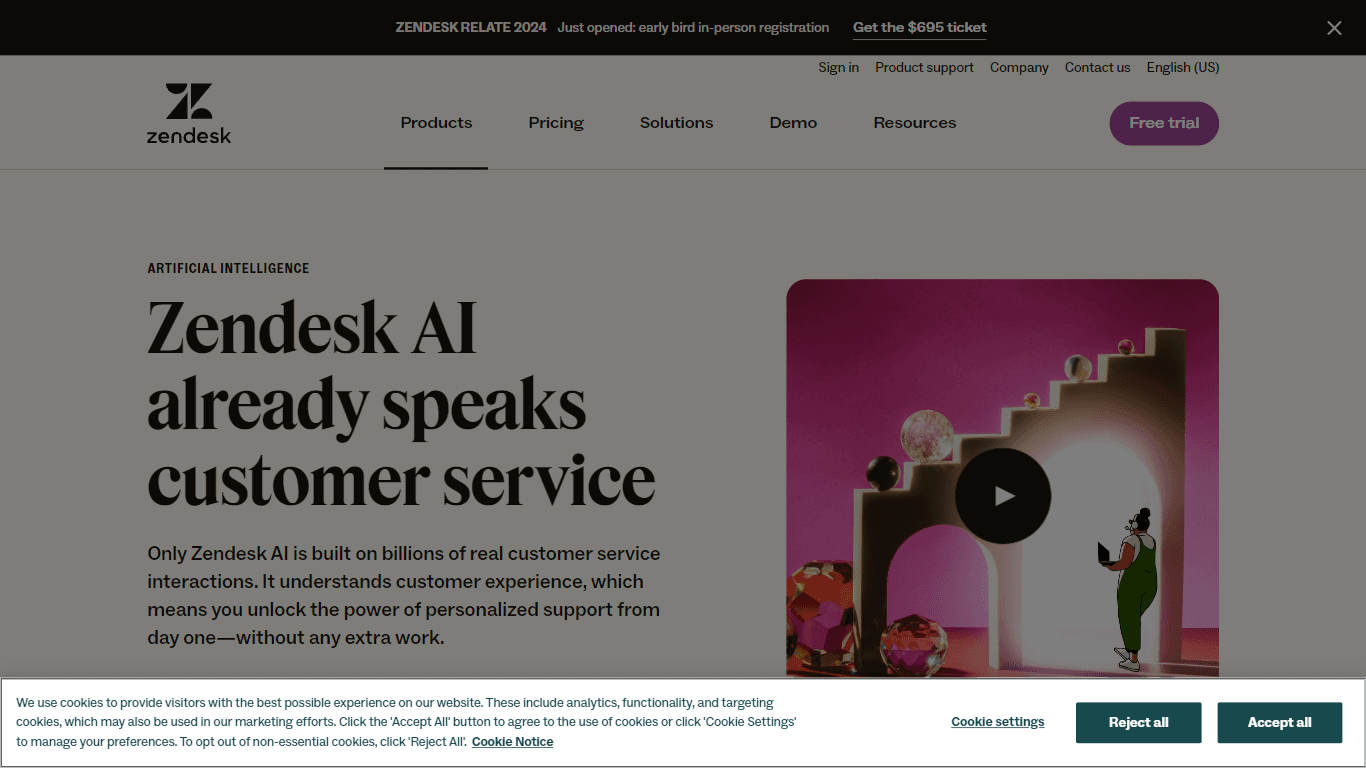
Zendesk AI
Explore the transformative power of AI-driven customer support with Zendesk AI. With a suite of intelligent tools, including sophisticated bots, enhanced self-service options, and a wealth of producti
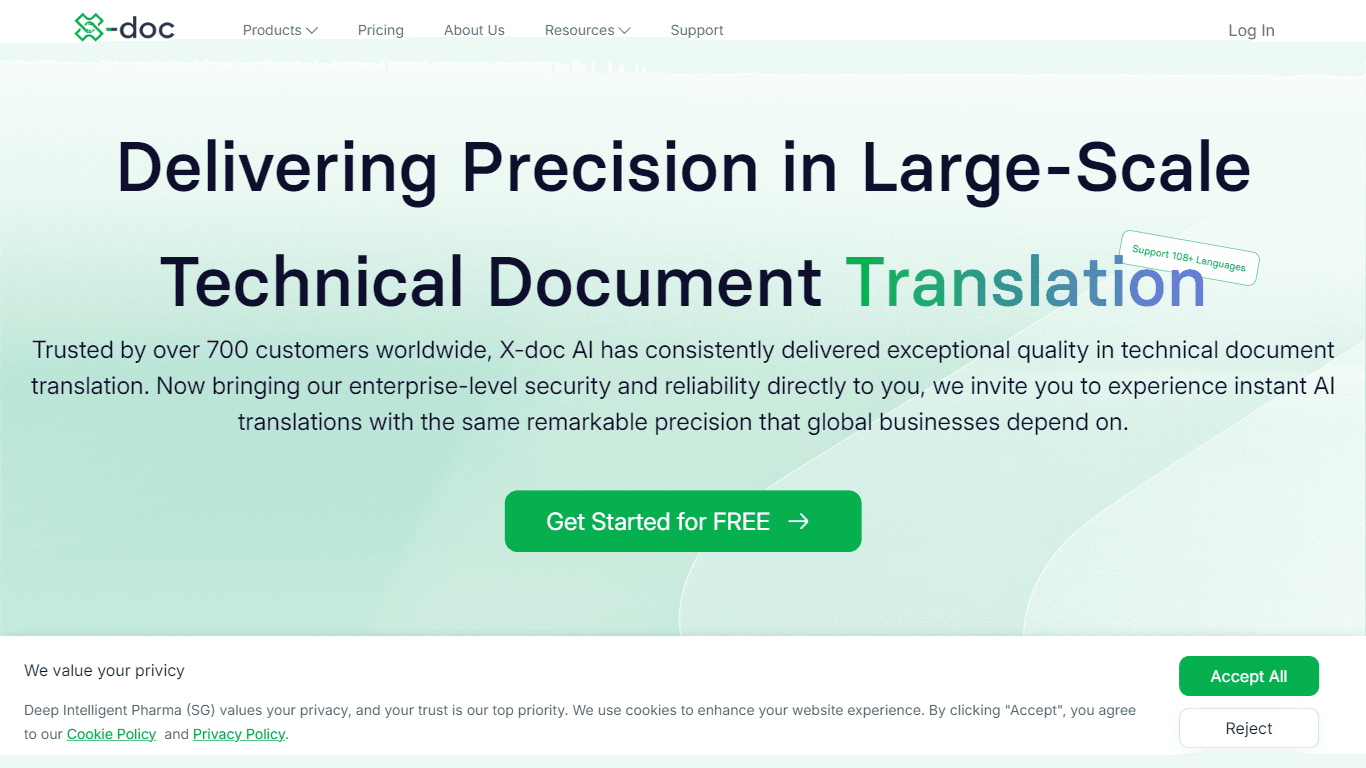
X-doc
X-doc is a cutting-edge AI-driven platform specializing in large-scale technical document translation. Its core functionality revolves around providing instant translations across 108 languages, ensur

MokSa.AI
Enhances retail operations with AI-driven video intelligence.
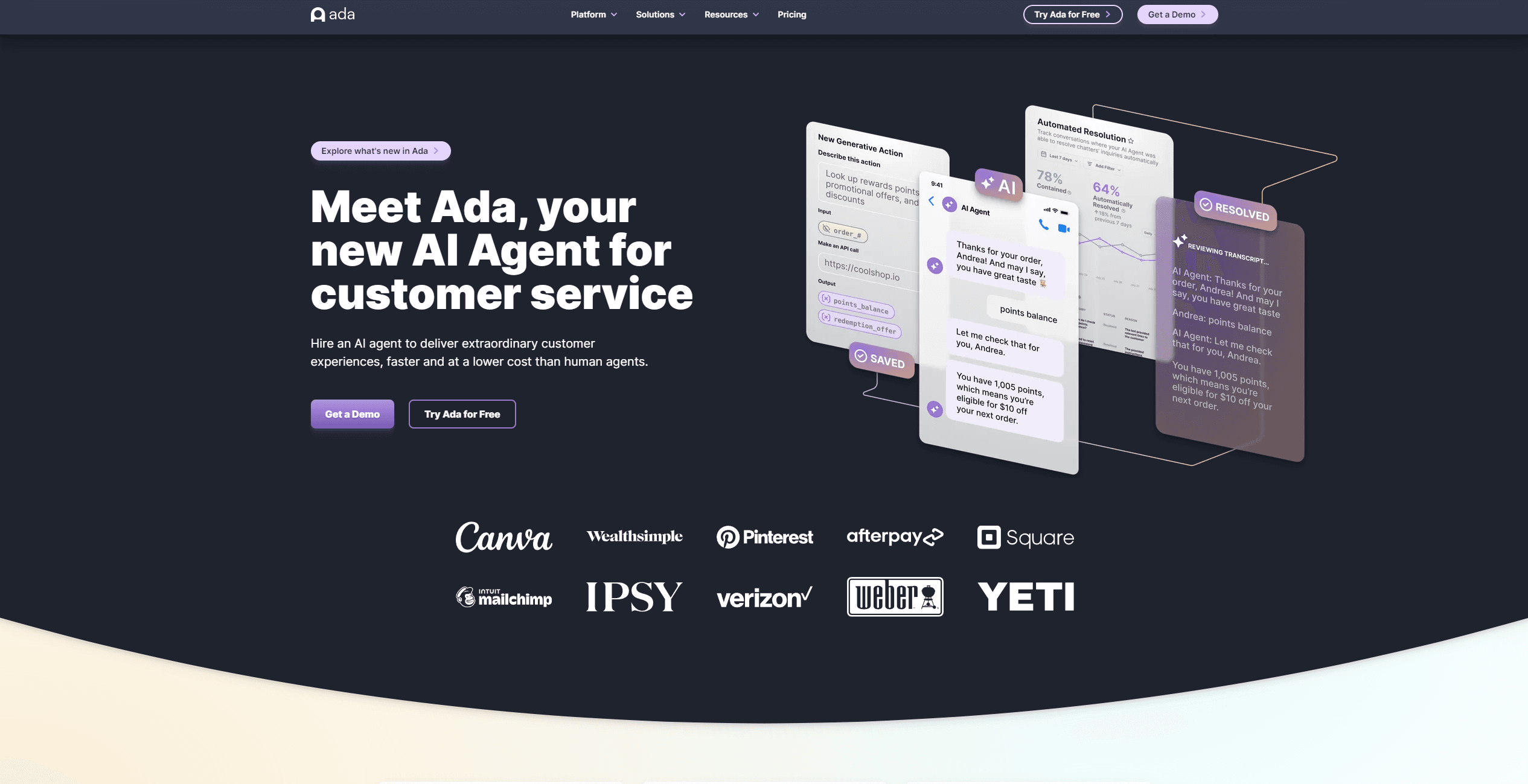
Ada
Revolutionize customer service with AI across all digital platforms.

Outreach
Optimize sales, enhance workflows, boost efficiency with AI-powered tools.
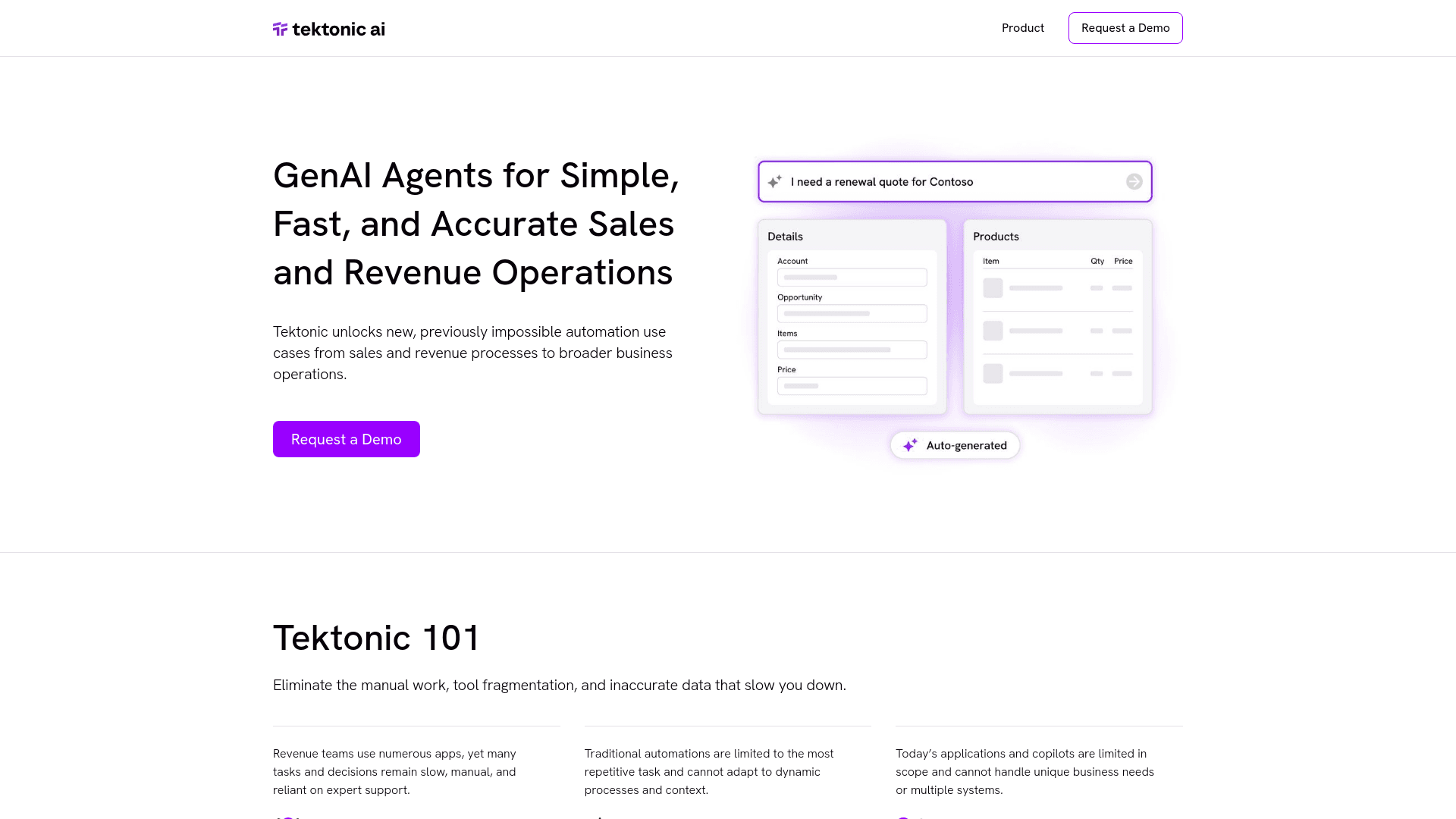
Tektonic AI
Streamline sales and revenue operations with advanced AI-driven automation.
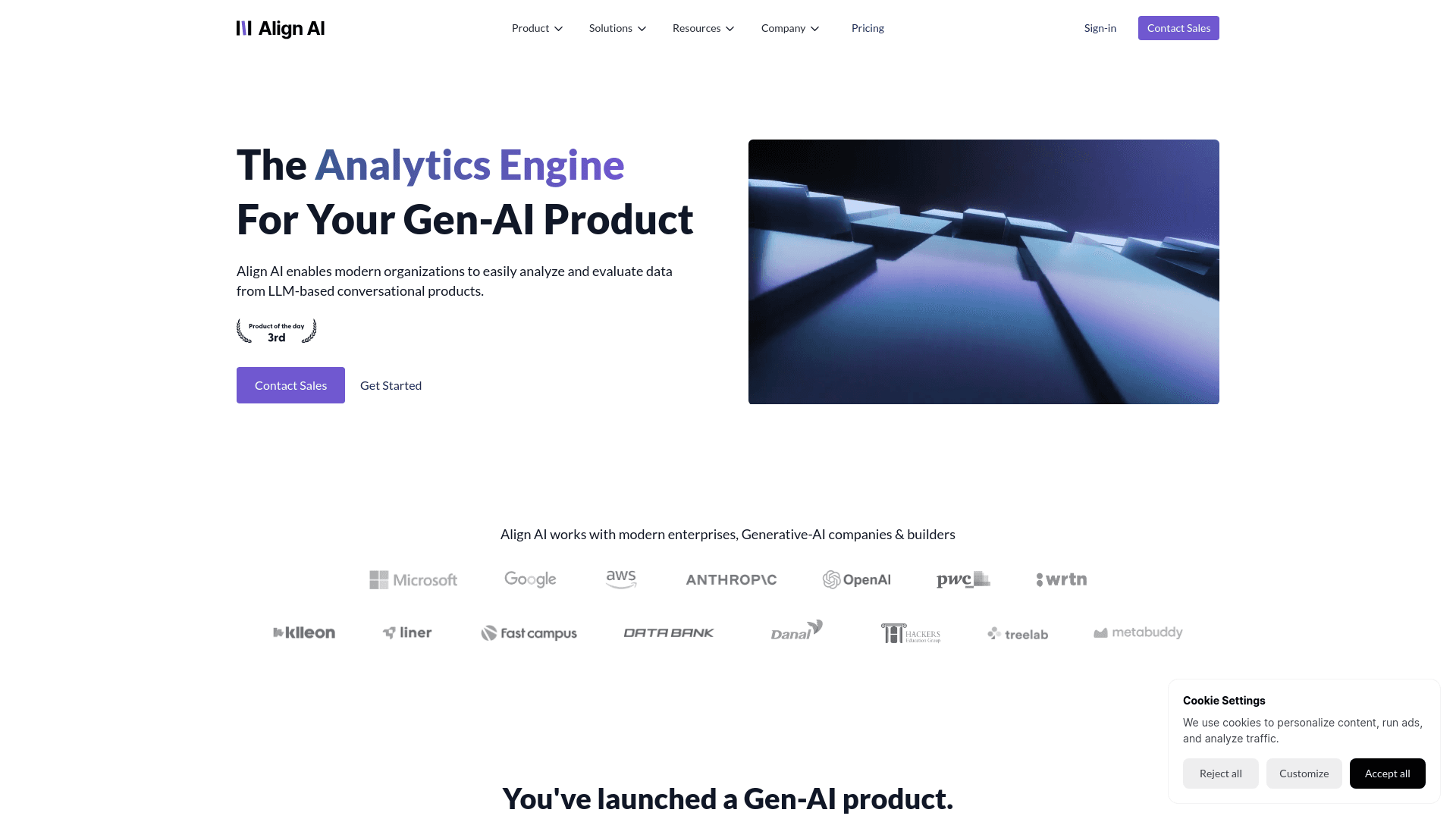
Align AI
Streamlines AI strategy alignment with business objectives.

HSA Eligible
The Complete Directory of HSA Eligible Items for Easy Expense Tracking serves as a comprehensive resource for individuals looking to manage their Health Savings Account (HSA) expenses effectively. Thi

Retell AI
Create lifelike AI voice agents, deploy anywhere, analyze real-time.