TestFlight
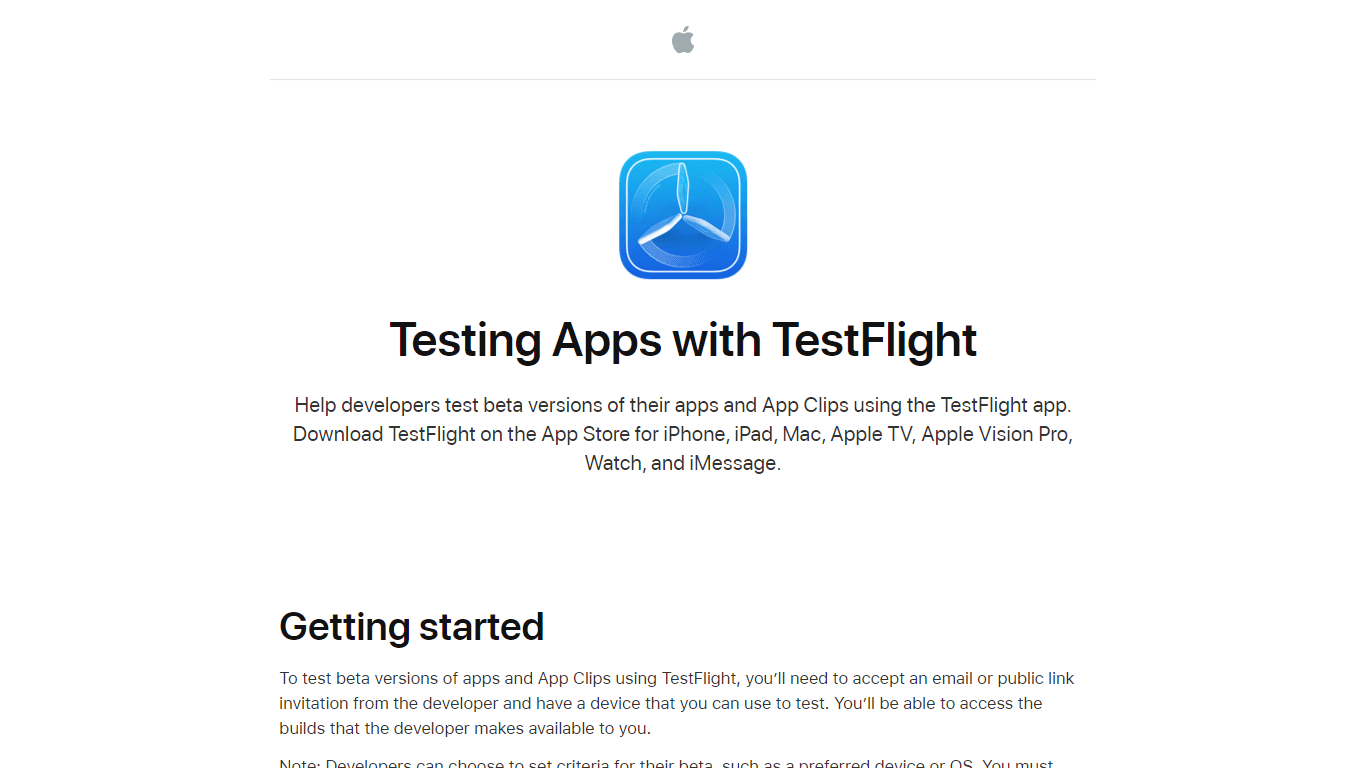
TestFlight is a powerful tool designed to assist developers in testing beta versions of their applications and App Clips. It allows developers to distribute their apps to testers easily, enabling them
12,913
Votes
16,487
Views
6,572
Bookmarks
About
TestFlight is a powerful tool designed to assist developers in testing beta versions of their applications and App Clips. It allows developers to distribute their apps to testers easily, enabling them to gather valuable feedback before the official release. The core functionality of TestFlight revolves around facilitating the testing process, ensuring that developers can refine their apps based on real user experiences. This is particularly important in the fast-paced world of app development, where user feedback can significantly influence the final product. The target audience for TestFlight includes app developers and testers who are looking to improve their applications through beta testing. Developers can invite users to test their apps via email or public links, making it accessible for a wide range of testers. This tool is especially beneficial for teams working on iOS, iPadOS, macOS, tvOS, and visionOS applications, as it supports multiple platforms and devices. By providing a streamlined testing process, TestFlight helps developers ensure that their apps meet user expectations and function smoothly across different devices. One of the unique value propositions of TestFlight is its ability to manage beta testing efficiently. Developers can set specific criteria for their beta tests, such as preferred devices and operating systems, ensuring that only suitable testers are invited. This targeted approach helps developers gather relevant feedback from users who are most likely to experience the app as intended. Additionally, TestFlight notifies testers when new builds are available, keeping them engaged and informed throughout the testing process. Key differentiators of TestFlight include its integration with the Apple ecosystem and its user-friendly interface. TestFlight is available on various Apple devices, including iPhone, iPad, Mac, Apple TV, and Apple Vision Pro, making it easy for testers to access and install beta apps. The app also supports automatic updates, allowing testers to receive the latest builds without manual intervention. This seamless experience encourages more testers to participate and provide feedback, ultimately leading to better app quality. In terms of technical implementation, TestFlight is designed to work with Apple's development tools, making it a natural choice for developers already using Xcode and other Apple frameworks. The app collects valuable data during the testing process, such as crash logs and user feedback, which can be used to improve the app further. By leveraging this data, developers can make informed decisions about their app's development and ensure a smoother launch when the app is finally released to the public.
Key Features
- Easy Beta Distribution: Developers can invite testers via email or public links, making it simple to distribute beta versions of their apps.
- Automatic Updates: TestFlight can automatically install the latest beta builds, ensuring testers always have the most recent version without manual updates.
- Device Compatibility Checks: Developers can set specific device and OS requirements for their beta tests, ensuring that only suitable testers are invited.
- Feedback Collection: Testers can easily provide feedback on their experiences, helping developers identify issues and improve their apps.
- Privacy Protection: TestFlight ensures that testers' personal information is kept private, allowing them to test apps without sharing their details with developers.
FAQ
How do I start testing with TestFlight?
To start testing, you need to install TestFlight on your device and accept an invitation from the developer via email or public link.
What devices can I use with TestFlight?
You can use TestFlight on iPhone, iPad, Mac, Apple TV, Apple Vision Pro, and Watch.
How long can I test a beta app?
Each beta build is available for testing for up to 90 days from the day the developer uploads it.
Can I provide feedback on the beta app?
Yes, you can send feedback directly through TestFlight or the beta app to help the developer improve it.
What happens when the testing period is over?
When the testing period ends, you will no longer be able to open the beta build and will need to download the App Store version.
Can I test multiple apps at once?
Yes, you can install and test multiple beta apps using TestFlight on your device.
You may also like
More tools in Other

@kuki_ai
Welcome to the world of Kuki, an award-winning artificial intelligence designed to bring entertainment to the digital age. Dive into engaging conversations with AI that's crafted to provide not just r

PureCode.ai
A tool to automate coding tasks through codebase-aware code generation.

SuperU AI
A nocode tool to create voice AI agents for customer communications.

Hermes 3
A tool to perform complex creative and analytical tasks with long-term context.
PrompTessor
A tool that optimizes text for clarity, tone, and grammar without requiring prompt engineering skills.

AI Dungeon
AI Dungeon is a text-based adventure game where you lead the story and the AI creates the world around you. It offers endless possibilities by generating unique characters, settings, and scenarios bas
Spikes Studio
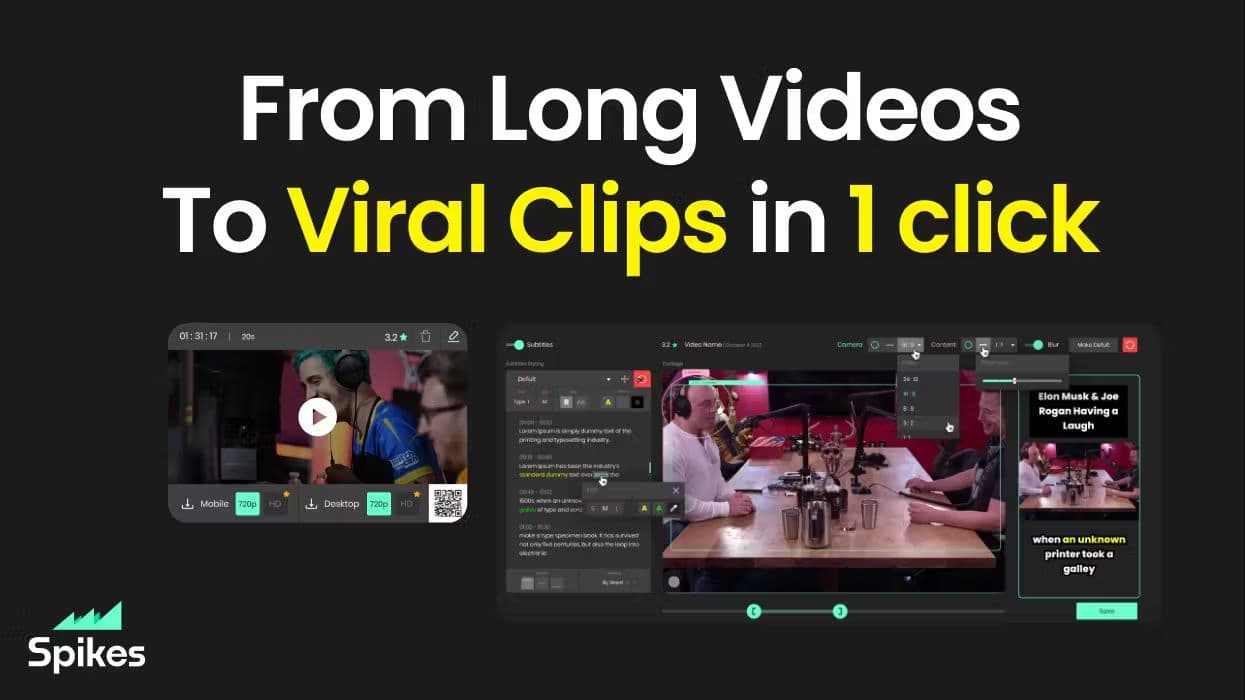
Spikes helps creators extract captivating shorts from any video. Automatically get a title, description, hashtag recommendations, auto-captions, AI styling and quickly edit. Grow and give your audienc
MuseNet
MuseNet is a groundbreaking deep neural network that revolutionizes the way music is composed. With MuseNet, you have access to a powerful tool that can generate beautiful and intricate 4-minute music
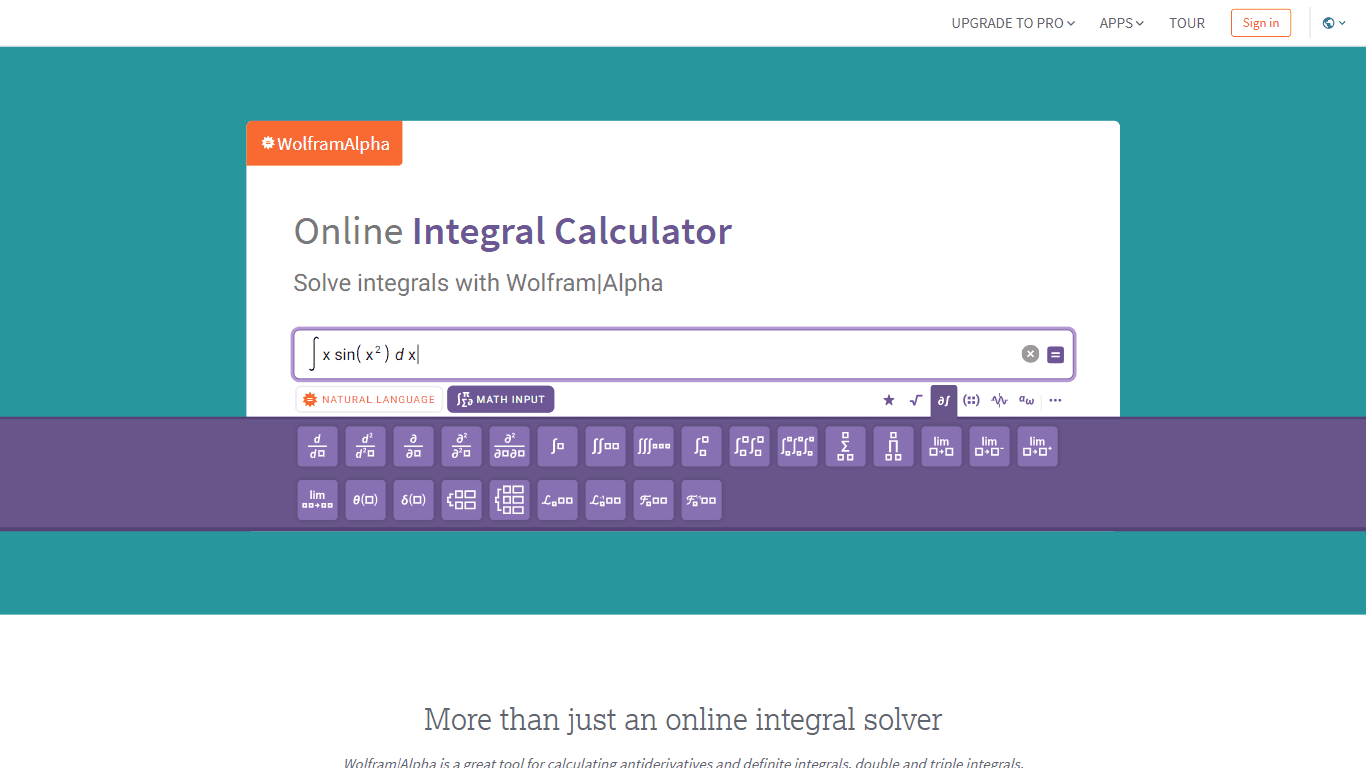
Integral Calculator - Wolfram|Alpha
The Integral Calculator provided by Wolfram|Alpha is a comprehensive tool designed for professionals, educators, students, and anyone with a need to solve complex mathematical integrals. By leveraging
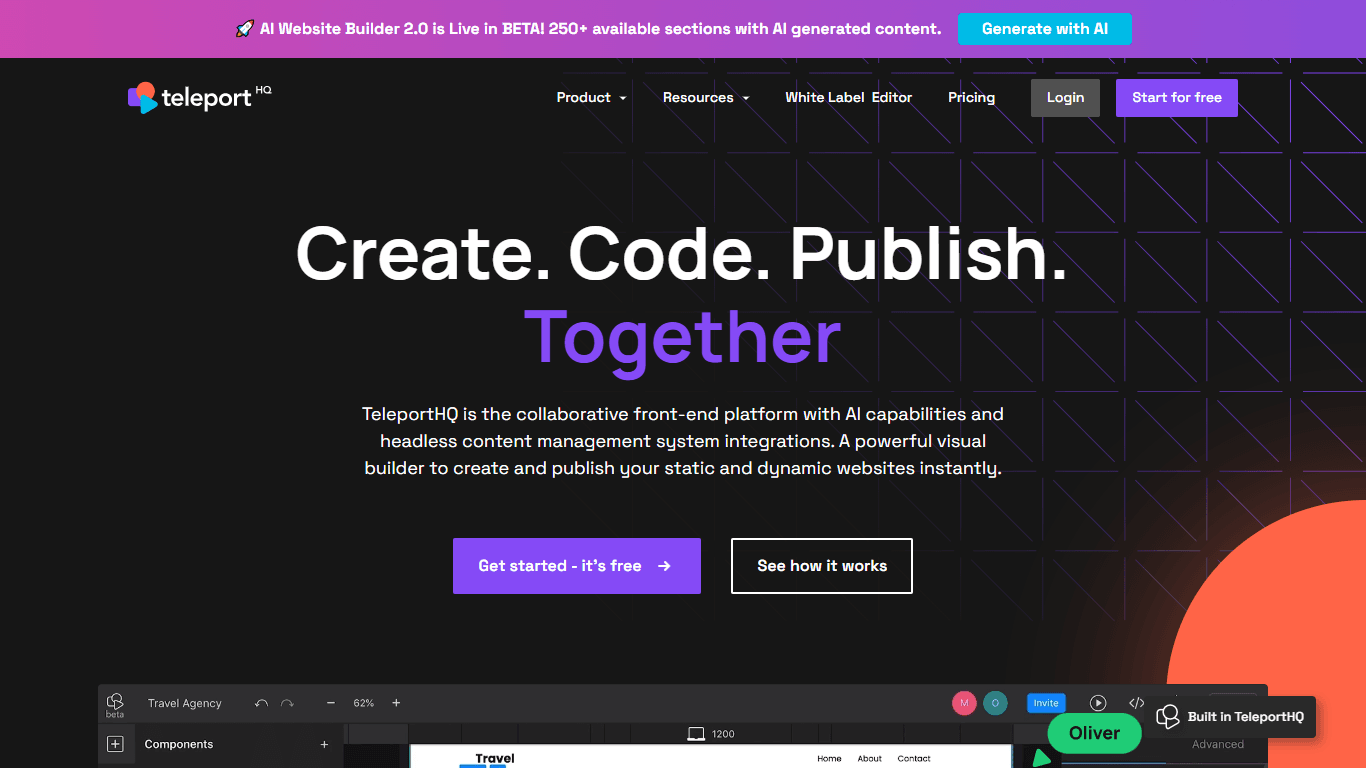
TeleportHQ
TeleportHQ is a groundbreaking low-code front-end design and development platform that simplifies the process of creating professional and responsive websites. With a user-friendly visual builder and

10Zebra
A tool to create and edit videos with storyboards.

Verbacall
A platform that automatically answers, qualifies, and follows up on calls 24/7.