
Skipper AI
Skipper AI is a powerful tool designed to transform Slack conversations into JIRA tasks seamlessly. Its core functionality revolves around intelligent ticketing, allowing users to convert discussions
14,285
Votes
23,044
Views
7,031
Bookmarks
About
Skipper AI is a powerful tool designed to transform Slack conversations into JIRA tasks seamlessly. Its core functionality revolves around intelligent ticketing, allowing users to convert discussions into organized JIRA tickets instantly. This feature is particularly beneficial for teams that rely on Slack for communication and JIRA for project management, as it eliminates the need for context switching and streamlines the workflow. By simply using commands or mentions within Slack, users can create tickets without leaving their conversation, making the process efficient and user-friendly. The target audience for Skipper AI includes teams and organizations that utilize Slack for communication and JIRA for task management. This includes software development teams, project managers, and any group that needs to track tasks and issues effectively. The tool is designed to cater to users who value efficiency and want to minimize the time spent on administrative tasks, allowing them to focus on their core work. One of the unique value propositions of Skipper AI is its ability to understand and organize work based on the context of conversations. It automatically assigns relevant details such as epics, assignees, issue types, and custom fields, which saves users from the hassle of manually entering this information. This intelligent assignment feature sets Skipper apart from other ticketing solutions, as it leverages the context of discussions to enhance ticket accuracy and relevance. Key differentiators of Skipper AI include its rich detail extraction capabilities and the use of large language models (LLMs) to analyze conversations. This allows the tool to add more context to tickets, ensuring that all necessary information is captured. Additionally, Skipper provides updates in the Slack thread when tickets are resolved, keeping all team members informed without requiring them to switch platforms. This integration fosters better communication and collaboration among team members. In terms of technical implementation, Skipper AI is designed to be easy to install and use. Users can add Skipper to their Slack workspace and connect it to JIRA in just a few steps. The tool guides users through the setup process, ensuring that they can start creating tickets quickly. With its focus on user experience and efficiency, Skipper AI is a valuable addition to any team's toolkit.
Key Features
- Instant Ticket Creation: Users can turn Slack conversations into JIRA tickets instantly, saving time and reducing context switching.
- Smart Assignment: Skipper automatically assigns epics, assignees, issue types, and custom fields based on the conversation context, making ticket management easier.
- Rich Detail Extraction: The tool analyzes conversations to extract and organize relevant details, ensuring tickets are comprehensive and accurate.
- Image Analysis: Skipper can analyze images within the context of conversations to add more details to tickets, enhancing clarity and understanding.
- Thread Updates: When a ticket is resolved, Skipper updates the Slack thread, keeping all team members informed without needing to switch platforms.
FAQ
How do I create a ticket with Skipper?
You can create a ticket by using the /ticket command in Slack, mentioning @Skipper in a thread, or sending a direct message to Skipper with your request.
Is Skipper easy to install?
Yes, getting started with Skipper is easy. You just need to add it to your Slack workspace and connect it to JIRA.
What happens after I create my first 10 tickets?
You will start paying for Skipper after you create your first 10 tickets.
Can Skipper analyze images?
Yes, Skipper can analyze images within the context of conversations to add more details to the tickets.
Does Skipper update Slack threads?
Yes, Skipper updates the Slack thread when a ticket is resolved, keeping everyone informed.
What should I do if the ticket created is not accurate?
Since Skipper uses large language models, the accuracy may not be 100%. It's a good idea to double-check the tickets it produces.
You may also like
More tools in Automation

Summit
Summit is a comprehensive AI-powered platform designed to revolutionize the way businesses optimize their operations. With an array of cutting-edge features and advanced algorithms, Summit offers unpa
AI Outbound Agents
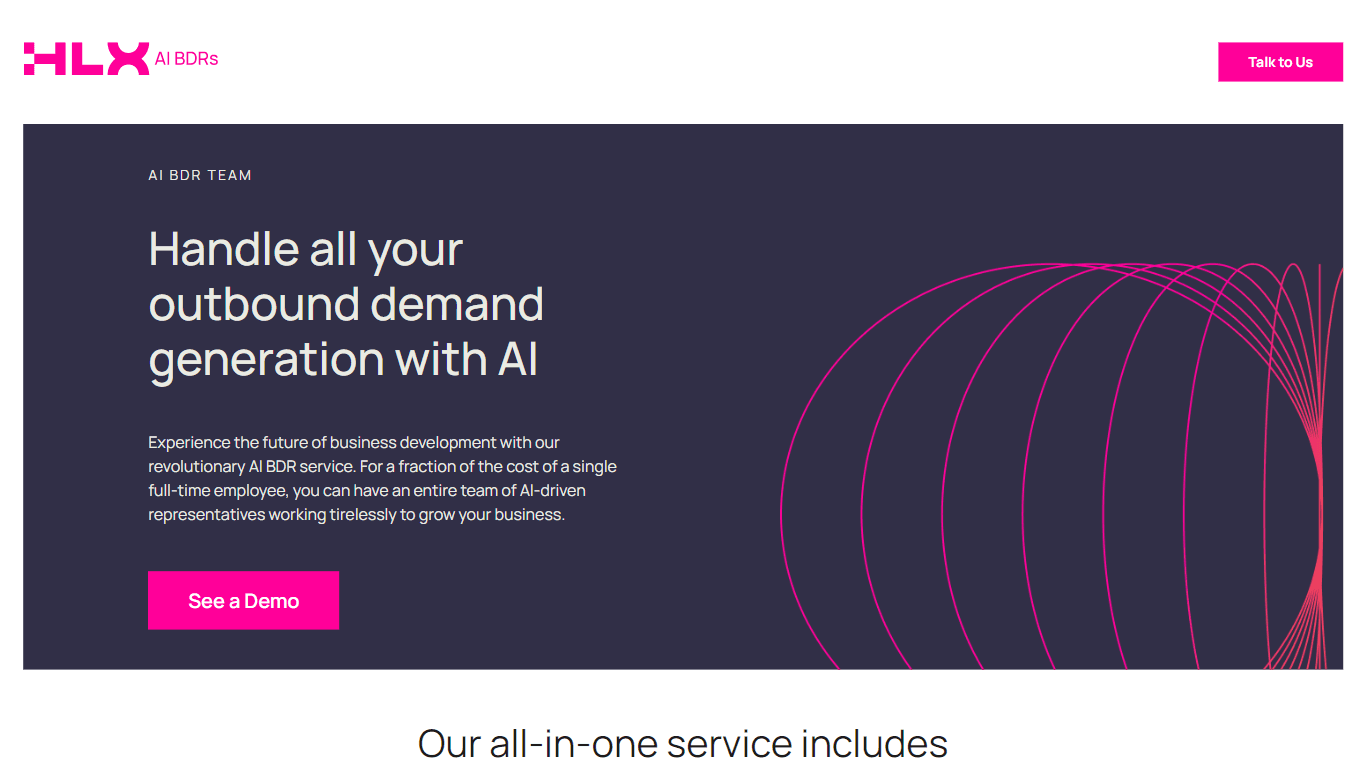
AI Outbound Agents is a cutting-edge AI-driven Business Development Representative (BDR) service designed to streamline and enhance outbound demand generation for businesses. This innovative solution

Ever Efficient AI
Ever Efficient AI provides an array of AI automation services designed to streamline your business operations and improve efficiency. By harnessing the power of your existing historical data, Ever Eff
FirmOS
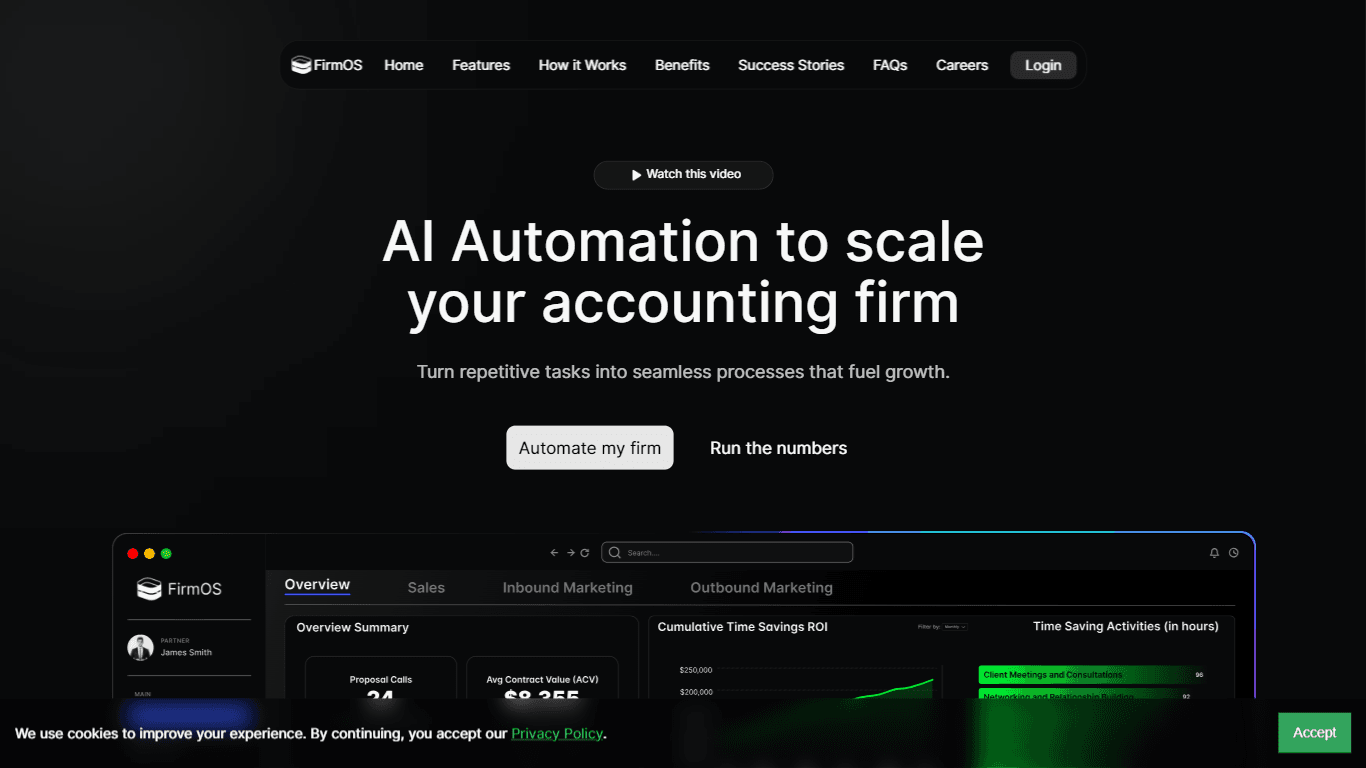
FirmOS is a comprehensive platform designed to help accounting firms scale their operations through AI-driven automation and streamlined workflows. Its core functionality revolves around enhancing cli
Synna.Ai
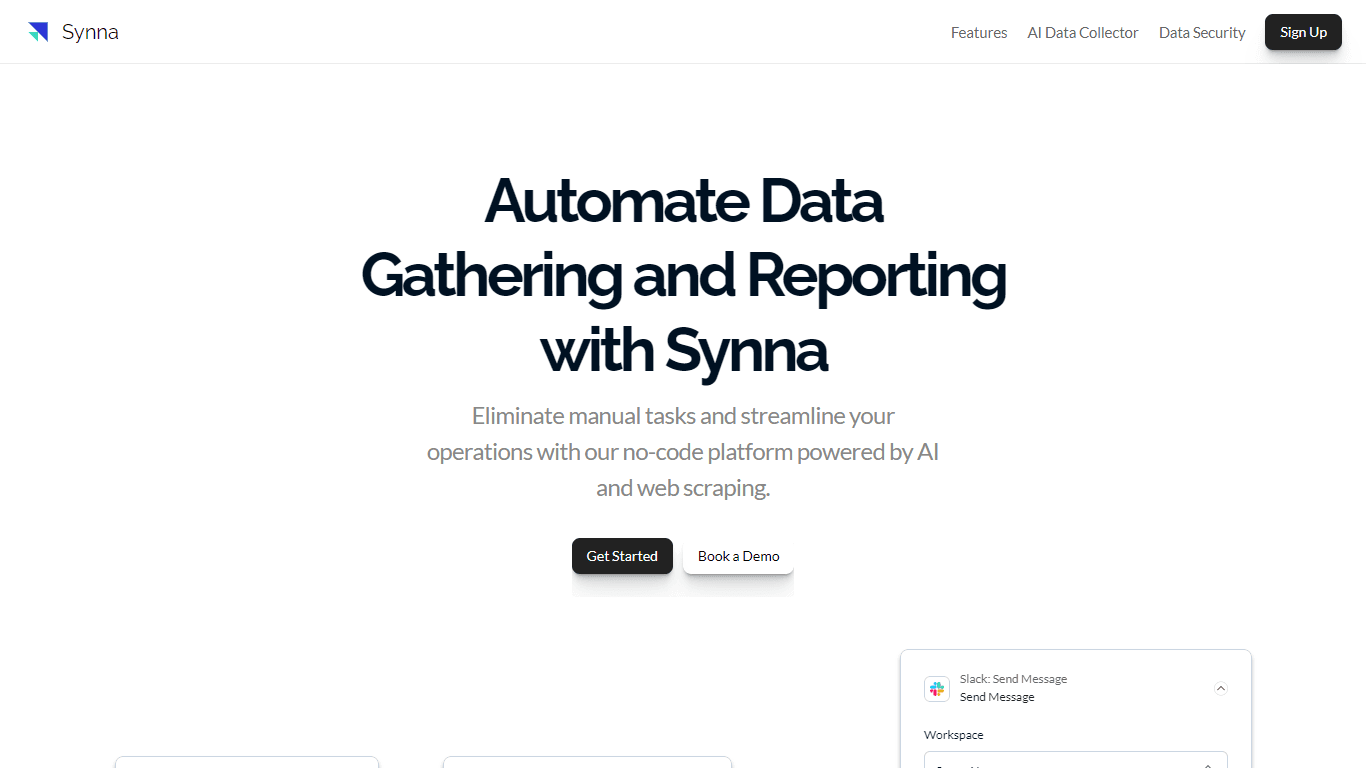
Synna.Ai revolutionizes the way businesses automate their data gathering and reporting processes with its user-friendly, no-code AI report automation and workflow builder. Whether you need to compil
HeyCloud
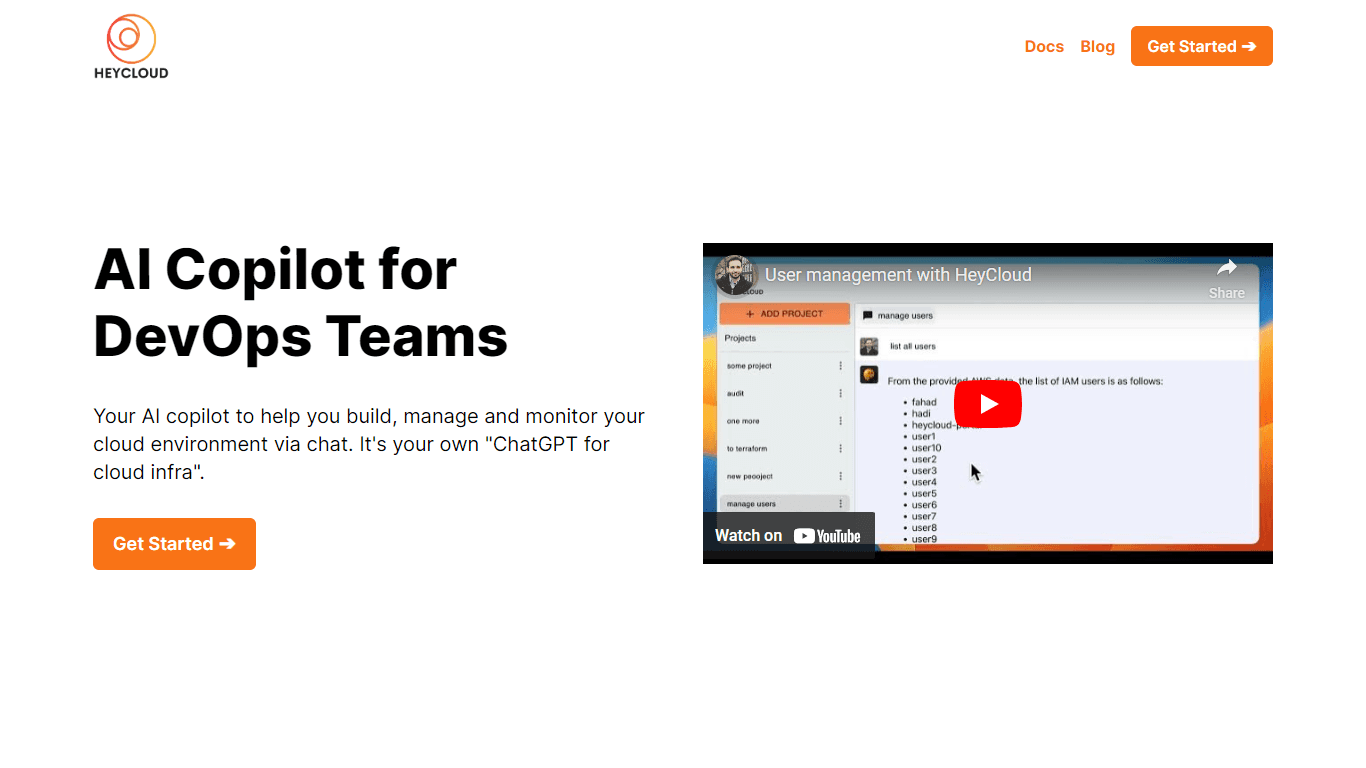
HeyCloud revolutionizes cloud management by allowing you to build and manage your AWS stack using plain English commands. It acts as an AI copilot for DevOps teams, streamlining cloud integration and
APAC AI
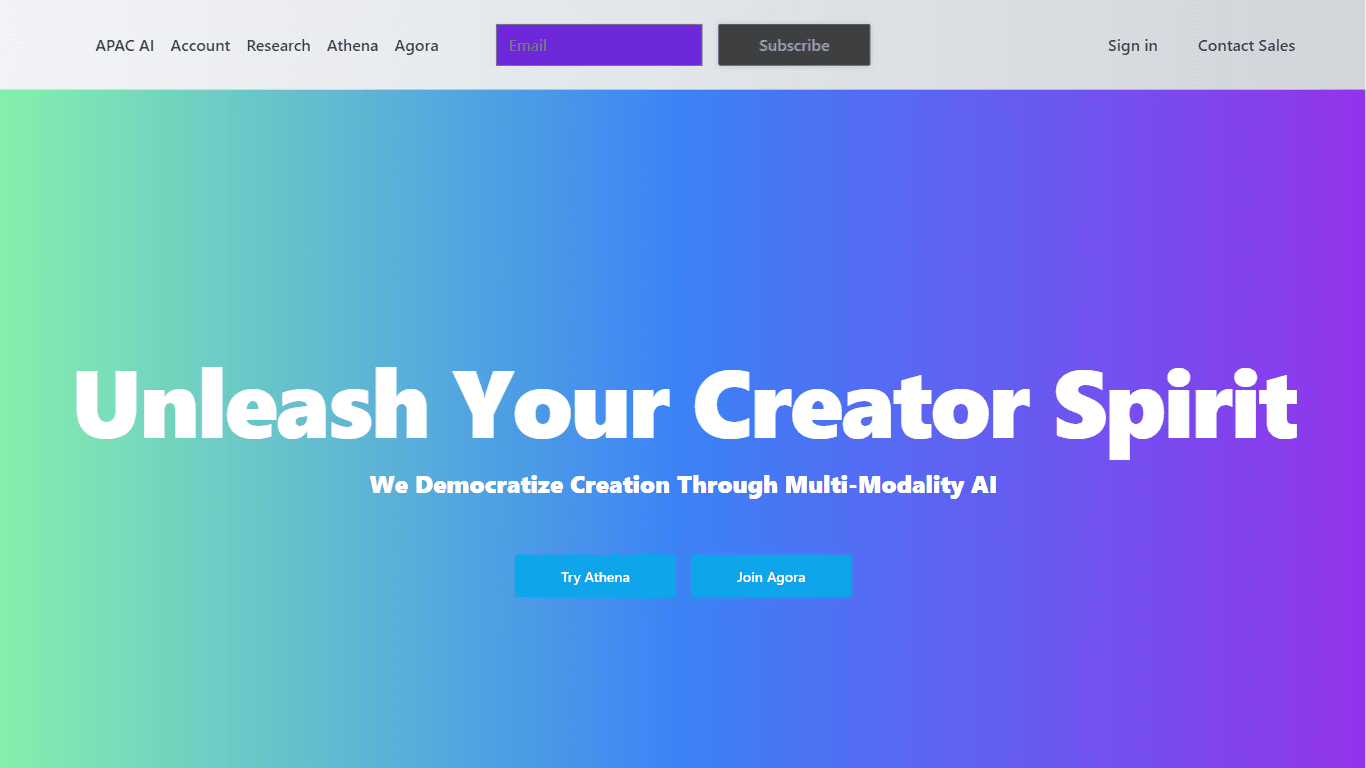
APAC AI ACCOUNT Portal is the one-stop destination for harnessing the power of advanced artificial intelligence to streamline your workflows and boost productivity. With a focus on multi-modality AI,
XSpecs
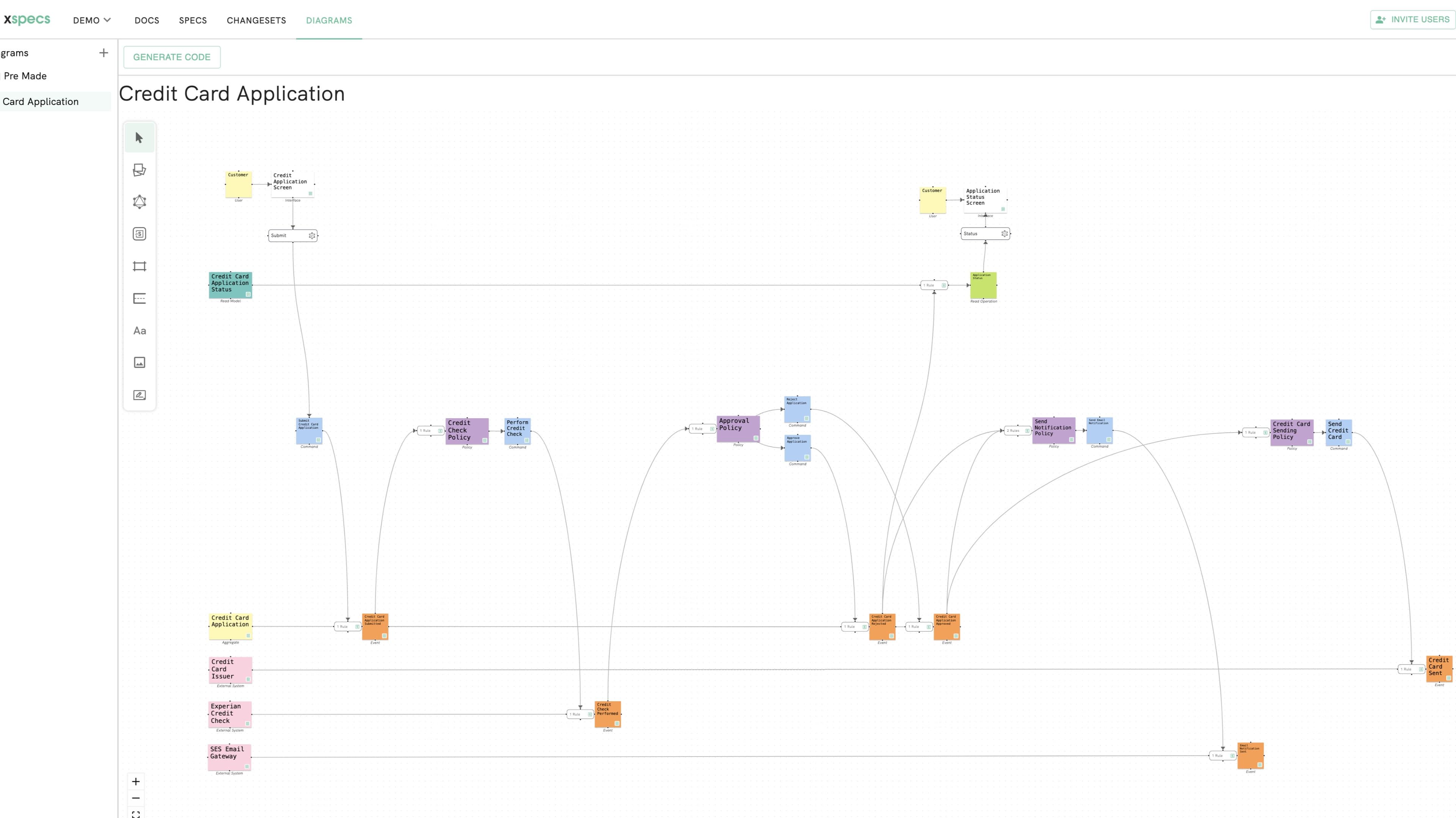
XSpecs introduces an innovative AI-powered software platform designed to streamline the development process for software teams. This cutting-edge tool leverages artificial intelligence to transform hi

Hakanai
Hakanai is a powerful toolbox designed specifically for blogs of all sizes, catering to everyone from personal storytellers to large enterprises. Its core functionality revolves around providing a sin
Insight Pipeline
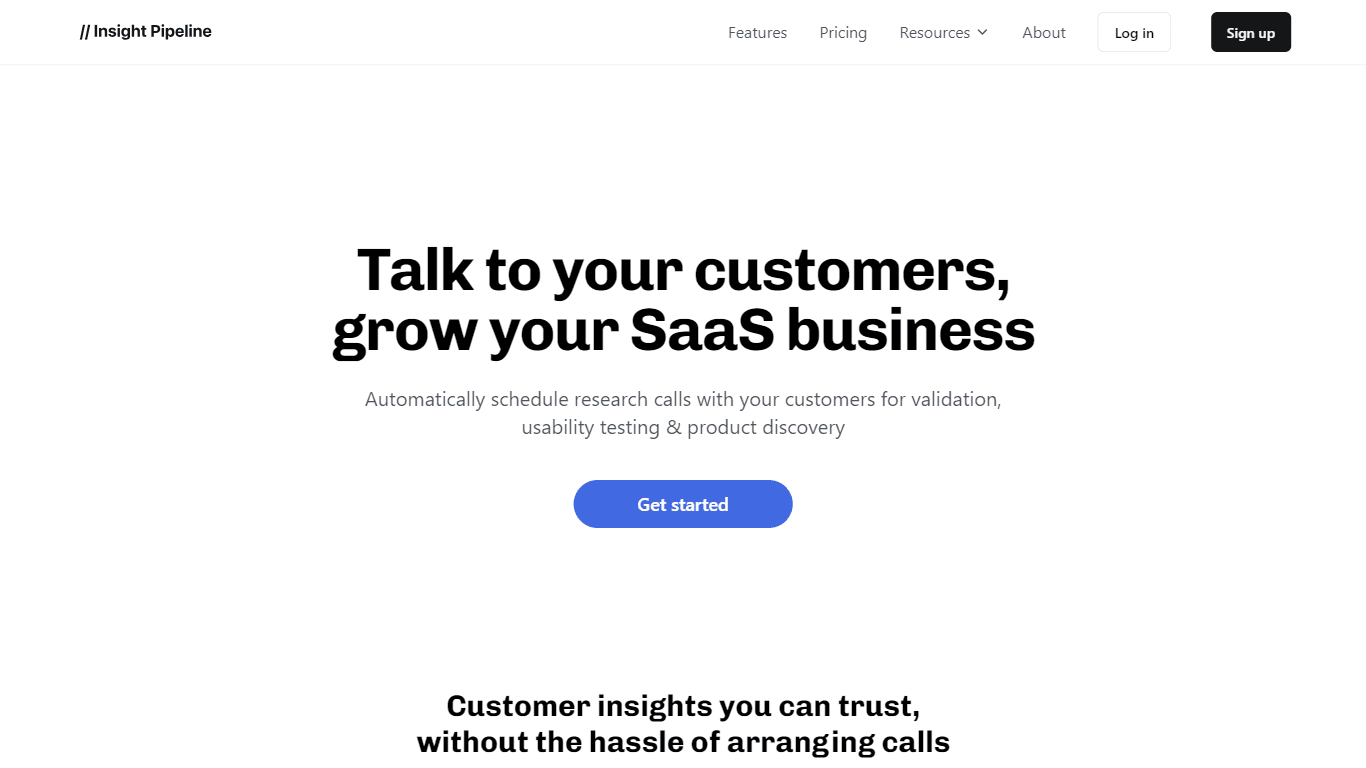
Insight Pipeline is a tool designed to simplify the process of scheduling research calls with customers. Its core functionality revolves around automatically arranging these calls for validation, usab

Super Send
The only outbound automation tool dedicated to founders looking to get their first 100 customers.Automate Cold Outreach Across Email, Linkedin and Twitter and includes email warmup, email validator, u
xAutoDM
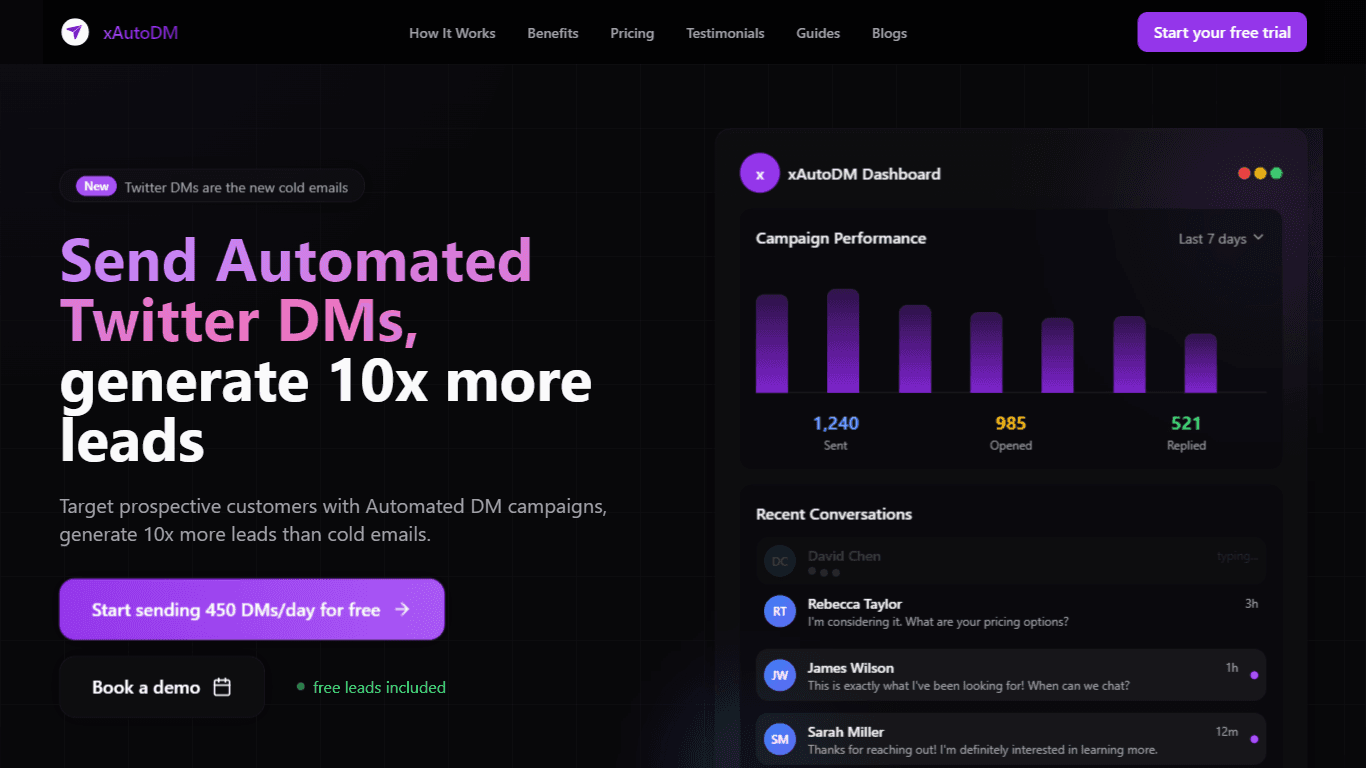
xAutoDM is an advanced automation platform designed specifically for managing Twitter direct messages (DMs) through the use of artificial intelligence. The core functionality of xAutoDM revolves aroun