
Sim Studio
Sim Studio is a powerful platform designed to help users create and manage workflows through a simple drag-and-drop interface. It is particularly aimed at developers and agents who are looking for an
12,171
Votes
12,842
Views
6,955
Bookmarks
About
Sim Studio is a powerful platform designed to help users create and manage workflows through a simple drag-and-drop interface. It is particularly aimed at developers and agents who are looking for an efficient way to build and deploy agent workflows. The core functionality of Sim Studio revolves around its user-friendly environment, which allows users to easily design workflows without needing extensive technical knowledge. This makes it accessible to a wider audience, including those who may not have a strong programming background. One of the unique value propositions of Sim Studio is its open-source nature, which encourages collaboration and customization. Users can modify the platform to suit their specific needs, making it a flexible solution for various workflow requirements. This adaptability sets it apart from other workflow management tools that may be more rigid in their offerings. Additionally, the platform is powered by Simplicity, which enhances its usability and performance, ensuring that users can create workflows quickly and efficiently. Key differentiators of Sim Studio include its intuitive drag-and-drop functionality and the ability to launch agentic workflows seamlessly. This feature allows users to visualize their workflows in a straightforward manner, making it easier to understand and manage complex processes. Furthermore, the platform supports a variety of integrations, enabling users to connect with other tools and services they may already be using, thus streamlining their workflow management. In terms of technical implementation, Sim Studio is built with a focus on user experience, ensuring that even those with minimal technical skills can navigate the platform effectively. The open-source aspect also means that developers can contribute to its ongoing development, fostering a community-driven approach to enhancements and new features. Overall, Sim Studio stands out as a versatile and user-friendly solution for anyone looking to optimize their workflow processes.
Key Features
- Drag-and-Drop Interface: Users can easily create workflows by dragging and dropping elements, making it simple to visualize and manage processes.
- Open Source: The platform allows for customization and collaboration, enabling users to modify it to fit their specific needs.
- Agentic Workflows: Users can launch workflows that involve agents, streamlining complex tasks and improving efficiency.
- Integration Capabilities: Sim Studio supports connections with various tools and services, allowing users to enhance their workflow management.
- User-Friendly Environment: Designed for ease of use, even those with minimal technical skills can navigate and utilize the platform effectively.
FAQ
What is Sim Studio?
Sim Studio is a platform that allows users to create and manage workflows using a simple drag-and-drop interface.
Who can use Sim Studio?
Sim Studio is designed for developers and agents, but it is user-friendly enough for anyone looking to build workflows.
Is Sim Studio open source?
Yes, Sim Studio is open source, which means users can customize it to meet their specific needs.
How does the drag-and-drop feature work?
The drag-and-drop feature allows users to easily create workflows by moving elements around the interface.
Can I integrate other tools with Sim Studio?
Yes, Sim Studio supports integration with various tools and services to enhance workflow management.
Is there a cost to use Sim Studio?
Sim Studio offers a freemium pricing model, allowing users to access basic features for free.
You may also like
More tools in Other

@kuki_ai
Welcome to the world of Kuki, an award-winning artificial intelligence designed to bring entertainment to the digital age. Dive into engaging conversations with AI that's crafted to provide not just r

Hermes 3
A tool to perform complex creative and analytical tasks with long-term context.

SuperU AI
A nocode tool to create voice AI agents for customer communications.
AI Dungeon
AI Dungeon is a text-based adventure game where you lead the story and the AI creates the world around you. It offers endless possibilities by generating unique characters, settings, and scenarios bas
PrompTessor
A tool that optimizes text for clarity, tone, and grammar without requiring prompt engineering skills.

PureCode.ai
A tool to automate coding tasks through codebase-aware code generation.

Steamship
Host managed LangChain Apps in seconds

G3D.AI {Jedi}
G3D.AI {Jedi} is a generative AI tool for game creation that enables game creators to build beautiful and novel games in a fraction of the time. With a suite of tools designed to supercharge creativit

Aigur Client
A open-source platform for creating and running Generative AI pipelines for text modification, image manipulation, and more.

Verbacall
A platform that automatically answers, qualifies, and follows up on calls 24/7.

10Zebra
A tool to create and edit videos with storyboards.
Integral Calculator - Wolfram|Alpha
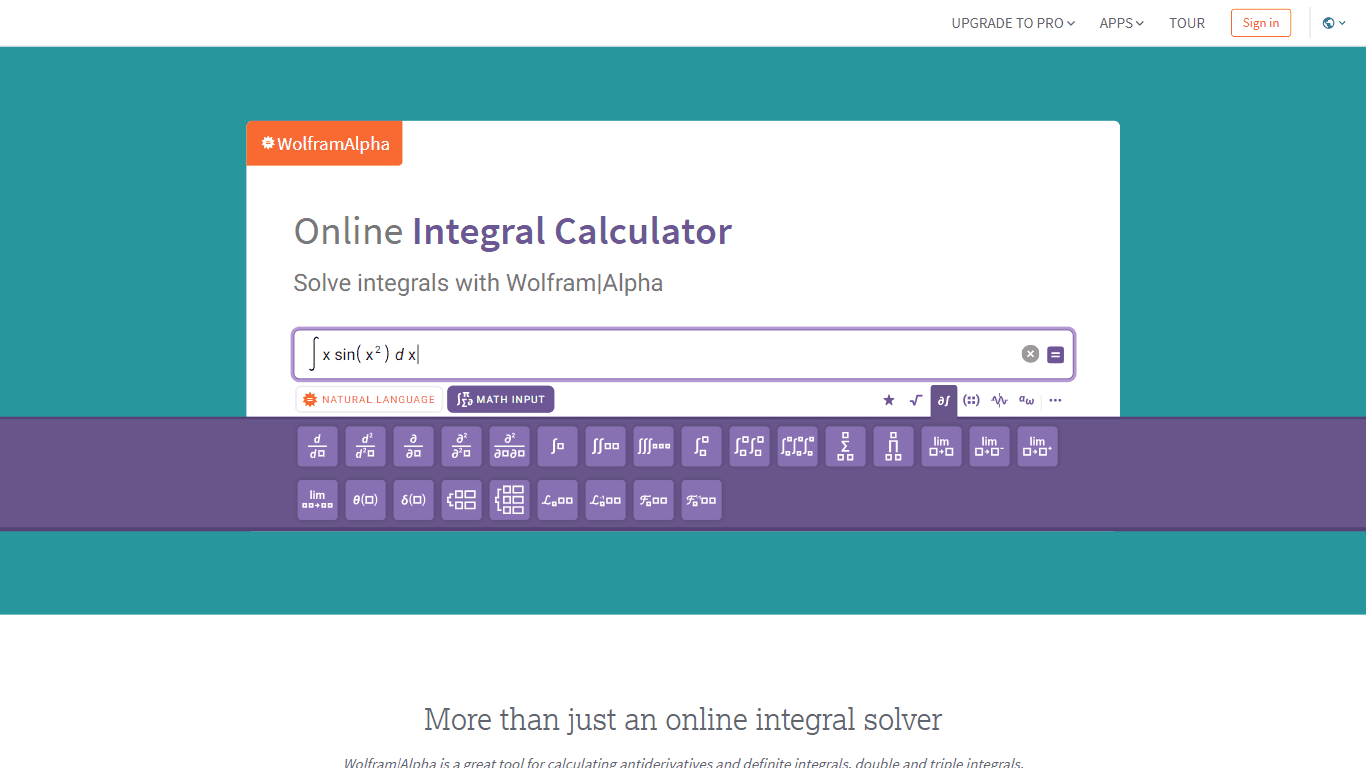
The Integral Calculator provided by Wolfram|Alpha is a comprehensive tool designed for professionals, educators, students, and anyone with a need to solve complex mathematical integrals. By leveraging