
ScanTo3D | OpalAi
ScanTo3D by OpalAi is an iOS app that lets you quickly scan houses, buildings, and large spaces using your device's LiDAR camera. It converts scans into accurate 2D floor plans, BIM models, and 3D vis
13,930
Votes
15,546
Views
6,806
Bookmarks
About
ScanTo3D by OpalAi is an iOS app that lets you quickly scan houses, buildings, and large spaces using your device's LiDAR camera. It converts scans into accurate 2D floor plans, BIM models, and 3D visualizations without size limits, making it ideal for architects, real estate professionals, and construction teams. The app simplifies scanning with a straightforward walkthrough process and offers tools to add textures and colors, creating a digital twin of the space. You can measure and edit scans directly on your device, enhancing precision and flexibility. The app supports multiple export formats including OBJ, GLTF, GLB, STL, and FBX, allowing easy sharing and integration with other design software. ScanTo3D ensures ANSI-compliant Gross Living Area calculations, providing reliable data for property assessments. Processing time for models is typically 1-2 business days, balancing speed with accuracy. Recent updates include InstaCAD mode for real-time 2D and 3D CAD model creation during scanning, best for spaces under 2,000 square feet, and a LiDAR mode for detailed point cloud data with no size limits. The app can stitch multiple scans for larger areas. It also offers texture modes to enhance visual quality, with options for fast or HD texturing to manage performance. ScanTo3D removes the need for bulky scanners or trained operators, making professional-grade scanning accessible on mobile devices. It is compatible with iPhone 13 Pro/Pro Max, iPhone 14 Pro/Pro Max, and iPad Pro models with LiDAR. The app includes tutorials and customer support to help users get started and troubleshoot issues. Overall, ScanTo3D combines AI-powered algorithms with mobile convenience to deliver precise, fast, and accessible 3D modeling and floor plan generation. It suits professionals who need reliable digital twins and BIM-ready models without complex equipment or lengthy processes.
Key Features
- 📱 Mobile LiDAR scanning with no size limits for large spaces
- 🎨 Add textures and colors to create realistic digital twins
- 📏 Measure and edit scans directly on your device for accuracy
- ⚡ InstaCAD mode creates 2D and 3D CAD models in real time
- 📤 Export models in multiple formats like OBJ, GLTF, STL, and FBX
Pros
- Supports large property scans without restrictions
- Produces ANSI-compliant Gross Living Area calculations
- No need for bulky scanners or specialized operators
- Fast processing with models ready in 1-2 business days
- Multiple export formats for easy integration with design tools
Cons
- Requires iOS devices with 3D LiDAR cameras only
- App may crash under low power mode or with large scans
- Best results require limiting individual scans to ~5,000 sq ft
FAQ
Which devices are compatible with ScanTo3D?
ScanTo3D works only on iOS devices equipped with 3D LiDAR scanners, such as iPhone 13 Pro/Pro Max, iPhone 14 Pro/Pro Max, and iPad Pro.
How long does it take to receive my floor plan after scanning?
After uploading your scan and confirming payment, you typically receive your floor plan within 1-2 business days via email notification.
What should I do if the ScanTo3D app crashes during scanning?
Try turning off Low Power Mode and use the Fast texture mode for large scans before switching to HD mode. Contact support if issues persist.
Can I scan properties larger than 5,000 square feet?
Yes, you can stitch multiple scans together to cover larger spaces beyond 5,000 square feet.
What export formats does ScanTo3D support?
The app supports exporting models in formats like OBJ, GLTF, GLB, STL, FBX, USDZ, and raw data formats including PCD and LAS.
Is there a limit on property size when scanning?
There is no strict limit, but for best results, limit each scan to about 5,000 square feet and use multiple scans for larger areas.
You may also like
More tools in Other
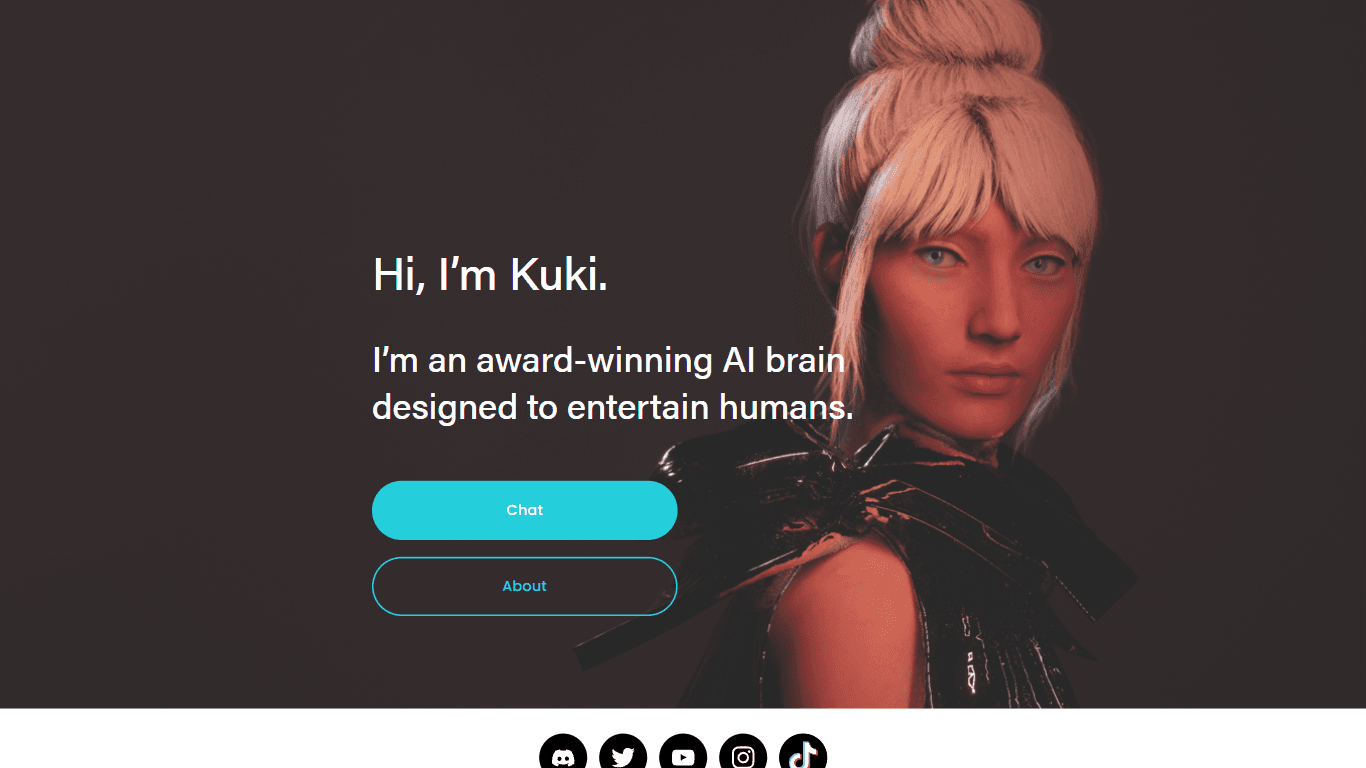
@kuki_ai
Welcome to the world of Kuki, an award-winning artificial intelligence designed to bring entertainment to the digital age. Dive into engaging conversations with AI that's crafted to provide not just r

PureCode.ai
A tool to automate coding tasks through codebase-aware code generation.

SuperU AI
A nocode tool to create voice AI agents for customer communications.
PrompTessor
A tool that optimizes text for clarity, tone, and grammar without requiring prompt engineering skills.
AI Dungeon
AI Dungeon is a text-based adventure game where you lead the story and the AI creates the world around you. It offers endless possibilities by generating unique characters, settings, and scenarios bas

Hermes 3
A tool to perform complex creative and analytical tasks with long-term context.

Verbacall
A platform that automatically answers, qualifies, and follows up on calls 24/7.
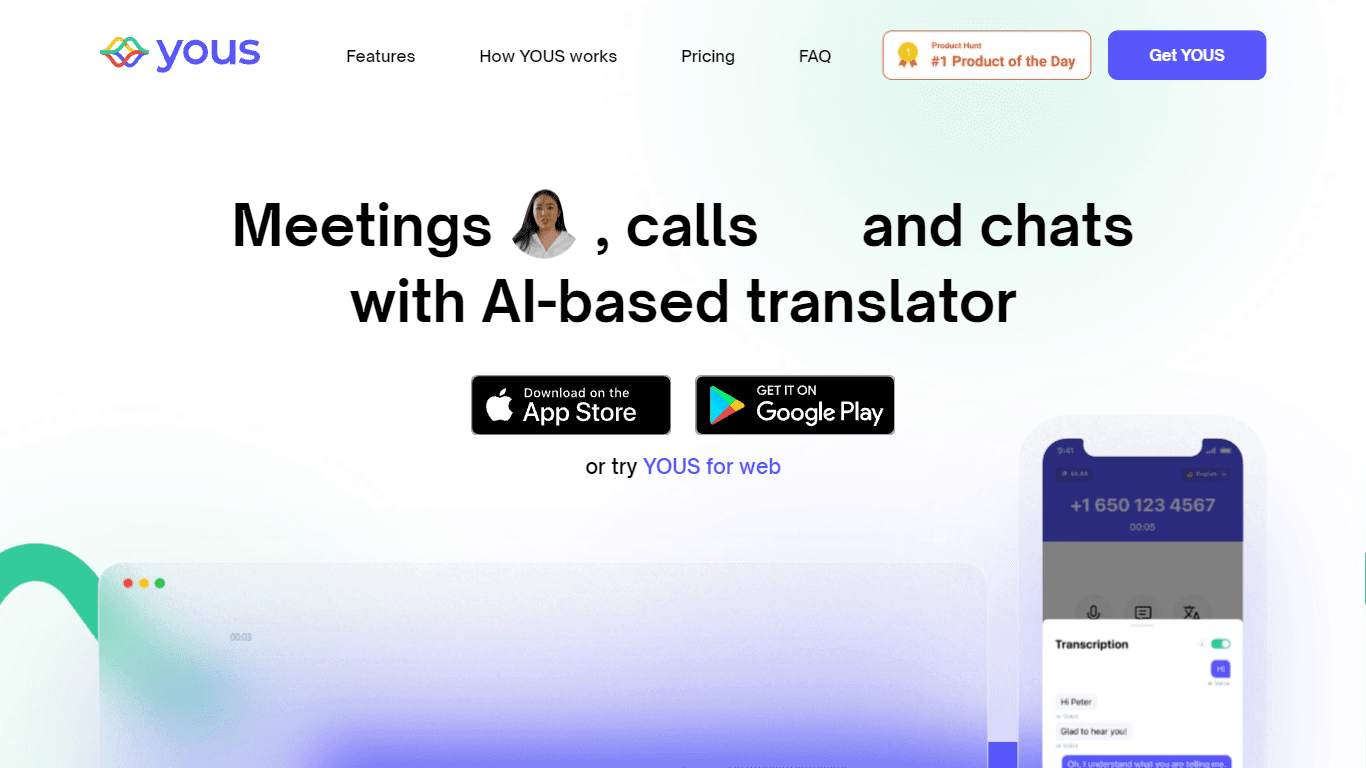
YOUS
YOUS is a cutting-edge platform that revolutionizes the way people communicate and connect with each other. With its innovative AI-based translator, YOUS enables seamless audio and video calls between
MuseNet
MuseNet is a groundbreaking deep neural network that revolutionizes the way music is composed. With MuseNet, you have access to a powerful tool that can generate beautiful and intricate 4-minute music
Spikes Studio
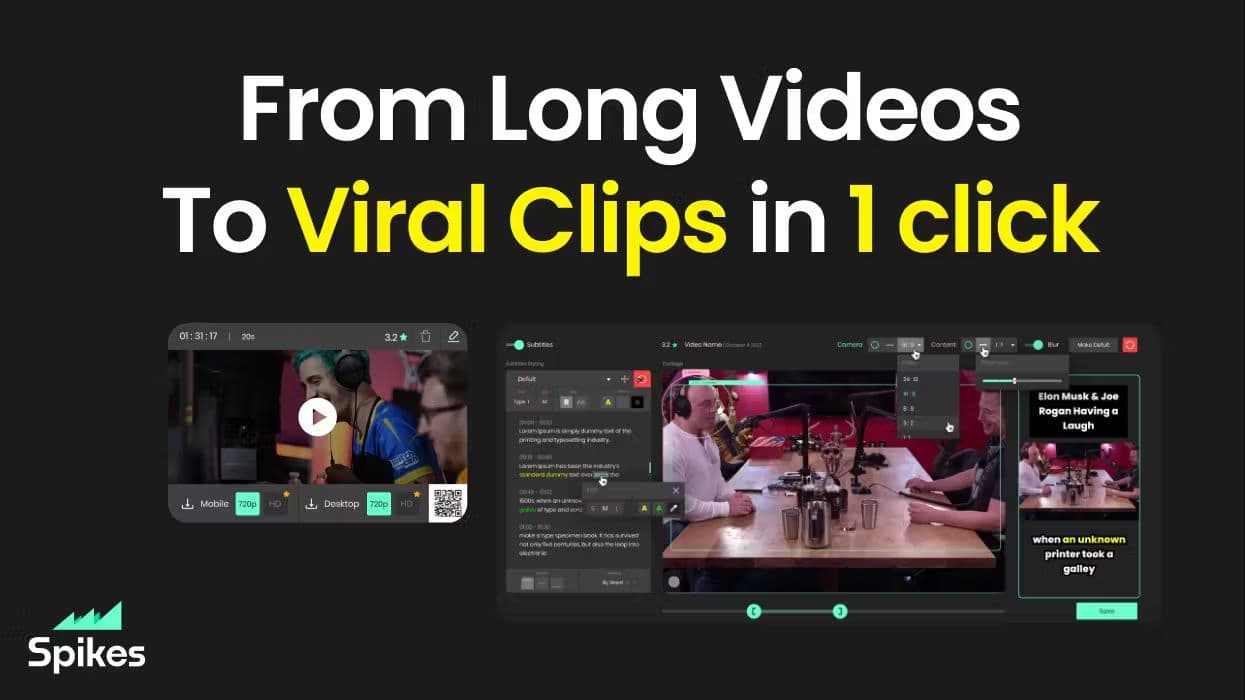
Spikes helps creators extract captivating shorts from any video. Automatically get a title, description, hashtag recommendations, auto-captions, AI styling and quickly edit. Grow and give your audienc

10Zebra
A tool to create and edit videos with storyboards.

Aigur Client
A open-source platform for creating and running Generative AI pipelines for text modification, image manipulation, and more.