
Reshot AI
AI-enhanced photo editor for professional headshots and thumbnails.
12,438
Votes
22,438
Views
6,846
Bookmarks
About
Reshot AI is an advanced AI-powered photo editor specifically designed for professional headshots, YouTube thumbnails, and much more. This tool leverages cutting-edge artificial intelligence to enhance and reshoot your photos, making it an essential resource for individuals and professionals aiming to improve their online presence. With the ability to tweak expressions, edit face poses, adjust lighting, and even change backgrounds, Reshot AI offers a comprehensive suite of features to create stunning, high-quality images effortlessly.
Key Features
- AI-Powered Edits: Utilize advanced AI algorithms to enhance and reshoot photos with precision.
- Expression Tweaks: Modify facial expressions to better suit your desired look.
- Pose and Lighting Adjustments: Soon-to-be-released features will allow for editing face poses and lighting conditions.
- Background Editing: Easily change the background of your photos for a more professional appearance.
- Quick Processing: Generate multiple edited versions of your photo in under 30 seconds.
- Full Ownership Rights: You retain full commercial rights to all edited photos.
Pros
- Time Efficiency: Quickly edit photos in under 30 seconds, saving hours compared to manual editing.
- Professional Quality: AI trained on thousands of high-quality images ensures professional-grade results.
- User-Friendly Interface: Intuitive design makes it accessible even for users with minimal technical skills.
- Versatile Applications: Ideal for profile pictures, social media posts, YouTube thumbnails, and more.
Cons
- Subscription Limitations: The number of photos you can edit is capped based on your subscription plan.
- Customization Limits: While the AI generates high-quality edits, customization options are somewhat limited.
Who Uses It
- Content Creators: Perfect for YouTubers and influencers needing high-quality thumbnails and social media posts.
- Professional Photographers: Helps streamline the editing process for professional headshots and portraits.
- Marketing Professionals: Useful for creating visually appealing campaign content.
- Freelancers: Ideal for those needing to quickly and effectively edit client photos.
- Uncommon Use Cases: Utilized in educational institutions for teaching courses on digital marketing and photography; employed by freelance photographers for efficient and quick photo editing workflows.
Pricing
- Monthly Plan: $19 per month. Edit 250 photos per month.
- Yearly Plan: $9 per month ($108 per year). Edit 250 photos per month, offering a 50% discount compared to the monthly plan.
You may also like
More tools in Image Generators
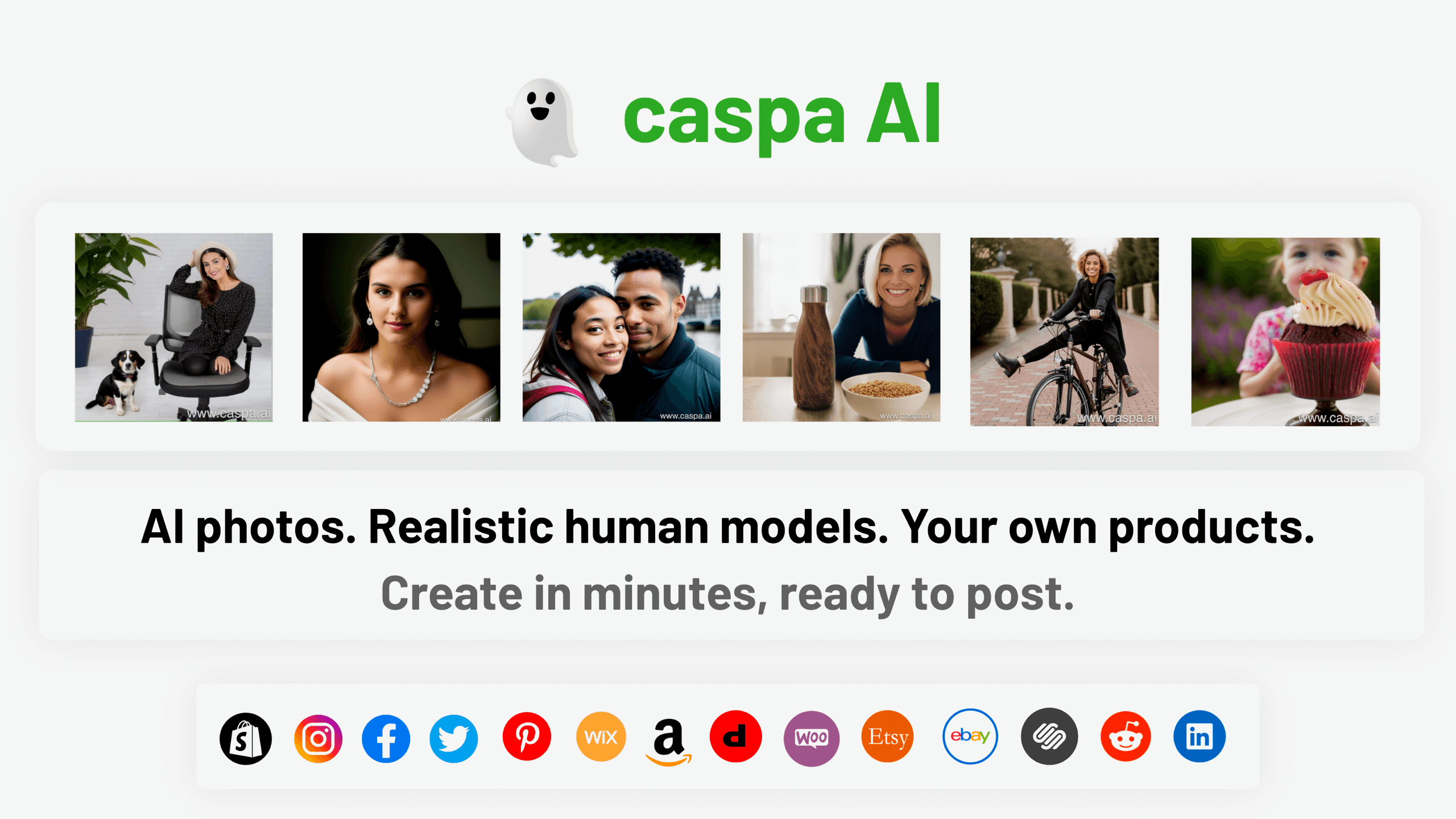
Caspa AI
Elevate eCommerce visuals effortlessly with Caspa, an AI-driven photography tool empowering businesses to create and edit lifelike product images
Midjourney
Unlock true digital artistry.
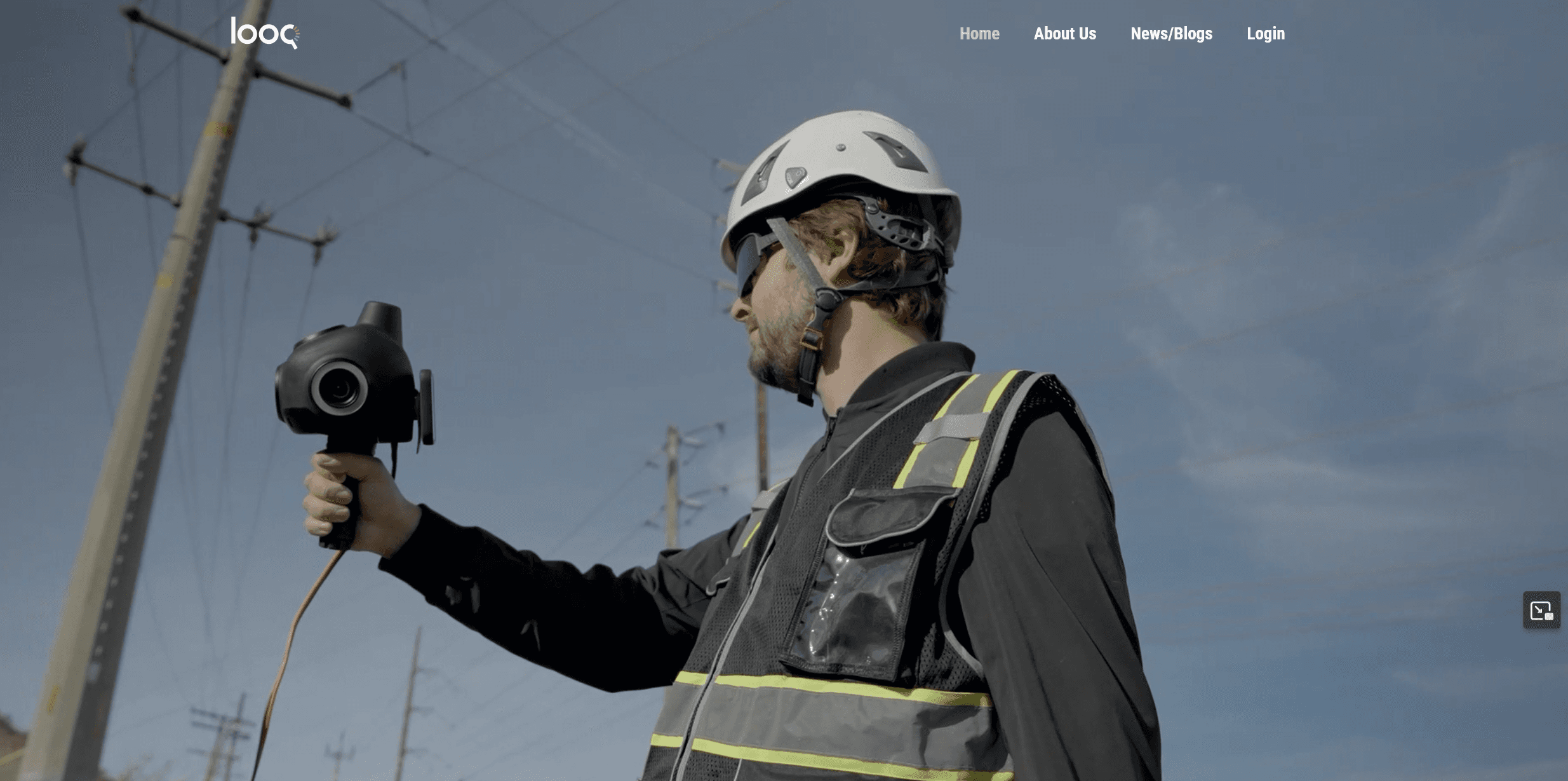
Looq AI
Revolutionize image analysis with advanced AI-powered recognition and insights.
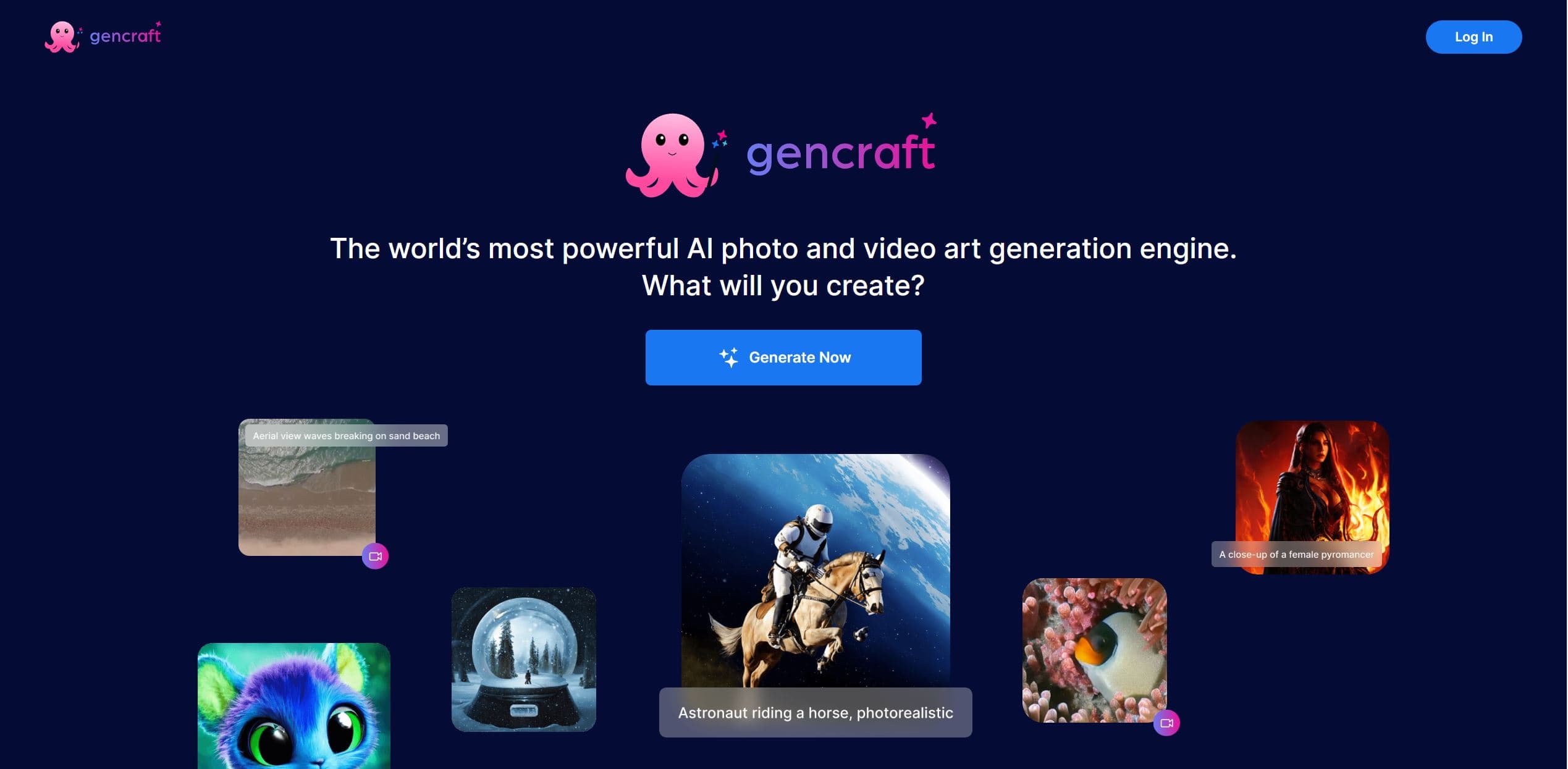
Gencraft
AI-powered tool for creating stunning digital art effortlessly.
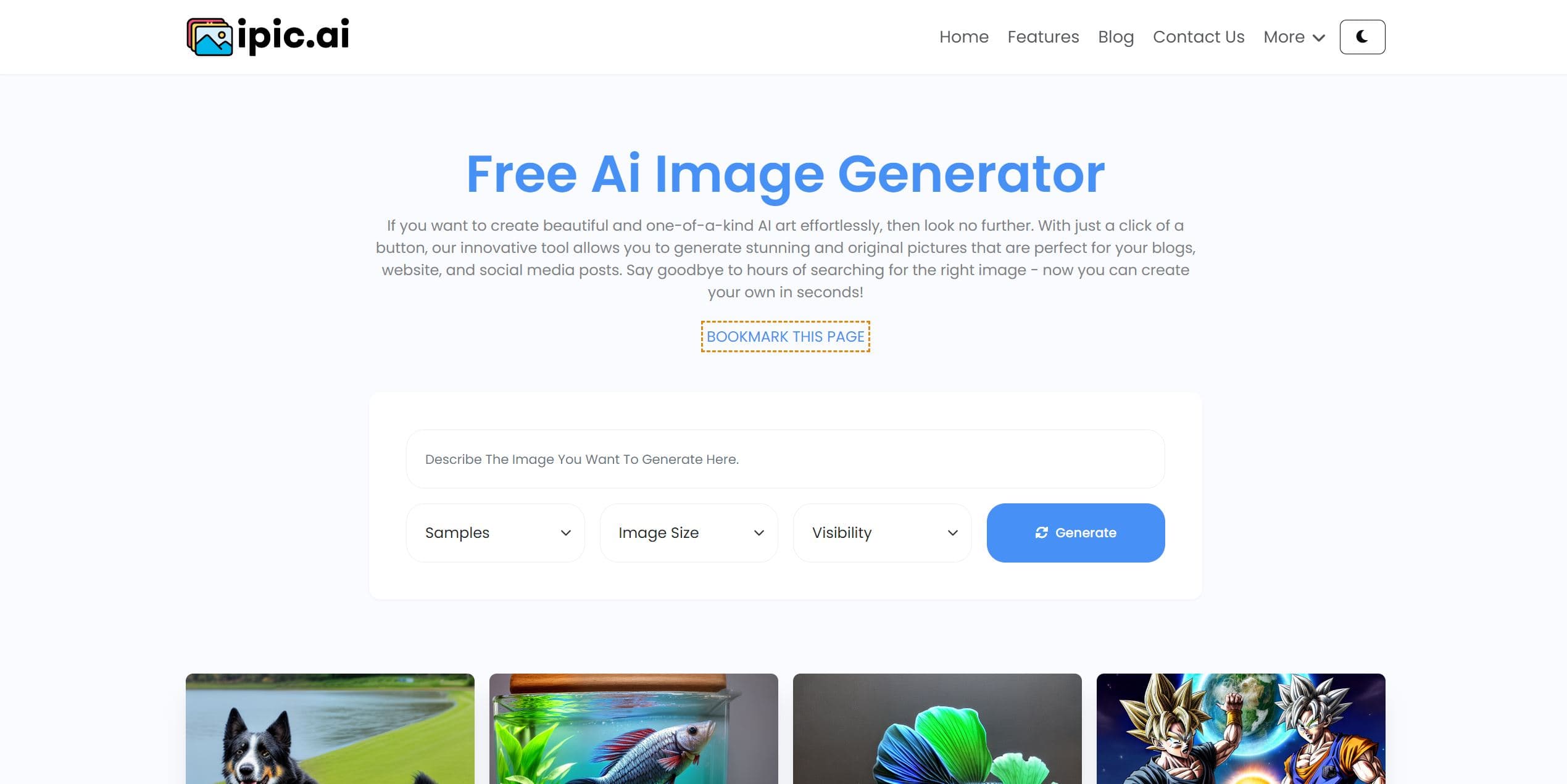
Ipic.ai
AI-powered image enhancement for professionals and hobbyists alike.
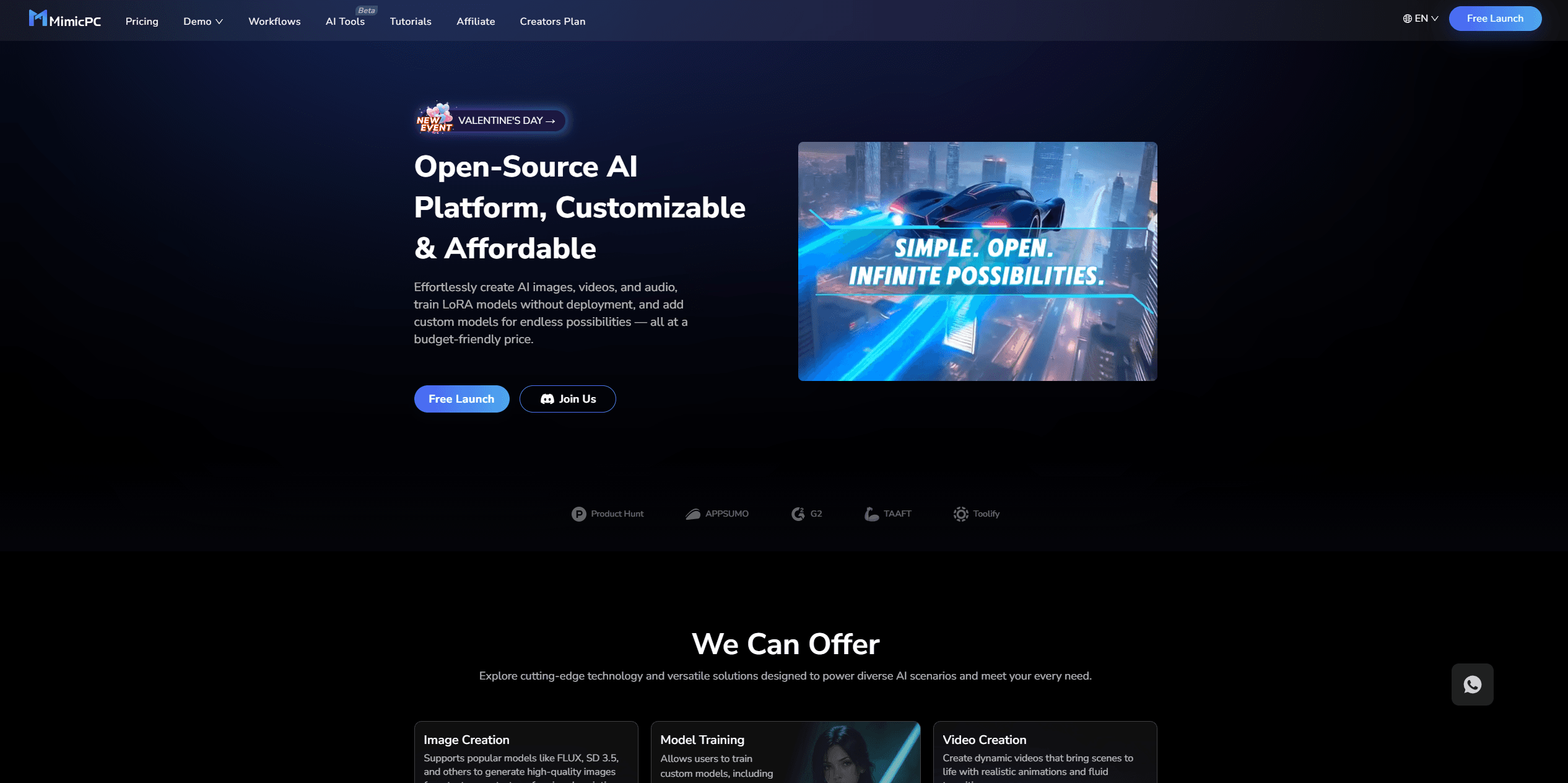
MimicPC
Unlock AI tools instantly, browser-based, no installs needed.

Replicate
Unlock AI's potential: run, fine-tune, deploy models easily and cost-effectively.
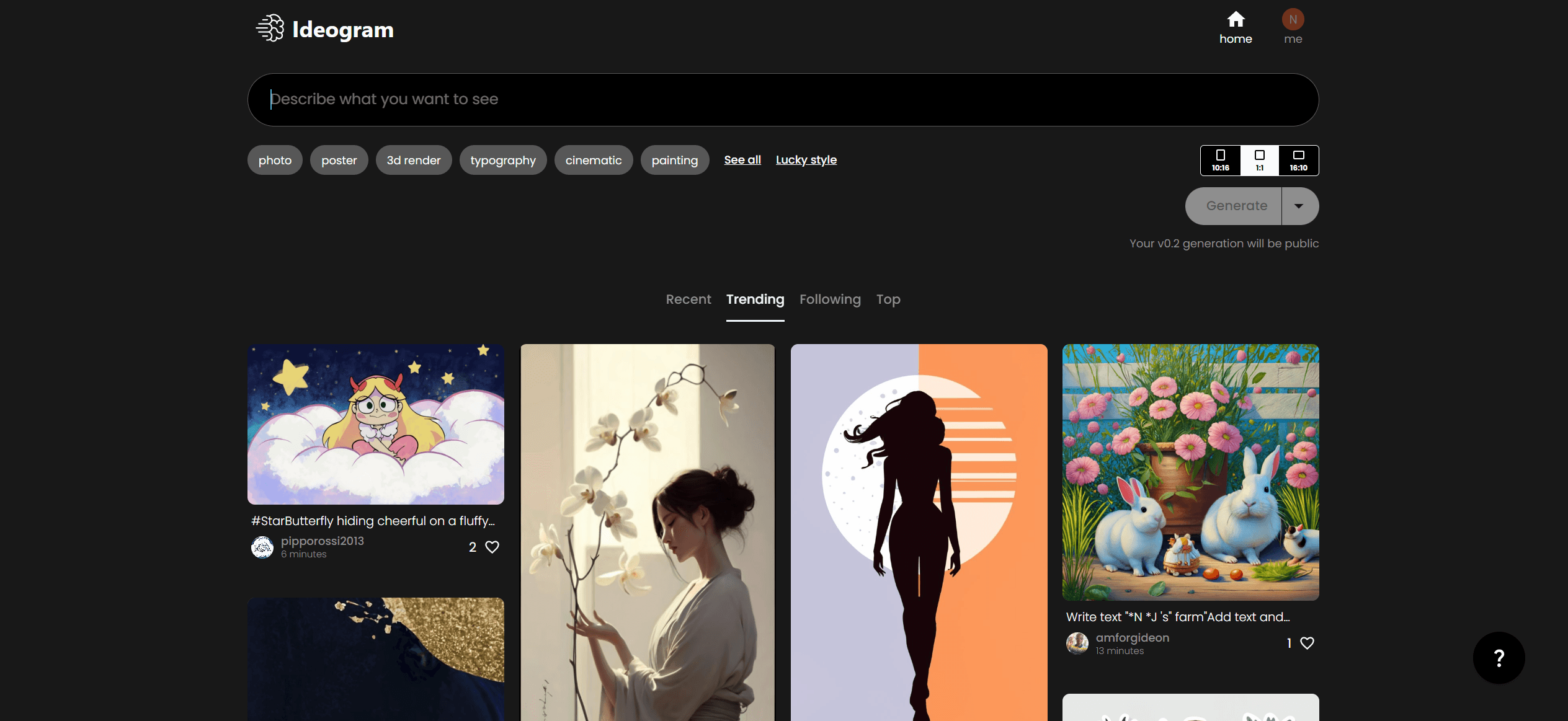
Ideogram
Transform text to stunning visuals with AI, enhancing creativity and collaboration.
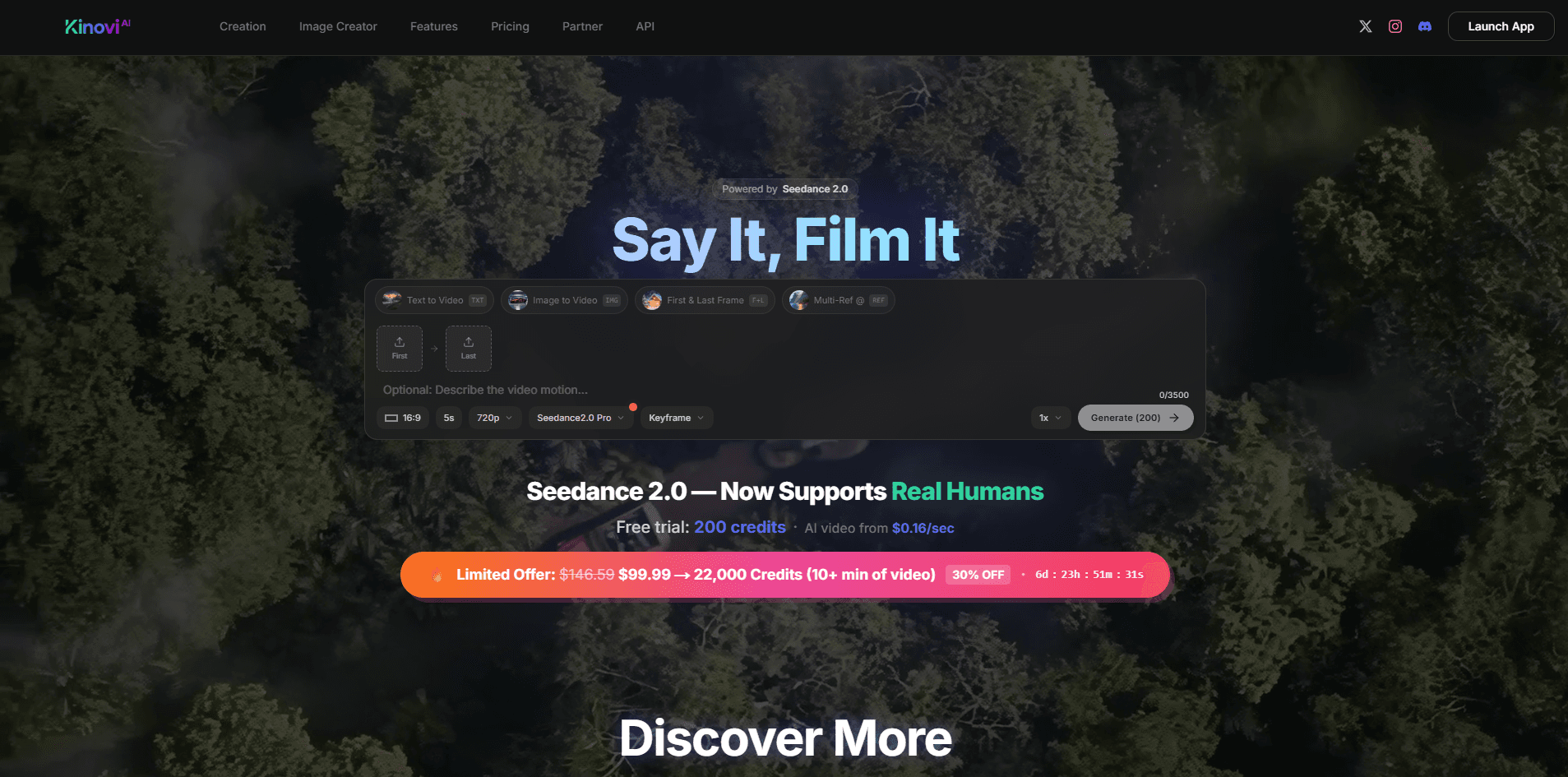
Kinovi
Direct cinematic clips from prompts and references.
AI2image
AI creates custom images from English descriptions in seconds.
Civitai
Open-source platform for AI model creation and collaboration.
Ludo
Revolutionize game development with AI-driven ideation and market insights.