
Renamer.ai
Auto-renames messy files using content into clear labels.
10,530
Votes
24,000
Views
6,787
Bookmarks
About
Renamer.ai focuses on turning chaotic file names into clear, searchable labels using AI. It reads the actual content of PDFs, images, office documents, and emails, then generates meaningful names based on dates, entities, document types, and visual content. With desktop apps for Windows and Mac plus a web interface, it helps individuals and teams keep downloads, shared drives, and long-neglected archives consistently organized with minimal manual work.
Key Features
- AI content-aware renaming: Uses OCR, natural language processing, and computer vision to rename 30+ file types based on real content instead of just metadata.
- Magic Folders automation: Monitors chosen folders and automatically renames incoming files in the background according to set rules.
- Custom naming templates: Drag-and-drop template builder that combines variables such as dates, document types, companies, amounts, project names, and custom fields.
- Bulk renaming with safety controls: Processes batches of files at once, with previews and undo options to avoid accidental mistakes.
- Multilingual support and integrations: Handles 20+ languages, supports files up to 100MB, offers both desktop and web access, and provides API options for custom workflow integrations.
Pros
- Huge time saver: Dramatically cuts manual renaming for invoices, statements, contracts, and project files.
- Strong for ongoing workflows: Magic Folders keep Downloads and shared folders tidy without constant user attention.
- Privacy conscious: Enterprise-grade encryption, short file retention, and clear “not a storage service” positioning appeal to compliance-focused teams.
- Scalable setup: Works for solo freelancers, small businesses, and enterprises through templates, higher-volume plans, and consulting services.
Cons
- Monthly file limits: Heavy users may hit plan caps quickly and need higher tiers or custom solutions.
- Cloud-based processing: Not ideal for organizations that require fully offline document handling.
- Variable accuracy on messy input: Handwritten notes or very poor scans can reduce naming quality and require manual checks.
Who Uses It
- Accounting and Finance Teams: Auto rename invoices, receipts, and statements for easier reconciliation, audits, and tax preparation.
- Marketing and Creative Agencies: Keep thousands of client assets, variations, and exports consistently named for faster retrieval and collaboration.
- Professional Services and Legal Firms: Standardize client files, contracts, and historical case documents across departments and legacy archives.
- Researchers and Educators: Organize academic papers, datasets, and multilingual collaboration files into predictable, searchable structures.
- Uncommon Use Cases: Used by photography studios to rename shoots for SEO and client galleries; adopted by solo freelancers to clean messy client folders on shared cloud drives.
Pricing
- Starter: $0 per month; includes 15 files per month.
- Pro: $9.95 per month; includes 200 files per month.
- Power User: $29.95 per month; includes 1,000 files per month.
- Ultimate: $99.95 per month; includes 5,000 files per month.
You may also like
More tools in Development
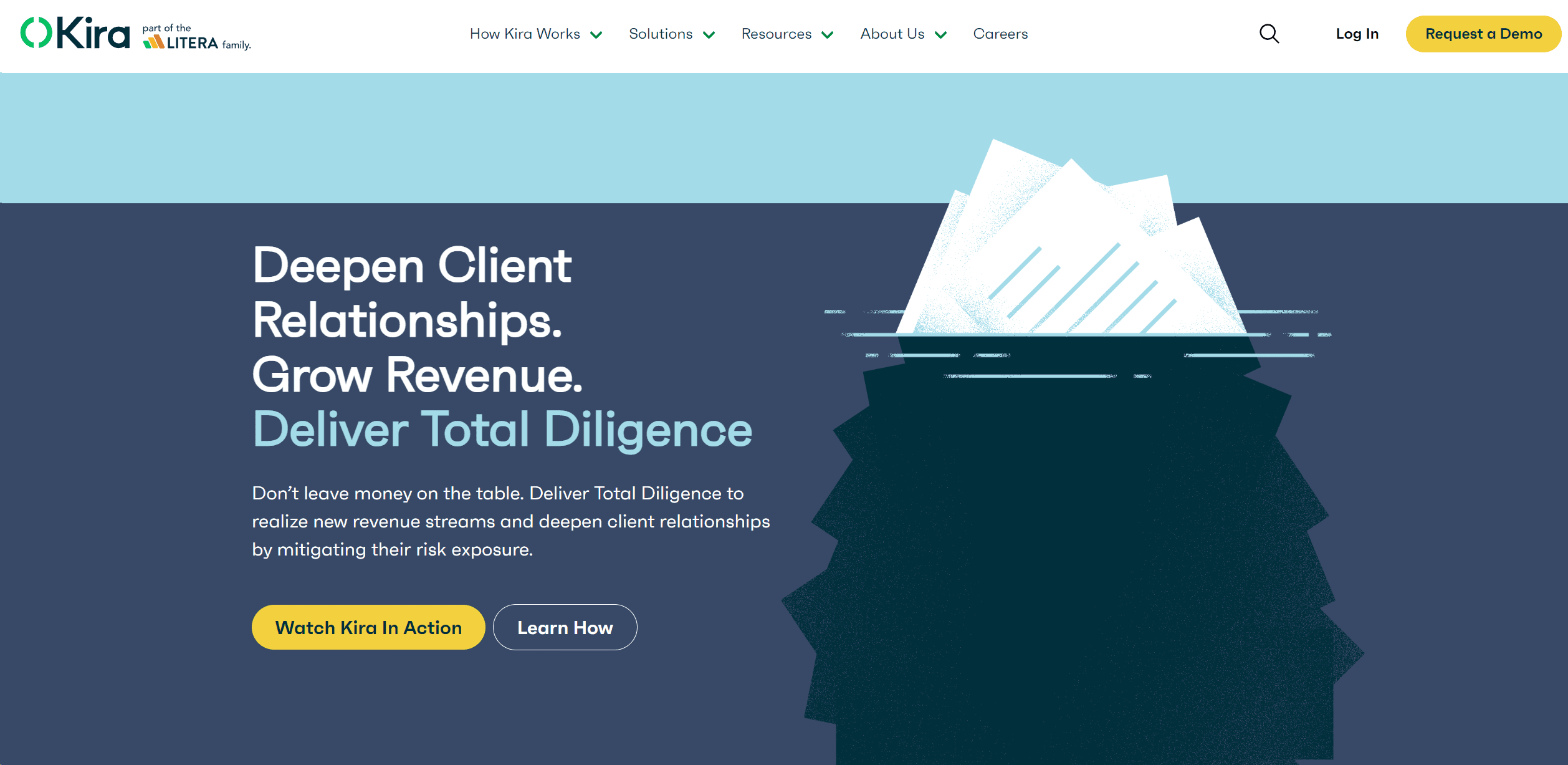
Kira Systems
Streamline contract review with AI-driven precision and customization.

Outreach
Optimize sales, enhance workflows, boost efficiency with AI-powered tools.
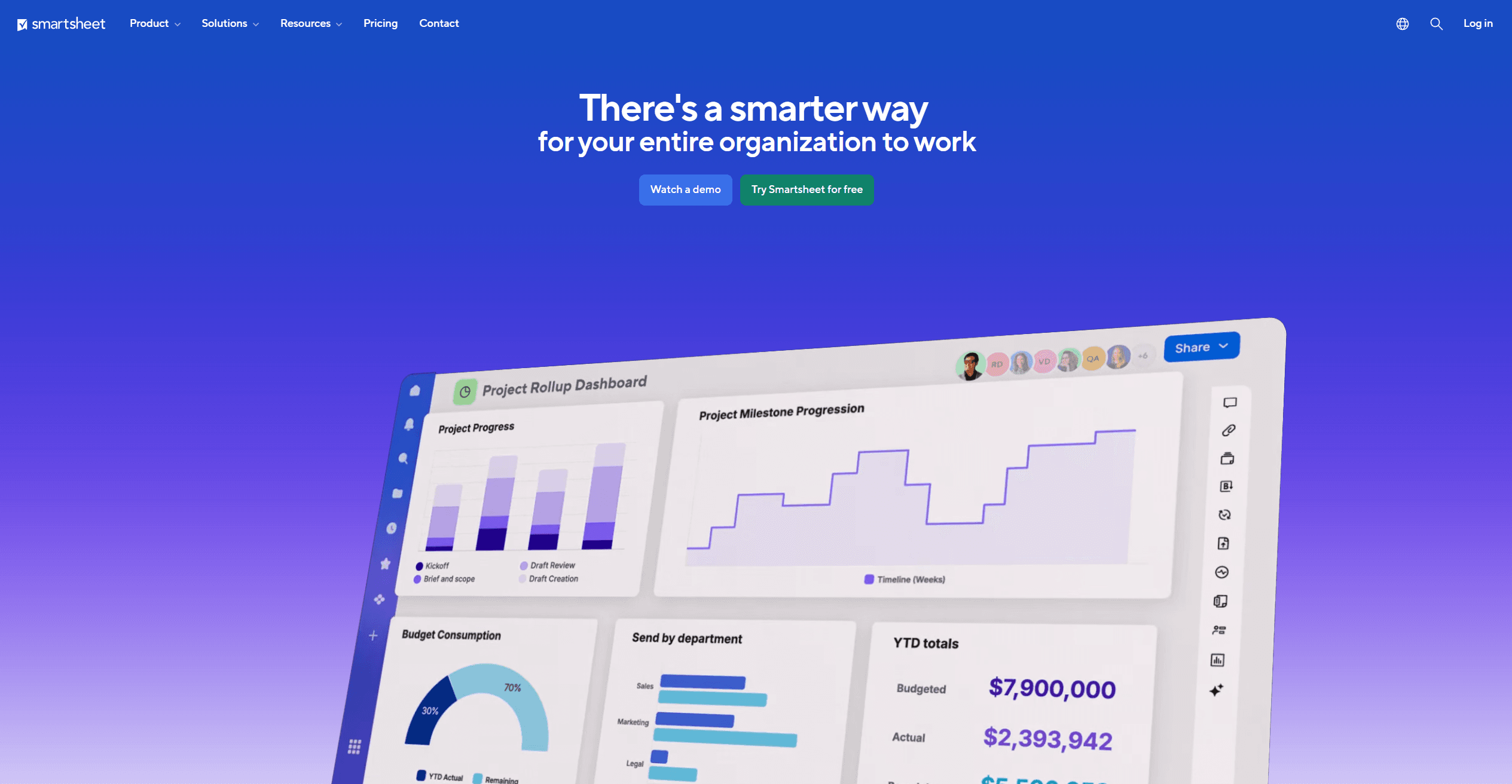
Smartsheet
Streamline workflows, automate tasks, enhance team collaboration.

Dora AI
Revolutionize website creation with AI: unique, prompt-driven designs made simple.
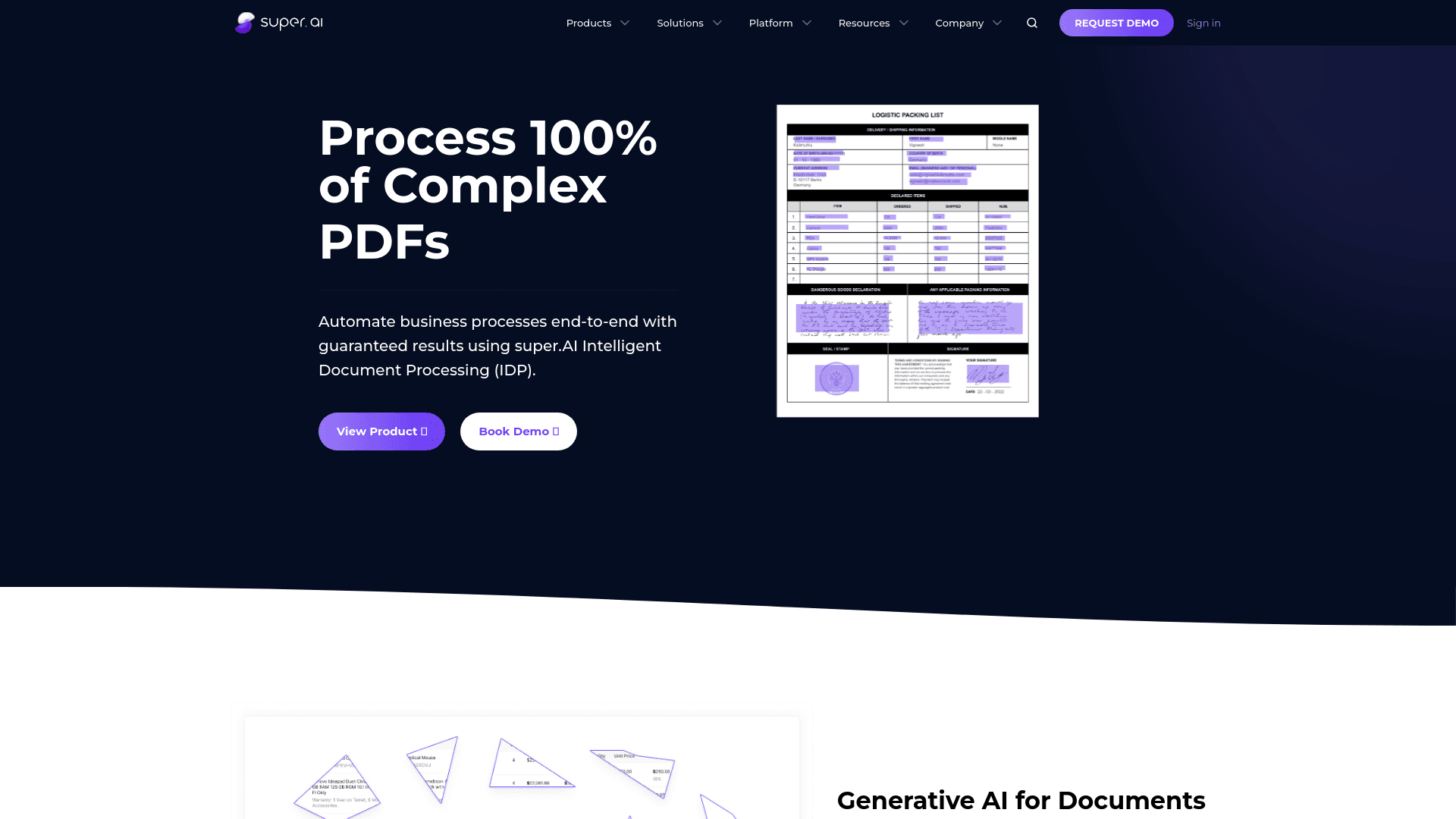
super.AI
Automate complex document tasks with precision and efficiency.

UiPath
Streamline workflows with AI-driven automation and seamless integration.

Appypie
Create apps and websites without coding expertise.

Inworld
Elevate game development with dynamic NPCs, immersive worlds, and AI-driven content creation.
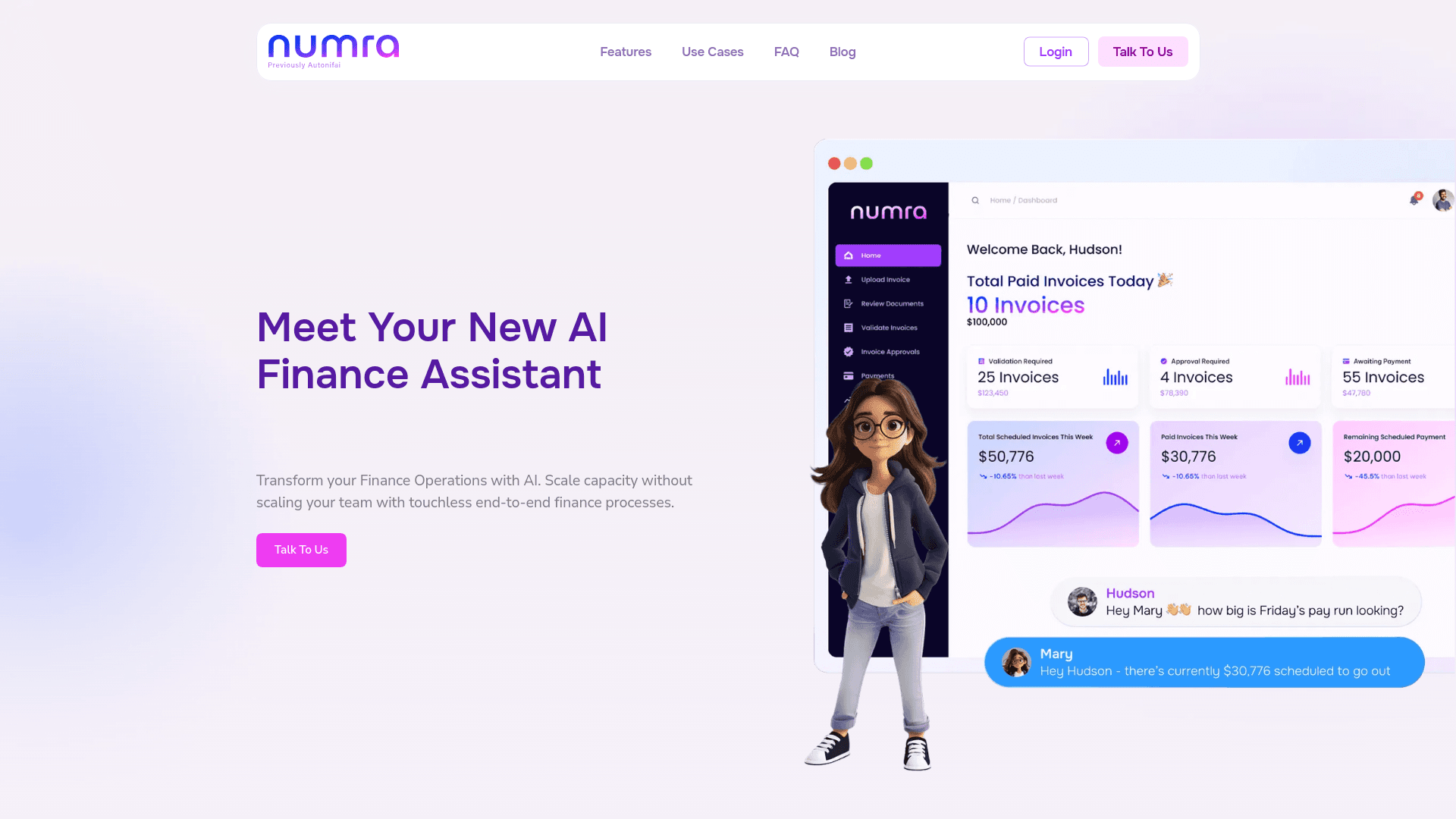
Numra
Revolutionize finance with AI-driven automation and seamless integration.
TurnCage
Effortlessly create SEO-optimized websites with AI guidance.
Nanonets
Transform business processes with AI-driven data extraction and automation.

Tabnine
Unlock rapid, secure coding with AI-driven personalized suggestions across IDEs.