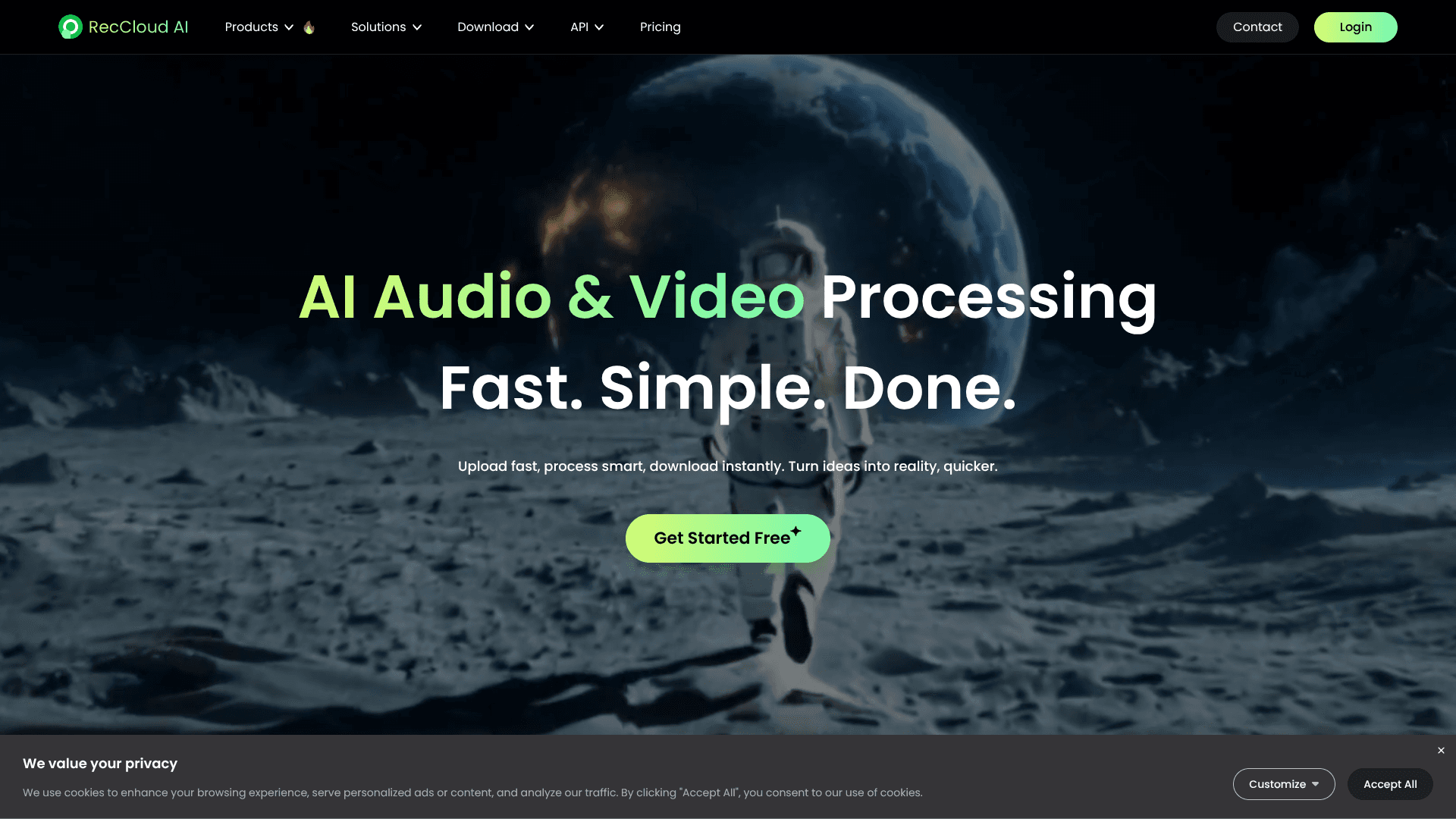
RecCloud
Transcribe, translate, dub, and repurpose audio/video quickly.
13,577
Votes
23,069
Views
6,857
Bookmarks
About
RecCloud focuses on AI audio and video processing, bundling speech to text, subtitles, translation, text to speech, summarization, and light editing in one browser based workspace. It targets creators, educators, marketers, and teams that want faster production pipelines without juggling several separate tools or desktop installs.
Key Features
- AI Speech to Text and Summaries: Transcribes meetings, lectures, and uploads, then auto cleans and summarizes text for quick review and note taking.
- AI Subtitle Generator and Video Translation: Auto creates subtitles, translates them into many languages, and supports dubbed audio with single or multiple synthetic voices.
- AI Voice and Text to Speech: Turns scripts into natural sounding speech in multiple languages and styles, including cross language voiceovers for global audiences.
- AI Video Utility Suite: Provides text to video generation, YouTube and local video summarization, clip maker, watermark and subtitle removal, vocal remover, screen recording, trimming, cropping, and merging tools.
Pros
- Versatile toolkit: One account covers transcription, translation, subtitles, voice, summarization, and quick edits in a single interface.
- Creator friendly workflows: Presets and flows focused on YouTube, TikTok, courses, and social clips shorten the route from recording to publish ready outputs.
- Language coverage: Multilingual support across speech, subtitles, and dubbing suits global creators, educators, and distributed teams.
- Security posture: ISO/IEC 27001 and 27701 certifications plus GDPR alignment are reassuring for organizations handling sensitive calls or lectures.
Cons
- Credit system complexity: Minute based and character based credit rules can confuse new users who just want a simple, predictable quota.
- Editing depth: Built in trimming and screen capture stay lighter than full professional editors for detailed color, audio, or timeline work.
- Integrations: API access exists, yet plug and play integrations into tools such as YouTube Studio, Premiere, or Slack are still limited.
Who Uses It
- Content Creators and YouTubers: Automating subtitles, translations, voiceovers, and vertical clips from long form videos.
- Online Educators and Course Platforms: Turning lectures into transcripts, multilingual subtitles, and concise lesson summaries for students.
- Marketing and Social Teams: Repurposing webinars into promo clips, localized product demos, and short social videos.
- Podcasters and Musicians: Transcribing episodes, pulling highlight snippets, and using vocal remover for instrumentals or karaoke versions.
- Uncommon Use Cases: Used for medical and Zoom transcription drafts before human review, and by small nonprofits creating multilingual advocacy videos on limited budgets.
Pricing
- Weekly: $15 per week; 300 credits per week, 2 concurrent tasks, 10 GB storage, unlimited file storage, and unlimited recording time.
- Basic (Annual): $4 per month; billed as $48 yearly, includes 3,000 credits per year, 2 concurrent tasks, 10 GB storage, unlimited file storage, and unlimited recording time.
- Pro (Annual): $4.92 per month; billed as $59 yearly, includes 6,000 credits per year, 2 concurrent tasks, 10 GB storage, unlimited file storage, and unlimited recording time.
- Business (Annual): $159 per month; includes 18,000 credits per year, 5 concurrent tasks, 100 GB storage, unlimited file storage, unlimited recording time, and batch processing.
- Credits: $240 one-time; 30,000 credits, valid for 1 year from purchase.
- Storage (100 GB): $4.10 per month; billed as $49 yearly, valid for 1 year from purchase.
You may also like
More tools in Video Tools

MokSa.AI
Enhances retail operations with AI-driven video intelligence.
Midjourney
Unlock true digital artistry.
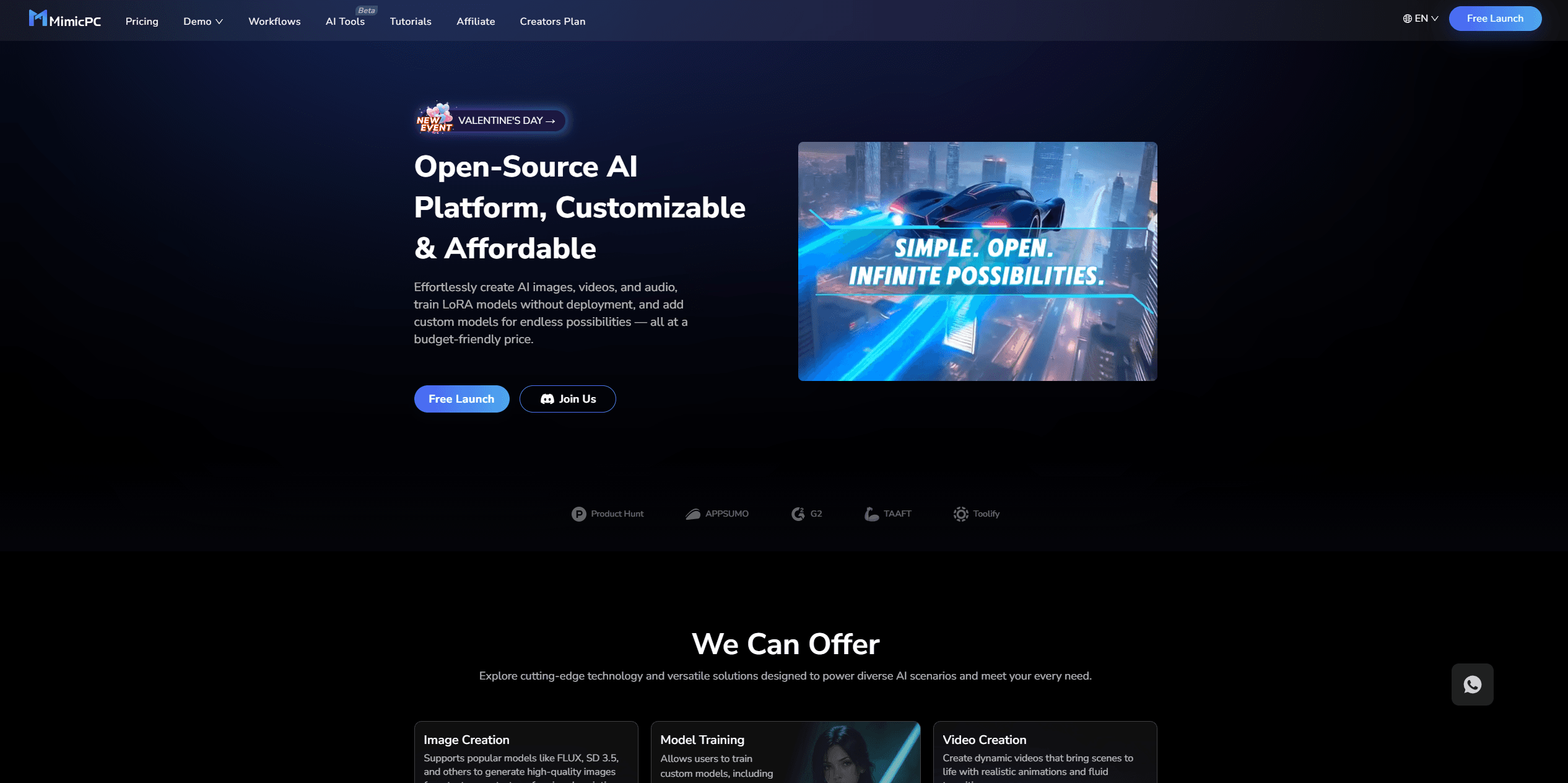
MimicPC
Unlock AI tools instantly, browser-based, no installs needed.
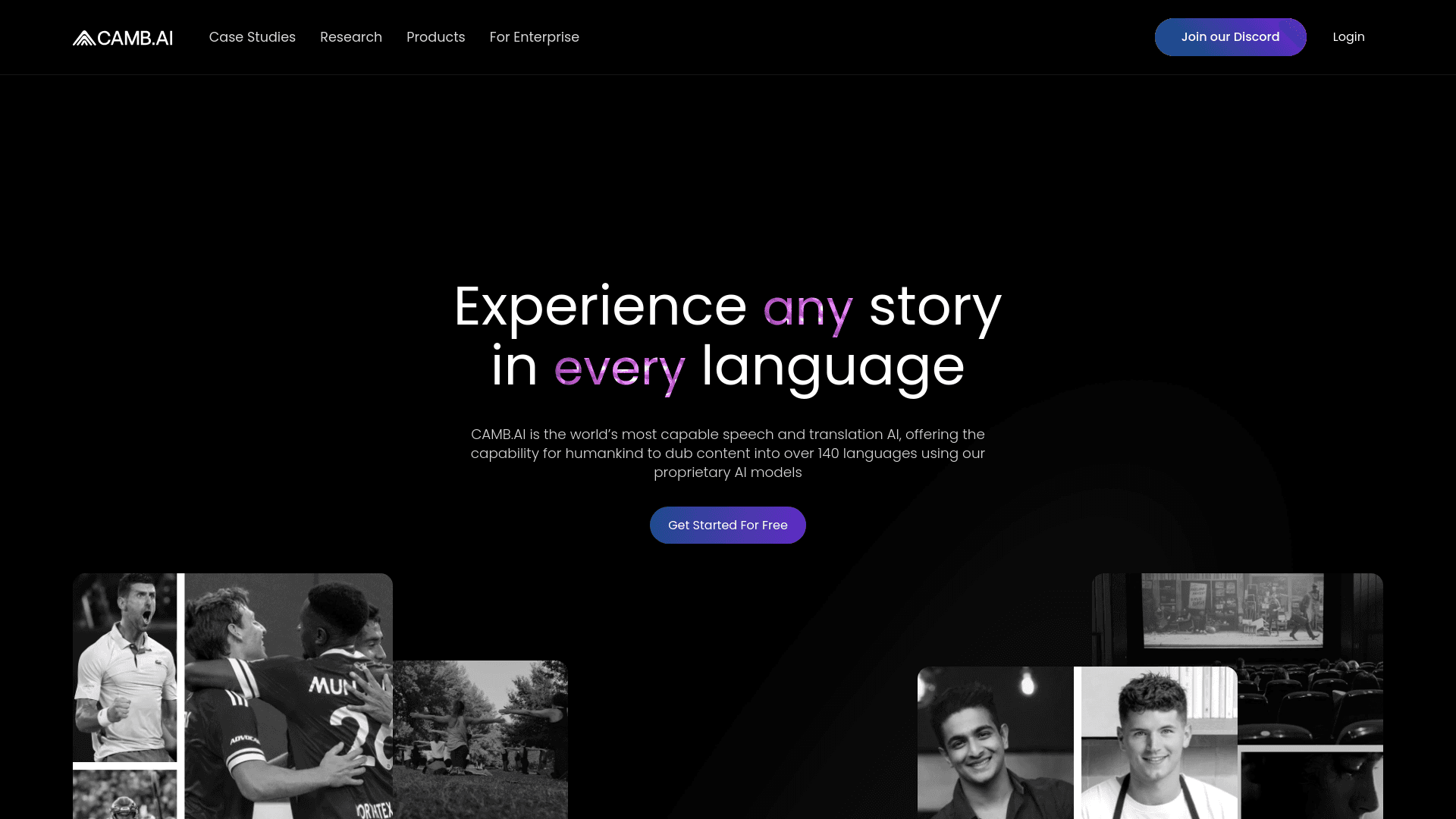
Camb.ai
Transforms video dubbing with nuanced voice preservation and 100+ languages.

Glato AI
Glato AI is an innovative platform that revolutionizes the creation of video content by leveraging artificial intelligence. With Glato AI, users can quickly produce high-quality, engaging, and viral v
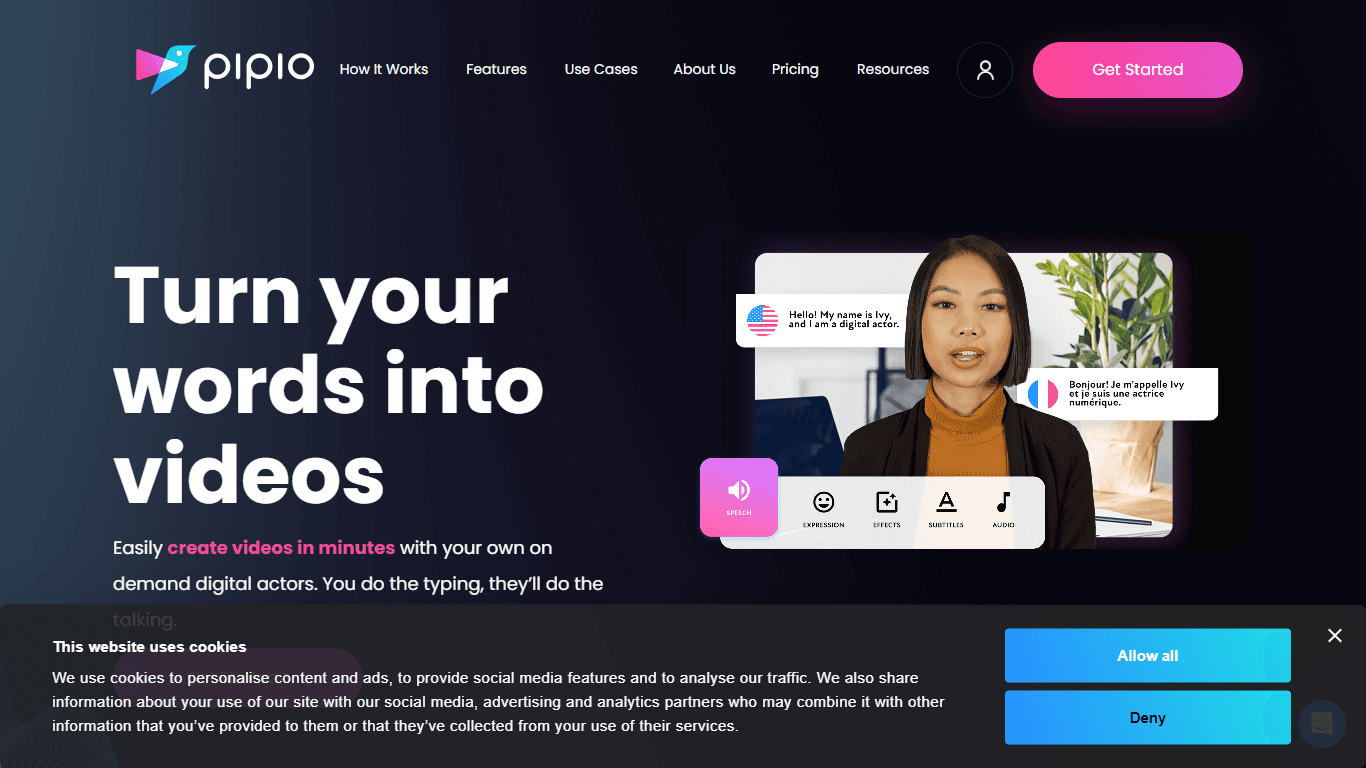
Pipio
Pipio is an innovative AI-powered video production platform designed to simplify the creation of professional videos. With Pipio, users can craft high-quality AI videos effortlessly by typing a script

Paper Animator
A tool to transform images and text into paper-style animations.
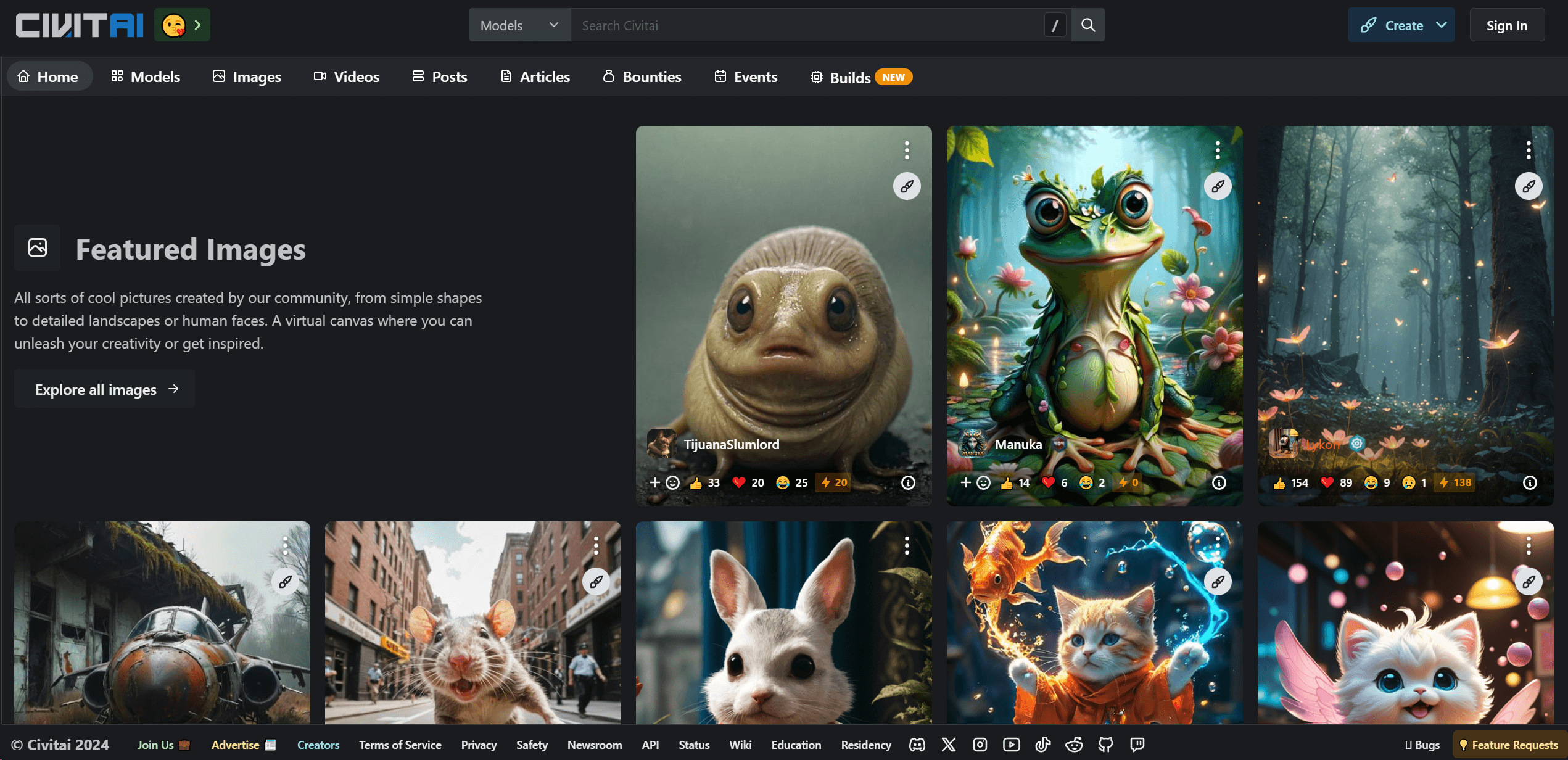
Civitai
Open-source platform for AI model creation and collaboration.

Eddie AI
A software for video editing through rough cuts and integrating with existing software.
Noisee AI
Find powerful Noisee AI alternatives for creators.
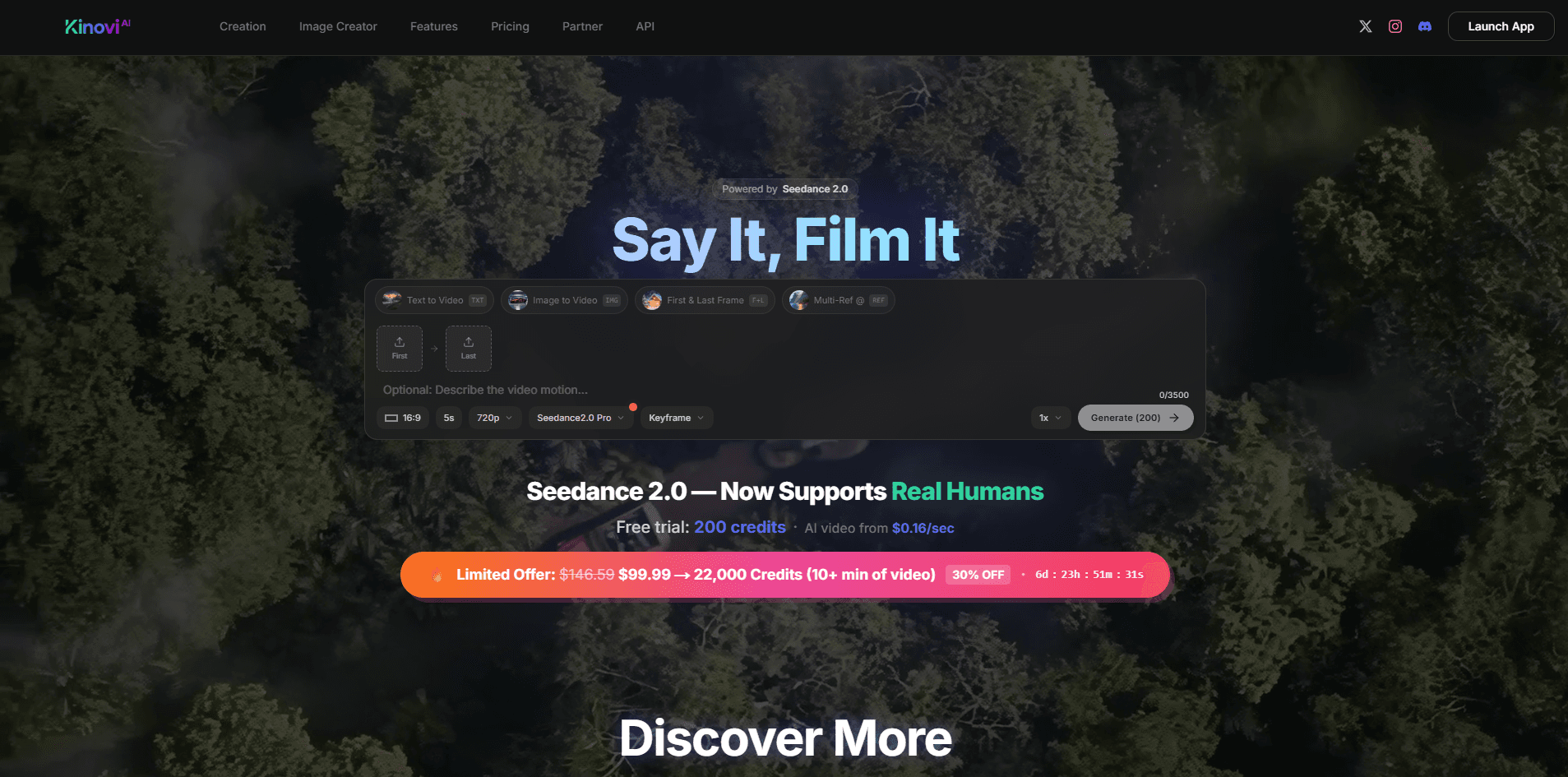
Kinovi
Direct cinematic clips from prompts and references.
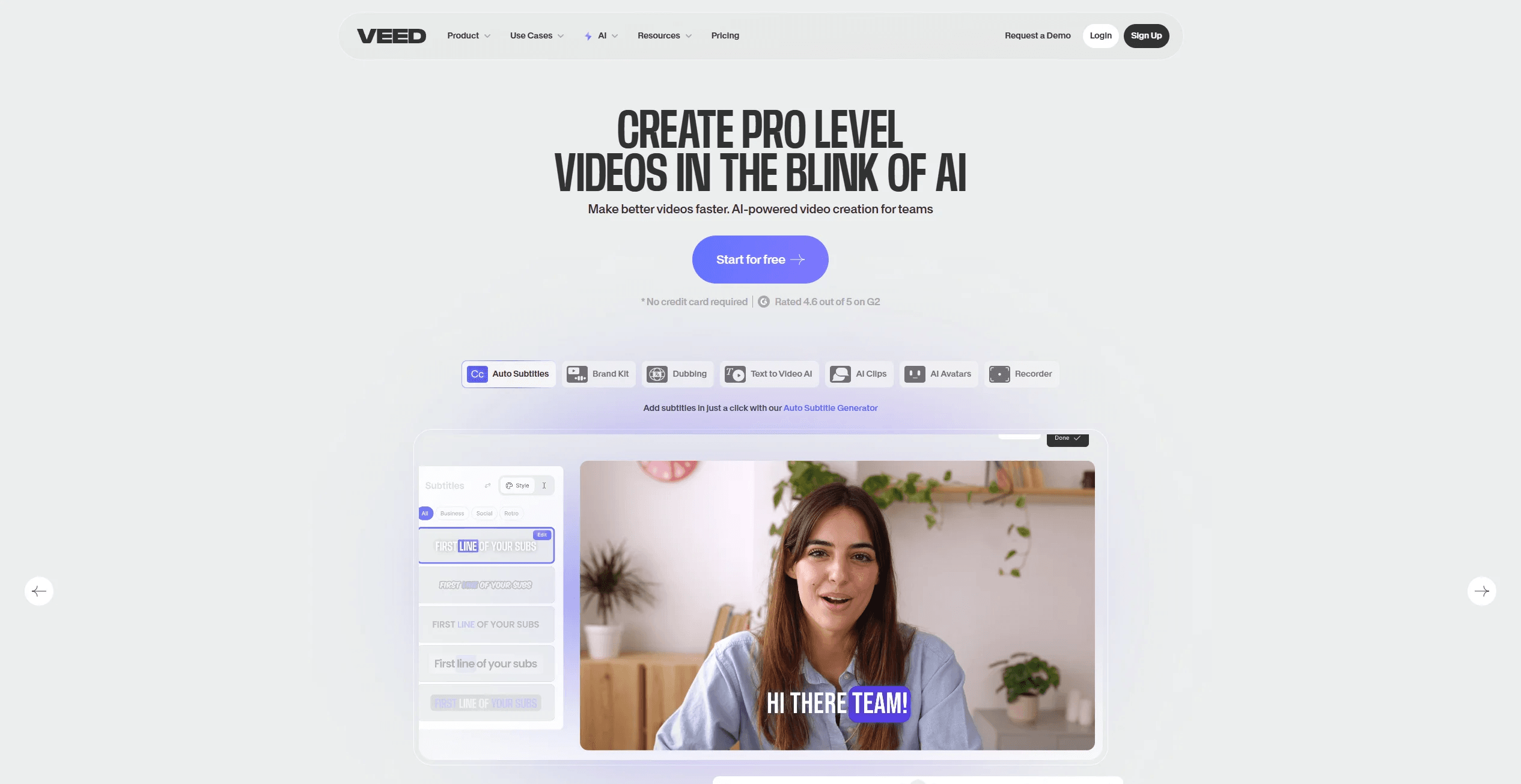
VEED.IO
Create, edit, subtitle, and translate pro-grade videos instantly.