
Pixelcode
Pixelcode is an innovative tool designed to simplify the process of converting code screenshots into editable code. This Chrome extension can save developers a significant amount of time by eliminatin
10,341
Votes
24,412
Views
6,657
Bookmarks
About
Pixelcode is an innovative tool designed to simplify the process of converting code screenshots into editable code. This Chrome extension can save developers a significant amount of time by eliminating the need to manually rewrite code extracted from various sources such as YouTube videos, images, or PDFs. Pixelcode is not just quick but also highly accurate, ensuring that the formatting of the captured code is preserved. The platform supports over 30 coding languages, including popular ones like Javascript, Python, and Java. Featuring a cropping tool to capture code with precision and a straightforward installation process, Pixelcode enhances productivity by making code extraction virtually instantaneous. Once extracted, the code is automatically copied to the clipboard for easy pasting into any IDE. Loved by a growing community of developers, Pixelcode offers flexible payment options, including pay-per-use and a lifetime deal for unlimited access.
Key Features
- Snap and Convert: Instantly turn screenshots from various mediums into editable code.
- Supports Over 30 Languages: Pixelcode recognizes and works with over 30 coding languages.
- Cropping Tool: Select and extract the exact code snippet you need.
- Clipboard Integration: Extracted code is copied directly to your clipboard.
- High Accuracy: Maintains code formatting for seamless integration into your workflow.
FAQ
How to install the Pixelcode chrome extension?
Once the purchase is completed, an installation link will be sent in the email receipt. Following the link, you can install Pixelcode like any standard Chrome extension.
How to use Pixelcode?
After installing the Chrome extension, click on the Pixelcode icon, capture the code snippet, and the code will be copied to your clipboard ready to be pasted into your editor.
How to set up my ChatGPT API key?
Follow the 3 steps guide provided on how to set up your ChatGPT API key.
Do you have access to my API key?
No, Pixelcode does not have access to your API key. It remains on your device.
Can I use Paypal?
Yes, at checkout you can opt to use either a credit card or Paypal.
You may also like
More tools in Code Tools

AI Magicx
AI Magicx enhances creativity with AI-driven design and coding.
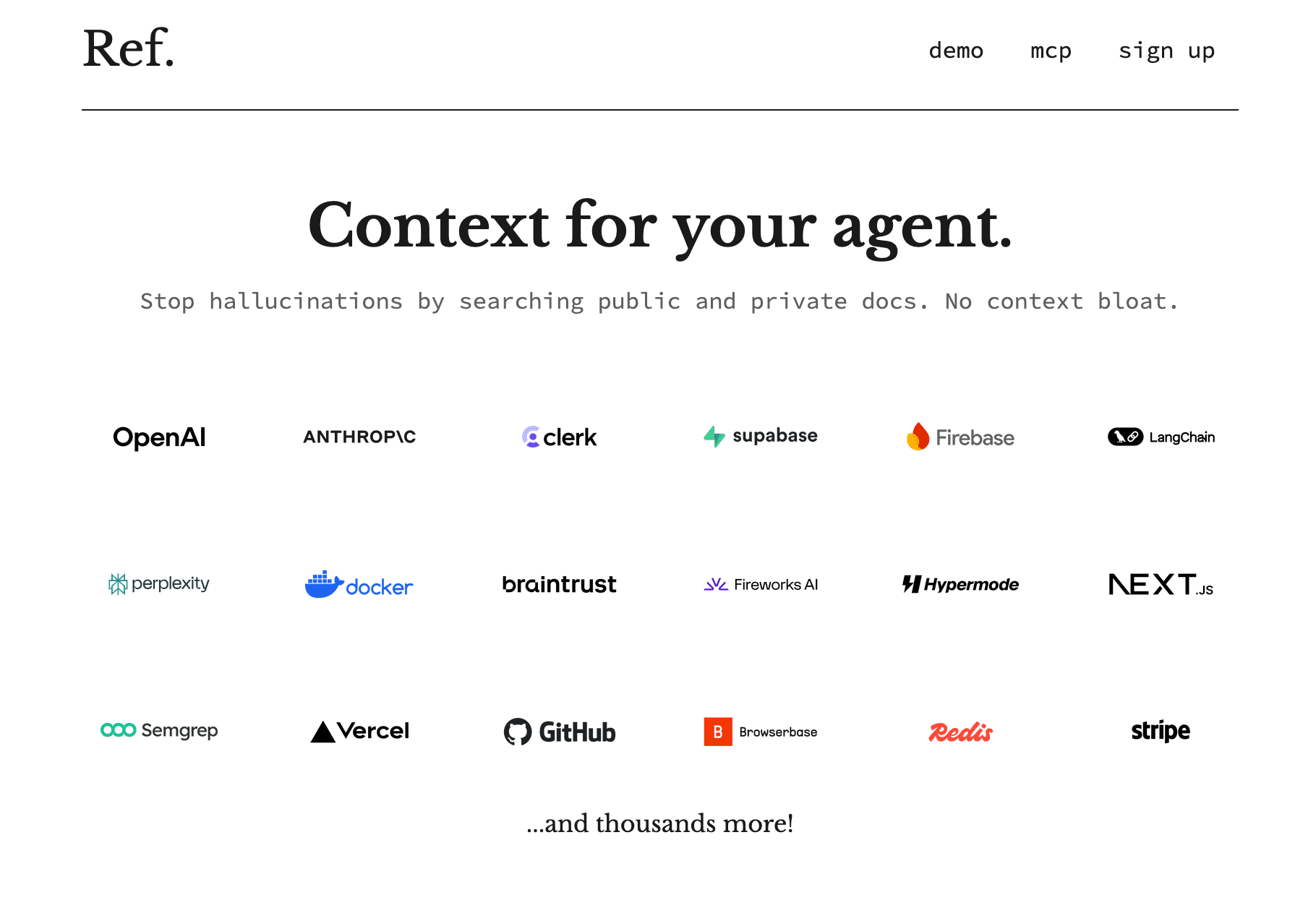
Ref Tools
A tool to provide documentation context for AI coding agents.

MakeForms
MakeForms’ AI Form Builder helps create responsive and customizable forms in just a few minutes by leveraging AI-powered suggestions for question types and form fields. Just provide the Form Name and
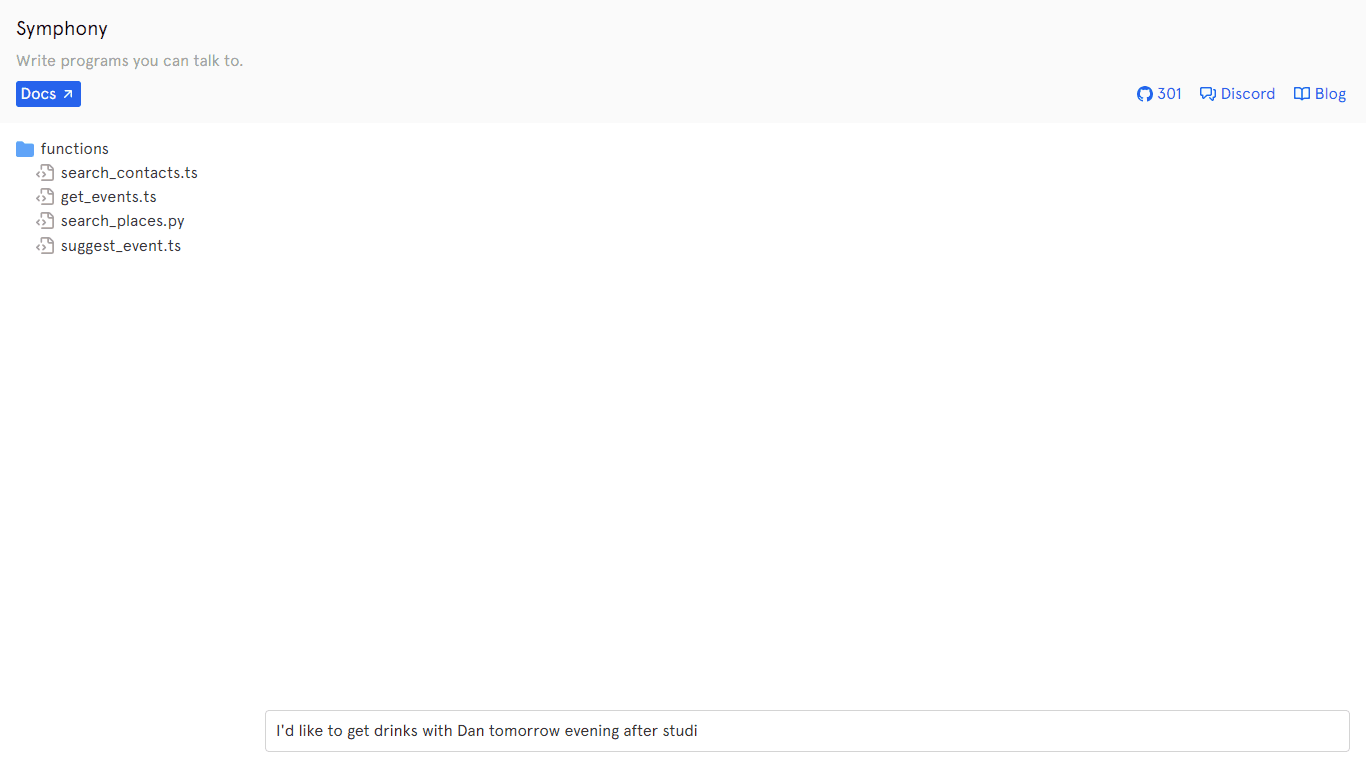
Symphony
Symphony is an innovative platform designed for users who want to streamline their interaction with programs through conversational interfaces. By enabling you to "write programs you can talk to," Sym
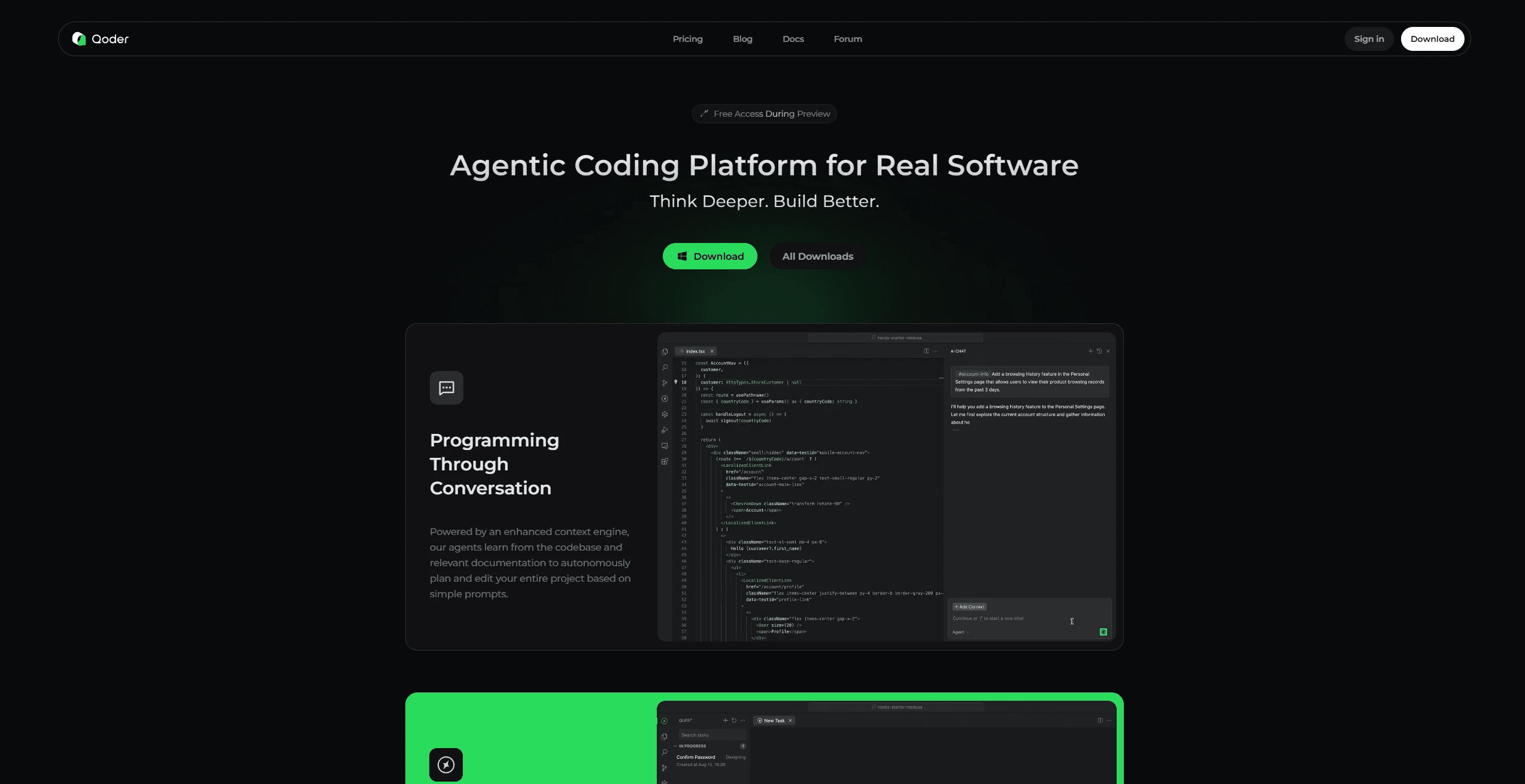
Qoder
Enhance coding efficiency with AI-driven insights.
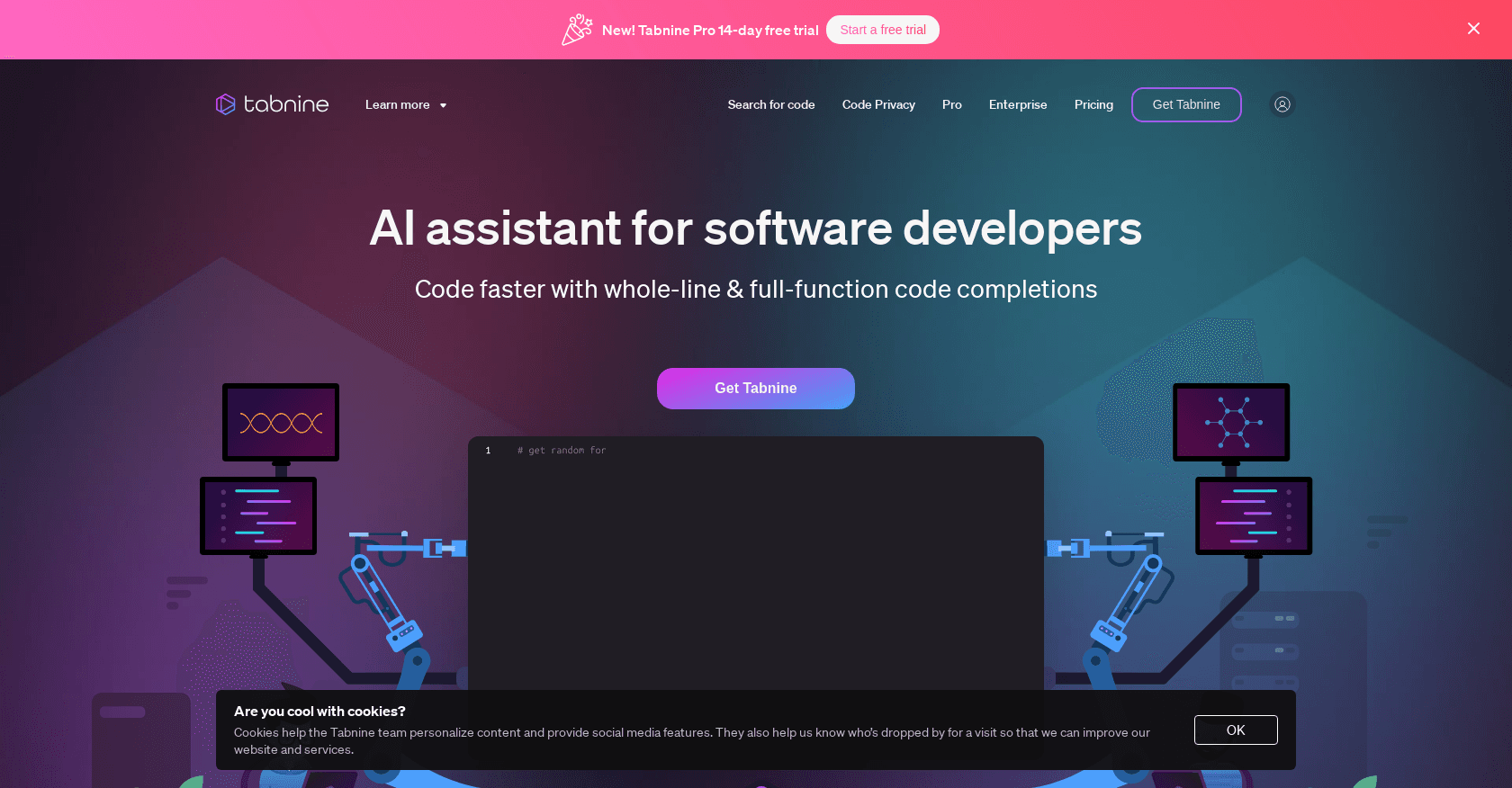
Tabnine
Unlock rapid, secure coding with AI-driven personalized suggestions across IDEs.
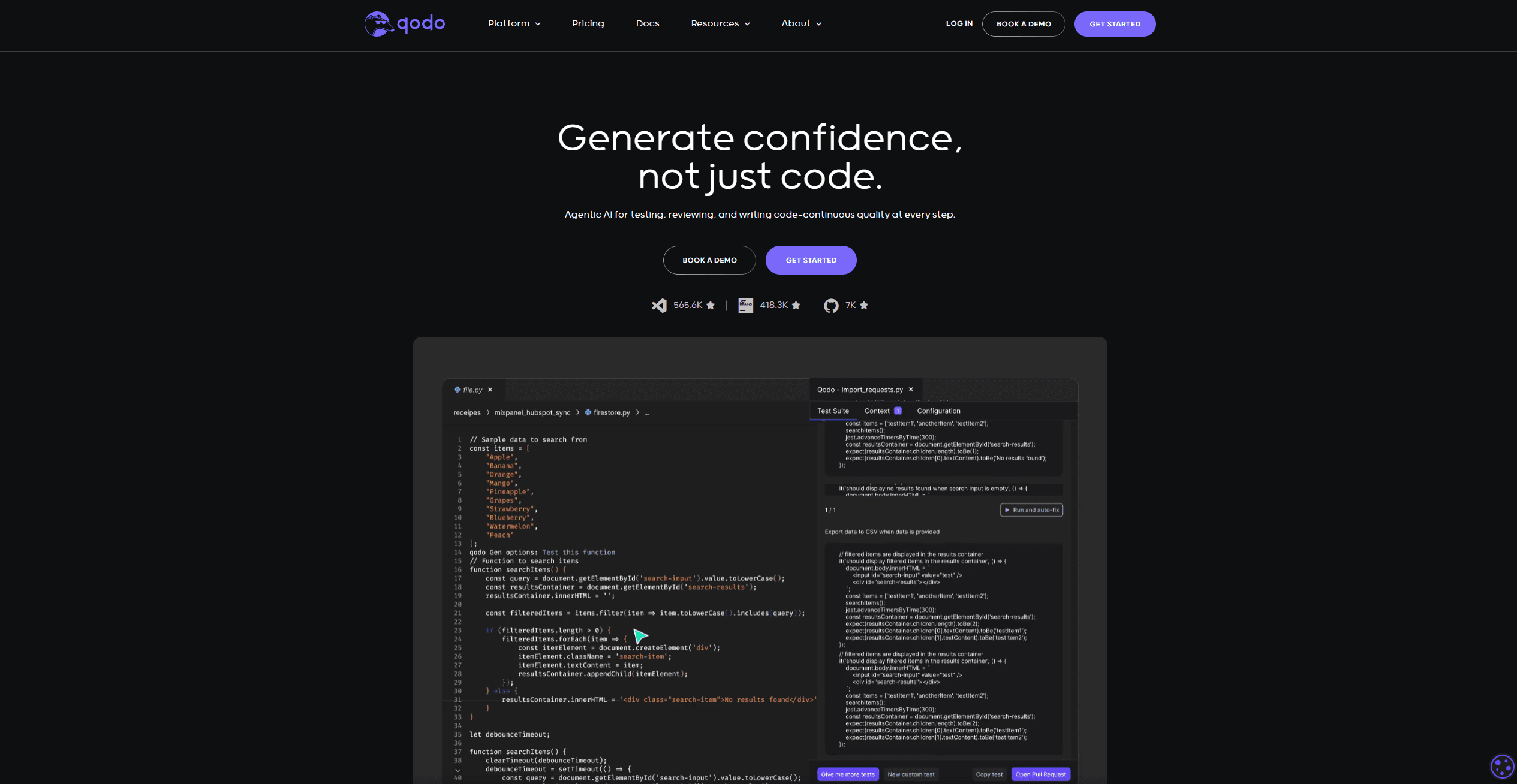
Qodo
Automates code reviews, test generation, and quality assurance.

CodeGate
A local proxy that enhances security for AI-assisted coding.

Ovren
Turn GitHub tickets into reviewable production-ready code.

Unity AI
Unity AI enhances game development by integrating an in-editor assistant that automates tasks, generates assets, and simplifies workflows. It helps creators focus on building by handling repetitive ta
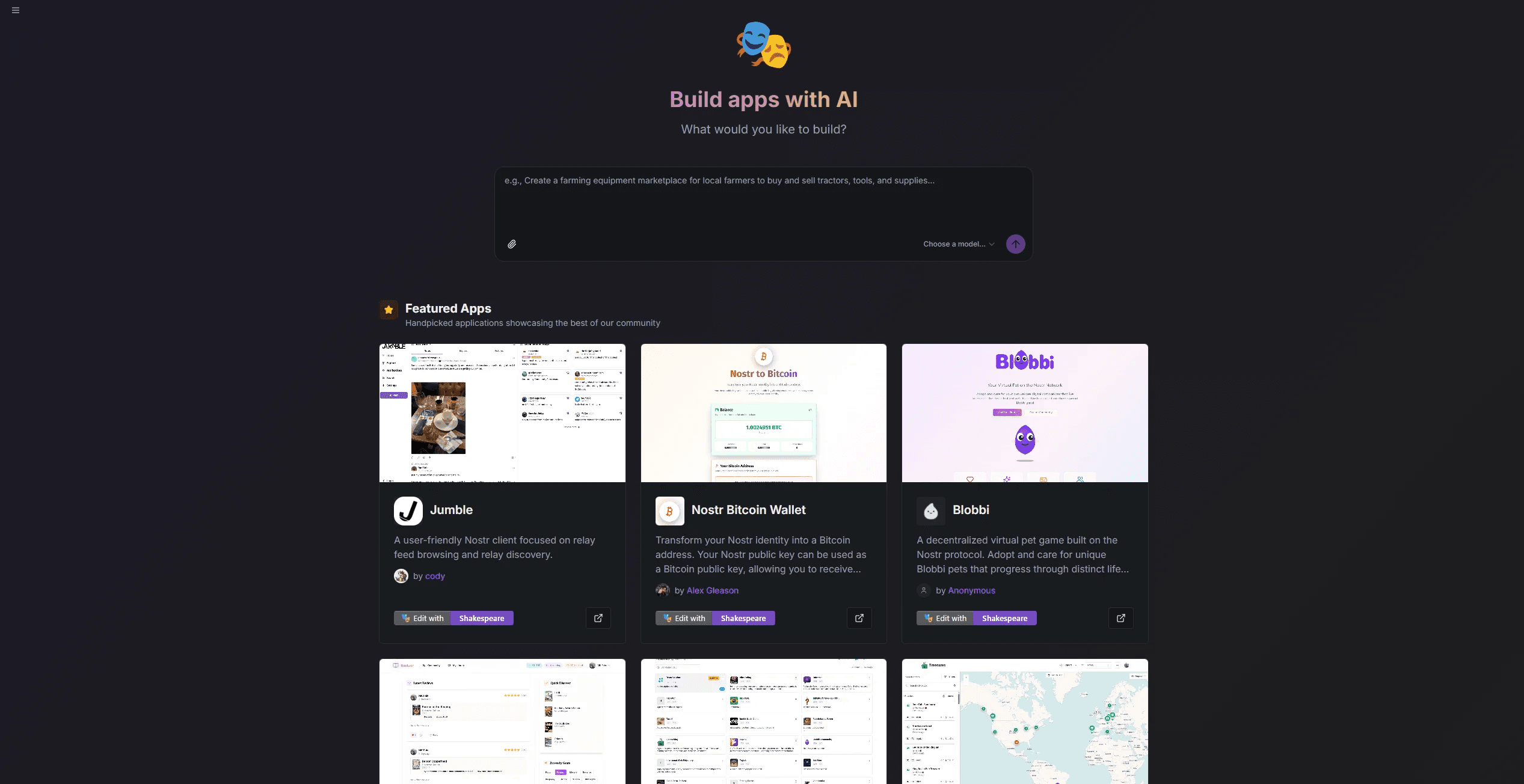
Shakespeare
Build, edit, and deploy fully customizable AI websites.
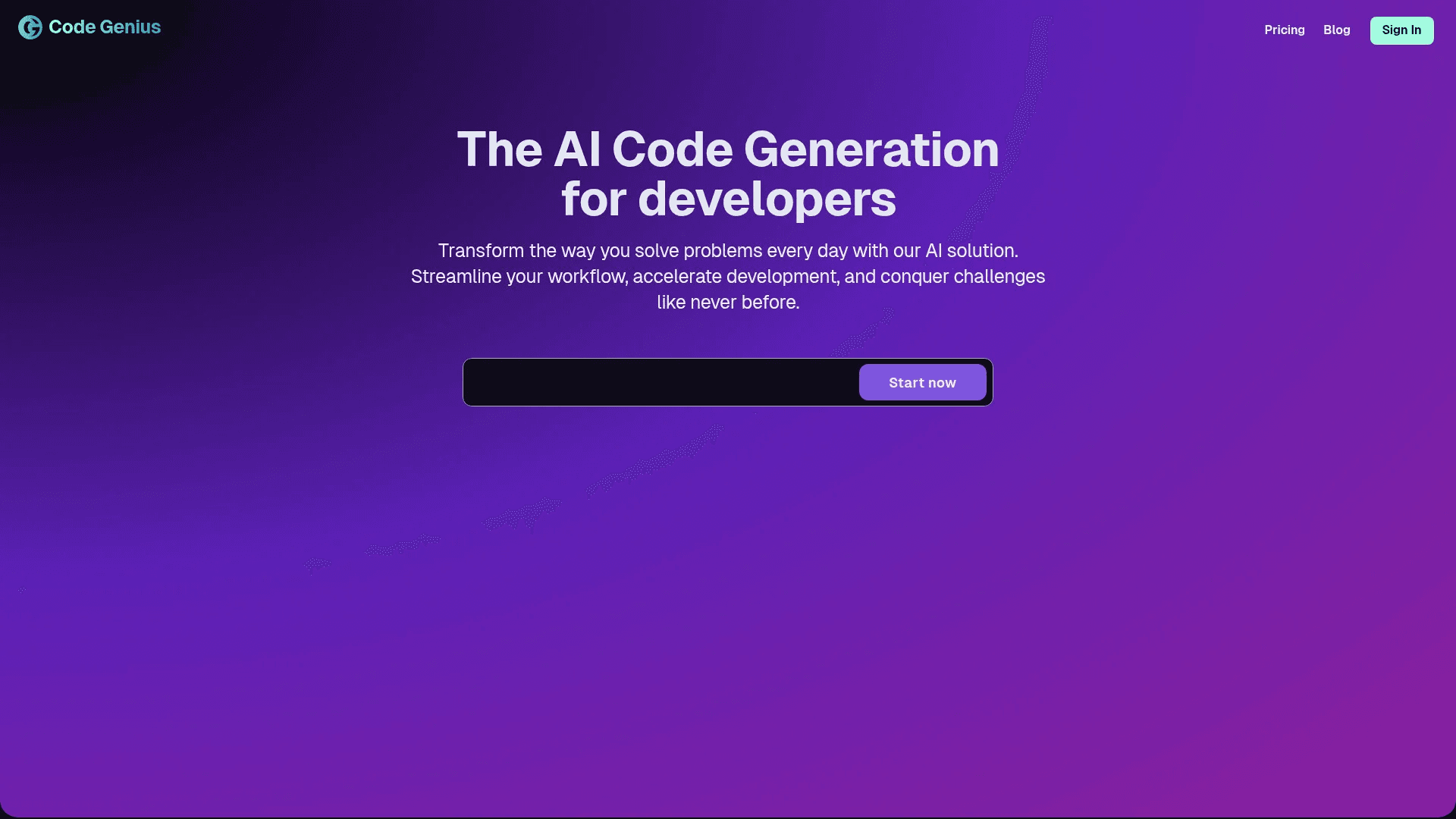
Code Genius
Streamlines React, Vue JS, and Tailwind CSS development.