
Pinster
Pinster is a contemporary bookmark manager specifically designed for macOS and iOS platforms, utilizing native technology to provide users with an efficient method for saving and accessing links. This
14,370
Votes
19,452
Views
7,419
Bookmarks
About
Pinster is a contemporary bookmark manager specifically designed for macOS and iOS platforms, utilizing native technology to provide users with an efficient method for saving and accessing links. This tool serves as a vital productivity resource for individuals seeking to streamline their everyday tasks by organizing their digital content effectively. The target audience includes professionals, students, and anyone who frequently engages with online content and requires a systematic approach to manage their bookmarks. The unique value proposition of Pinster lies in its AI-powered functionalities that enhance the user experience by offering intelligent summaries and chat capabilities. Users can interact with their saved articles, asking questions and receiving instant answers, which transforms the way they engage with their reading materials. Key differentiators include automatic categorization and tagging of bookmarks, smart lists that sort content based on metadata, and the ability to save various data types beyond just links, making it a comprehensive knowledge management tool.
Key Features
- AI-Powered Summaries: Automatically generates summaries for saved bookmarks, allowing users to quickly grasp content without needing to read the entire article.
- Smart Lists: Automatically sorts bookmarks based on metadata such as domain and date added, eliminating the need for manual organization.
- Nested Folders: Offers flexible organization through nested folders and AI-generated tags, ensuring that users can keep their bookmarks structured and easily accessible.
- Web Archiving: Allows users to archive bookmarks as web archives, ensuring that important webpages are never lost and can be revisited at any time.
- Multi-Data Type Support: Beyond links, users can save images, notes, and files, making Pinster a versatile tool for managing various forms of digital content.
FAQ
What platforms does Pinster support?
Pinster is designed specifically for macOS and iOS, ensuring a seamless experience across Apple devices.
How does the AI-powered summary feature work?
The AI-powered summary feature automatically generates concise summaries of saved articles, allowing users to quickly understand the content without reading the full text.
Can I organize my bookmarks in Pinster?
Yes, Pinster allows users to organize bookmarks using nested folders and AI-generated tags, making it easy to maintain a structured library.
What types of data can I save with Pinster?
In addition to links, Pinster supports saving images, notes, and files, providing a comprehensive solution for knowledge management.
Is there a way to retrieve archived bookmarks?
Yes, users can access their archived bookmarks as web archives, ensuring that important webpages are preserved and easily retrievable.
How does the smart lists feature enhance bookmark management?
Smart lists automatically categorize and sort bookmarks based on metadata, reducing the need for manual organization and improving efficiency.
You may also like
More tools in Text Generators

Blog Post Generator
Generates SEO-optimized blog posts

Mythic Text
A tool to transform markdown and plain text into formatted content across multiple output formats.

AI Magicx
AI Magicx enhances creativity with AI-driven design and coding.
GPT for Sheets and Docs
Elevate productivity in Sheets and Docs with AI-powered automation and creativity.

Visual Translate
Instantly localize on-screen video text and graphics.

Summit
Summit is a comprehensive AI-powered platform designed to revolutionize the way businesses optimize their operations. With an array of cutting-edge features and advanced algorithms, Summit offers unpa

Deep Realms
AI-powered platform for crafting immersive, interactive storytelling experiences.

Camb.ai
Transforms video dubbing with nuanced voice preservation and 100+ languages.

Humy.ai
Humy.ai is a trailblazing Artificial Intelligence (AI) platform dedicated to enhancing the educational experience for both teachers and students through personalized, AI-enhanced tools. With a signifi
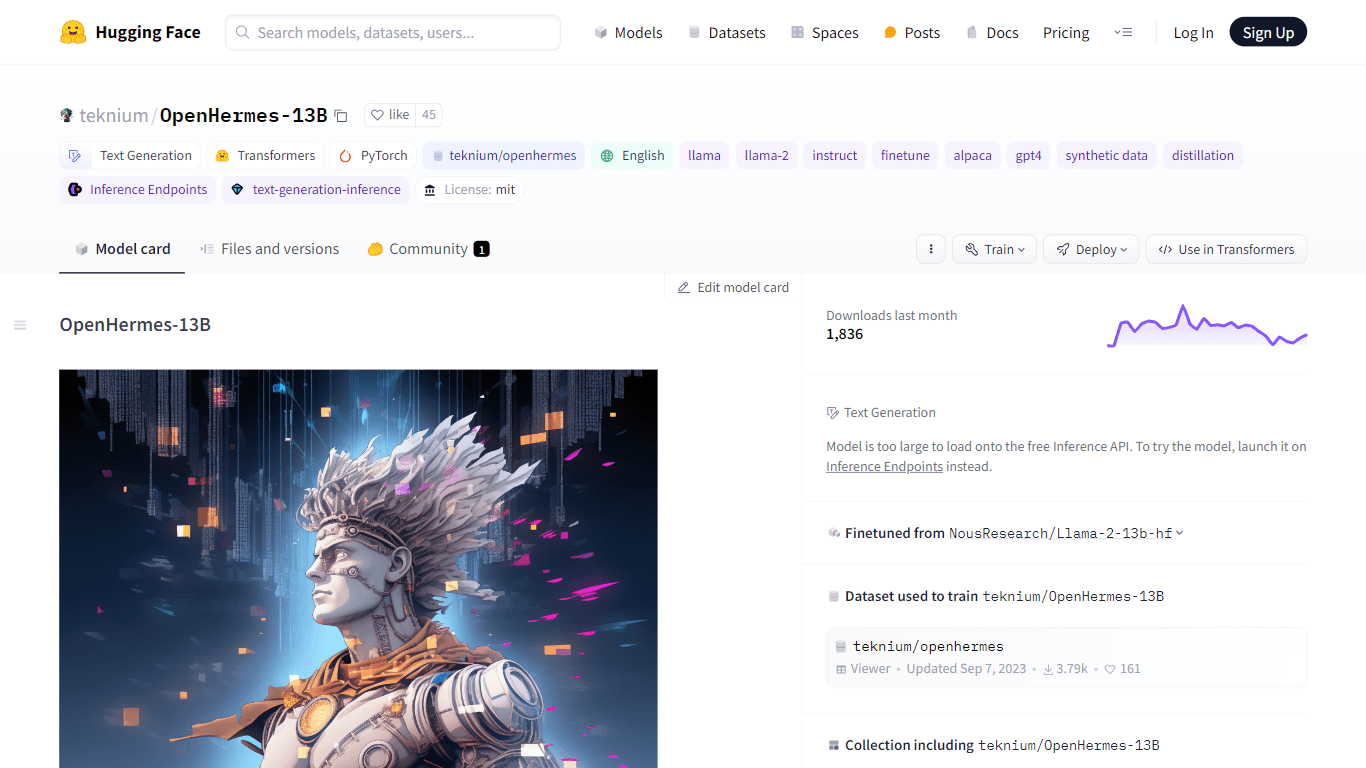
OpenHermes-13B
Discover OpenHermes-13B, an advanced fine-tuned model from teknium that leverages the robust GPT-4 generated dataset collected from diverse AI solutions. Meticulously trained on a fully open-source da

Topic Mojo
Topic Mojo is a powerful and comprehensive research tool designed to help individuals and businesses uncover valuable insights into listener interests, preferences, and trends. With Topic Mojo, you ca

No more copyright
Make Free Non-Copyright Images is a powerful online tool designed to help users create and access high-quality images without the worry of copyright restrictions. The core functionality of this platfo