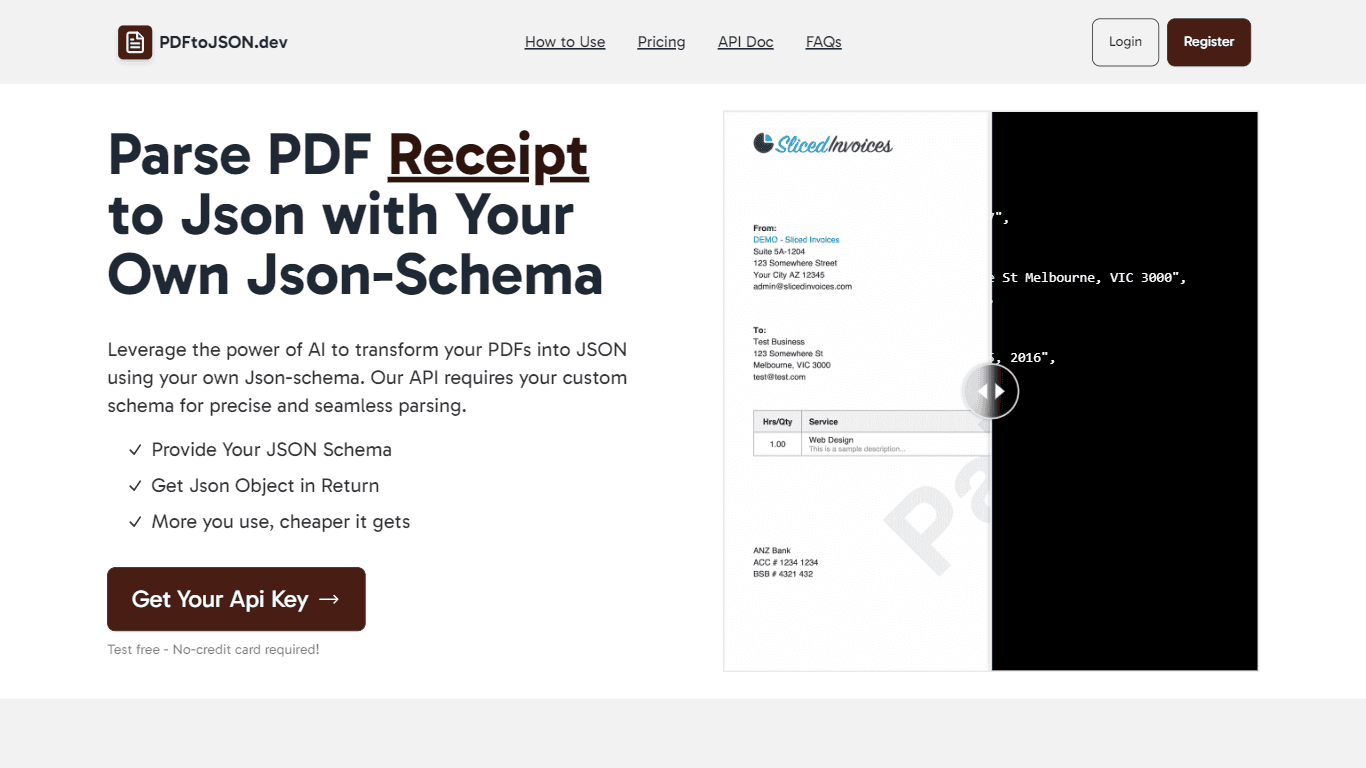
PDF to Json
The PDF to JSON Parser using AI is a powerful tool designed to convert various types of PDF documents, such as invoices, resumes, and receipts, into structured JSON format. This tool leverages artific
11,394
Votes
14,879
Views
6,875
Bookmarks
About
The PDF to JSON Parser using AI is a powerful tool designed to convert various types of PDF documents, such as invoices, resumes, and receipts, into structured JSON format. This tool leverages artificial intelligence to ensure that the parsing process is not only efficient but also accurate, allowing users to extract relevant data from their PDFs seamlessly. By requiring users to provide their own JSON schema, the tool ensures that the output is tailored to specific needs, making it a versatile solution for different applications. Targeting businesses and developers who need to process large volumes of PDF documents, this tool is particularly useful for those in finance, human resources, and data management sectors. The ability to customize the JSON output according to user-defined schemas means that organizations can integrate the parsed data into their existing systems without the hassle of reformatting or manual data entry. This feature significantly reduces the time and effort required to manage document data. One of the unique value propositions of this tool is its focus on precision. Unlike other PDF parsing solutions that may generate generic JSON outputs, this tool ensures that the data is parsed according to the user's specifications. This level of customization not only enhances the accuracy of the data extracted but also increases the overall efficiency of data processing workflows. Key differentiators include the user-friendly API that allows for easy integration into existing applications, as well as the initial offering of 5 free credits for new users to test the service. This approach lowers the barrier to entry for potential users, allowing them to evaluate the tool's capabilities before committing to a purchase. Additionally, the pricing model is designed to be cost-effective, with lower rates for higher usage, making it an attractive option for businesses of all sizes. In terms of technical implementation, users must register to obtain an API key, which is necessary for making requests to the service. The API documentation provides clear instructions on how to use the tool effectively, ensuring that users can quickly get started with their PDF parsing tasks. Overall, the PDF to JSON Parser using AI stands out as a reliable and efficient solution for converting PDF documents into structured data formats.
Key Features
- Custom JSON Schema: Users can provide their own JSON schema, ensuring that the output matches their specific data requirements.
- AI-Powered Parsing: The tool uses artificial intelligence to accurately extract data from PDFs, making the process efficient and reliable.
- Free Testing Credits: New users receive 5 free credits to test the API, allowing them to evaluate the service before purchasing credits.
- User-Friendly API: The API is designed for easy integration, making it simple for developers to incorporate PDF parsing into their applications.
- Cost-Effective Pricing: The pricing model offers lower rates for higher usage, making it affordable for businesses of all sizes.
FAQ
What types of documents can I parse with this tool?
You can parse various types of PDF documents, including invoices, resumes, receipts, and more.
How do I get started with the PDF to JSON Parser?
To get started, you need to register and obtain an API key. After registration, you will receive 5 free credits to test the API.
Can I use my own JSON schema for parsing?
Yes, you can provide your own JSON schema when making requests to the API, ensuring that the output is in your desired format.
What happens if I run out of free credits?
Once you run out of free credits, you can purchase additional credits through the dashboard.
Is there a refund policy for purchased credits?
No, every purchase of credits is final, and there are no refunds provided.
How much does it cost to use the API?
The cost is $0.024 per request, and the more you use it, the cheaper it gets.
You may also like
More tools in Data & Analytics

Supametas.AI
A tool to transform unstructured data into structured formats for AI models and knowledge bases.
ZEN AI
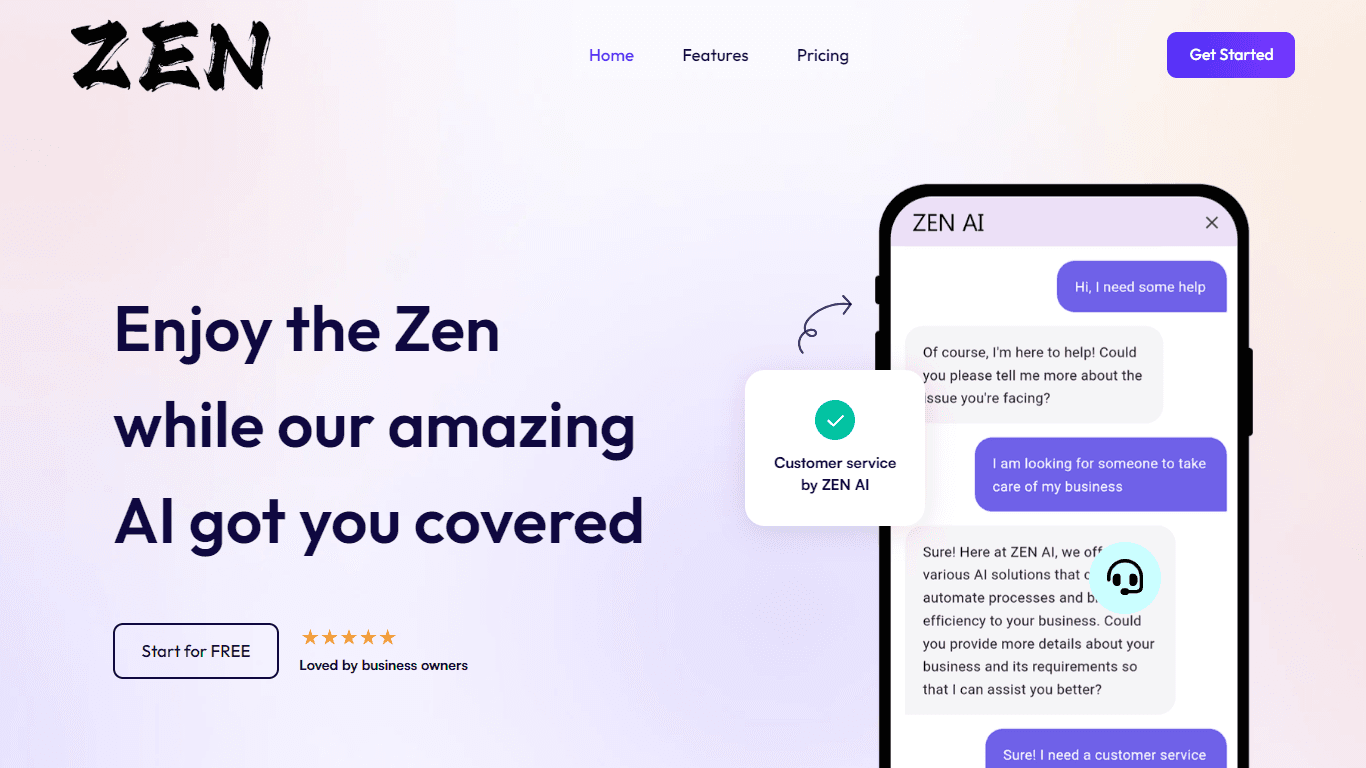
Discover unparalleled customer service with ZEN AI, an intelligent customer support assistant designed for businesses of all sizes. ZEN AI operates around the clock, ensuring that your customers alway

AICosts.ai
A tool to centralize tracking and optimization of spending across multiple AI services.
Align AI
Streamlines AI strategy alignment with business objectives.
InstaSpeak
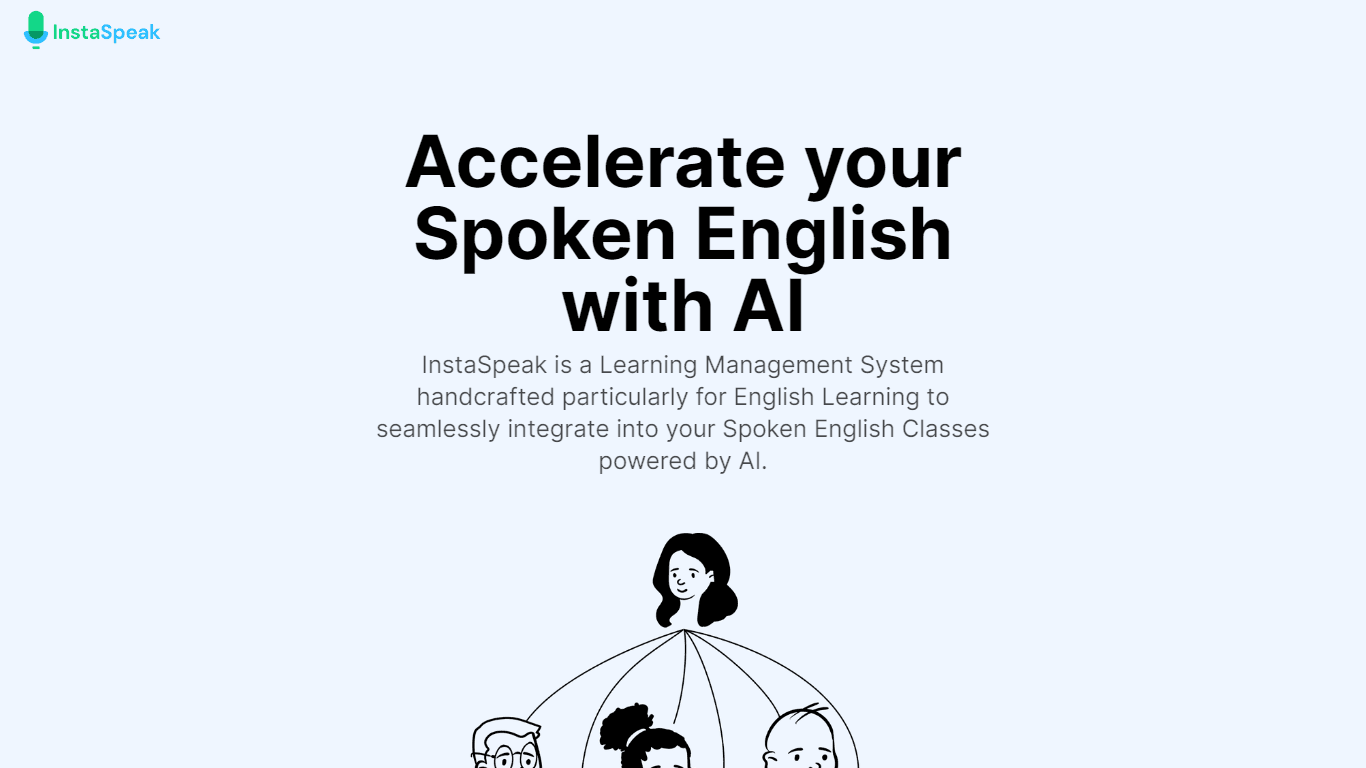
InstaSpeak is an innovative AI-powered Learning Management System designed specifically for enhancing spoken English skills. It provides a unique platform that integrates effortlessly with your Englis

Tagshop AI
A tool to generate video ads from prompts and assets.

RowSpeak
Turn messy spreadsheets into clear, ready reports.
Help Docs Generator
A tool to generate customer support help docs from SaaS product screenshots.
Winday
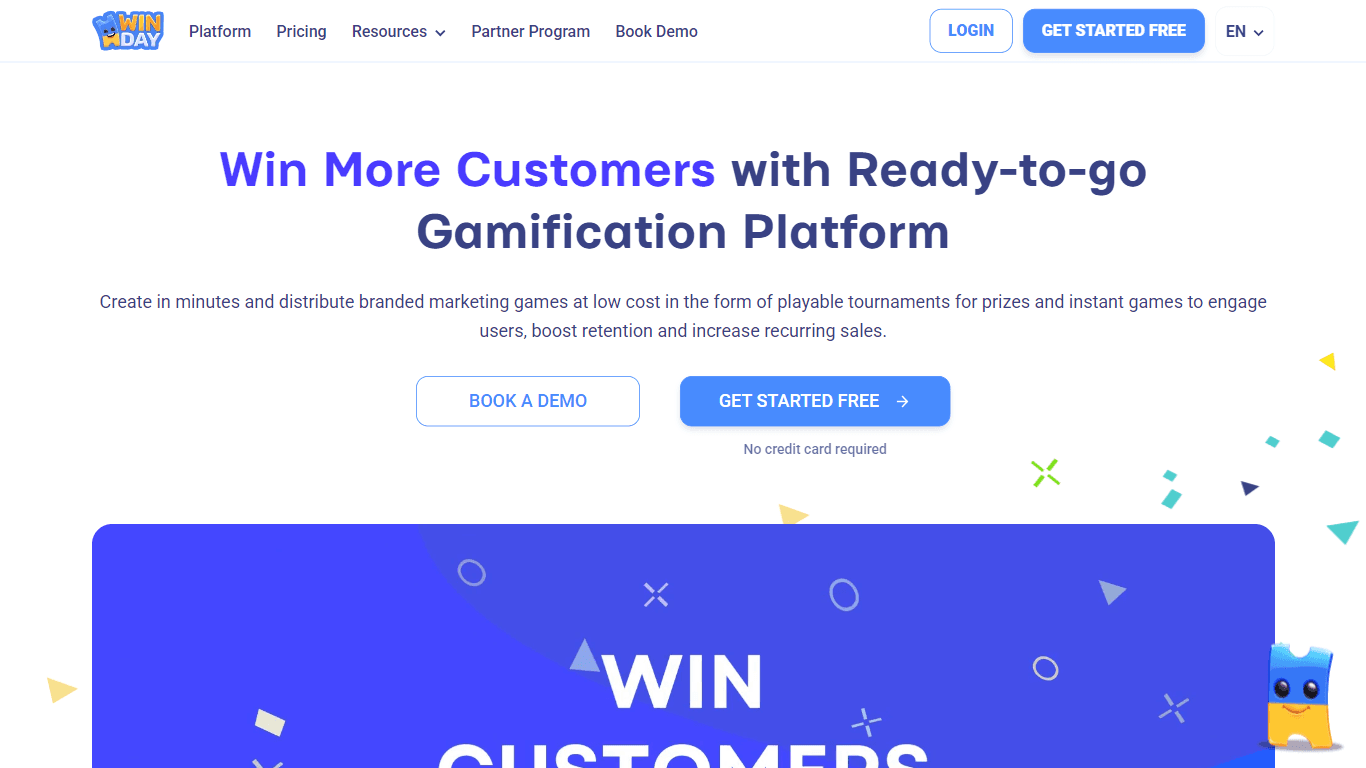
Winday is a no-code gamification platform that helps brands and creators design and launch branded marketing games quickly. It supports two main game types: Instant Games for quick coupon distribution

Prose Fusion
A tool to assist writers with organization, editing, and prompts.
The North
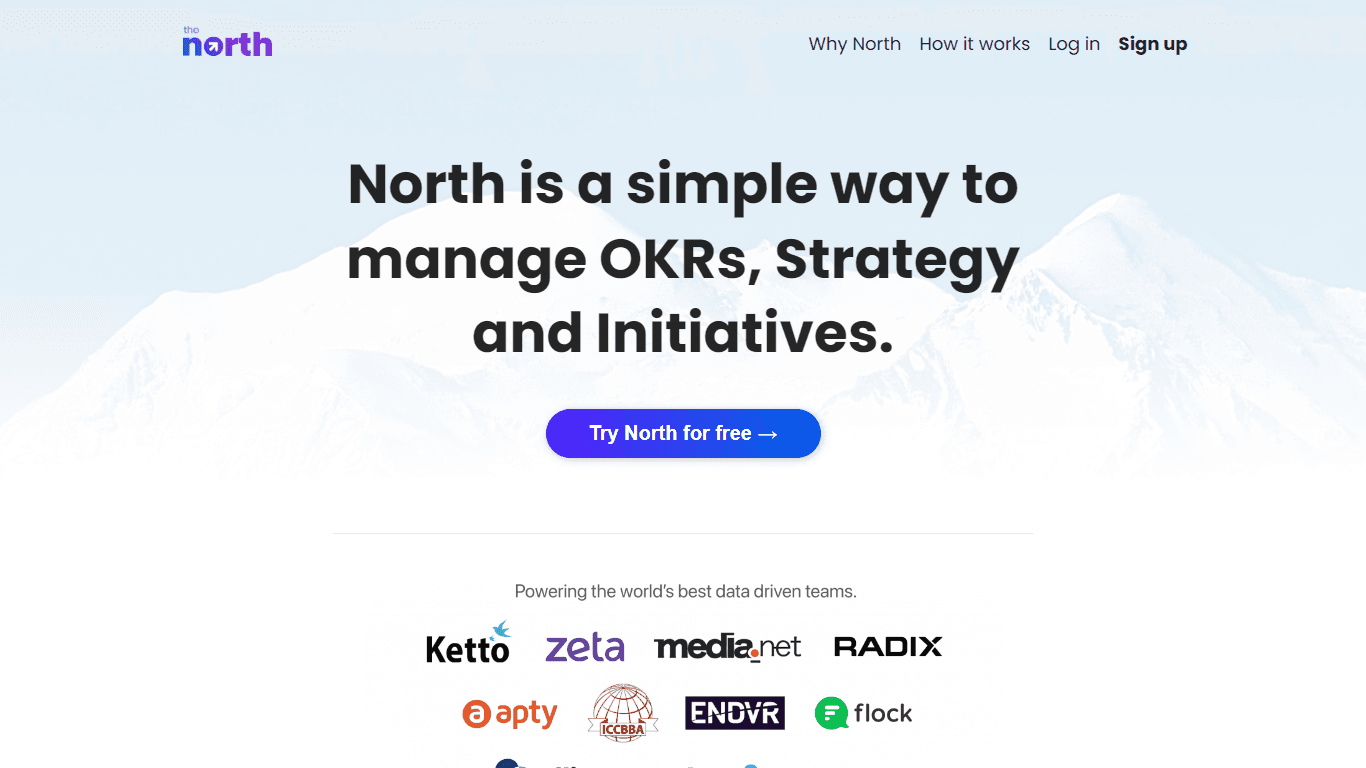
North is an intuitive platform designed to simplify the management of Objectives and Key Results (OKRs), Strategy, and Initiatives for businesses of all sizes. It is a tool that directs teams to trans
Qoder
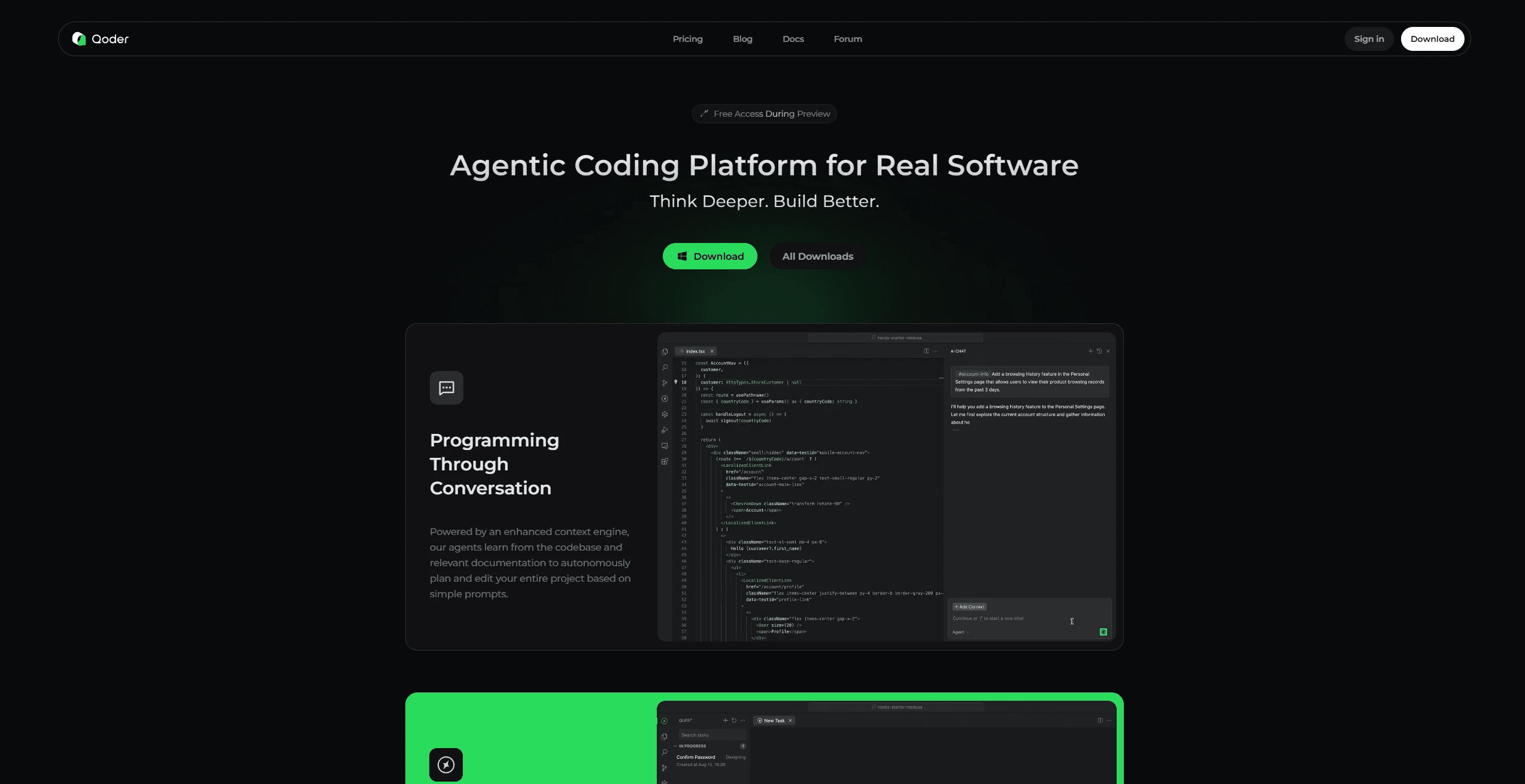
Enhance coding efficiency with AI-driven insights.