
PaintShop Pro
Transform photos and designs with AI-enhanced editing tools.
9,906
Votes
17,483
Views
6,565
Bookmarks
About
PaintShop Pro is a sophisticated photo editing software developed by Corel, designed to cater to both amateur and professional photographers and graphic designers. With its comprehensive suite of tools, it stands out as a robust platform for not only photo editing but also for graphic design and digital art creation. PaintShop Pro offers a blend of user-friendly interfaces and professional-grade features that streamline workflows and enhance creativity.
Key Features
- Advanced Editing Tools: PaintShop Pro includes a wide array of editing tools from basic adjustments to advanced photo manipulation. This allows users to perform tasks such as retouching, color grading, and composite editing with precision.
- Graphic Design Features: Beyond photo editing, it provides extensive graphic design tools that help in creating logos, web graphics, and print layouts.
- AI-Powered Solutions: Utilizing artificial intelligence, the software offers features like AI Upsampling, AI Artifact Removal, and AI Style Transfer, which significantly enhance image quality and artistic expression.
- Layer-Based Editing: It supports complex, layer-based editing which is crucial for professional-grade photo composites, allowing for intricate adjustments and effects.
- 360° Photo Editing: PaintShop Pro supports editing 360-degree photos, enabling photographers to work with this modern format in innovative ways.
Pros
- Cost-Effective: Compared to other professional photo editing software, PaintShop Pro is relatively affordable, offering a powerful toolset without the hefty price tag.
- Comprehensive Toolset: With tools for photo editing, graphic design, and even video editing in the Ultimate bundle, it's a versatile software suitable for a wide range of creative tasks.
- Customization: Users can customize the interface and toolbars, which makes it adaptable to different workflows and user preferences.
- Support for Plugins: Extends its functionality with support for third-party plugins, particularly those designed for Adobe Photoshop, enhancing its versatility.
Cons
- Windows Only: Currently, PaintShop Pro is available only for Windows users, limiting its accessibility for Mac users.
- Learning Curve: While it is user-friendly, the vast range of features can be overwhelming for beginners.
- Performance Issues: Some users report slow performance, especially when handling large files or complex edits on less powerful PCs.
Who Uses It
- Professional Photographers: Utilizing the tool for high-quality photo editing and preparing images for publication.
- Graphic Designers: Employing the tool for creating graphics, logos, and marketing materials.
- Hobbyists: Enthusiasts using the software to enhance their personal photo projects or start learning graphic design.
- Small Business Owners: Leveraging the software to create promotional materials and content for social media.
- Uncommon Use Cases: Used in academic settings for teaching digital media courses; utilized by real estate agents to enhance property photos for listings.
Pricing
- PaintShop Pro 2023 Standard: Starts at $79.99 as a one-time purchase.
- PaintShop Pro 2023 Ultimate: Priced at $99.99, offering additional features and bundled software.
- Photo Video Bundle Ultimate: Available for $159.99, combining the power of PaintShop Pro and VideoStudio.
You may also like
More tools in Art Generators

AI Magicx
AI Magicx enhances creativity with AI-driven design and coding.
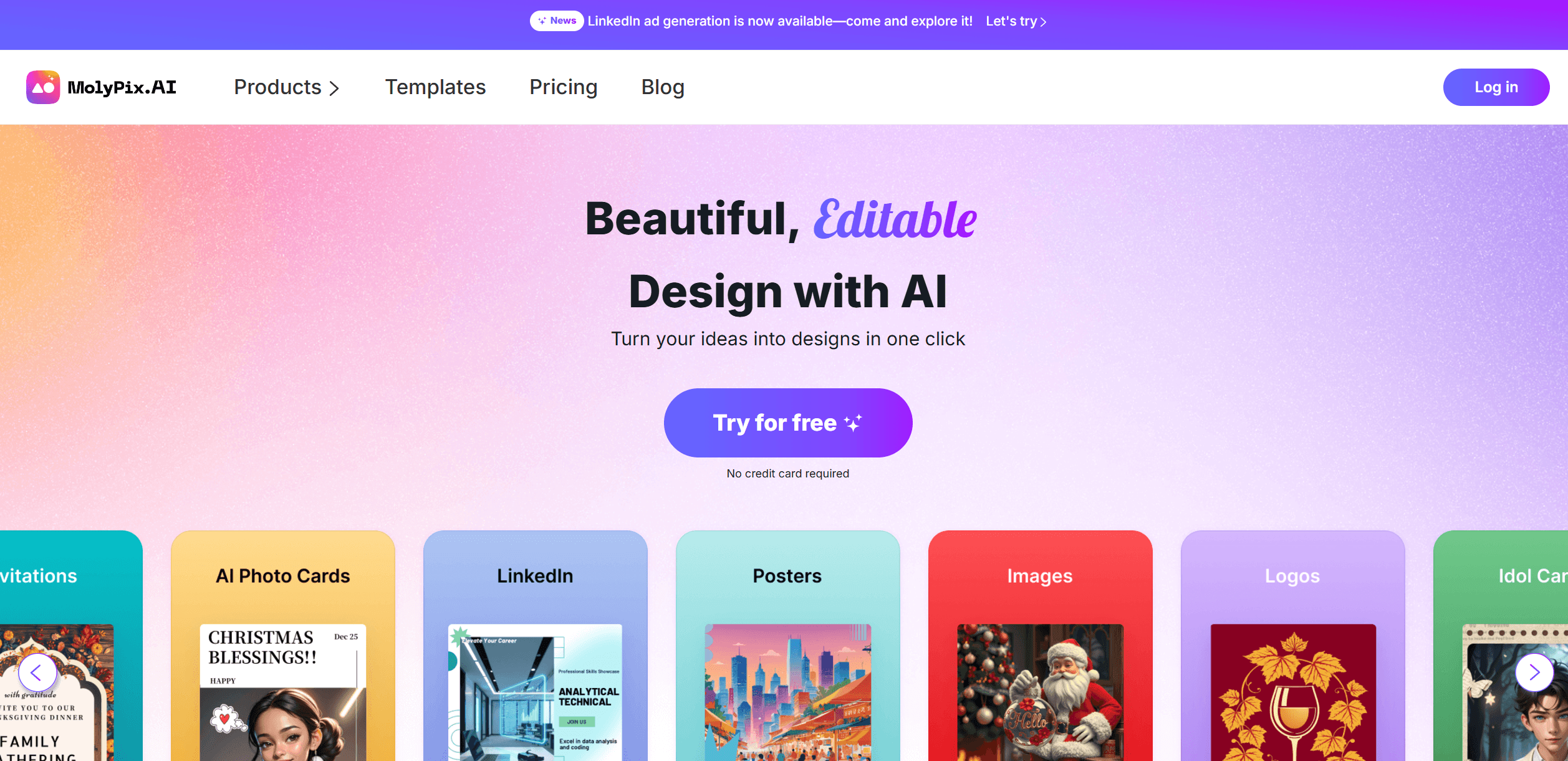
MolyPix.AI
Transform text into stunning, editable designs instantly.
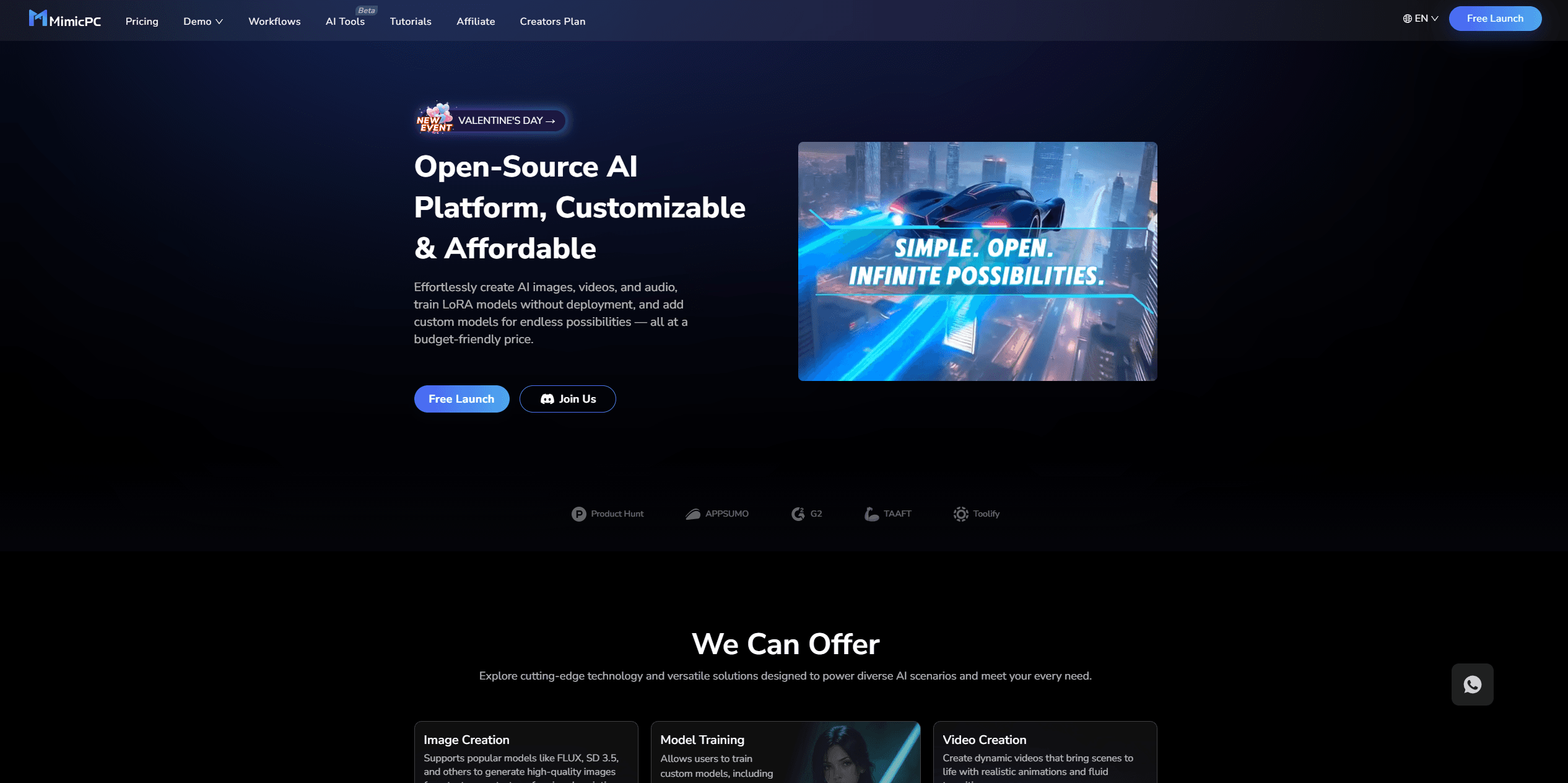
MimicPC
Unlock AI tools instantly, browser-based, no installs needed.
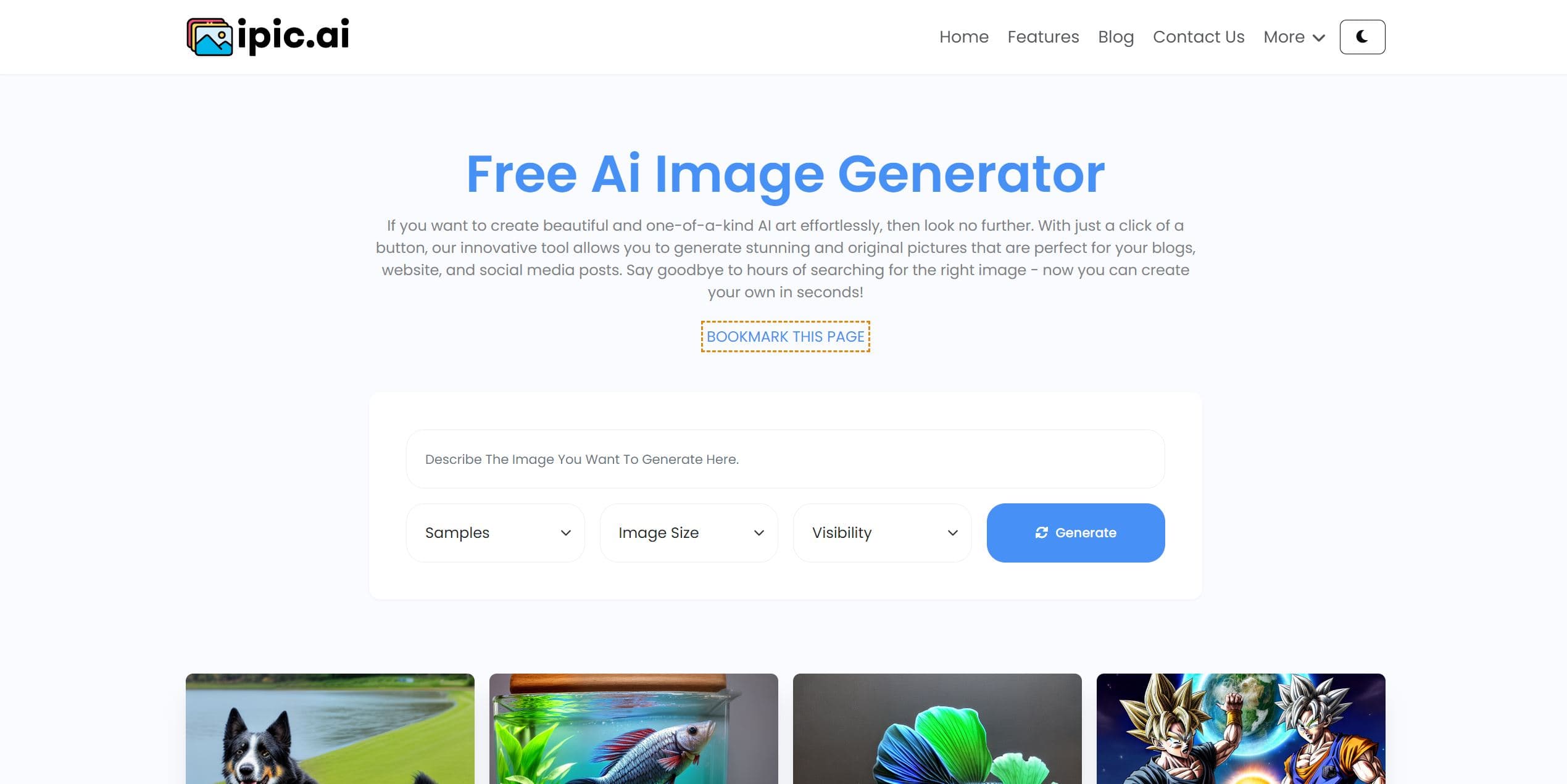
Ipic.ai
AI-powered image enhancement for professionals and hobbyists alike.
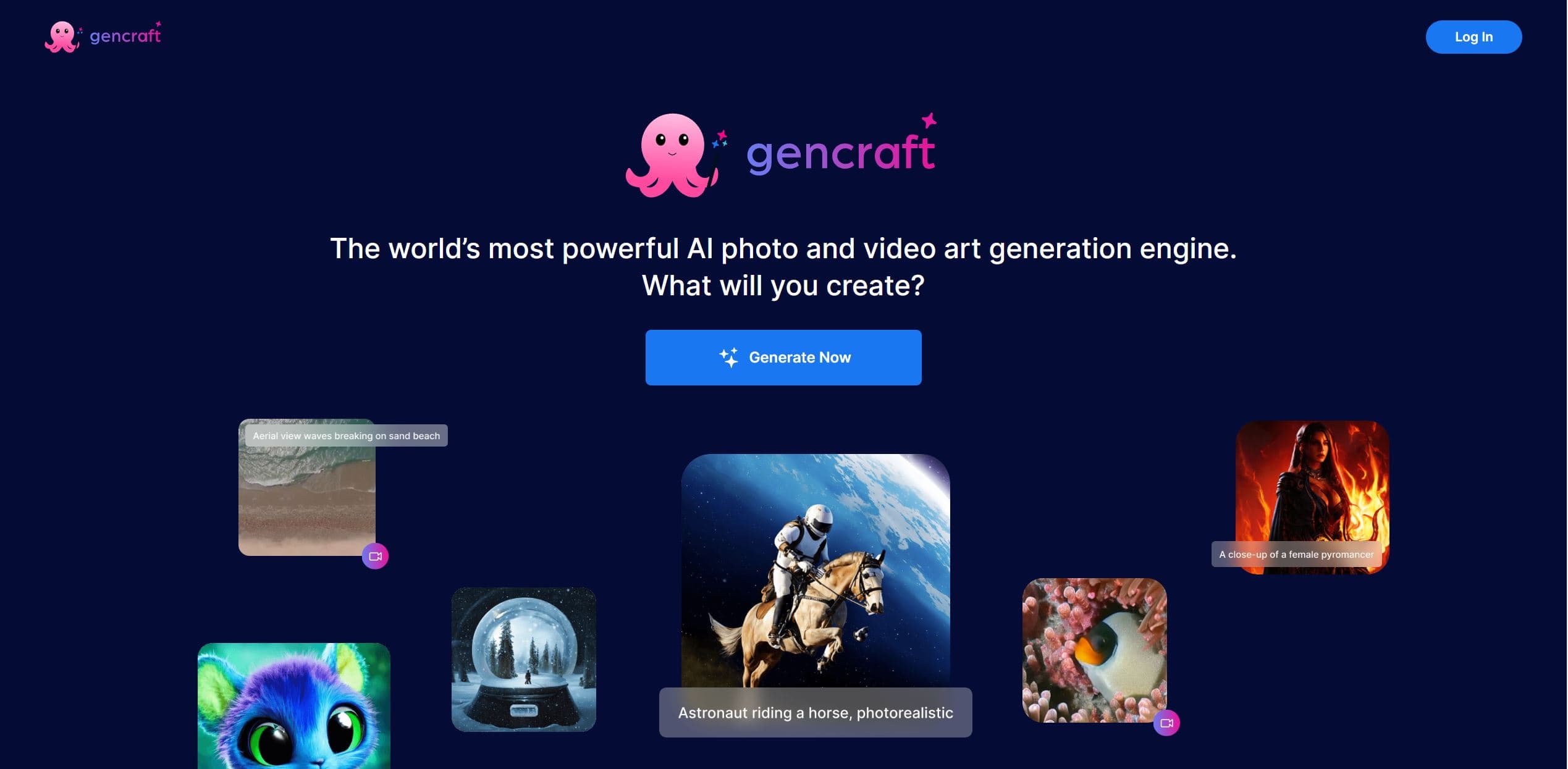
Gencraft
AI-powered tool for creating stunning digital art effortlessly.
Dora AI
Revolutionize website creation with AI: unique, prompt-driven designs made simple.

Replicate
Unlock AI's potential: run, fine-tune, deploy models easily and cost-effectively.
Ideogram
Transform text to stunning visuals with AI, enhancing creativity and collaboration.
AI2image
AI creates custom images from English descriptions in seconds.
Ludo
Revolutionize game development with AI-driven ideation and market insights.
Inworld
Elevate game development with dynamic NPCs, immersive worlds, and AI-driven content creation.
Kira
Create stunning designs with AI-enhanced tools.