
Obiklip
Obiklip is a powerful video editing software crafted specifically for content creators who handle a lot of speech or podcast footage. Its auto-transcription feature utilizes the OpenAI API to provide
9,695
Votes
20,702
Views
7,371
Bookmarks
About
Obiklip is a powerful video editing software crafted specifically for content creators who handle a lot of speech or podcast footage. Its auto-transcription feature utilizes the OpenAI API to provide quick and accurate transcriptions. Obiklip supports various languages, making it a versatile tool for a global user base. For those who need to clip highlights or interesting segments from long videos, Obiklip makes the process efficient and straightforward. Creators can skim through a transcript, easily identify and mark segments, and export these as engaging clips, saving a significant amount of time in post-production. Designed to be user-friendly, Obiklip offers a suite of features including editable lines, audio line previews, bulk export capabilities, and a convenient dark mode interface. It's available for both Windows and macOS systems and does not require a monthly subscription, making it a cost-effective solution for professional video editing.
Key Features
- Auto-Transcribe Video: Automatically converts spoken content in videos to text for easy segment identification.
- Easily Skim to Create Clip: Navigate through a video transcript with ease to mark and create new clips.
- Unlimited Clip Creation: Allows for the creation of an unlimited number of clips without restrictions.
- Bulk Export Videos: Users can export multiple clips in a queue, streamlining the workflow.
- No Monthly Subscription: A one-time purchase eliminates the need for a recurring fee.
FAQ
What is Obiklip?
Obiklip is a video editing software designed to simplify the process of editing speech and podcast content by providing auto-transcription and .srt file support.
Does Obiklip support the export of .srt files for subtitles?
Yes, Obiklip has a feature that allows you to export your transcriptions directly as .srt files to integrate them as subtitles with your video content.
What languages does Obiklip support for transcription?
Obiklip supports a wide range of languages for auto-transcription including English, Spanish, French, German, Chinese, and many others.
Do I need an OpenAI API key to use Obiklip's auto-transcription feature?
To use the auto-transcription feature, you need a valid API key from OpenAI. OpenAI charges a fee for the transcription service, billed separately from Obiklip's license cost.
On which platforms is Obiklip available?
Obiklip is available for download on both Windows 10/11 (64-bit) and macOS with support for Apple Silicon and Intel-based Macs.
You may also like
More tools in Video Tools

MokSa.AI
Enhances retail operations with AI-driven video intelligence.
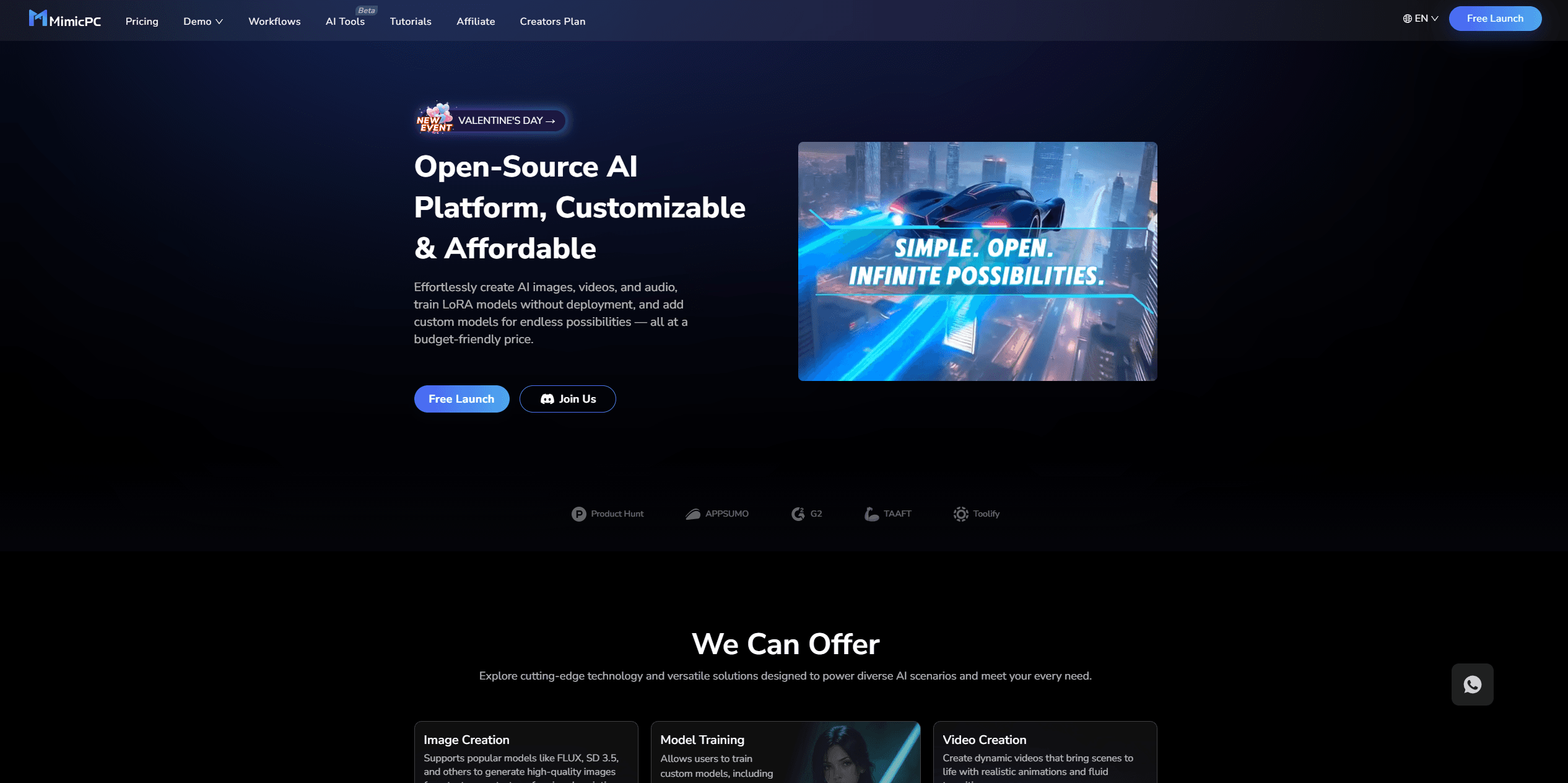
MimicPC
Unlock AI tools instantly, browser-based, no installs needed.
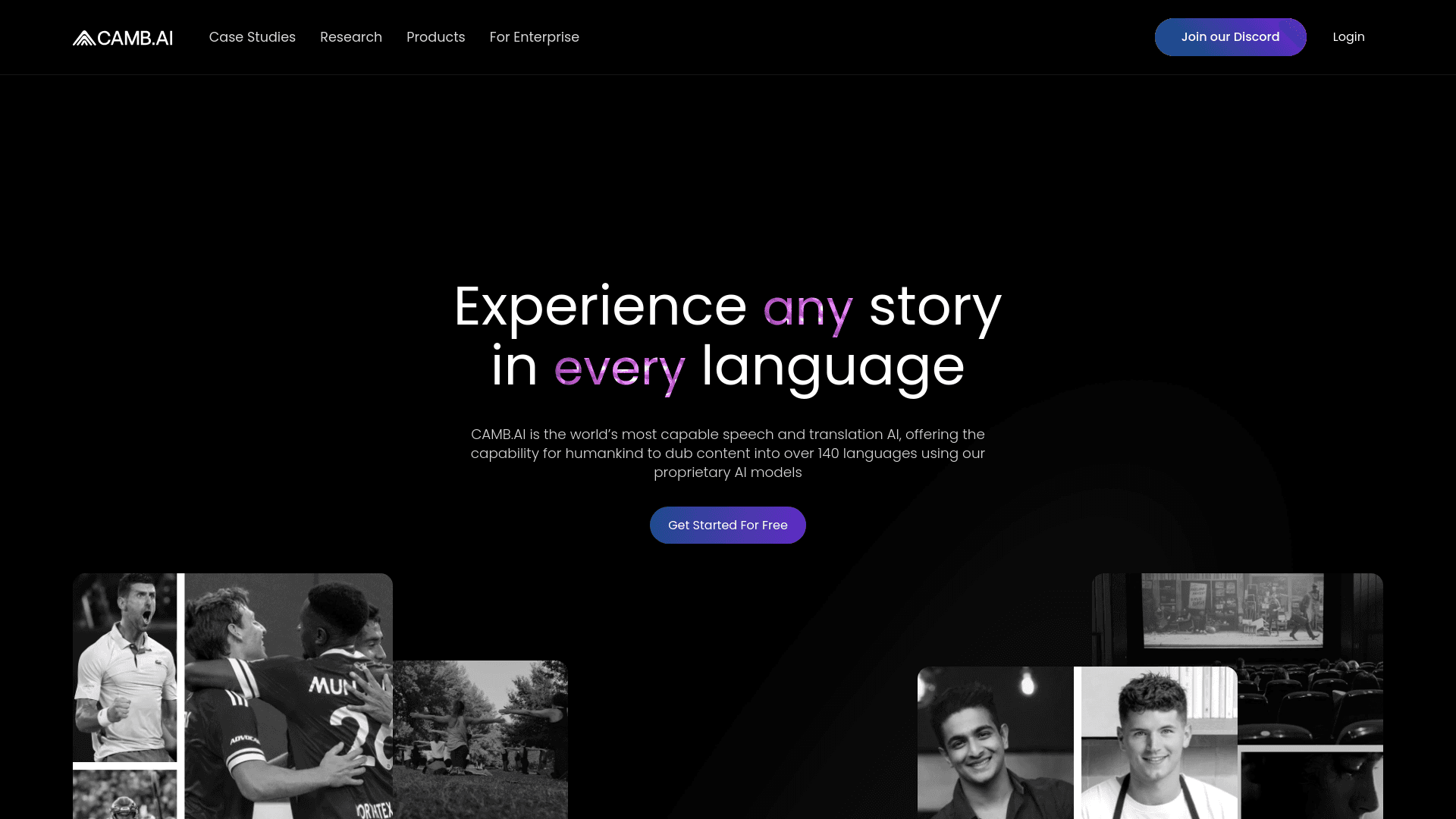
Camb.ai
Transforms video dubbing with nuanced voice preservation and 100+ languages.

Glato AI
Glato AI is an innovative platform that revolutionizes the creation of video content by leveraging artificial intelligence. With Glato AI, users can quickly produce high-quality, engaging, and viral v
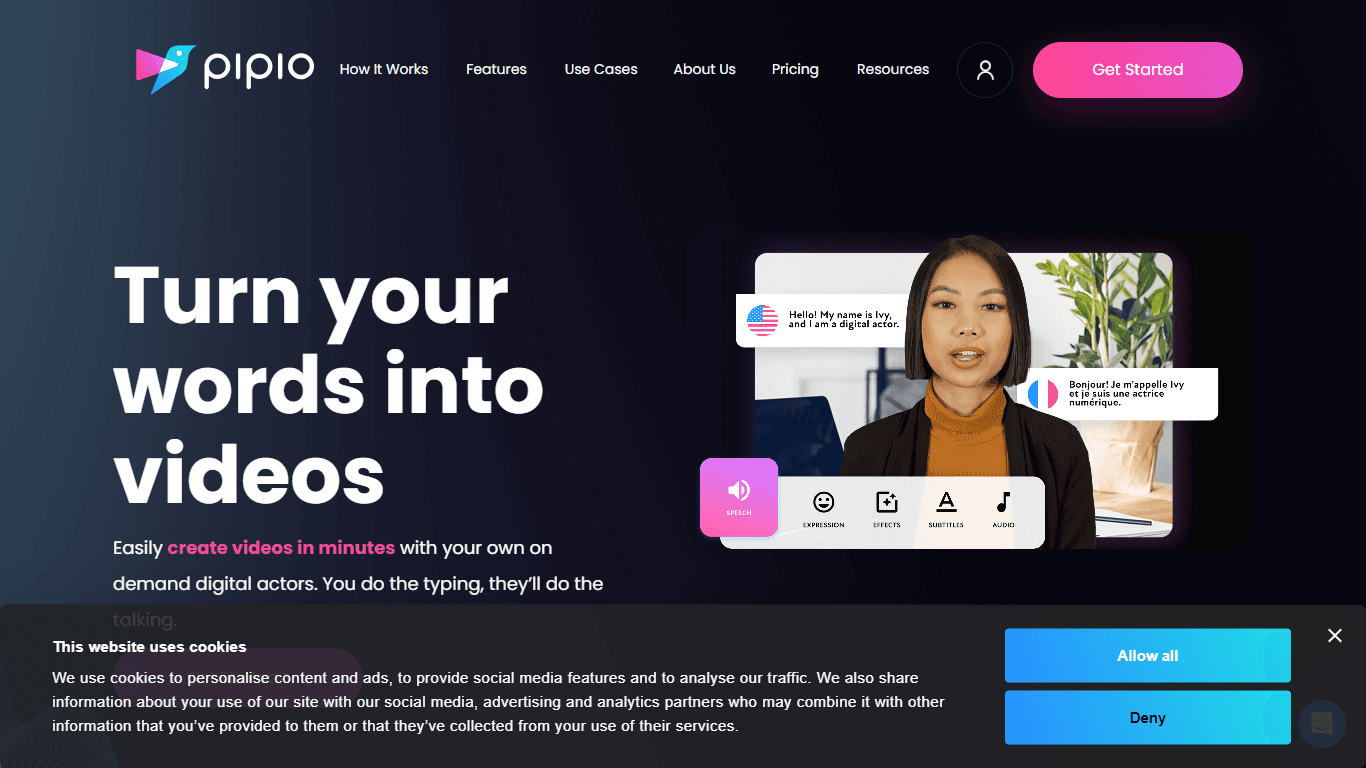
Pipio
Pipio is an innovative AI-powered video production platform designed to simplify the creation of professional videos. With Pipio, users can craft high-quality AI videos effortlessly by typing a script
Midjourney
Unlock true digital artistry.

Paper Animator
A tool to transform images and text into paper-style animations.
Noisee AI
Find powerful Noisee AI alternatives for creators.

Eddie AI
A software for video editing through rough cuts and integrating with existing software.
Civitai
Open-source platform for AI model creation and collaboration.
Kinovi
Direct cinematic clips from prompts and references.
VEED.IO
Create, edit, subtitle, and translate pro-grade videos instantly.