
Notta
Transforms audio/video to summarized text, instantly, across platforms.
10,822
Votes
17,863
Views
6,822
Bookmarks
About
Notta is an advanced AI tool designed to streamline the process of transcribing and summarizing audio and video content. It uses high-precision voice recognition and AI summarization features to convert spoken content into text almost instantaneously. Designed for professionals and businesses of all sizes, Notta simplifies the creation of meeting minutes, enhances information sharing, and significantly cuts down on the time and cost associated with manual transcription.
Key Features
- Real-Time Transcription and Translation: Notta offers immediate transcription of audio into text and can translate between multiple languages, including English, Japanese, Chinese, and Vietnamese.
- AI-Powered Summarization: Utilizes AI to automatically summarize key points from spoken content, making it easier to digest and analyze important information.
- Cross-Platform Compatibility: Available as a web application, mobile app (iOS and Android), and Chrome extension, Notta ensures accessibility across different devices and platforms.
- Advanced Search and Tagging: Allows users to quickly find specific parts of the audio or text data with the help of efficient search functions and tagging capabilities.
- Integration with Popular Tools: Seamlessly works with Google Calendar, Zoom, Microsoft Teams, and other commonly used platforms to facilitate efficient scheduling and information management.
Pros
- Time Efficiency: Reduces the time required for transcription and summarization from hours to minutes, enabling swift decision-making.
- Cost-Effective: Offers significant cost savings over traditional transcription services, with automated tools that minimize manual effort.
- High Accuracy: Ensures high transcription accuracy even in multi-speaker environments, thanks to advanced voice recognition technology.
- Enhanced Collaboration: Features like shared workspaces and document sharing improve teamwork and project management.
Cons
- Learning Curve: New users may require some time to fully leverage all features and integrations.
- Language Limitations: Currently supports a limited number of languages for transcription and translation, which may not cover all user needs.
- Dependence on Internet Connection: As a cloud-based platform, it requires a stable internet connection to function effectively.
Who Uses It
- Corporate Teams: For documenting meetings and sharing transcripts across departments.
- Journalists and Media Professionals: Utilizing the tool to quickly transcribe interviews and create content.
- Academic Institutions: Teachers and students use Notta for lecture transcription and study material preparation.
- Healthcare Professionals: To document patient interactions and medical meetings accurately.
- Uncommon Use Cases: Used by podcasters for episode transcription and by legal professionals for recording testimonies and depositions.
Pricing
- Free Tier: Try Notta for free with basic features.
- Premium Plans: Start at $9.00 per month, offering extended features and support.
You may also like
More tools in Text Generators

Blog Post Generator
Generates SEO-optimized blog posts

AI Magicx
AI Magicx enhances creativity with AI-driven design and coding.

Mythic Text
A tool to transform markdown and plain text into formatted content across multiple output formats.
Humy.ai
Humy.ai is a trailblazing Artificial Intelligence (AI) platform dedicated to enhancing the educational experience for both teachers and students through personalized, AI-enhanced tools. With a signifi
GPT for Sheets and Docs
Elevate productivity in Sheets and Docs with AI-powered automation and creativity.

No more copyright
Make Free Non-Copyright Images is a powerful online tool designed to help users create and access high-quality images without the worry of copyright restrictions. The core functionality of this platfo
Camb.ai
Transforms video dubbing with nuanced voice preservation and 100+ languages.
Visual Translate
Instantly localize on-screen video text and graphics.
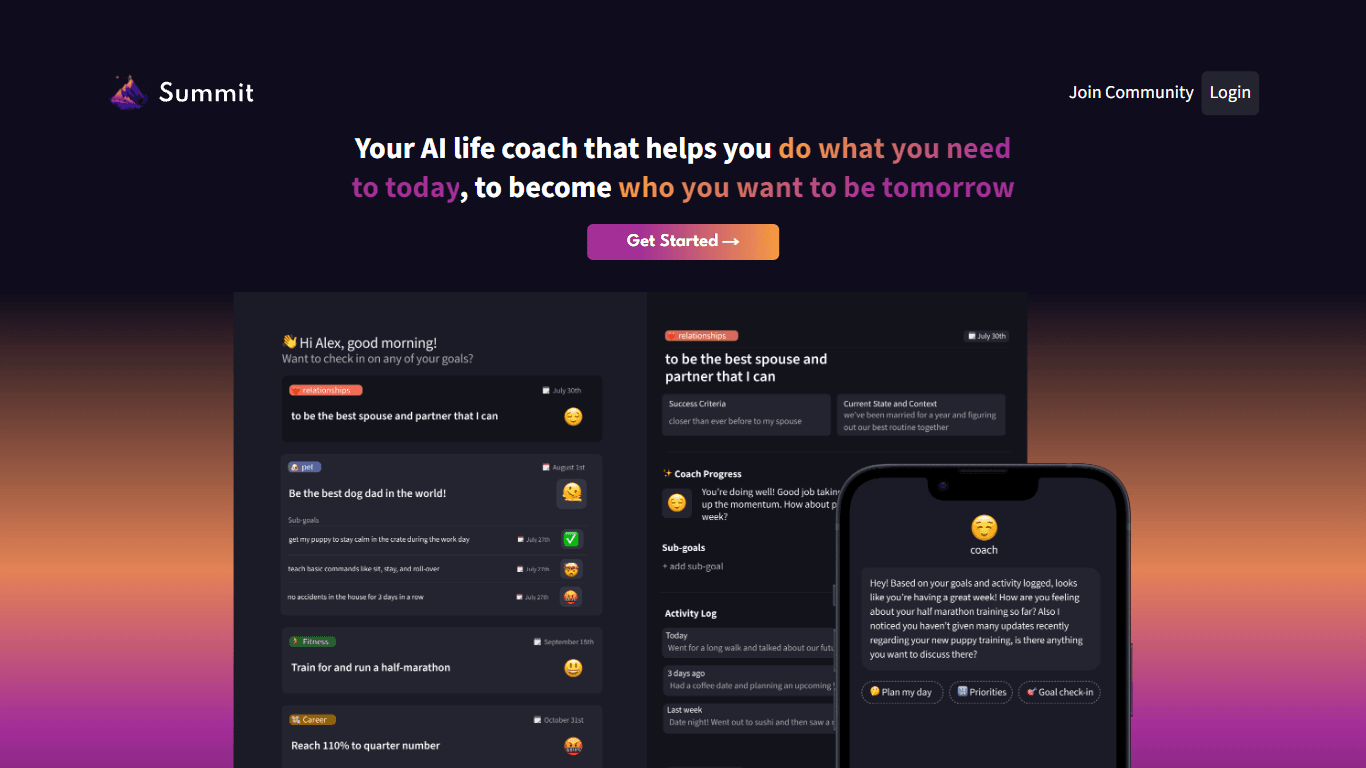
Summit
Summit is a comprehensive AI-powered platform designed to revolutionize the way businesses optimize their operations. With an array of cutting-edge features and advanced algorithms, Summit offers unpa
Deep Realms
AI-powered platform for crafting immersive, interactive storytelling experiences.
Topic Mojo
Topic Mojo is a powerful and comprehensive research tool designed to help individuals and businesses uncover valuable insights into listener interests, preferences, and trends. With Topic Mojo, you ca
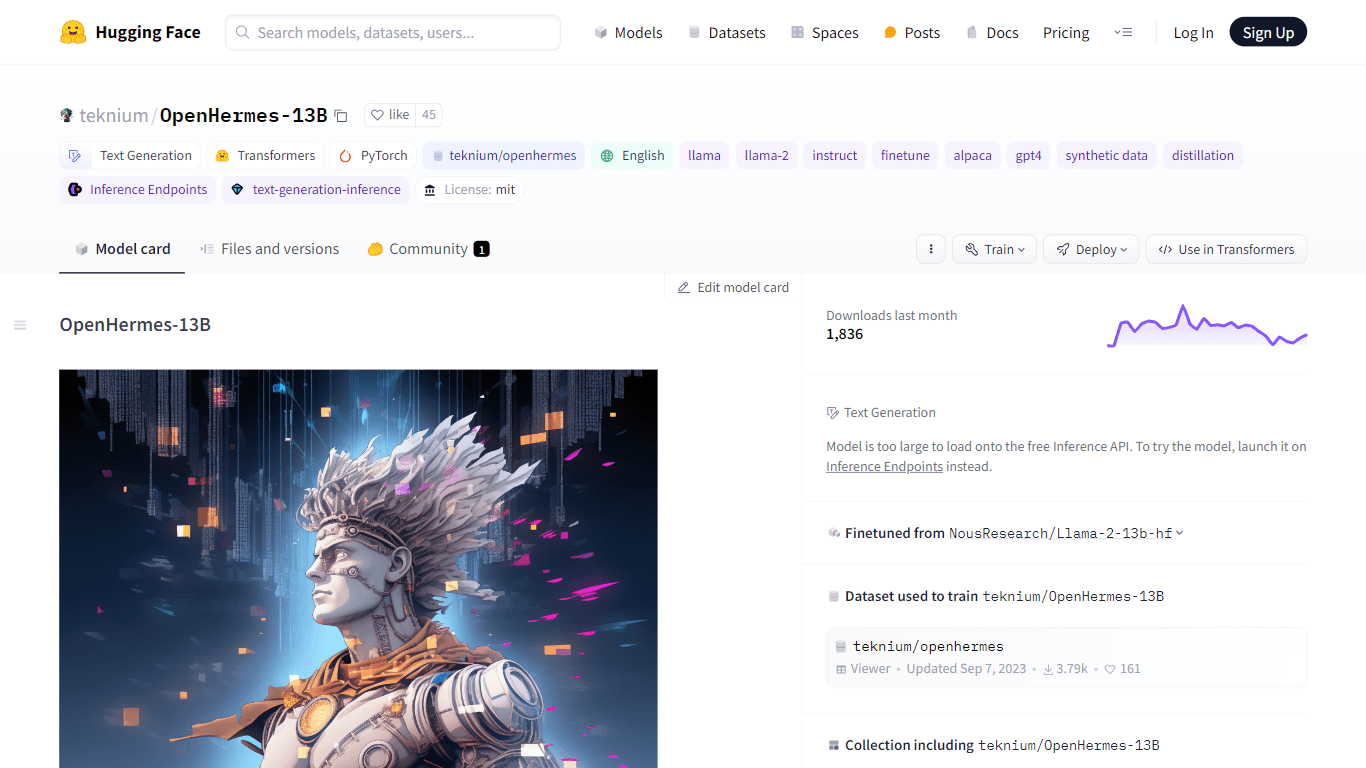
OpenHermes-13B
Discover OpenHermes-13B, an advanced fine-tuned model from teknium that leverages the robust GPT-4 generated dataset collected from diverse AI solutions. Meticulously trained on a fully open-source da