
Motion
Boost productivity and manage tasks, projects, meetings seamlessly with AI.
13,904
Votes
19,079
Views
7,461
Bookmarks
About
In the bustling world of productivity tools, Motion emerges as a revolutionary solution, aiming to redefine how individuals and teams manage their tasks, schedules, and projects. At its core, Motion is an AI-powered assistant designed to automate the planning and prioritization of work, promising to boost productivity by an impressive 137%. Through its intuitive website, Motion, offers a suite of features that cater to both individual users and teams, making it a versatile tool for a wide range of professional contexts.
Key Features
- Task Scheduling: Motion automatically organizes your tasks and projects, scheduling them on your calendar and adjusting in real-time to ensure optimal productivity.
- Task Prioritization: With its advanced algorithm, Motion evaluates all your tasks and projects, prioritizing them based on deadlines, dependencies, and other criteria, so you always know what to focus on next.
- Project Management: Simplify complex projects into actionable plans. Motion handles the planning, allowing you to concentrate on execution.
- Automated Meeting Scheduling: Streamline the process of scheduling meetings with automated booking pages and availability management, ensuring meetings are set at ideal times.
- Workload Reporting: Motion provides insights into your workload, helping set realistic deadlines and prevent overcommitment.
- Calendar Syncing: Integrate all your work and personal calendars into one master calendar for seamless management of your schedule.
Pros
- Increased Productivity: Users report a significant boost in productivity, with the tool's AI planning capabilities allowing for more efficient use of time.
- Stress Reduction: By automating task prioritization and scheduling, Motion reduces the cognitive load, leading to less stress and overwhelm.
- Enhanced Focus: Motion guards your time, limiting interruptions and enabling focused work periods.
- One Tool for Everything: Combines the functionalities of project management apps, to-do lists, and meeting schedulers into one platform.
Cons
- Learning Curve: New users may need time to fully understand and leverage all of Motion's features.
- Dependency on Digital Setup: Those preferring traditional, non-digital planning methods might find the transition challenging.
- Limited Third-Party Integrations: While Motion offers some integrations, users might find the need for more extensive third-party compatibility.
Who Uses It
- Service Businesses: For managing client projects and internal tasks efficiently.
- IT Service Providers: To streamline project timelines and task assignments.
- Marketing and Design Agencies: For organizing creative projects and collaboration.
- Law Firms and Consulting Businesses: To prioritize case work and manage deadlines.
- Functional Teams within Larger Organizations: Including startups, product teams, and executive teams, leveraging Motion for cross-functional project management.
- Uncommon Use Cases: Educational institutions use Motion for planning academic projects, while freelancers utilize it for juggling multiple client projects.
Pricing
- Free Trial: Motion offers a free trial, allowing users to explore its features before committing.
- Subscription Plans: Detailed pricing information is available on the Motion website, catering to both individual users and teams.
You may also like
More tools in AI Chatbots
One AI
Boost website engagement and sales with adaptive AI-driven interactions.
Ada
Revolutionize customer service with AI across all digital platforms.

Replicate
Unlock AI's potential: run, fine-tune, deploy models easily and cost-effectively.
Tektonic AI
Streamline sales and revenue operations with advanced AI-driven automation.
UiPath
Streamline workflows with AI-driven automation and seamless integration.
Heidi
Streamline healthcare admin tasks, and enhance patient focus.
Retell AI
Create lifelike AI voice agents, deploy anywhere, analyze real-time.

Replika
AI companion for personalized chat, emotional support, and self-growth.
MyMemo AI
Transform digital chaos into an organized, AI-enhanced knowledge oasis.

RowSpeak
Turn messy spreadsheets into clear, ready reports.
Spoke.ai
AI-powered tool revolutionizes team communication and project management.
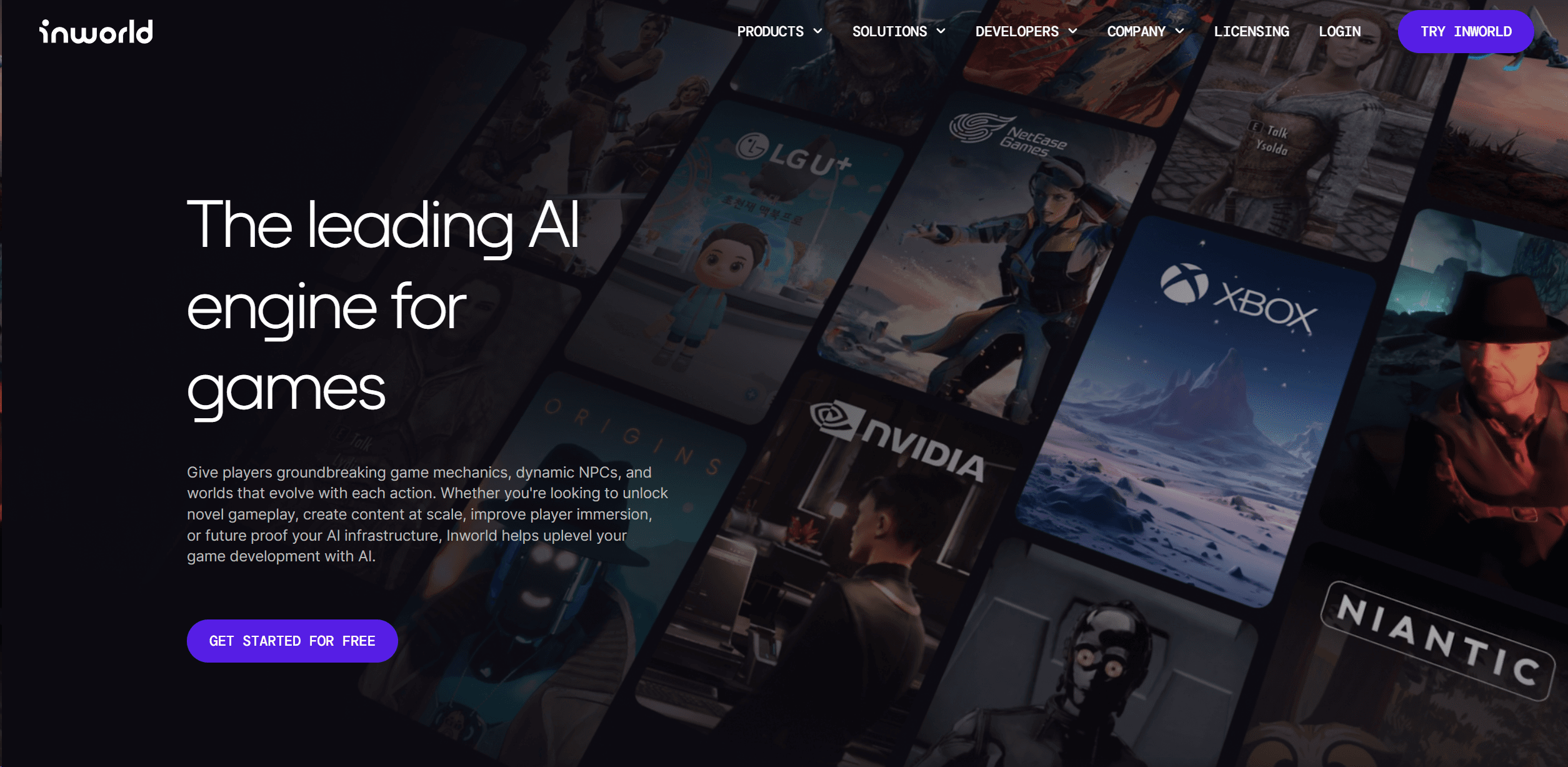
Inworld
Elevate game development with dynamic NPCs, immersive worlds, and AI-driven content creation.