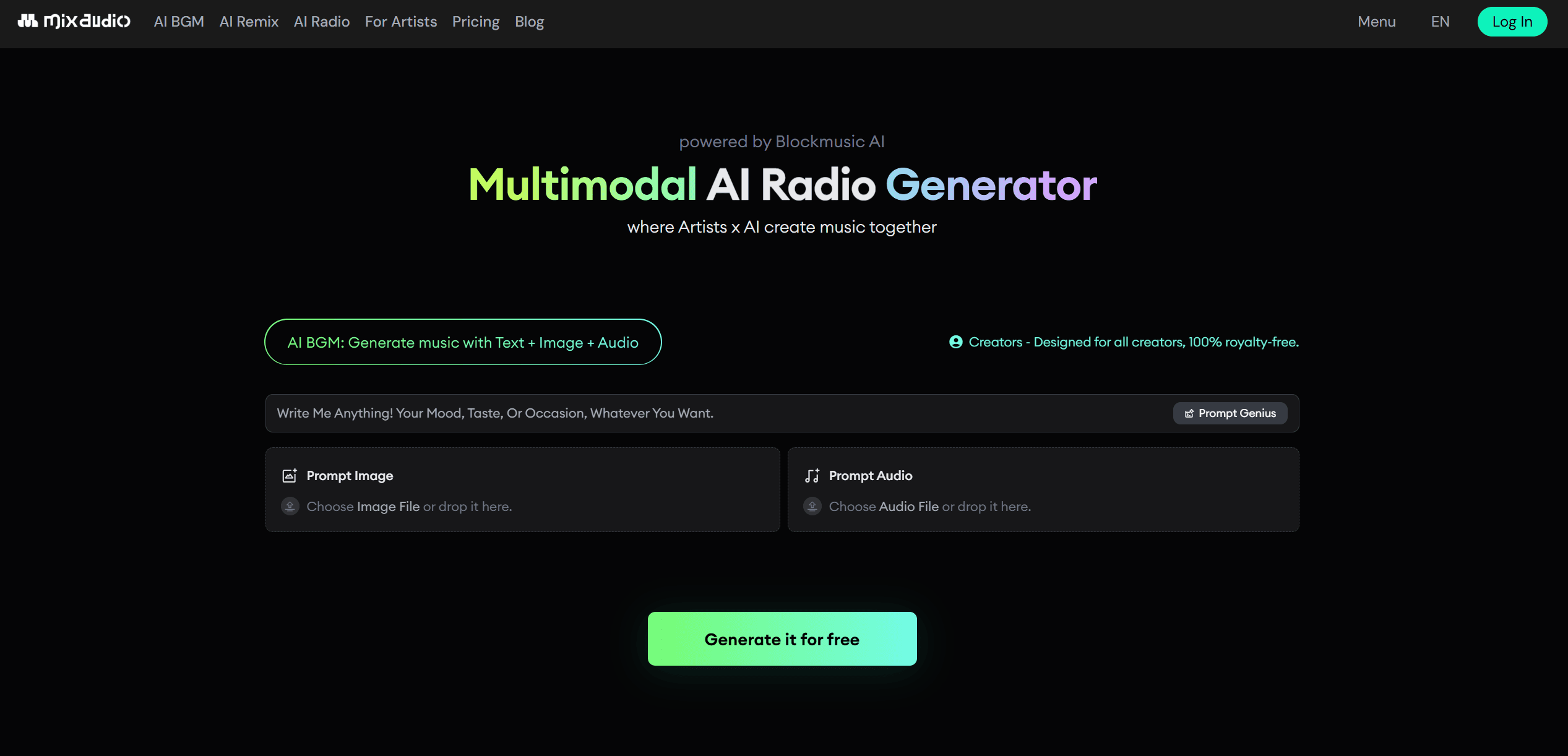
MixAudio
AI tool for seamless, professional audio mixing and editing.
12,616
Votes
16,221
Views
7,299
Bookmarks
About
MixAudio is a cutting-edge AI tool designed to revolutionize the audio mixing and editing process. By leveraging advanced AI algorithms, it provides users with seamless audio production capabilities, making it an ideal solution for musicians, podcasters, and audio engineers. MixAudio simplifies the often complex and time-consuming task of audio mixing, allowing users to focus more on creativity and less on technical details.
Key Features
- AI-Driven Mixing: Automatically adjusts levels, EQ, and effects to optimize audio tracks for professional-quality sound.
- User-Friendly Interface: Designed with an intuitive drag-and-drop functionality that makes it accessible even to beginners.
- Real-Time Collaboration: Enables multiple users to work on the same project simultaneously, enhancing productivity and creativity.
- Customizable Presets: Offers a range of presets tailored for different genres and styles, allowing for quick and easy application.
Pros
- Time Efficiency: Significantly reduces the time required for audio mixing, allowing users to produce content faster.
- High-Quality Output: Delivers professional-grade audio quality, meeting industry standards.
- Cost-Effective: Offers features that eliminate the need for expensive studio equipment.
- Scalable: Suitable for both small projects and large-scale productions.
Cons
- Initial Learning Curve: May require some time for users to familiarize themselves with all the advanced features.
- Limited Integration: Currently, it supports only a few third-party digital audio workstations (DAWs).
Who Uses It
- Musicians and Bands: Streamlining the production of albums and singles with professional audio quality.
- Podcasters: Enhancing the clarity and production value of podcast episodes.
- Audio Engineers: Utilizing AI-driven features to optimize mixing workflows.
- Content Creators: Employing the tool for high-quality audio in video content.
- Uncommon Use Cases: Used by educational institutions for audio engineering courses; adopted by independent filmmakers for sound design.
Pricing
- Free Tier: Offers a basic version with limited features to get started.
- Pro Tier: The Pro Tier starts at $14.99 per month, providing access to all premium features.
You may also like
More tools in Audio Generators

Replicate
Unlock AI's potential: run, fine-tune, deploy models easily and cost-effectively.
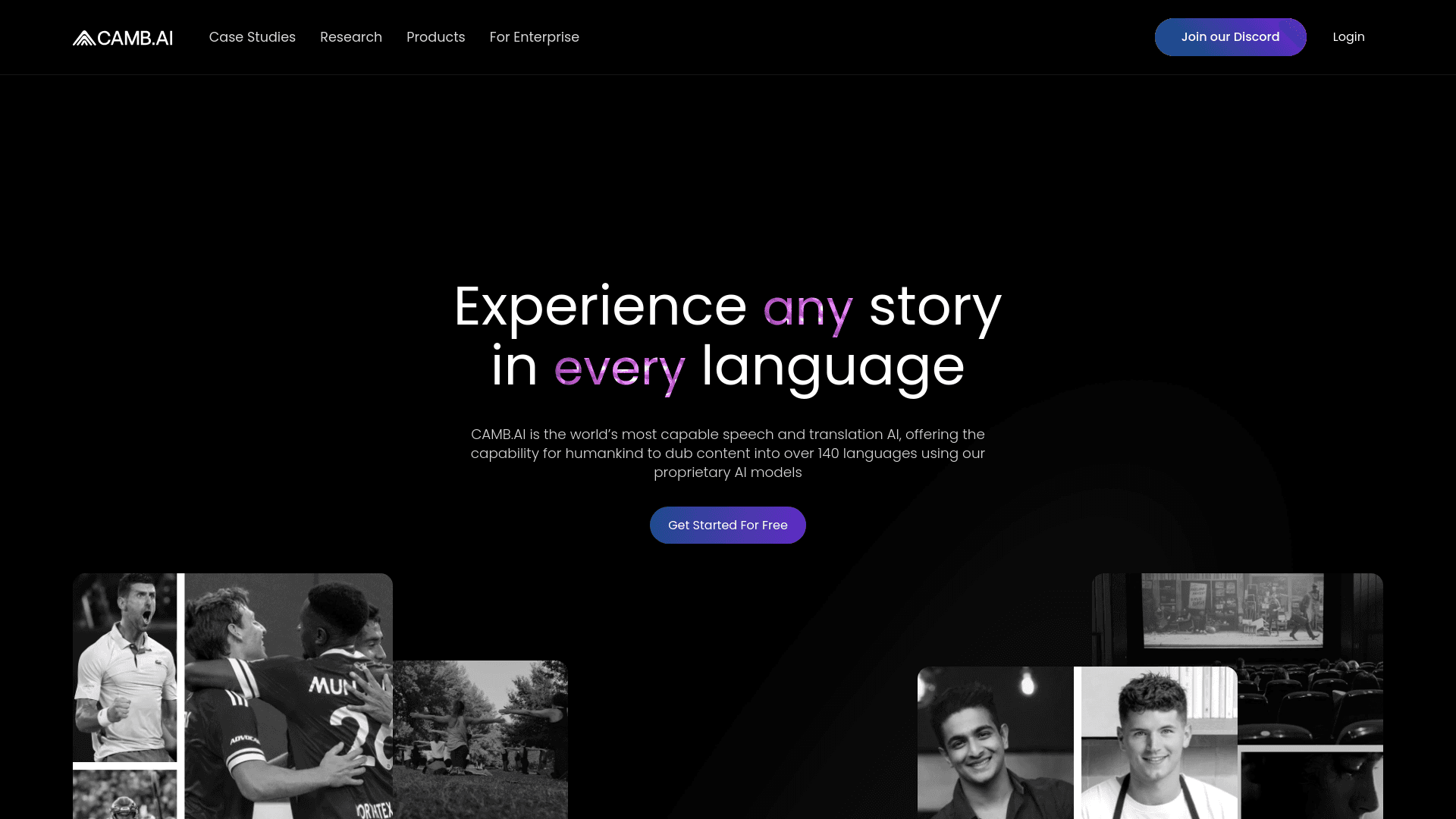
Camb.ai
Transforms video dubbing with nuanced voice preservation and 100+ languages.
Vocallab AI
A tool to generate speech and clone voices from text.
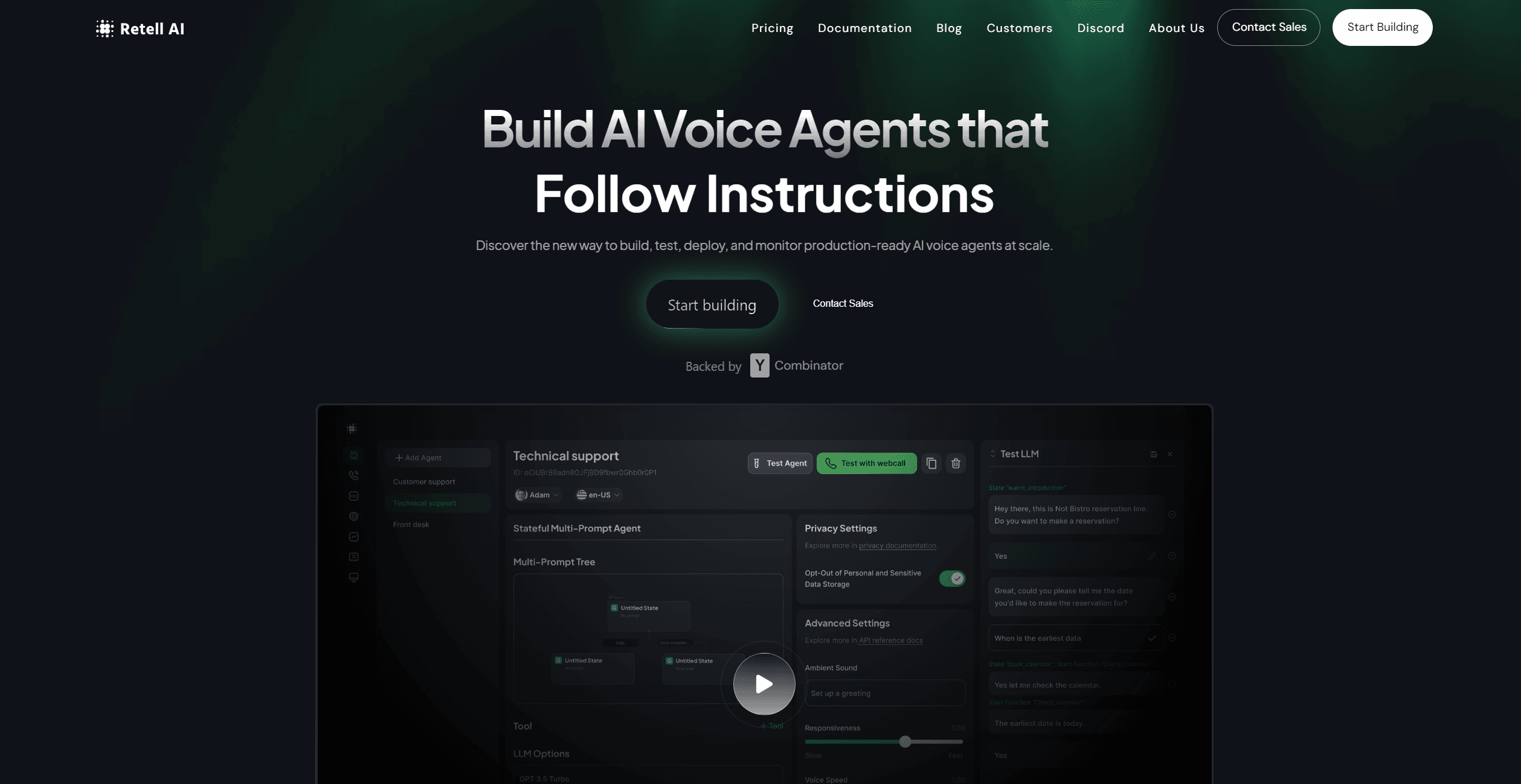
Retell AI
Create lifelike AI voice agents, deploy anywhere, analyze real-time.
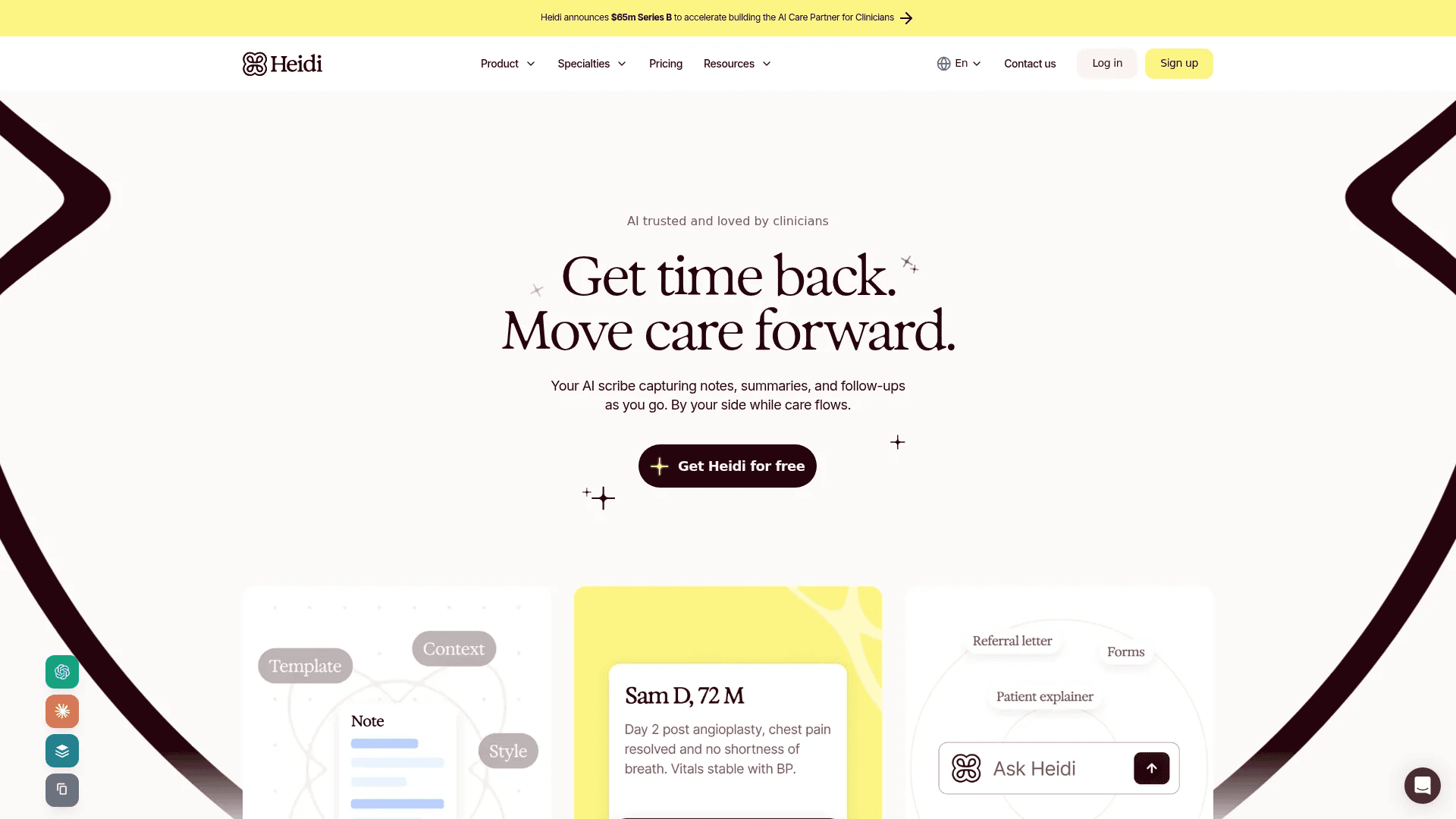
Heidi
Streamline healthcare admin tasks, and enhance patient focus.

Tagshop AI
A tool to generate video ads from prompts and assets.

PlexiGen AI
A tool to create videos with matching audio from text or images.
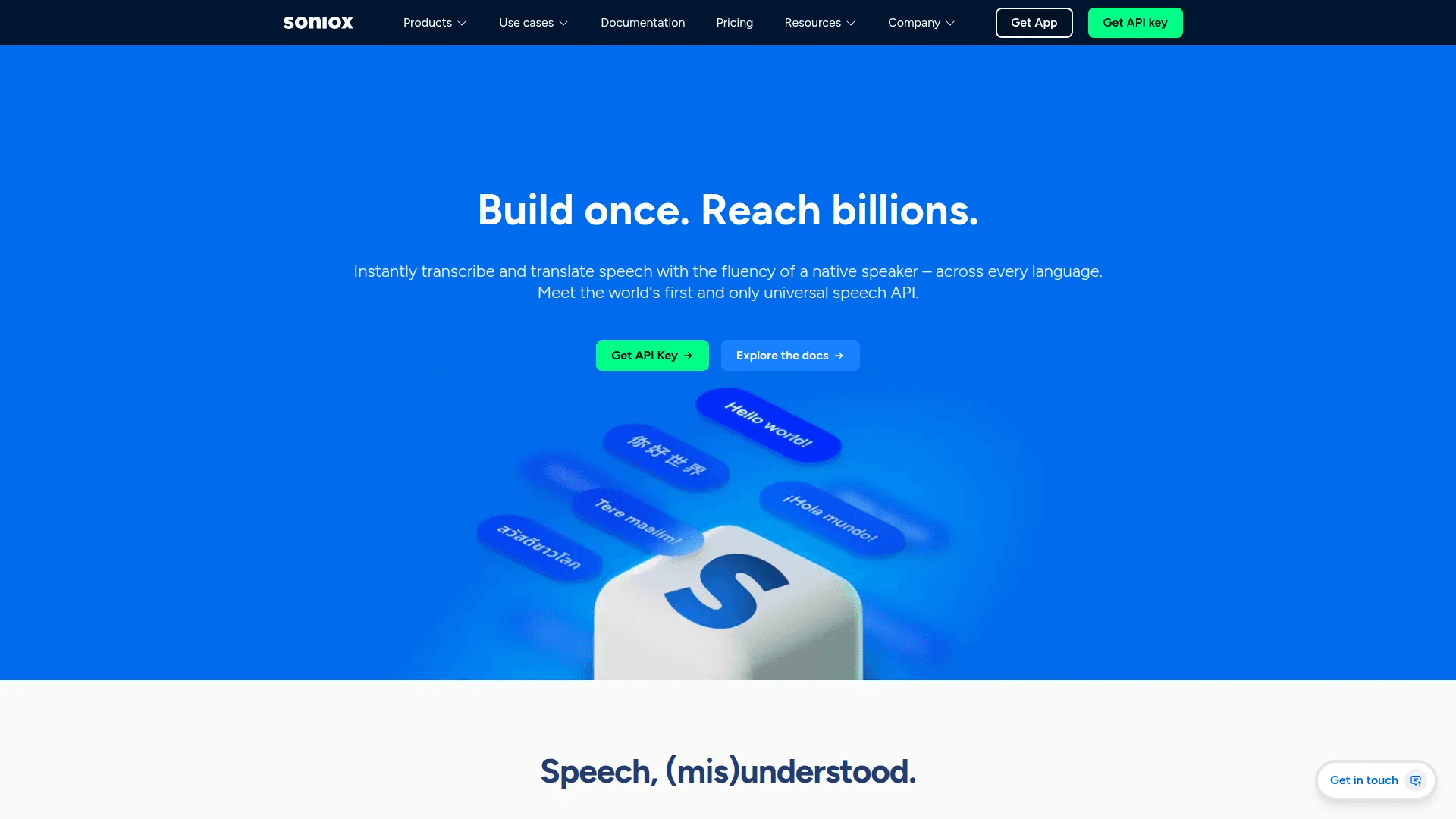
Soniox Speech-to-Text
Transcribe, diarize, and translate live global conversations.
11.ai
A tool to create voices through voice cloning and text-to-speech.
Noisee AI
Find powerful Noisee AI alternatives for creators.
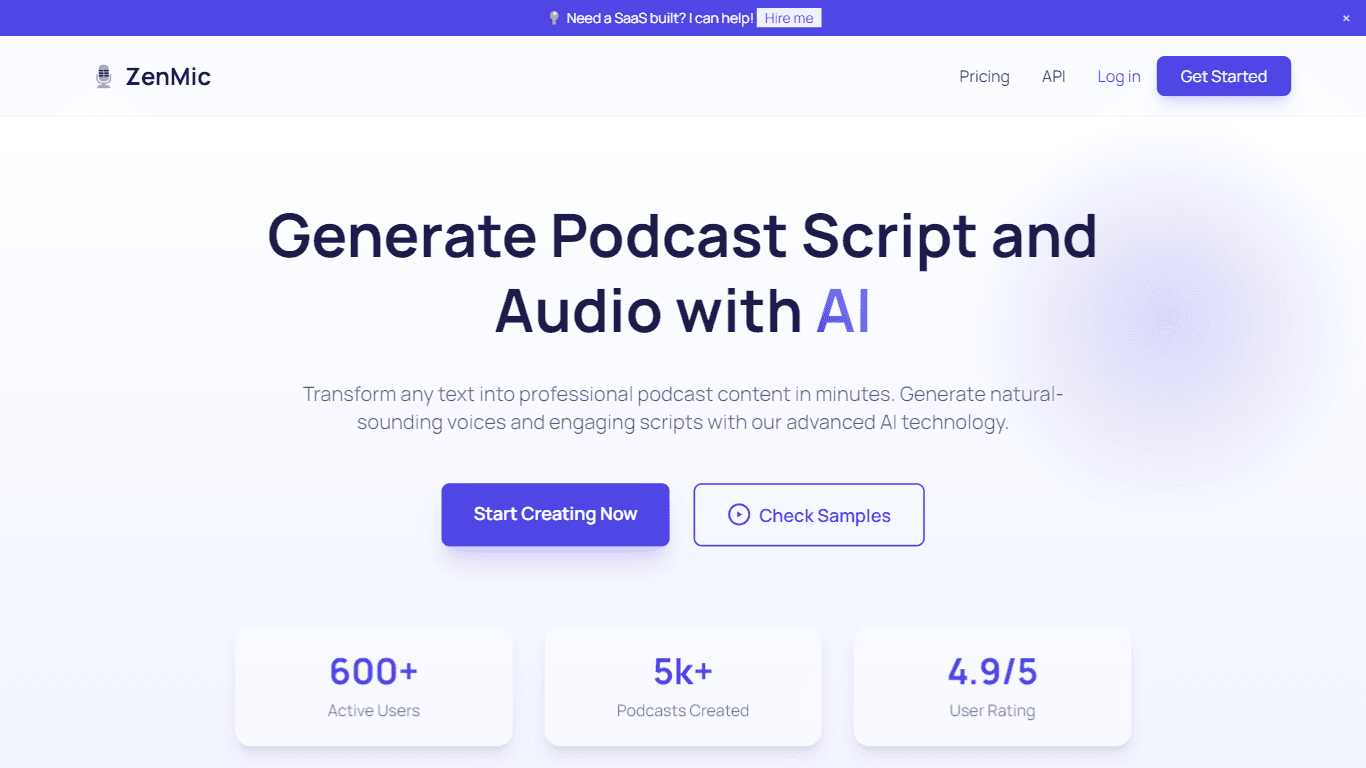
ZenMic
ZenMic is an innovative AI-driven podcast generator designed to transform any text into professional podcast content within minutes. The platform leverages advanced artificial intelligence technology
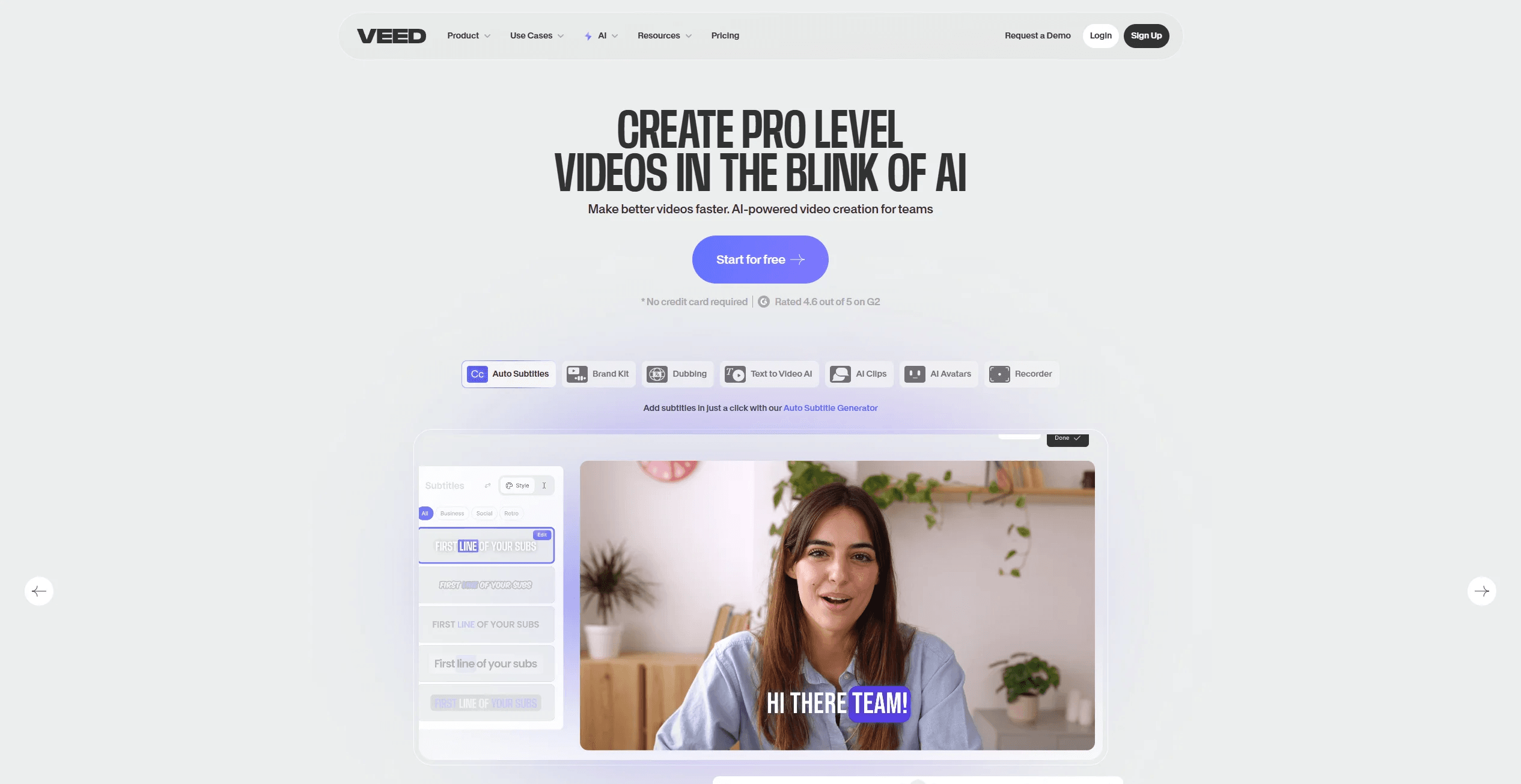
VEED.IO
Create, edit, subtitle, and translate pro-grade videos instantly.