
Markdown to PDF
Markdown to PDF converter and rich Markdown editor is a versatile tool designed for users who need a powerful yet user-friendly writing experience. Its core functionality revolves around providing a r
10,476
Votes
22,646
Views
6,735
Bookmarks
About
Markdown to PDF converter and rich Markdown editor is a versatile tool designed for users who need a powerful yet user-friendly writing experience. Its core functionality revolves around providing a rich Markdown editor that allows users to create and format documents easily. The tool is particularly beneficial for writers, educators, and professionals who require a reliable platform for document creation and sharing. With its advanced features, users can focus on their writing without getting bogged down by technical details. The target audience for this tool includes anyone who works with text documents, especially those who prefer Markdown for its simplicity and efficiency. This includes bloggers, technical writers, and students who need to produce well-formatted documents quickly. The tool's intuitive interface and rich feature set make it accessible to both novice and experienced users, ensuring that everyone can benefit from its capabilities. One of the unique value propositions of this tool is its ability to seamlessly convert Markdown documents into PDF and HTML formats. This feature is essential for users who need to share their work in a professional format or publish it online. Additionally, the support for GitHub Flavored Markdown (GFM) allows users to leverage advanced Markdown features, making it a standout choice for developers and technical writers. Key differentiators include the real-time preview feature with scroll sync, which keeps the editor and preview aligned, allowing users to see their changes instantly. The tool also supports LaTeX for rendering complex mathematical equations, making it ideal for academic and technical writing. Furthermore, the integrated comments and team collaboration features enhance productivity by allowing users to work together seamlessly, even when they are not in the same location. From a technical implementation perspective, the tool integrates with popular cloud services like Google Drive and Dropbox, ensuring that users can access their documents from anywhere. It also offers offline functionality, allowing users to continue working without an internet connection. This combination of features makes Markdown to PDF converter and rich Markdown editor a comprehensive solution for anyone looking to create, edit, and share documents efficiently.
Key Features
- Rich Markdown Editor: Enjoy a feature-rich markdown editor that enhances your writing experience with intuitive formatting tools.
- Export to PDF & HTML: Easily export your markdown documents to PDF and HTML for sharing or printing.
- Real-Time Preview: See your output in real-time as you type, thanks to the scroll sync feature that keeps the editor and preview aligned.
- Team Collaboration: Work together in shared workspaces, allowing multiple users to make changes smoothly and efficiently.
- Integrated Comments: Add inline comments and discuss directly within your documents, similar to features in Word and Google Docs.
FAQ
What is Markdown to PDF converter and rich Markdown editor?
It is a versatile tool that allows users to create and format documents using Markdown, and export them to PDF and HTML.
Who can use this tool?
This tool is designed for writers, educators, and professionals who need a reliable platform for document creation and sharing.
Can I collaborate with others using this tool?
Yes, the tool supports team collaboration, allowing multiple users to work together in shared workspaces.
Does it support LaTeX?
Yes, you can render complex mathematical equations in your documents using LaTeX expressions.
Can I use this tool offline?
Yes, the tool works seamlessly offline, so you can continue writing without interruptions.
What cloud services does it integrate with?
It integrates with services like Google Drive, Dropbox, and GitHub for easy document syncing.
You may also like
More tools in Other

Spikes Studio
Spikes helps creators extract captivating shorts from any video. Automatically get a title, description, hashtag recommendations, auto-captions, AI styling and quickly edit. Grow and give your audienc

PureCode.ai
A tool to automate coding tasks through codebase-aware code generation.

@kuki_ai
Welcome to the world of Kuki, an award-winning artificial intelligence designed to bring entertainment to the digital age. Dive into engaging conversations with AI that's crafted to provide not just r

Zeitpub
Zeitpub revolutionizes the publishing industry by offering an advanced AI writer that creates SEO-optimized and plagiarism-free content at an incredible pace. With just the click of a button, users ca
YOUS
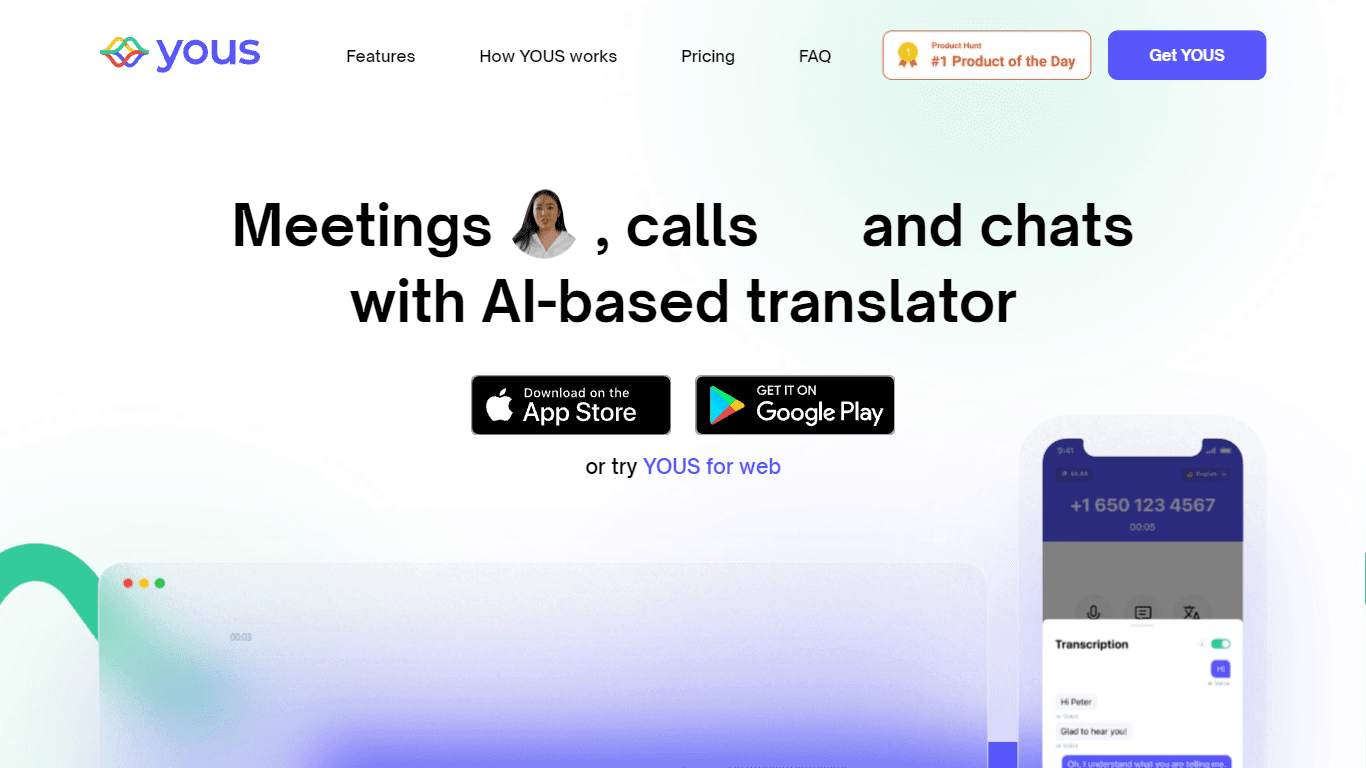
YOUS is a cutting-edge platform that revolutionizes the way people communicate and connect with each other. With its innovative AI-based translator, YOUS enables seamless audio and video calls between

Verbacall
A platform that automatically answers, qualifies, and follows up on calls 24/7.

AptlyStar.AI
A tool to create and manage AI bots for businesses.

Hermes 3
A tool to perform complex creative and analytical tasks with long-term context.
AI Dungeon
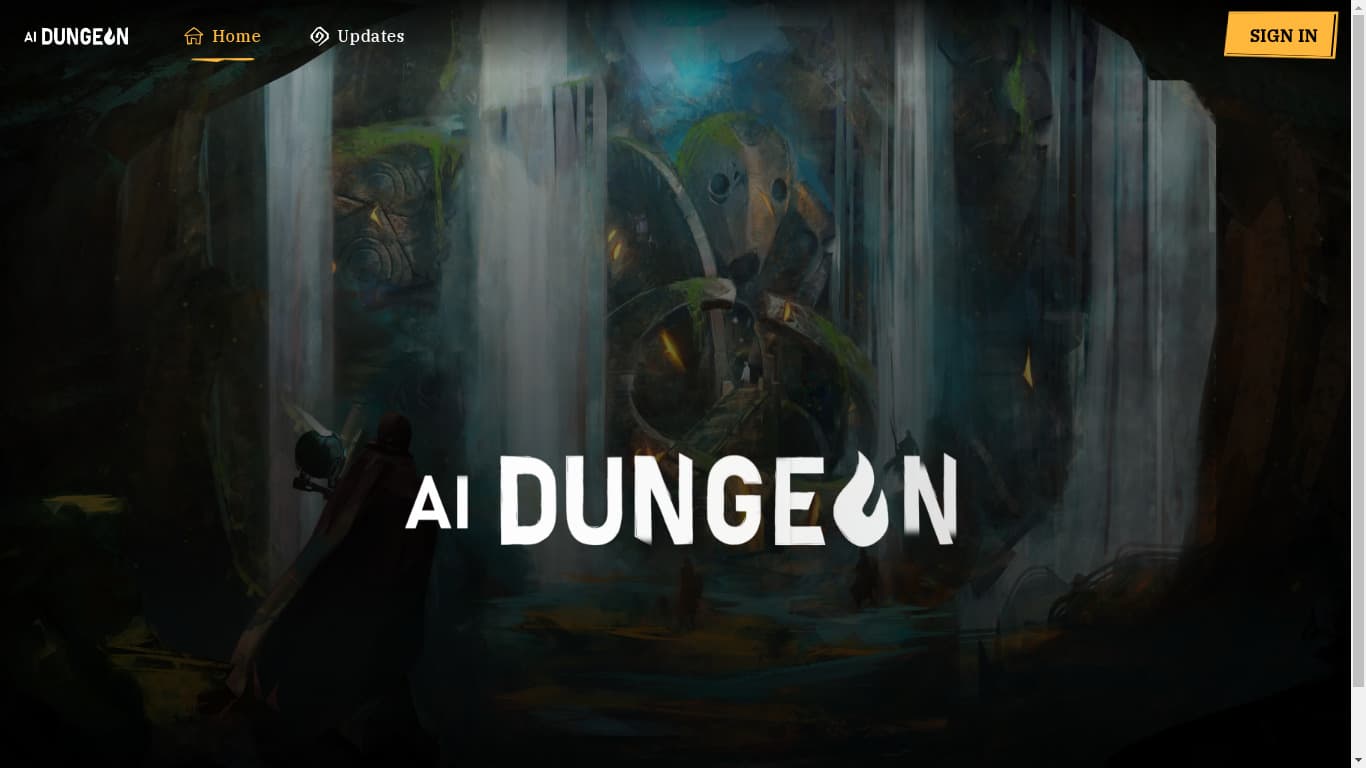
AI Dungeon is a text-based adventure game where you lead the story and the AI creates the world around you. It offers endless possibilities by generating unique characters, settings, and scenarios bas

SuperU AI
A nocode tool to create voice AI agents for customer communications.
Tortus
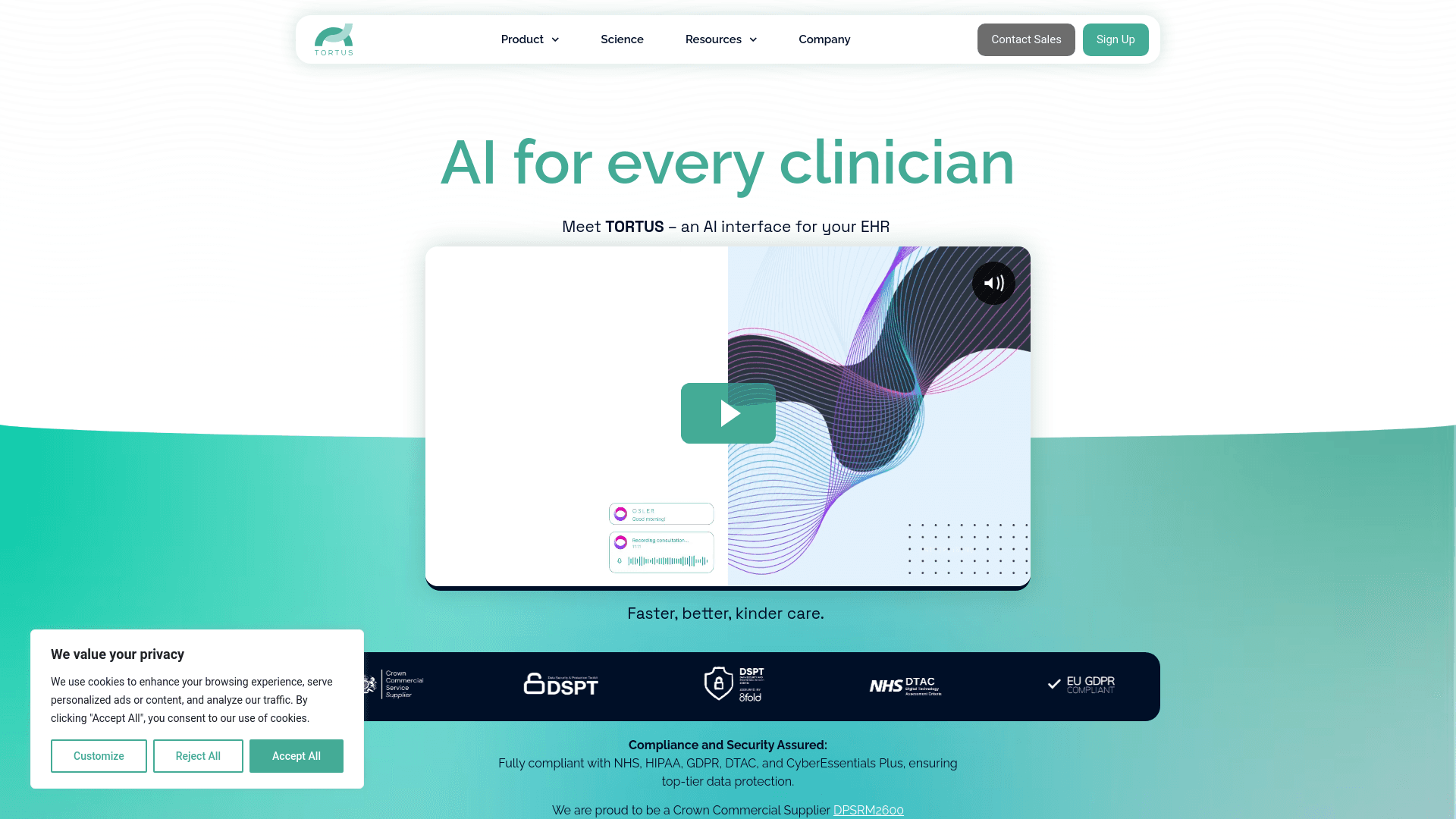
Transform healthcare with AI-driven EHR efficiency and support.
PrompTessor
A tool that optimizes text for clarity, tone, and grammar without requiring prompt engineering skills.