
Make a Chart
Make a Chart is a user-friendly tool designed to simplify the process of creating charts directly within Slack. Its core functionality revolves around allowing users to generate instant charts by simp
14,521
Votes
11,890
Views
6,658
Bookmarks
About
Make a Chart is a user-friendly tool designed to simplify the process of creating charts directly within Slack. Its core functionality revolves around allowing users to generate instant charts by simply typing a command. This makes it incredibly accessible for anyone who needs to visualize data quickly without the need for complex software or extensive training. The tool is particularly beneficial for teams and individuals who frequently communicate via Slack and require a straightforward way to present data visually during conversations. The target audience for Make a Chart includes professionals, teams, and organizations that use Slack as their primary communication platform. This tool caters to users who may not have a background in data visualization or chart creation, making it ideal for those who need to share information quickly and effectively. By streamlining the chart-making process, Make a Chart empowers users to enhance their communication with visual data representations, fostering better understanding and collaboration. One of the unique value propositions of Make a Chart is its simplicity and speed. Users can create charts in just three easy steps: typing a command, entering the chart details, and posting it directly into a Slack conversation. This ease of use sets it apart from traditional chart-making tools that often require more time and effort to produce similar results. The ability to generate charts instantly within a chat environment enhances productivity and keeps discussions focused and engaging. Key differentiators of Make a Chart include its integration with Slack and its focus on instant chart creation. Unlike standalone charting software, this tool is embedded within a widely-used communication platform, making it readily accessible to users. Additionally, the straightforward command-based approach eliminates the need for navigating complex menus or interfaces, allowing users to focus on their data rather than the tool itself. This combination of integration and simplicity makes Make a Chart a valuable asset for any Slack user. In terms of technical implementation, Make a Chart leverages Slack's command functionality to facilitate chart creation. Users simply type the command /chart followed by the necessary details, which the tool then processes to generate a visual representation of the data. This seamless integration ensures that users can quickly and efficiently create charts without leaving their conversation, making it a practical solution for real-time data visualization.
Key Features
- Instant Chart Creation: Users can create charts in just three simple steps, making it quick and easy to visualize data during conversations.
- Slack Integration: The tool works directly within Slack, allowing users to generate and share charts without leaving the chat environment.
- User-Friendly Commands: By typing a simple command, users can access chart-making features without needing to navigate complex menus.
- Real-Time Data Visualization: Charts can be created and shared instantly, enhancing communication and understanding among team members.
- No Technical Skills Required: The tool is designed for users of all skill levels, making it accessible for anyone needing to present data visually.
FAQ
How do I create a chart?
To create a chart, type /chart in your Slack conversation, enter your chart name, type, and values, then post it.
Can I use Make a Chart on mobile?
Yes, you can use Make a Chart on Slack's mobile app as long as you have access to the chat.
Is there a limit to the number of charts I can create?
There is no specific limit mentioned, so you can create as many charts as you need.
What types of charts can I create?
You can create various types of charts by specifying the type when you enter your chart details.
Do I need to install anything to use Make a Chart?
No installation is required; you can use it directly within Slack.
Is Make a Chart free to use?
Yes, Make a Chart is free to use for all Slack users.
You may also like
More tools in Productivity

Supametas.AI
A tool to transform unstructured data into structured formats for AI models and knowledge bases.

Assert AI
Automatically generates test cases, identifies bugs, and provides insights.
Zendesk AI
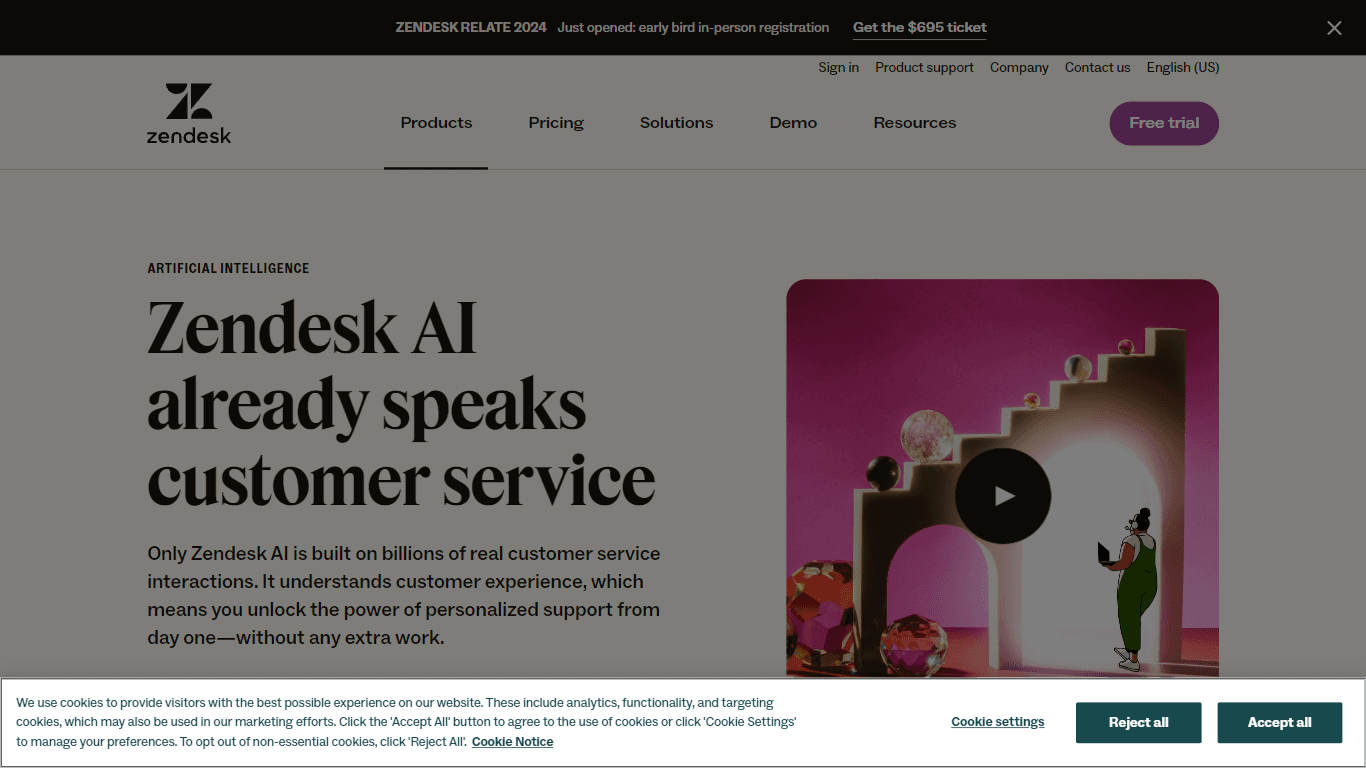
Explore the transformative power of AI-driven customer support with Zendesk AI. With a suite of intelligent tools, including sophisticated bots, enhanced self-service options, and a wealth of producti

ZEN AI
Discover unparalleled customer service with ZEN AI, an intelligent customer support assistant designed for businesses of all sizes. ZEN AI operates around the clock, ensuring that your customers alway

Ada
Revolutionize customer service with AI across all digital platforms.

Outreach
Optimize sales, enhance workflows, boost efficiency with AI-powered tools.

Align AI
Streamlines AI strategy alignment with business objectives.
X-doc
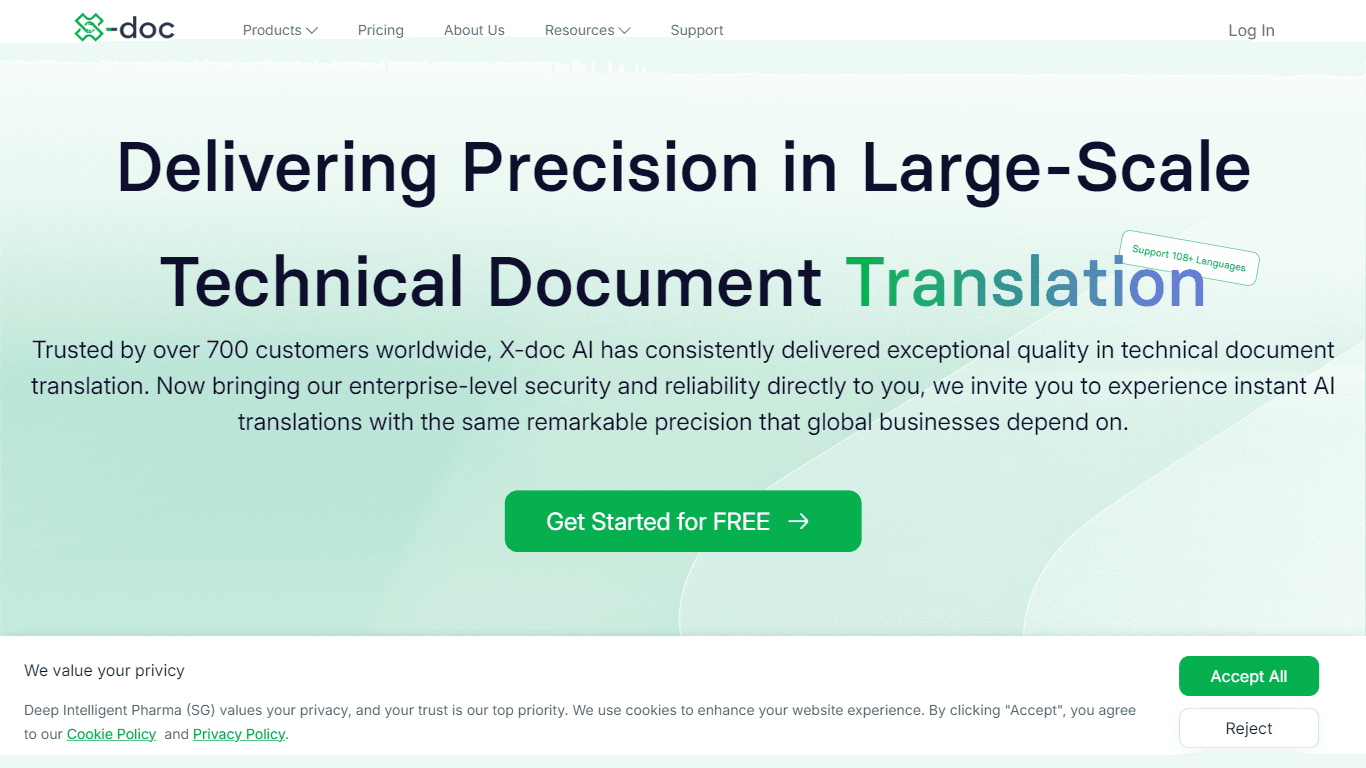
X-doc is a cutting-edge AI-driven platform specializing in large-scale technical document translation. Its core functionality revolves around providing instant translations across 108 languages, ensur

MokSa.AI
Enhances retail operations with AI-driven video intelligence.
Tektonic AI
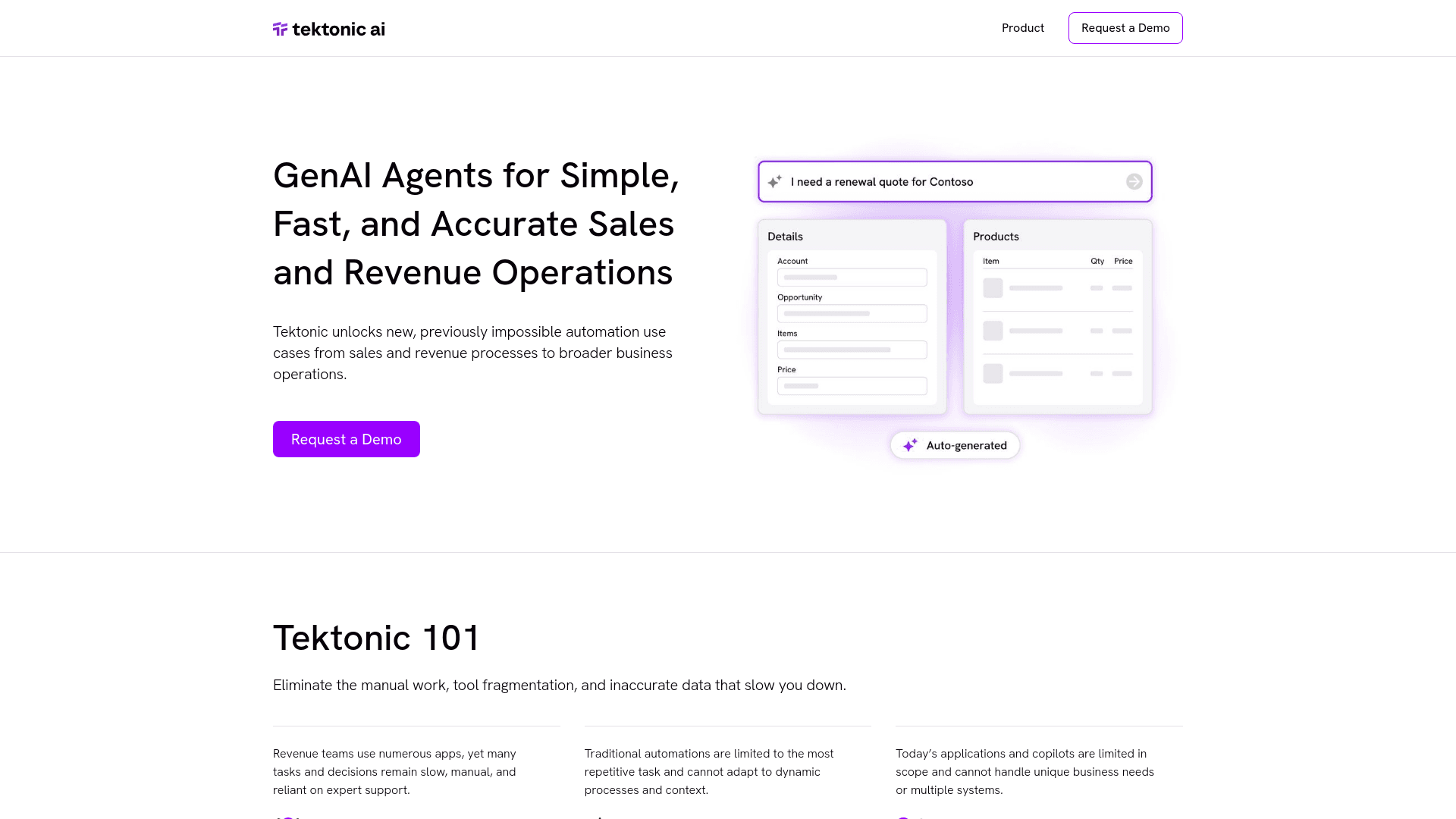
Streamline sales and revenue operations with advanced AI-driven automation.
HSA Eligible
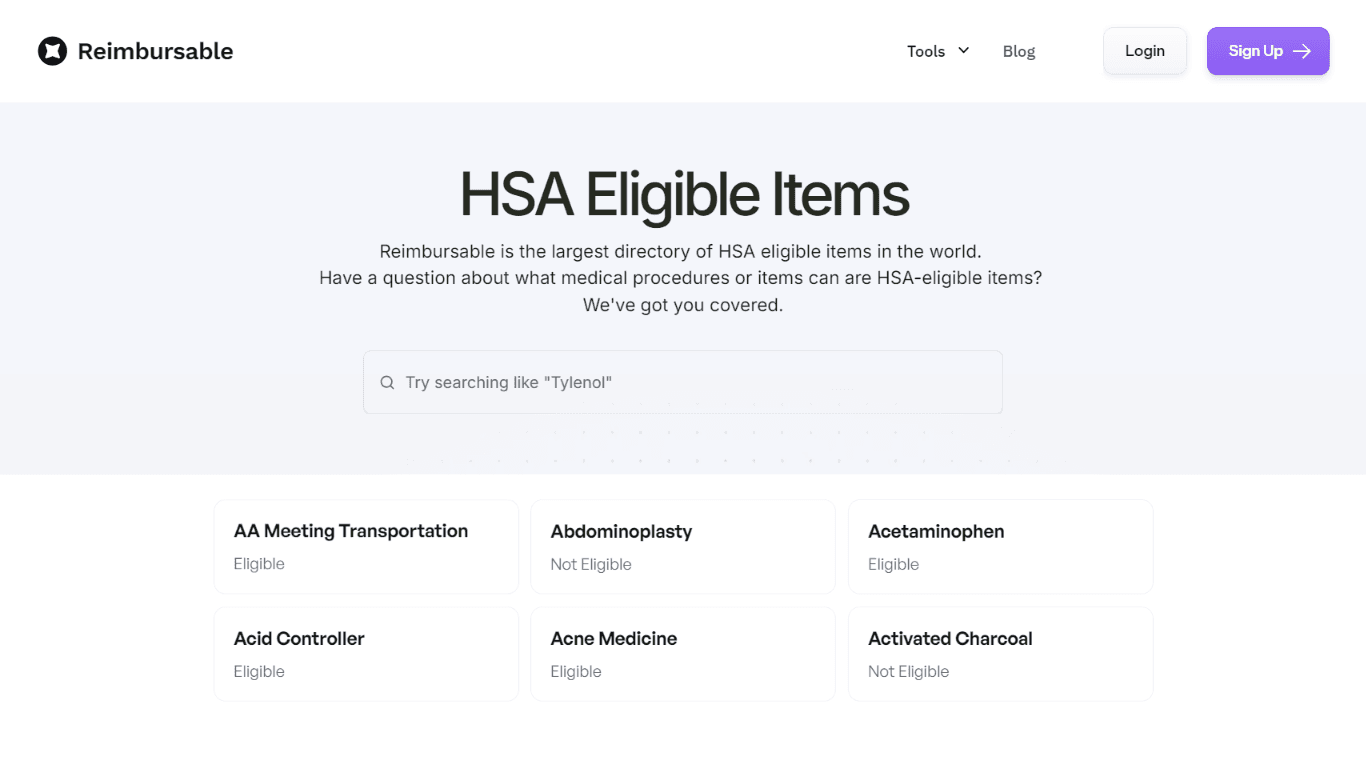
The Complete Directory of HSA Eligible Items for Easy Expense Tracking serves as a comprehensive resource for individuals looking to manage their Health Savings Account (HSA) expenses effectively. Thi
Ref Tools
A tool to provide documentation context for AI coding agents.