
happycapy
Delegate browsing, coding, and file work to agents.
10,937
Votes
18,673
Views
7,408
Bookmarks
About
happycapy is an agent-native computer that runs in the browser and on mobile, giving developers a virtual desktop where AI agents can actually use a computer. Instead of just chatting, agents can browse, code, manipulate files, and run multi step workflows inside a secure cloud sandbox. The product targets developers, technical founders, and ambitious knowledge workers who want to delegate real work to Claude Code–style agents without touching complex terminals or infrastructure.
Key Features
- Agent-native browser desktop: Live graphical desktop where users can watch agents work, inspect windows, and step in with clicks or keystrokes when needed.
- Secure cloud sandbox: Isolated environment per user or session, with controlled filesystem and visible resource usage for safer code execution.
- Claude Code centric agents: Deep-context AI coding support powered by Claude Code and other high end models for refactors, debugging, and complex analysis.
- Skill based workflows: Modular “skills” that extend agents with new tools, data sources, or workflows, which can be combined into richer automations.
- Templates and built in tools: Ready made templates, simple database and UI elements so users can assemble mini apps and workflows inside the same workspace.
Pros
- Low setup friction: Runs in a browser or phone, removing installs, CLIs, and infrastructure configuration.
- Developer friendly capabilities: Strong support for coding tasks, repo work, and multi agent debugging in one visual environment.
- Good transparency: Users can see exactly what agents are doing on the desktop, which builds trust and makes correction easier.
- Scales from tinkering to teams: Parallel agent execution and reusable skills help solo developers and small teams share workflows.
Cons
- Costs can grow with heavy workloads: Compute intensive or long running projects will quickly move beyond the free credits.
- Best with constant connectivity: Browser based access is not ideal for offline work or highly restricted networks.
- Conceptual learning curve: Non technical users may need time to grasp agents, skills, and sandboxes, even with the friendly GUI.
Who Uses It
- Software Developers and Engineers: Offload scaffolding, refactors, test writing, and exploratory coding to agents in a controlled environment.
- Startup Founders and Indie Hackers: Prototype products, run competitor research, and wire together tools without building their own infra.
- Product, Ops, and Data Teams: Automate reporting, QA checks, data cleaning, and back office workflows that used to live in spreadsheets and scripts.
- Designers and Creative Professionals: Generate marketing visuals, decks, and content while agents handle repetitive layout or asset prep work.
- Uncommon Use Cases: Used by educators to demonstrate agent based computing in lab settings; adopted by solo consultants to build reusable, client specific automations without maintaining custom servers.
Pricing
- Free: $0 per month; includes limited Claude Code access, limited MiniMax M2.5 access, limited AI model access via skills, basic sandbox environment, custom skill creation, and compatibility with open-source skills.
- Pro: $20 per month; includes everything in Free, plus 2,000 monthly Claude Code credits, expanded access to 150+ AI models via skills, unlimited MiniMax M2.5 access, 2 cores with 4GB RAM and 50GB storage, recurring task automation, and CapyMail email access.
- Max: $200 per month; includes everything in Pro, plus unlimited Claude Code access, unlimited access to 150+ AI models via skills, 4 cores with 8GB RAM and 200GB storage, increased automations and email quota, early iOS app access, agent teams with GUI (research preview), and priority human support.
You may also like
More tools in AI Chatbots
One AI
Boost website engagement and sales with adaptive AI-driven interactions.
Ada
Revolutionize customer service with AI across all digital platforms.
Tektonic AI
Streamline sales and revenue operations with advanced AI-driven automation.

Replicate
Unlock AI's potential: run, fine-tune, deploy models easily and cost-effectively.
Heidi
Streamline healthcare admin tasks, and enhance patient focus.
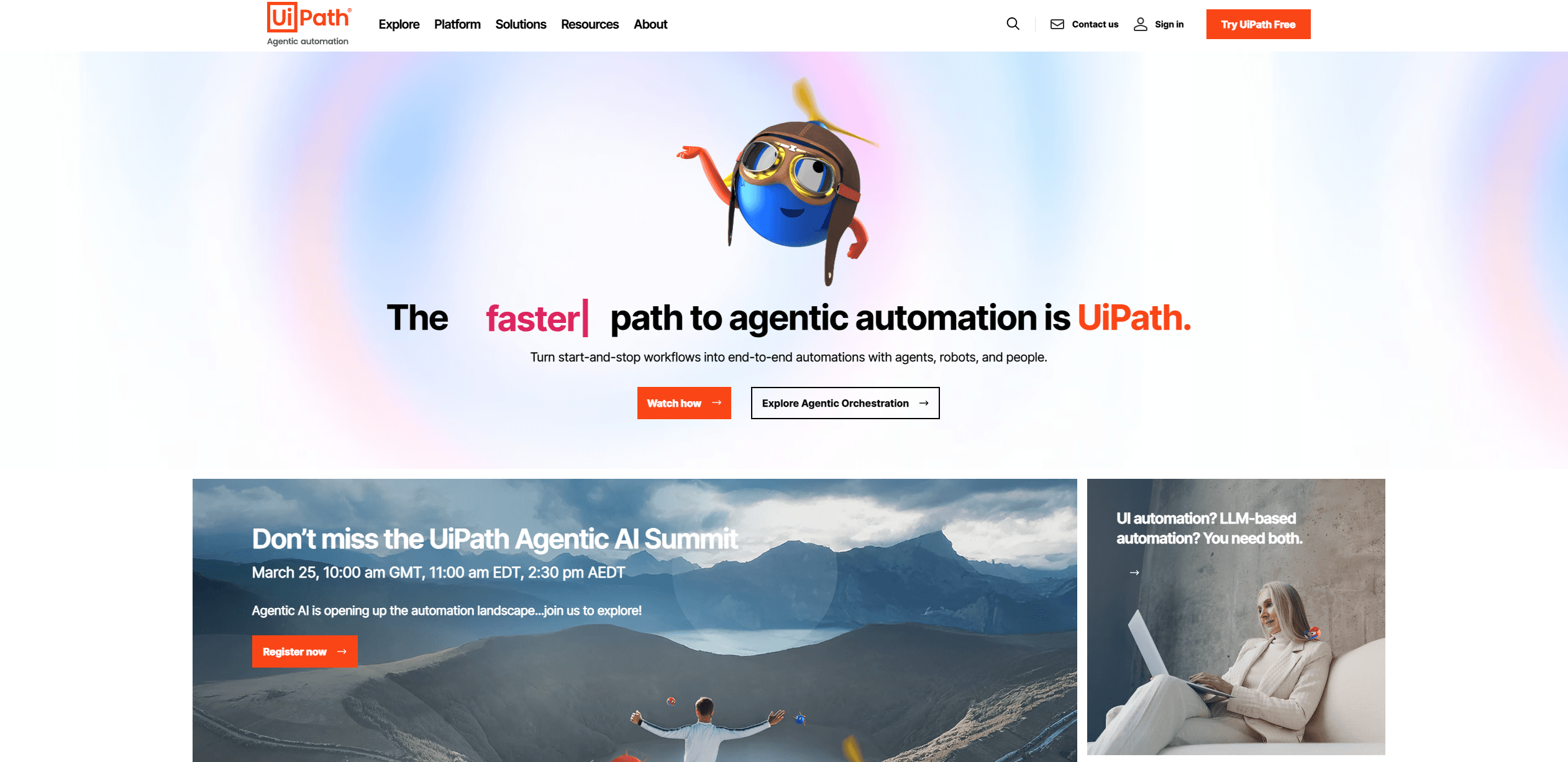
UiPath
Streamline workflows with AI-driven automation and seamless integration.
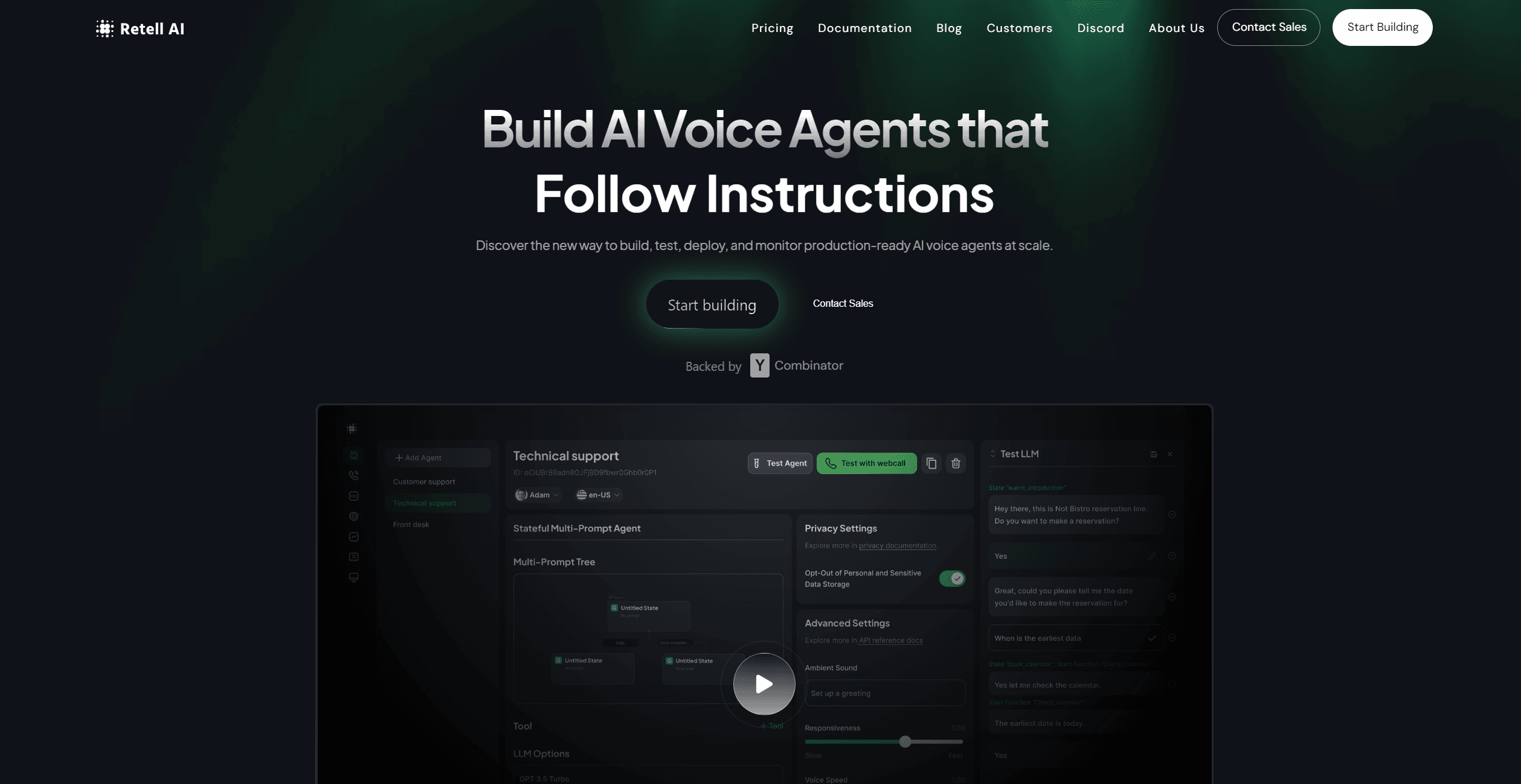
Retell AI
Create lifelike AI voice agents, deploy anywhere, analyze real-time.
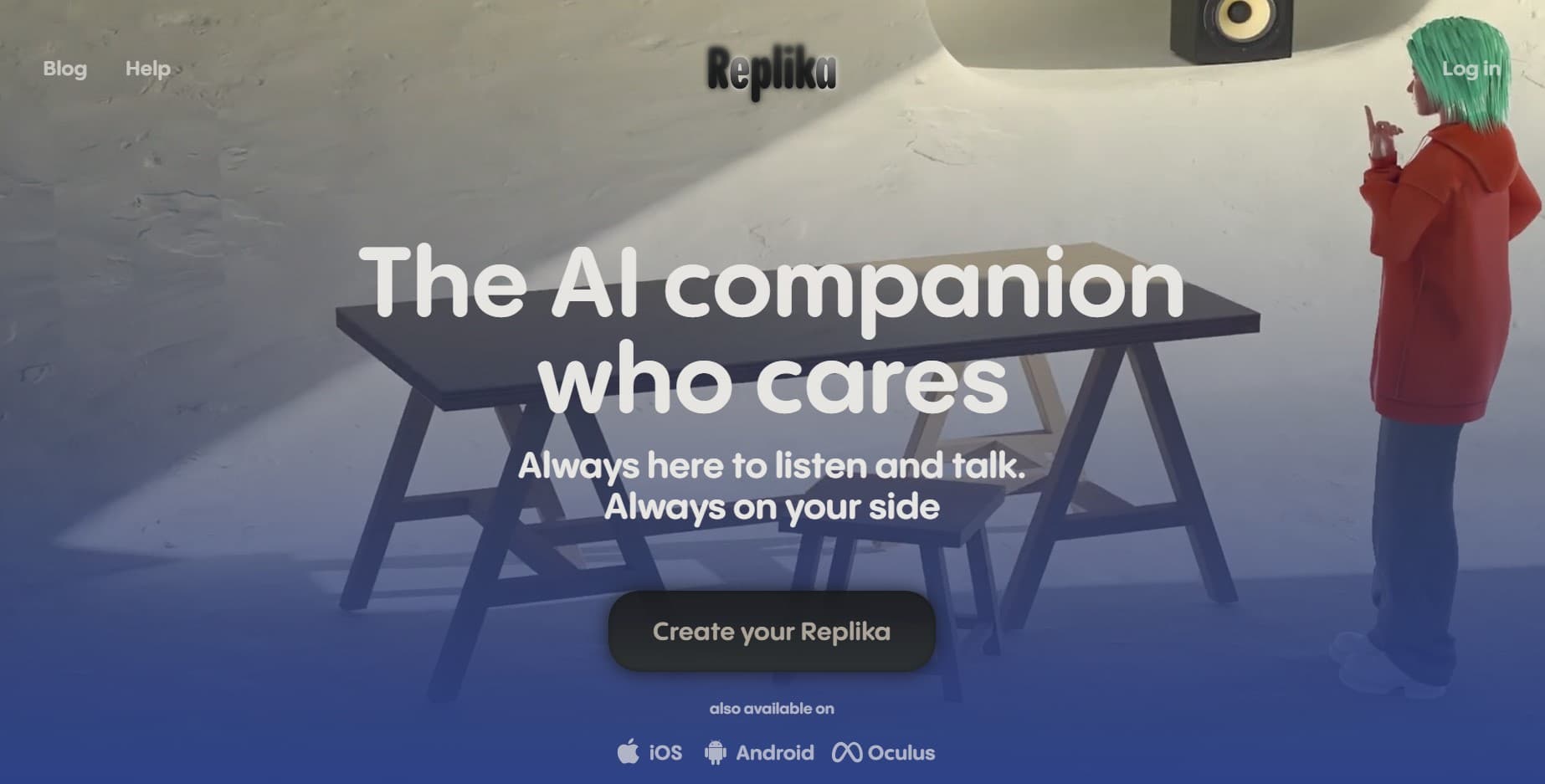
Replika
AI companion for personalized chat, emotional support, and self-growth.

RowSpeak
Turn messy spreadsheets into clear, ready reports.
MyMemo AI
Transform digital chaos into an organized, AI-enhanced knowledge oasis.
Spoke.ai
AI-powered tool revolutionizes team communication and project management.
Inworld
Elevate game development with dynamic NPCs, immersive worlds, and AI-driven content creation.