
GoEnhance AI
Transform videos, enhance images, animate characters effortlessly.
9,595
Votes
21,937
Views
6,816
Bookmarks
About
As a seasoned reviewer of AI tools, I'm always on the lookout for innovative platforms that push the boundaries of technology and creativity. Today, I'm diving into GoEnhance AI, a dynamic AI video production platform designed to simplify video creation. This tool is a boon for creators looking to transform videos into various styles, enhance images, and even delve into character animation. With its user-friendly interface and a plethora of features, GoEnhance AI targets a broad audience, from professional content creators to hobbyists eager to explore the potential of AI in video and image enhancement.
Key Features
- Video to Video Transformation: Convert existing videos into different styles, including anime, with just a few clicks.
- Frame-to-frame Video Creation: Seamlessly create videos by inputting just the first and last frame images.
- AI-Powered Face Swap: Integrate any face into your videos using advanced AI face swapping technology.
- Character Animation: Generate animations using a single image, simplifying the animation process significantly.
- Image Enhancer and Upscaler: Enhance and upscale images to ultra-high detail, leveraging GoEnhance AI’s powerful algorithms.
Pros
- Diverse Style Options: Offers a variety of styles for video transformation, catering to different aesthetic preferences.
- Ease of Use: Intuitive user interface that simplifies complex processes, making advanced video editing accessible to all.
- High-Quality Outputs: Produces high-resolution videos and images, ensuring professional-grade quality.
- Innovative Technology: Utilizes cutting-edge AI technology to provide features like face swap and character animation that are hard to find elsewhere.
Cons
- Learning Curve: While user-friendly, the range of features might overwhelm new users initially.
- Limited Free Version: Some advanced features are locked behind a paywall, which might restrict full exploration without investment.
Who Uses It
- Content Creators: Leveraging the tool to produce varied content for social media and other platforms.
- Video Editors: Employing advanced features for professional projects and client work.
- Graphic Designers: Using the image enhancer for creating high-quality visuals for digital and print media.
- Animation Enthusiasts: Exploring character animation features to create engaging content.
- Uncommon Use Cases: Utilized by educators for creating interactive educational content; adopted by researchers for enhancing images for detailed analysis.
Pricing
- Free Tier: Get started with GoEnhance AI with no initial cost.
- Subscription Plans: Detailed pricing is available on their website, offering various features based on user needs.
You may also like
More tools in Video Tools

MokSa.AI
Enhances retail operations with AI-driven video intelligence.
Midjourney
Unlock true digital artistry.
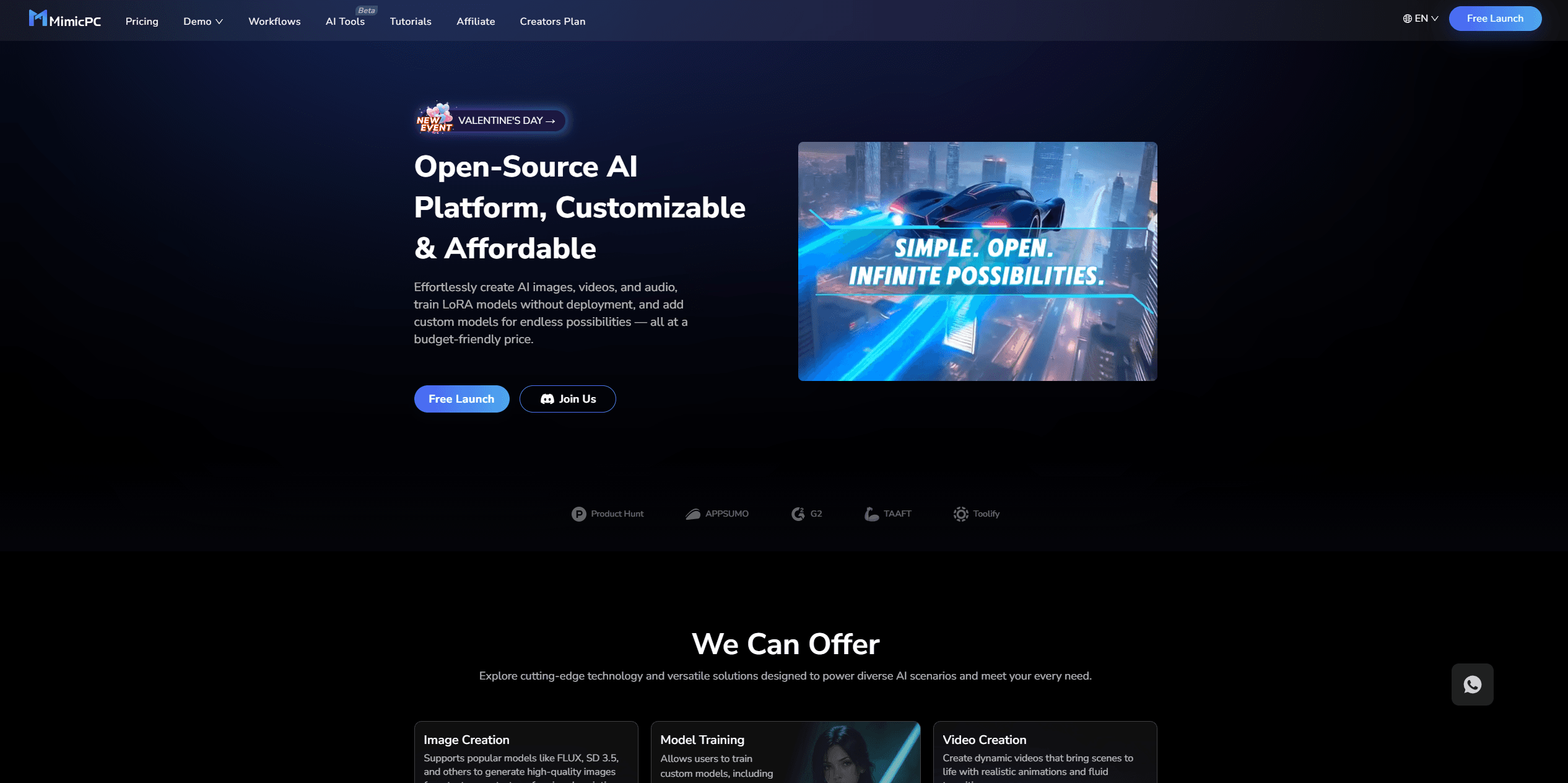
MimicPC
Unlock AI tools instantly, browser-based, no installs needed.
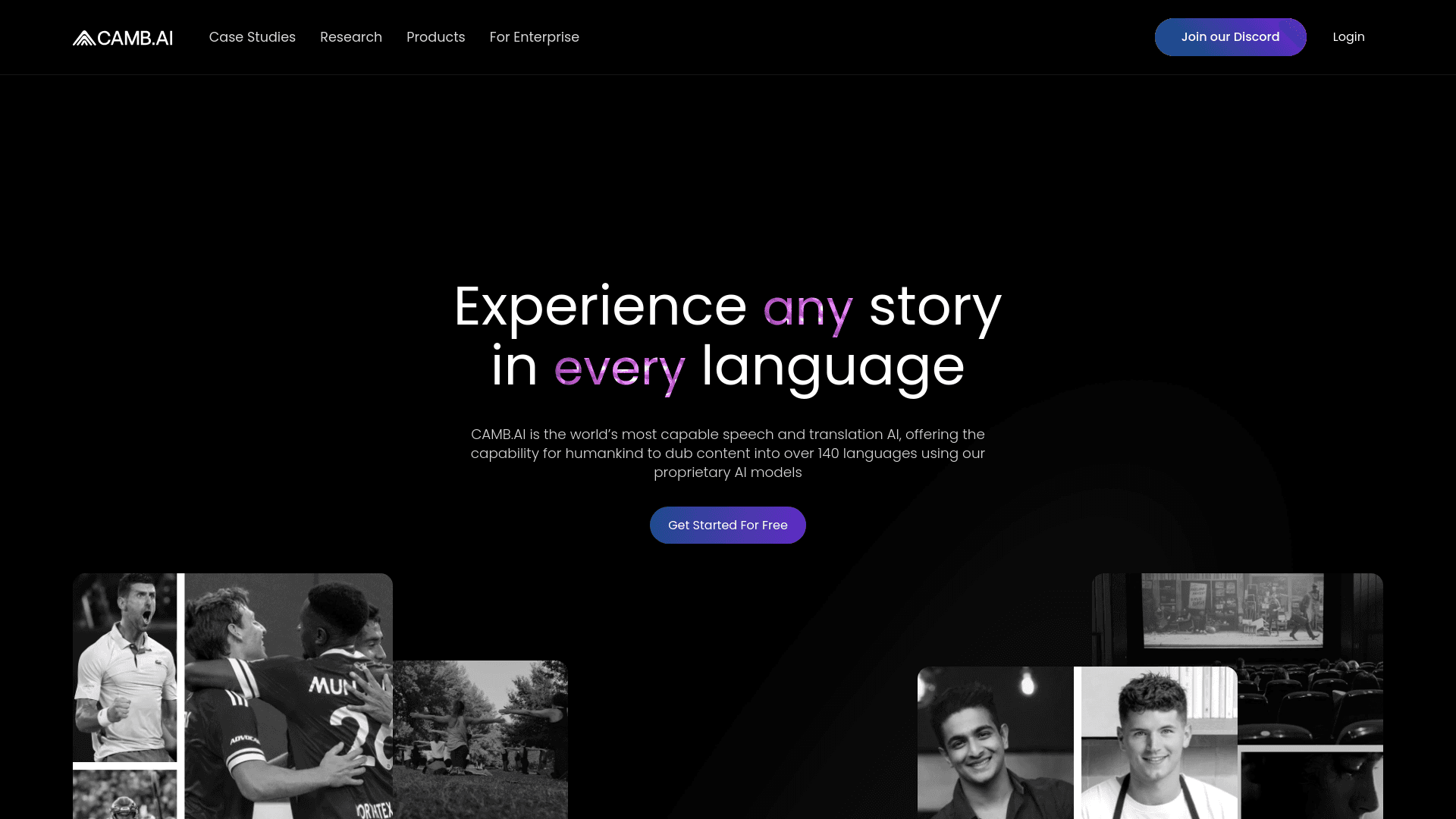
Camb.ai
Transforms video dubbing with nuanced voice preservation and 100+ languages.

Glato AI
Glato AI is an innovative platform that revolutionizes the creation of video content by leveraging artificial intelligence. With Glato AI, users can quickly produce high-quality, engaging, and viral v
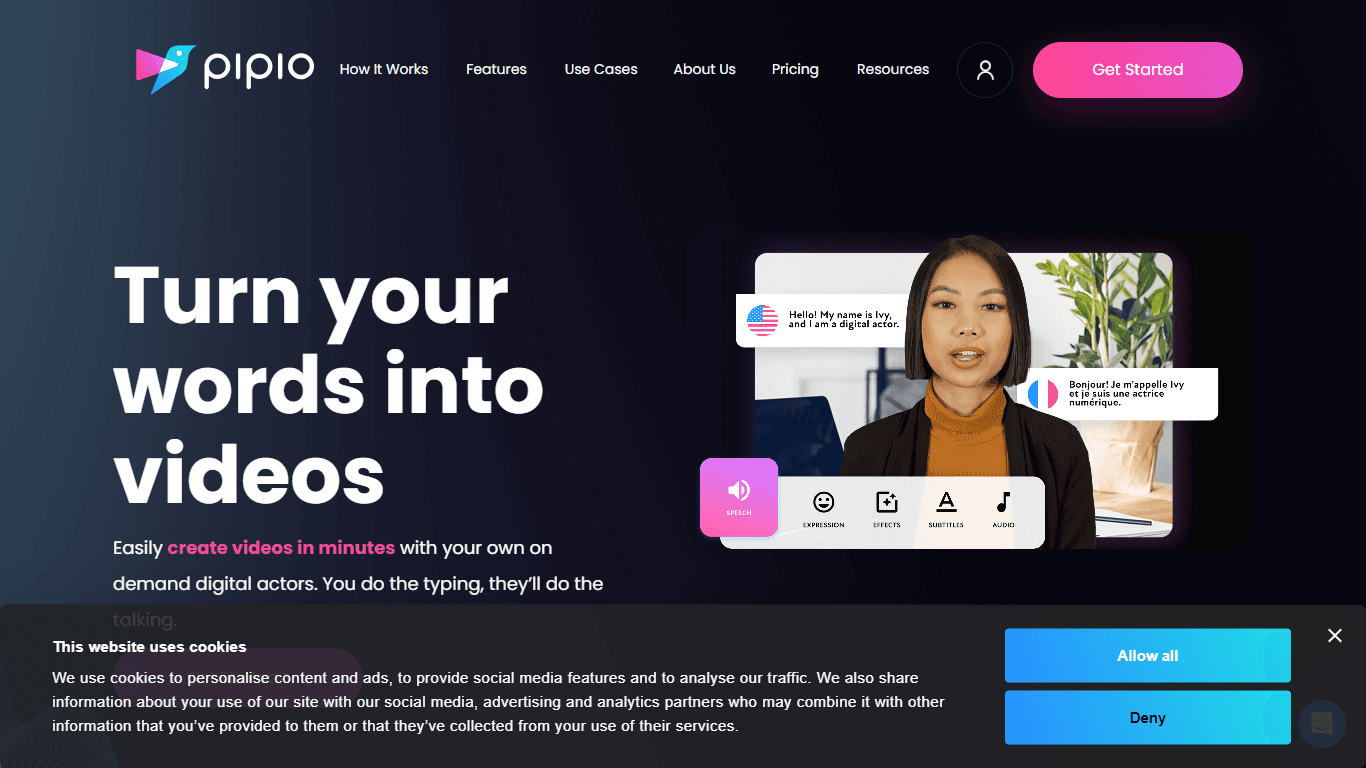
Pipio
Pipio is an innovative AI-powered video production platform designed to simplify the creation of professional videos. With Pipio, users can craft high-quality AI videos effortlessly by typing a script

Paper Animator
A tool to transform images and text into paper-style animations.
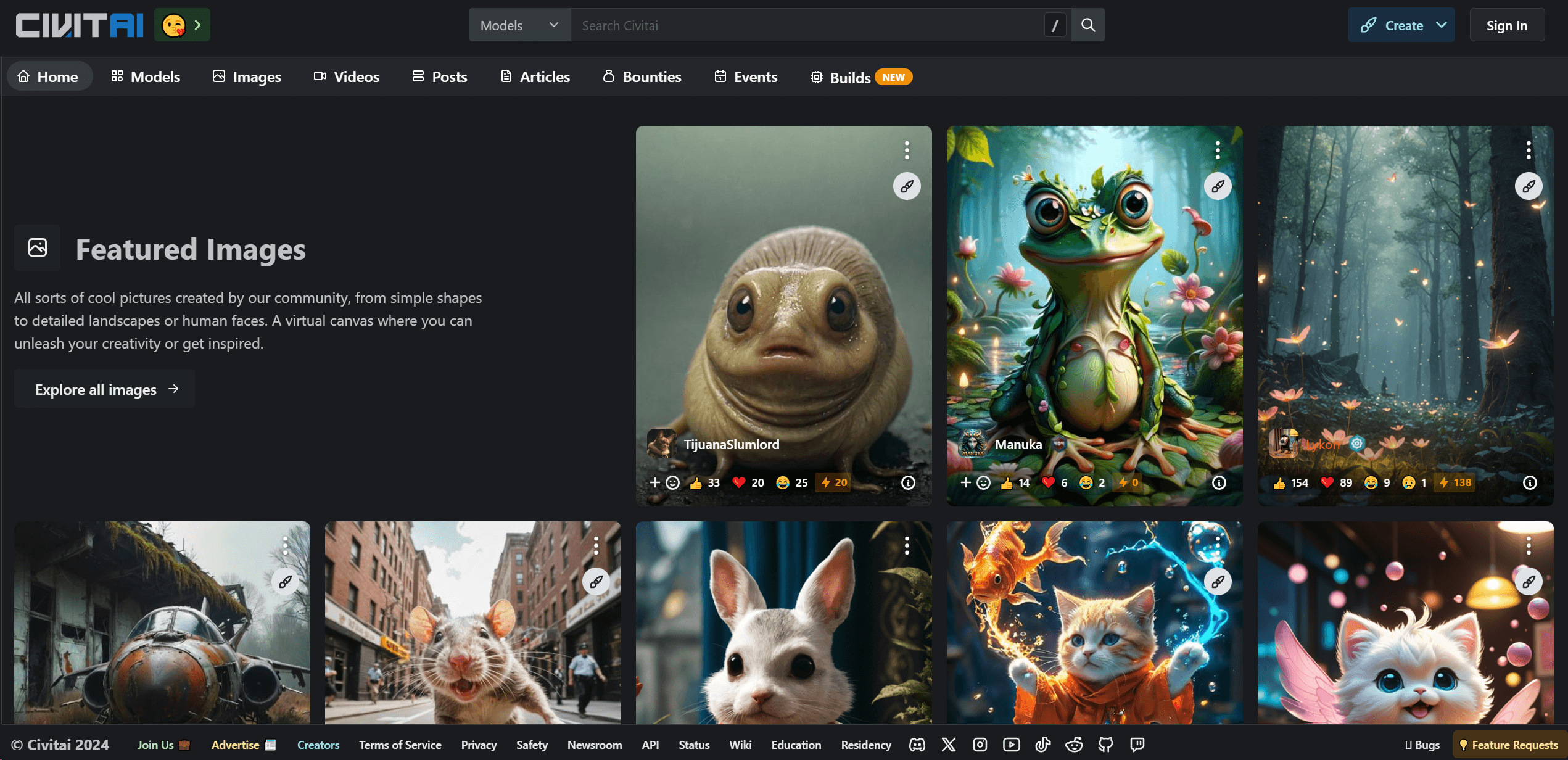
Civitai
Open-source platform for AI model creation and collaboration.
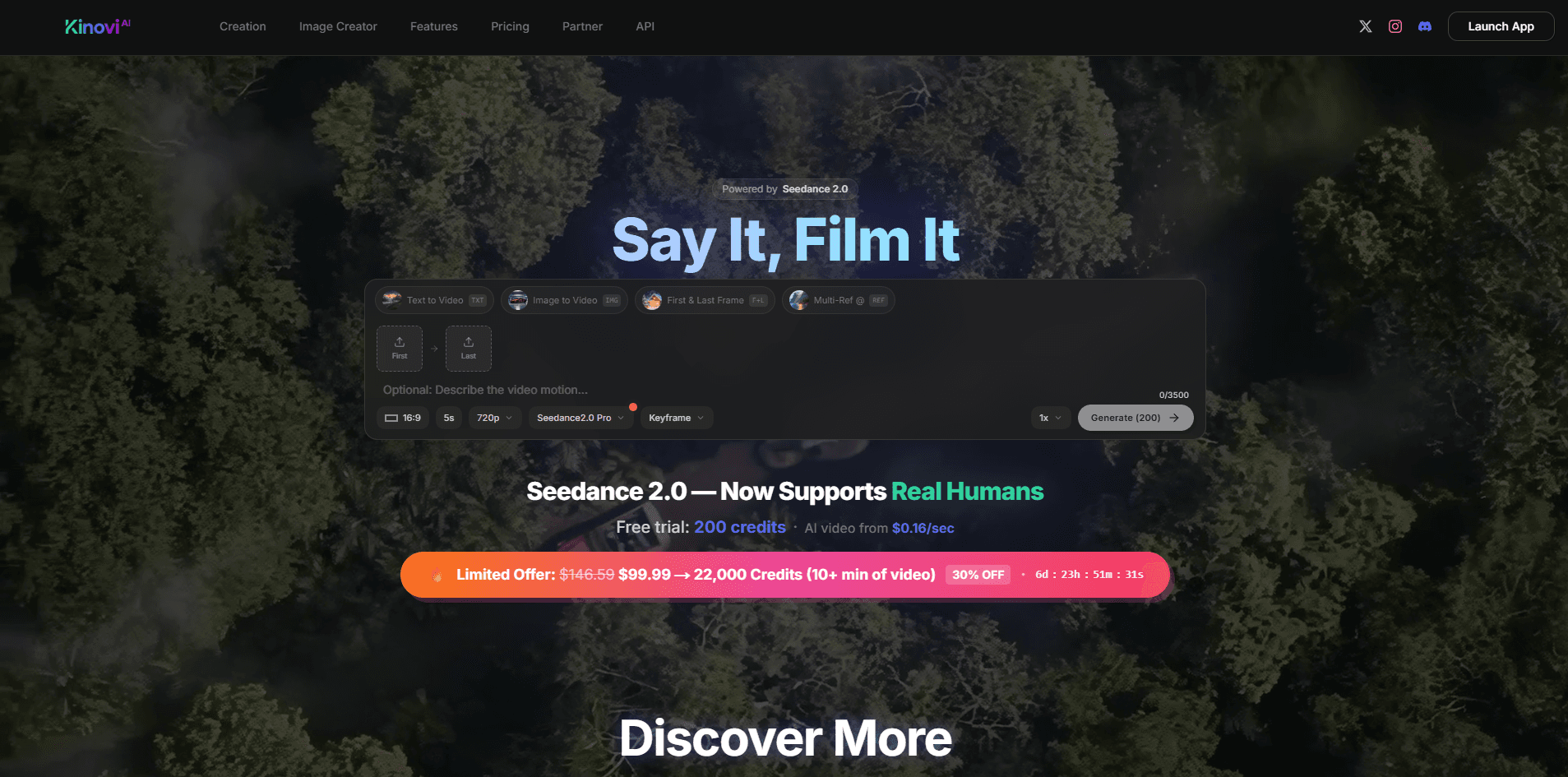
Kinovi
Direct cinematic clips from prompts and references.
Noisee AI
Find powerful Noisee AI alternatives for creators.

Eddie AI
A software for video editing through rough cuts and integrating with existing software.
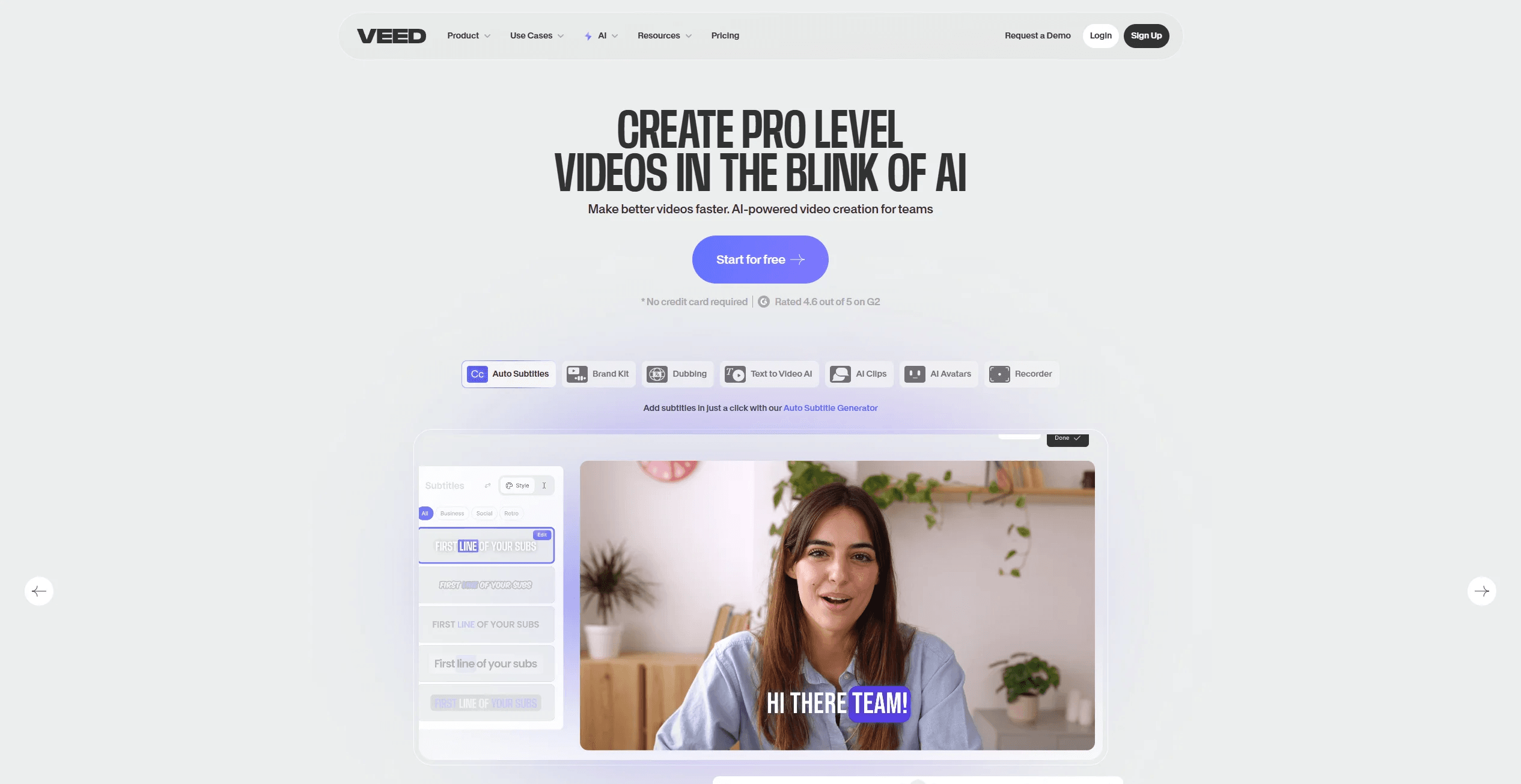
VEED.IO
Create, edit, subtitle, and translate pro-grade videos instantly.