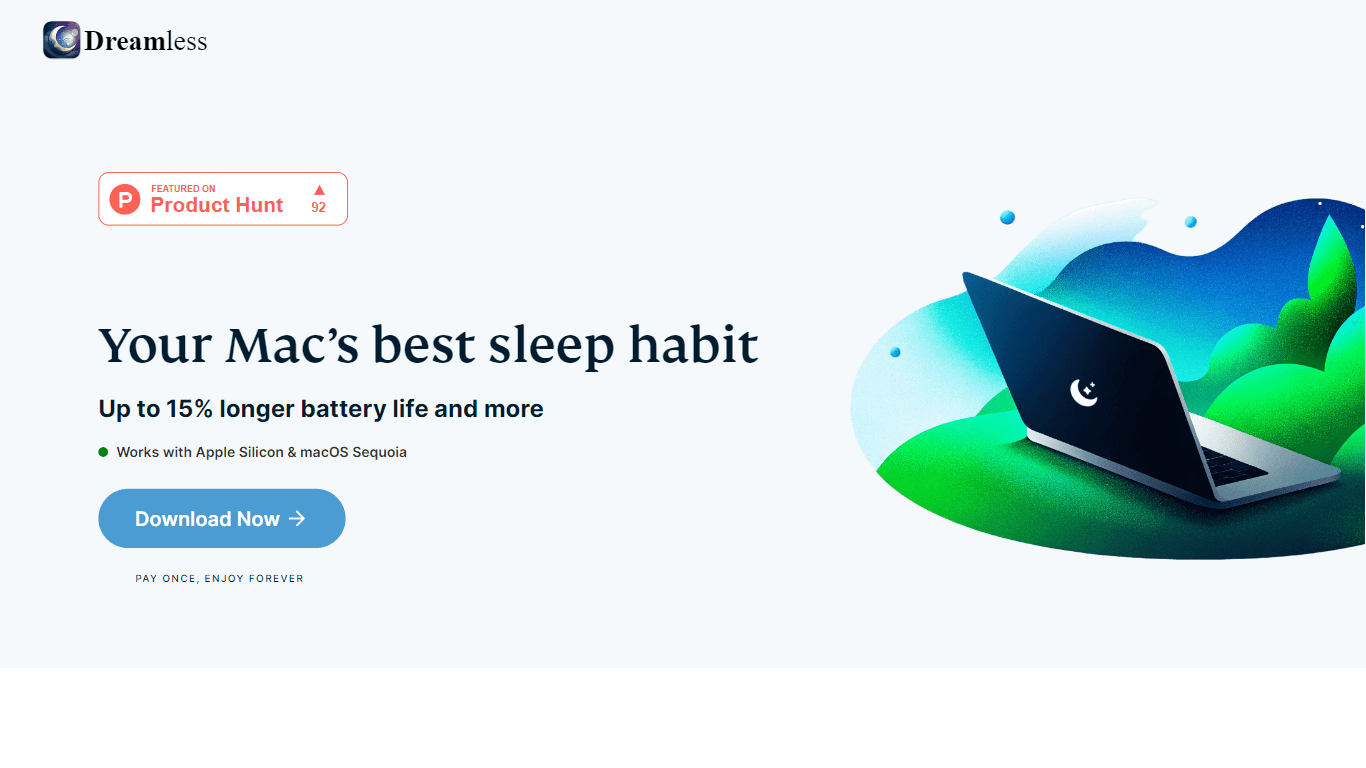
Dreamless
Dreamless is an intuitive and user-friendly application designed to extend the battery life of MacBooks. Its core functionality revolves around reducing unnecessary background activity, which helps co
11,199
Votes
16,377
Views
7,258
Bookmarks
About
Dreamless is an intuitive and user-friendly application designed to extend the battery life of MacBooks. Its core functionality revolves around reducing unnecessary background activity, which helps conserve battery power and prolongs the runtime of your device. Users can expect an improvement in battery life by up to 10-15%, making it a valuable tool for anyone who relies on their MacBook for extended periods without access to a power source. The target audience for Dreamless includes MacBook users who are looking for an easy solution to manage their device's battery life effectively. Whether you are a student, a professional, or someone who enjoys using their MacBook on the go, Dreamless caters to your needs by providing a simple way to enhance battery performance. Its user-friendly interface ensures that even those who are not tech-savvy can navigate the app with ease. One of the unique value propositions of Dreamless is its ability to automatically disable Bluetooth and Wi-Fi during sleep mode. This feature not only conserves battery life but also enhances security by minimizing the risk of unauthorized access and hacking attempts. Additionally, Dreamless is Apple-notarized, which means it has undergone thorough checks to ensure it is free from threats, providing users with peace of mind. Key differentiators of Dreamless include its one-time purchase model, which allows users to enjoy lifetime updates without any hidden fees or subscriptions. This approach contrasts with many other applications that require ongoing payments, making Dreamless a cost-effective solution for battery management. Furthermore, the app promises faster network performance by reducing interference from idle devices when Wi-Fi is disabled during sleep. In terms of technical implementation, Dreamless is designed to be straightforward and efficient. Users can easily manage their Bluetooth and Wi-Fi settings through a simple menu bar interface, allowing for quick adjustments based on their preferences. Overall, Dreamless stands out as a reliable and effective tool for anyone looking to enhance their MacBook's battery life and security.
Key Features
- Prolonged Battery Life: Dreamless reduces unnecessary background activity, helping to extend your MacBook's runtime by up to 10-15%.
- Improved Security: The app automatically disables Bluetooth and Wi-Fi during sleep, minimizing the risk of unauthorized access and hacking attempts.
- Faster Network Performance: By turning off Wi-Fi during sleep, Dreamless reduces interference from idle devices, resulting in faster network speeds when you’re using your MacBook.
- Easy Management: Users can easily control Bluetooth and Wi-Fi settings through a simple menu bar interface, allowing for quick adjustments based on their needs.
- Lifetime Updates: Dreamless offers a one-time purchase model, ensuring users receive all future updates for free without any hidden fees or subscriptions.
FAQ
What happens after installation?
By default, Bluetooth and Wi-Fi stay on when your Mac sleeps. You can choose what to turn off by selecting the corresponding button in the menu bar.
What if I need Bluetooth to unlock my Mac?
Simply disable automatic Bluetooth shutdown by toggling the Bluetooth button in the menu bar. Wi-Fi and Bluetooth settings can be managed separately.
Why do I need to enter my administrator password during installation?
This is a macOS requirement, beyond our control. You'll only need to do this once during setup.
Is Dreamless safe for my Mac?
Absolutely. As an official Apple Developer, we ensure Dreamless meets strict security standards. The app is notarized by Apple, guaranteeing it’s safe and authentic.
Why don’t Bluetooth and Wi-Fi always reconnect instantly?
While rare, a slight delay can occur. Bluetooth and Wi-Fi will reconnect within 10 seconds; a brief wait is all that’s needed.
What kind of support can I expect?
We offer 24/7 customer support. You can contact us anytime, and we guarantee a response within 24 hours.
You may also like
More tools in Productivity

Supametas.AI
A tool to transform unstructured data into structured formats for AI models and knowledge bases.

Assert AI
Automatically generates test cases, identifies bugs, and provides insights.
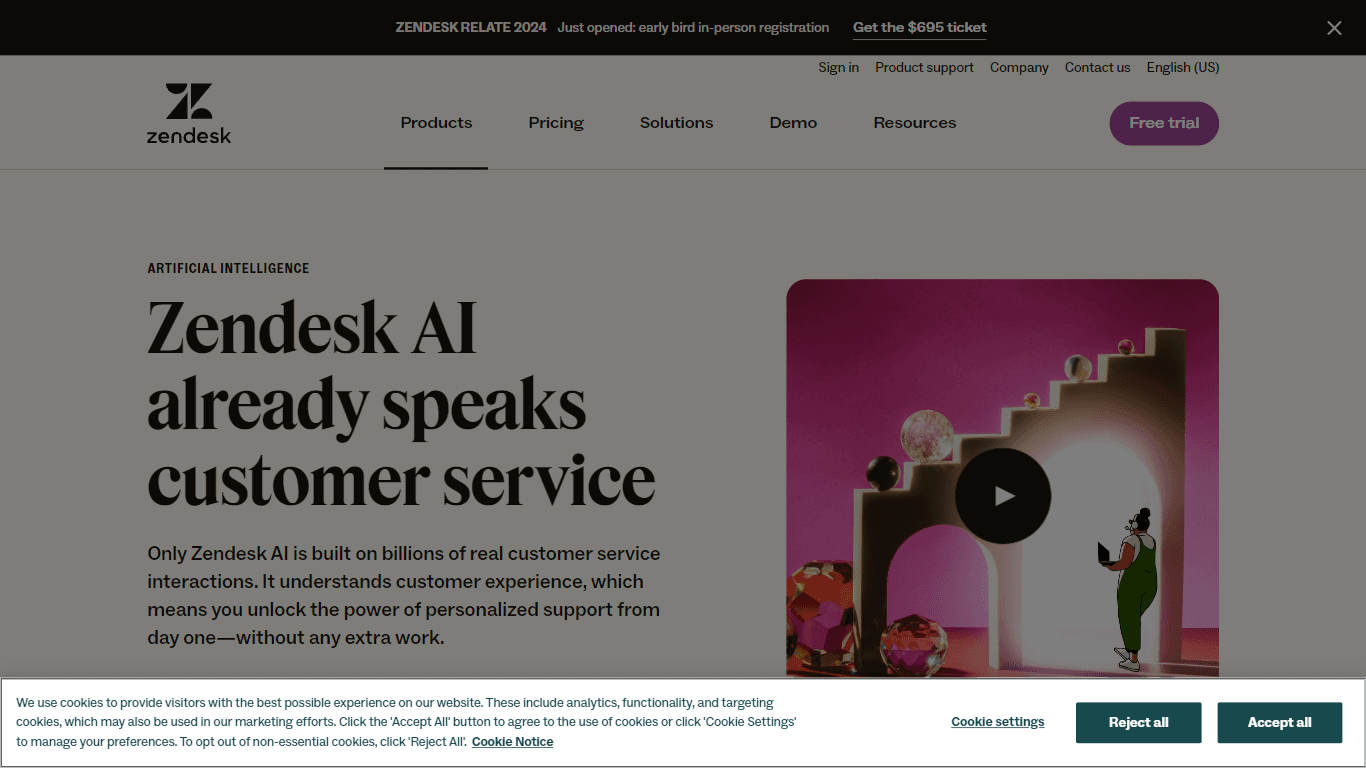
Zendesk AI
Explore the transformative power of AI-driven customer support with Zendesk AI. With a suite of intelligent tools, including sophisticated bots, enhanced self-service options, and a wealth of producti
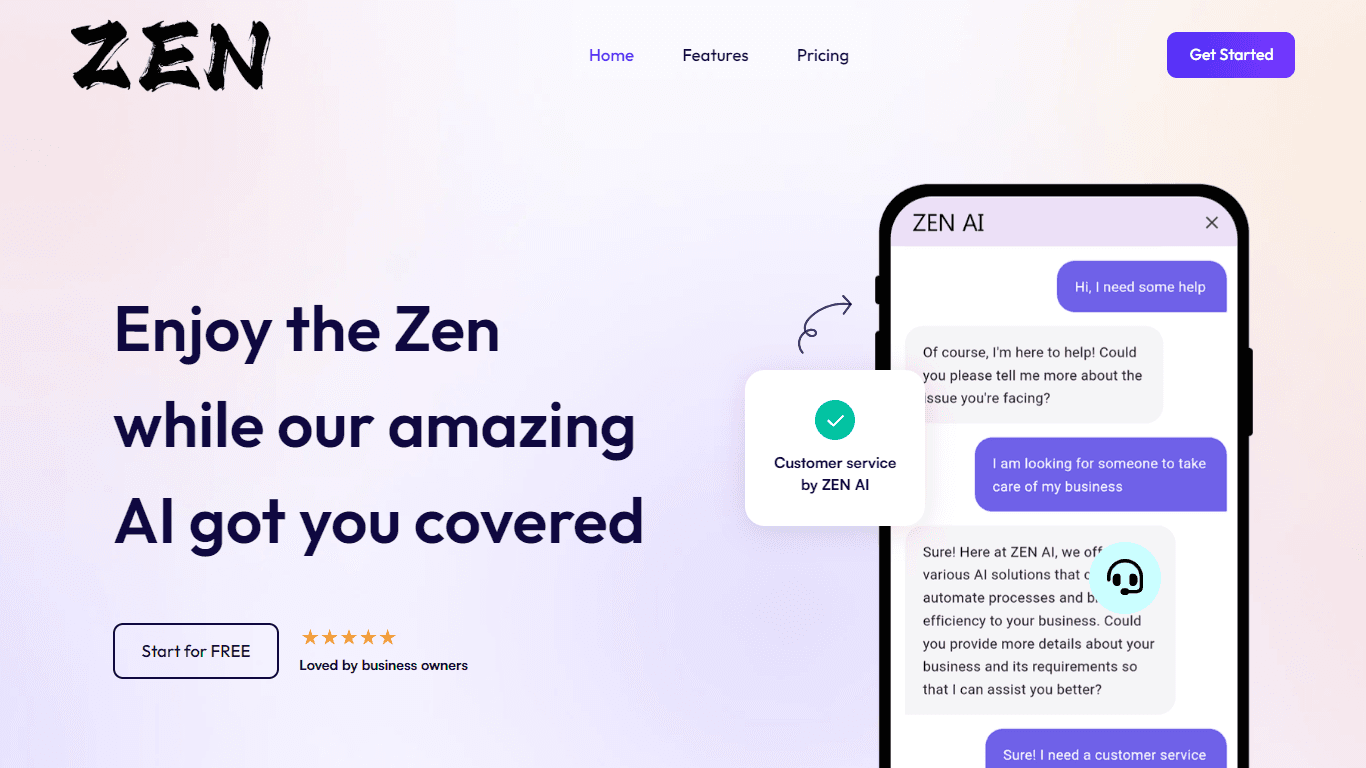
ZEN AI
Discover unparalleled customer service with ZEN AI, an intelligent customer support assistant designed for businesses of all sizes. ZEN AI operates around the clock, ensuring that your customers alway

MokSa.AI
Enhances retail operations with AI-driven video intelligence.
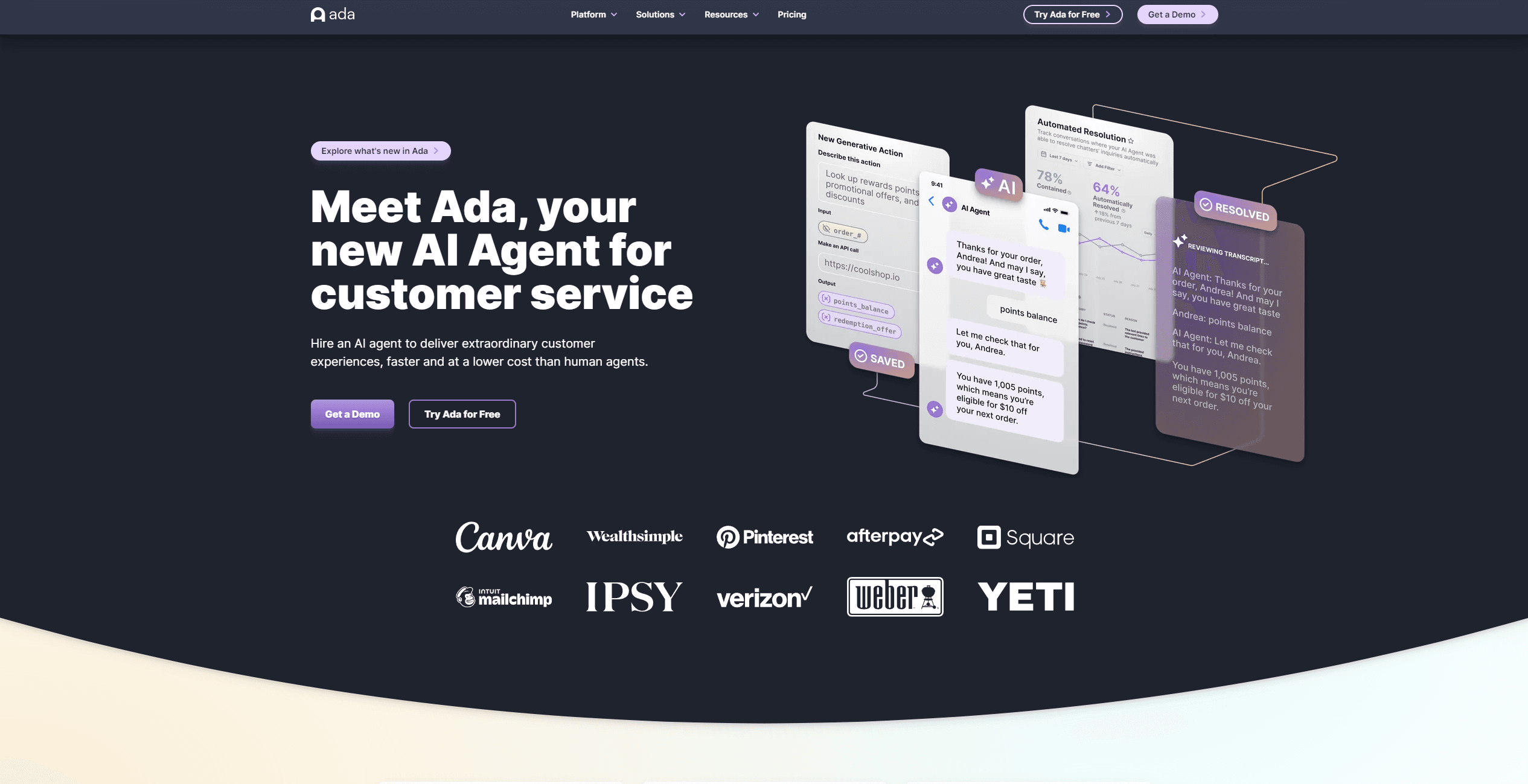
Ada
Revolutionize customer service with AI across all digital platforms.

X-doc
X-doc is a cutting-edge AI-driven platform specializing in large-scale technical document translation. Its core functionality revolves around providing instant translations across 108 languages, ensur

Outreach
Optimize sales, enhance workflows, boost efficiency with AI-powered tools.
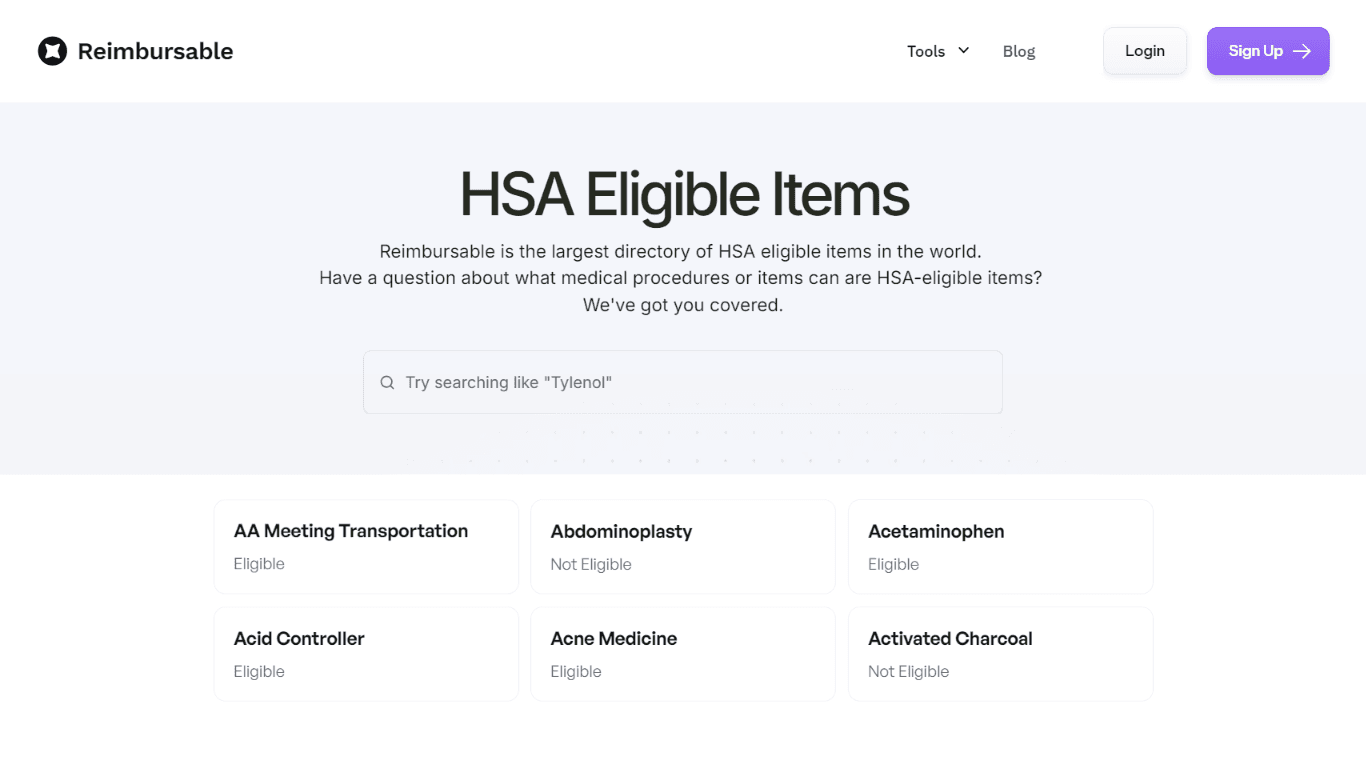
HSA Eligible
The Complete Directory of HSA Eligible Items for Easy Expense Tracking serves as a comprehensive resource for individuals looking to manage their Health Savings Account (HSA) expenses effectively. Thi
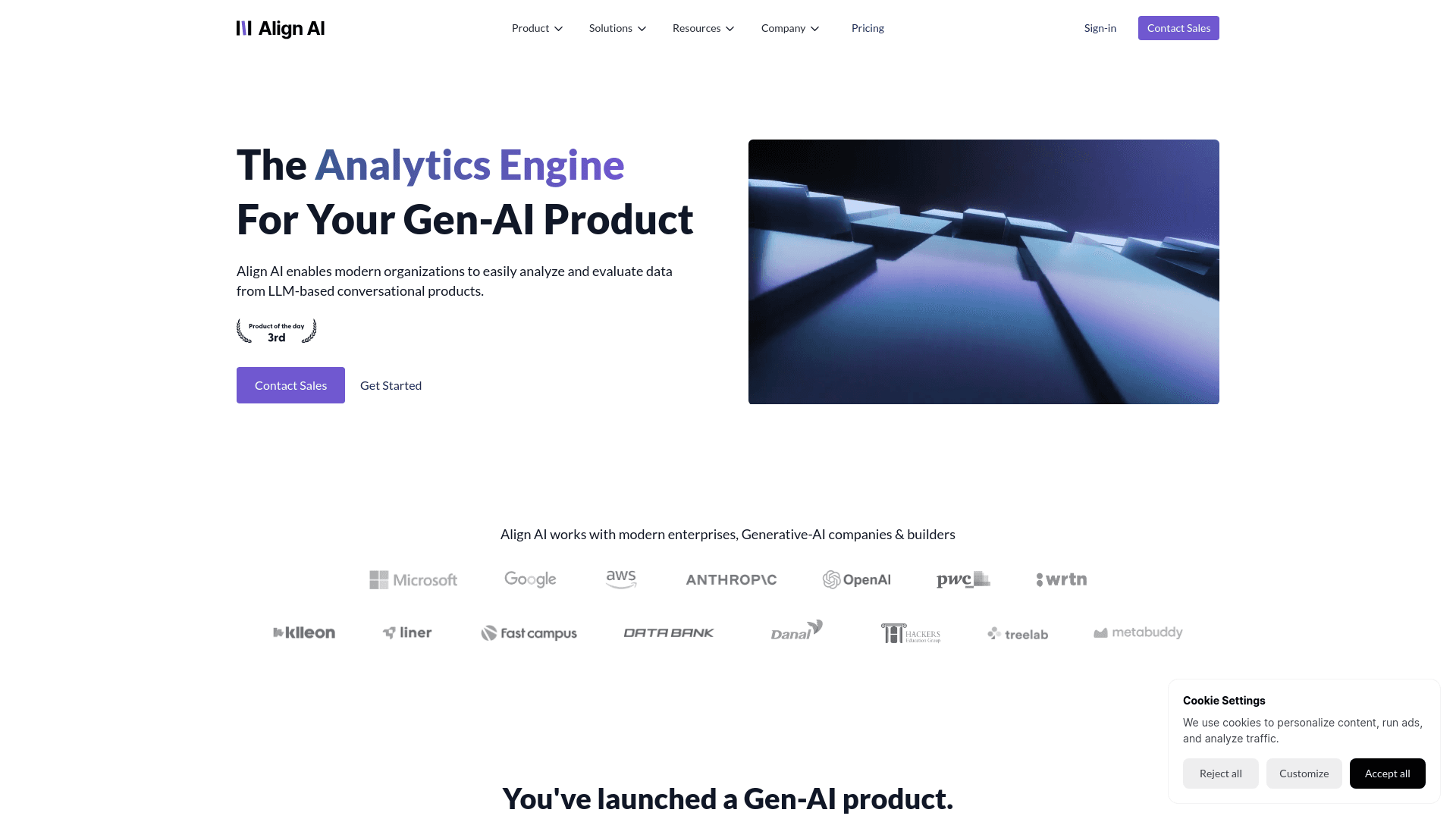
Align AI
Streamlines AI strategy alignment with business objectives.
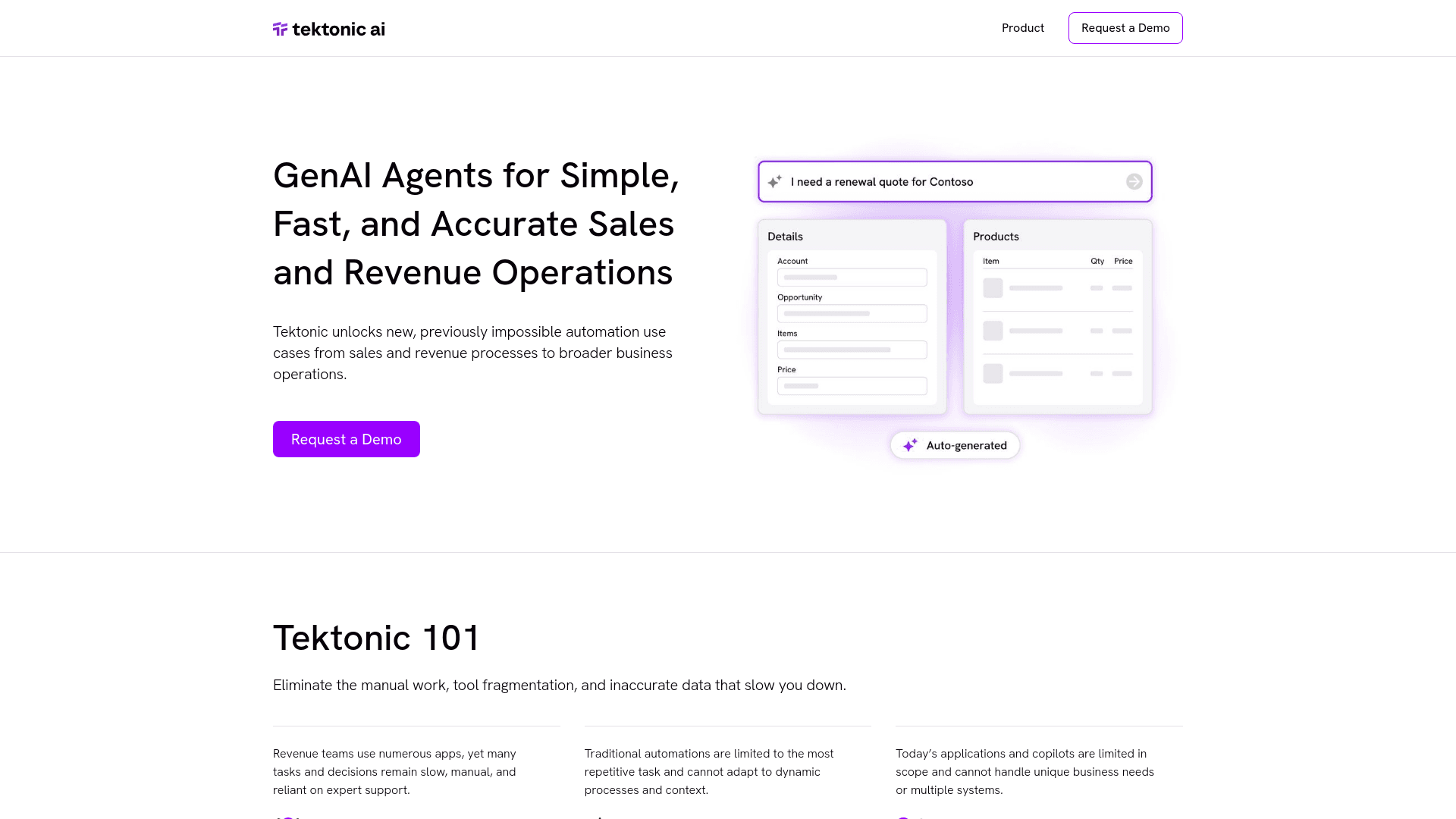
Tektonic AI
Streamline sales and revenue operations with advanced AI-driven automation.
Ref Tools
A tool to provide documentation context for AI coding agents.