
DataSnipper
Streamlines Excel data extraction, verification, and analysis.
14,064
Votes
17,252
Views
7,316
Bookmarks
About
DataSnipper is a cutting-edge Intelligent Automation Platform designed for professionals in audit and finance. Leveraging advanced AI technologies, DataSnipper streamlines complex data extraction, cross-referencing, and verification tasks within Microsoft Excel. It aims to boost productivity and minimize errors, allowing teams to focus on high-value activities rather than repetitive tasks.
Key Features
- Document Matching: Automatically aligns Excel data with supporting documents, enhancing accuracy and trust in data verification.
- Form Extraction: Extracts data instantly from consistently formatted documents, accelerating data processing.
- Table Snip: Simplifies the extraction of tabular data from PDFs into Excel, making data manipulation and analysis more manageable.
- Cloud Collaboration Suite: Integrates workflows within a unified platform to facilitate seamless team collaboration.
- AI Suite: Upcoming features focused on further automating and refining data handling processes.
Pros
- Enhanced Productivity: Automates repetitive tasks, saving time and allowing teams to focus on critical analysis.
- Error Reduction: Reduces human error by automating data extraction and verification.
- Scalability: Adapts to various team sizes and complexities, from small firms to large enterprises.
- User-Friendly Interface: Integrates smoothly with familiar tools like Excel, ensuring a shallow learning curve.
Cons
- Initial Setup Requirements: May require initial training and setup to fully integrate into existing systems.
- Dependency on Excel: Limited to environments where Excel is used.
- Advanced Features Learning Curve: Some advanced features might require additional training.
Who Uses It
- External Audit Teams: Enhancing audit efficiency and accuracy.
- Internal Audit Departments: Streamlining internal audit processes.
- Tax Professionals: Managing large volumes of tax-related documentation and data.
- Financial Controllers: Verifying and managing financial data effectively.
- Government Audit Agencies: Auditing public sector financials.
- Uncommon Use Cases: Educational institutions for teaching audit-related courses; non-profit organizations for efficient financial management.
Pricing
- Free Tier: Basic features with limited capabilities.
- Standard Tier: Starting at $50 per month, providing access to core features.
- Enterprise Solutions: Custom pricing based on organizational needs.
You may also like
More tools in Business Tools
Kira Systems
Streamline contract review with AI-driven precision and customization.

Looq AI
Revolutionize image analysis with advanced AI-powered recognition and insights.
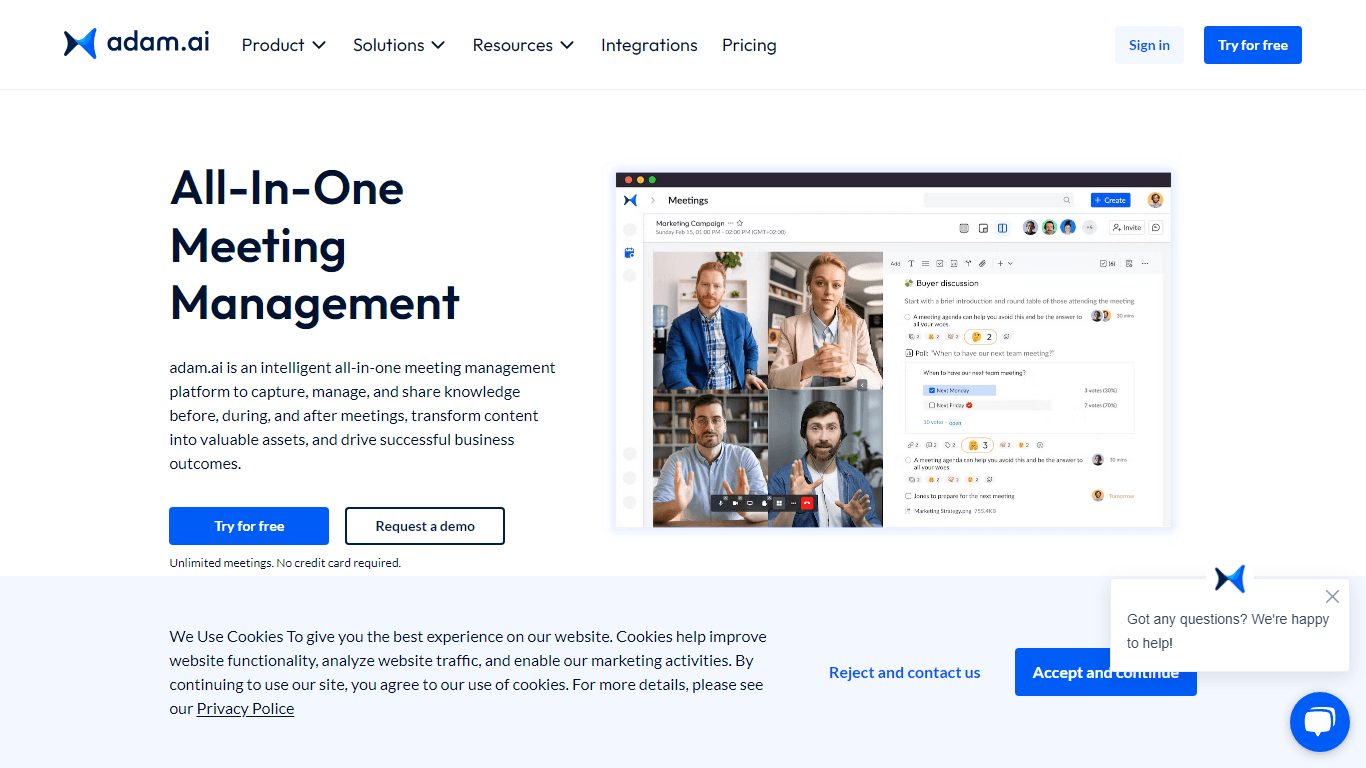
adam.ai
Maximize your business success with adam.ai, the intuitive meeting management platform designed to enhance your team's productivity. Our intelligent solution streamlines the meeting process, granting
Align AI
Streamlines AI strategy alignment with business objectives.

Outreach
Optimize sales, enhance workflows, boost efficiency with AI-powered tools.
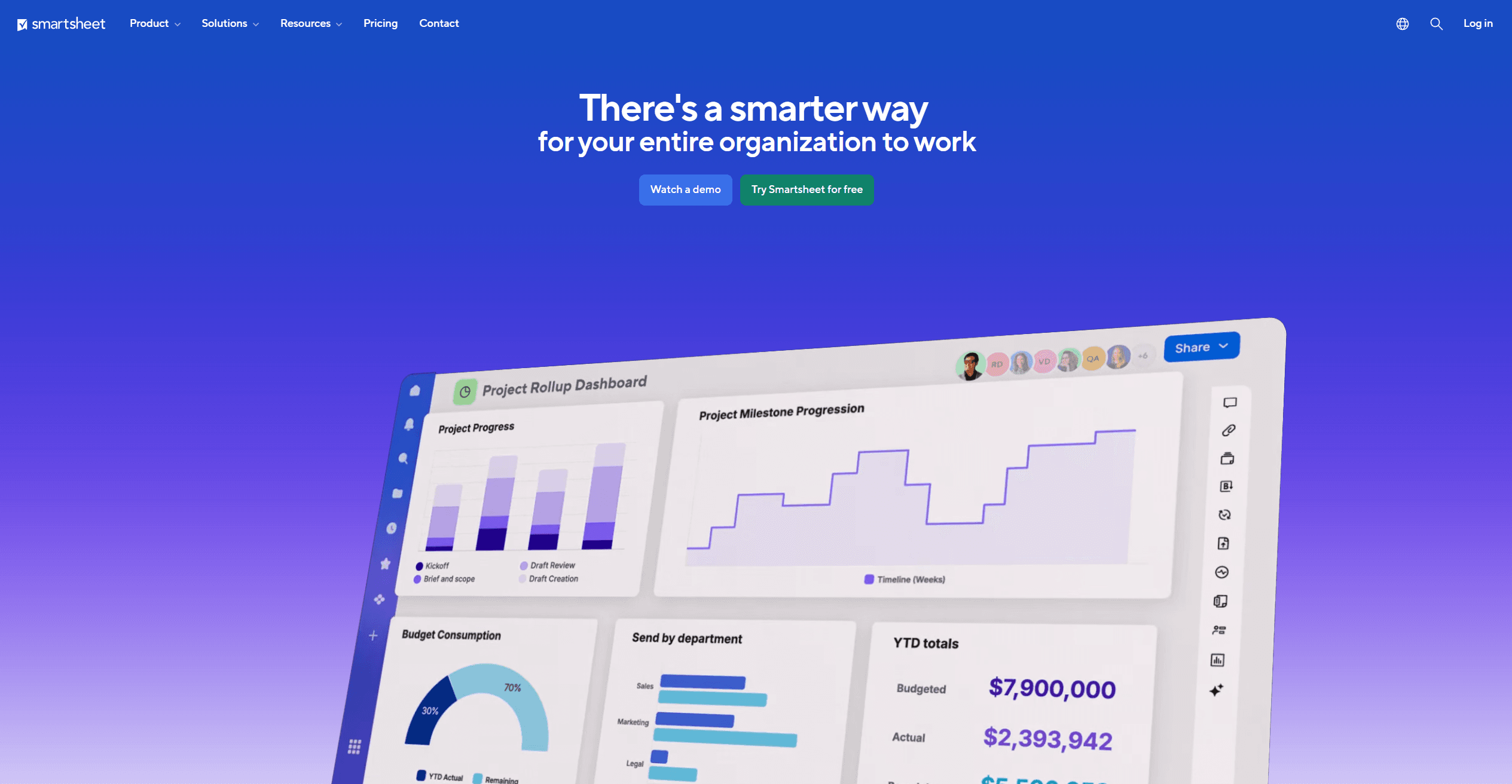
Smartsheet
Streamline workflows, automate tasks, enhance team collaboration.
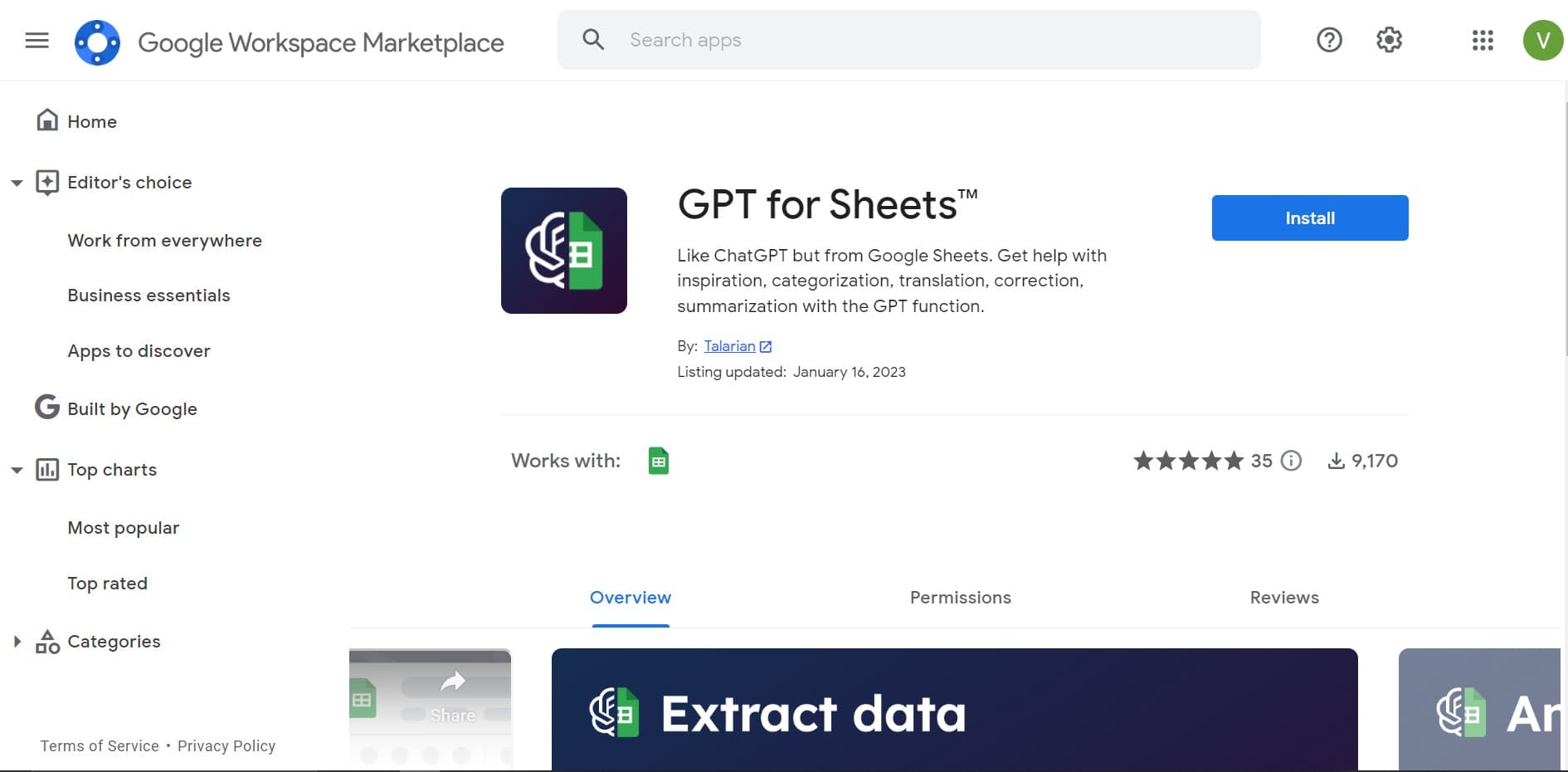
GPT for Sheets and Docs
Elevate productivity in Sheets and Docs with AI-powered automation and creativity.

Ipic.ai
AI-powered image enhancement for professionals and hobbyists alike.
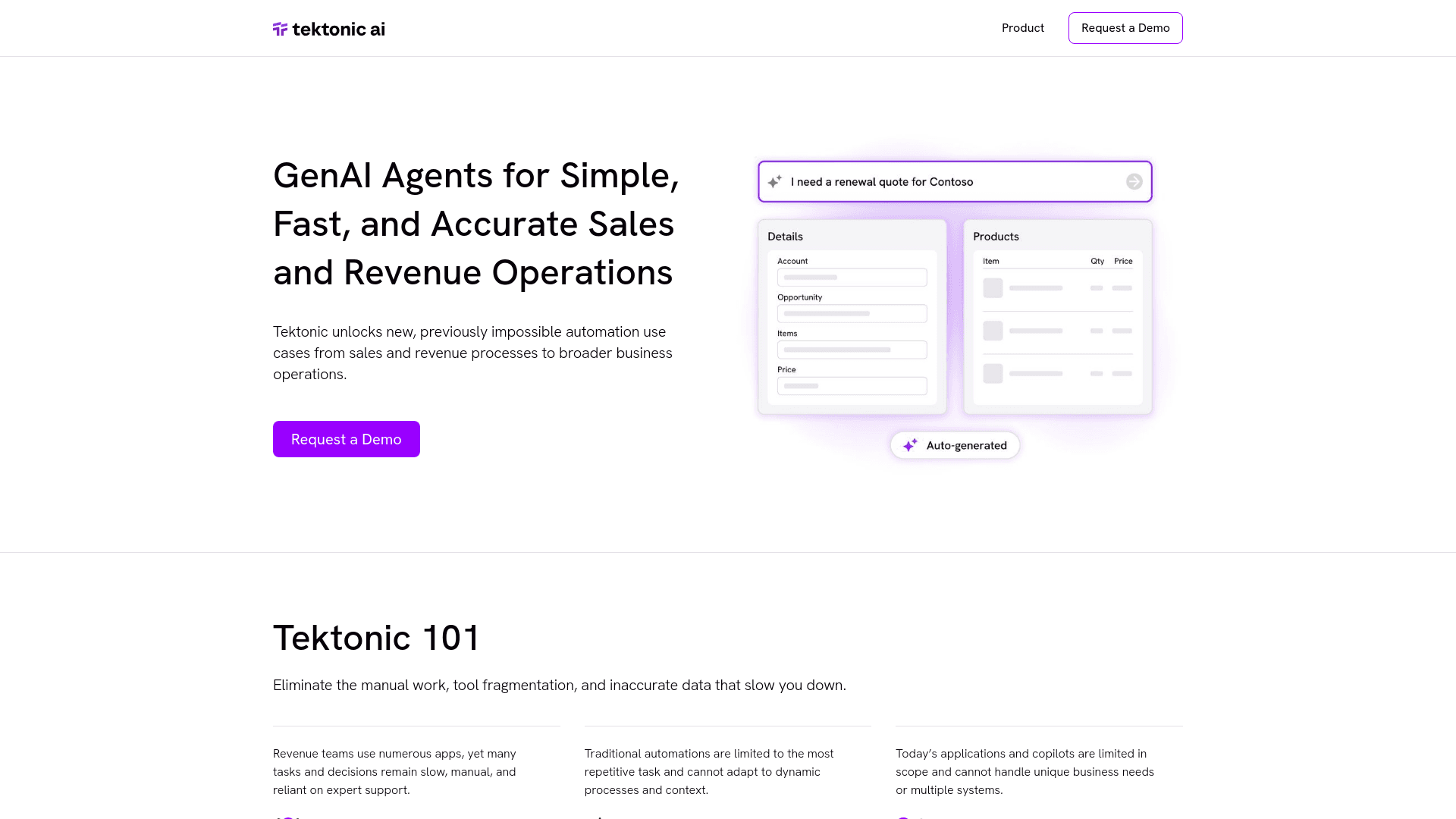
Tektonic AI
Streamline sales and revenue operations with advanced AI-driven automation.
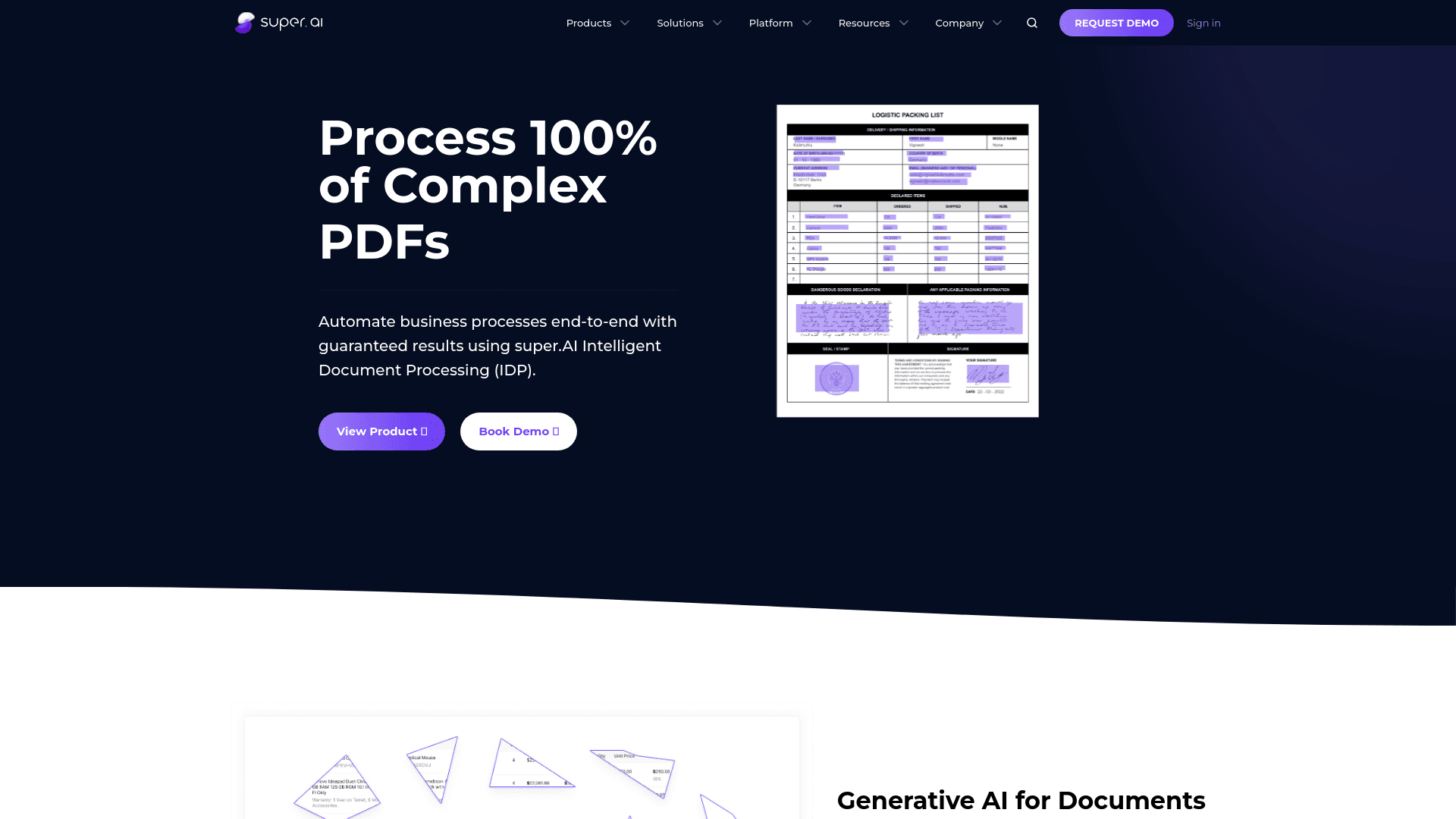
super.AI
Automate complex document tasks with precision and efficiency.
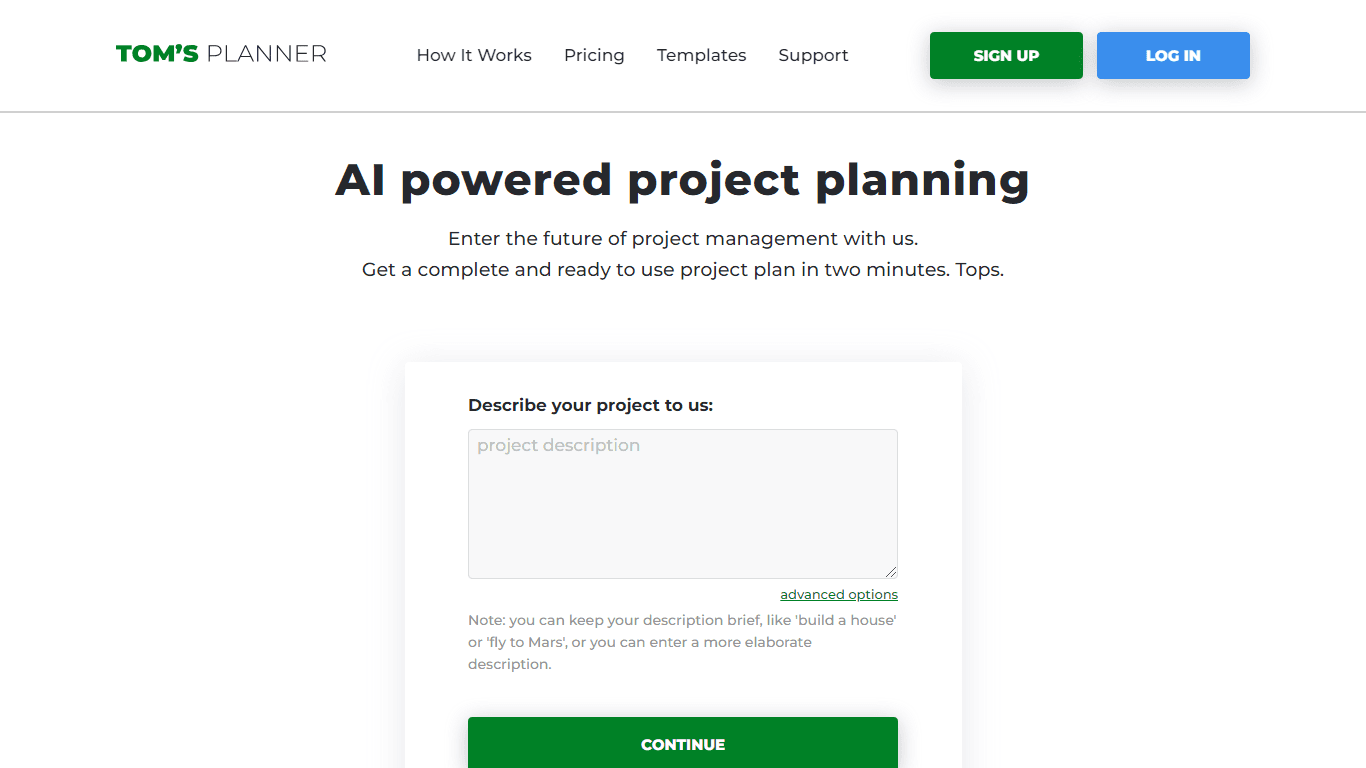
Tom's Planner
Create efficient project plans in a breeze with Tom's Planner's AI-powered Gantt charts. Experience the future of project management by letting AI take the reins—no more manual entry! Just describe yo

AI Interior Designer By REimagineHome
Transform your real estate images with the cutting-edge AI Interior Designer tool, designed to breathe new life into every space. Experience the future of home visualization with our comprehensive sui