
crawler.sh
Crawl sites fast, extract Markdown and SEO insights.
12,336
Votes
17,068
Views
7,257
Bookmarks
About
crawler.sh focuses on one job: crawling websites quickly from a local machine, then turning that crawl into structured data for SEO audits, content archiving, and sitemaps. It comes as both a desktop app and a command line tool, so it works for technical SEOs, developers, and marketers who prefer a visual dashboard.
Key Features
- High-speed site crawling: Crawls entire domains in seconds with configurable concurrency, depth limits, and polite delays so users can tune performance without hammering servers.
- Content extraction to Markdown: Automatically isolates main article content on each page and converts it to clean Markdown, with word count, author byline, and excerpt for consistent downstream use.
- Automated SEO analysis: Runs 16 checks per URL to flag missing titles, duplicate meta descriptions, noindex tags, thin content, long URLs, and similar issues, then exports them as CSV or human-readable TXT.
- Multiple export formats: Streams crawl results as NDJSON for pipelines, or exports as JSON arrays, Sitemap XML that follows W3C guidelines, and Markdown content archives.
- Desktop dashboard and CLI: The CLI provides crawl, info, export, and SEO subcommands, while the desktop app adds a visual dashboard, real-time crawl feed, SEO issues panel, and per-URL content previews.
- Local-first, privacy-friendly design: All crawling and analysis happen on the user’s own machine, which is appealing for sensitive sites, pre-release environments, or proprietary content.
Pros
- Fast and configurable: High-speed crawling with fine-grained control over concurrency and depth suits everything from tiny blogs to large content sites.
- Great for AI and data workflows: Clean Markdown, NDJSON, and JSON outputs make it easy to plug website content into LLM pipelines, analytics jobs, or custom scripts.
- Local-first privacy: Keeping crawls and extracted content on the user’s machine reduces exposure for internal or staging sites.
- Dual interface: CLI fans get powerful scripting options, and less technical users still have an approachable desktop UI with visual status cards and feeds.
- SEO-focused out of the box: The built-in 16-check SEO audit saves time versus writing custom rules for common on-page issues.
Cons
- No hosted SaaS version: Users must run it locally, which might be less convenient for teams that prefer browser-based tools or cloud scheduling.
- Limited native integrations: There is no direct one-click connection to analytics suites, project management tools, or popular SEO platforms.
- Niche feature set: It focuses on crawling and on-page checks, so users needing backlink analysis, keyword tracking, or rank monitoring will still need other tools.
Who Uses It
- SEO agencies and consultants: Auditing client sites, exporting issue lists, and generating fresh sitemaps before handing off recommendations.
- In-house marketing and SEO teams: Monitoring corporate sites for broken links, missing pages, and regressions after deployments.
- Developers and technical SEOs: Automating crawls via the CLI to feed CI pipelines, content migrations, or custom QA scripts.
- Content operations and archivists: Converting large sets of articles into Markdown for backups, migrations, or ingestion into knowledge bases and LLM systems.
- Uncommon Use Cases: Used by product teams to crawl staging environments before releases; adopted by researchers who need structured text corpora from public websites for machine learning experiments.
Pricing
- CLI Tool: $99 per year; includes crawl, info, export, and SEO subcommands, NDJSON/JSON/Sitemap XML outputs, content extraction with Markdown output, and 16-category SEO analysis with CSV/TXT export.
- Desktop Pro: $99 per year; includes a visual dashboard with 8 interactive cards, real-time crawl feed with status badges, SEO issues panel with per-URL details, and content archive export as Markdown.
You may also like
More tools in Marketing
One AI
Boost website engagement and sales with adaptive AI-driven interactions.

MolyPix.AI
Transform text into stunning, editable designs instantly.
Dora AI
Revolutionize website creation with AI: unique, prompt-driven designs made simple.

Ideogram
Transform text to stunning visuals with AI, enhancing creativity and collaboration.
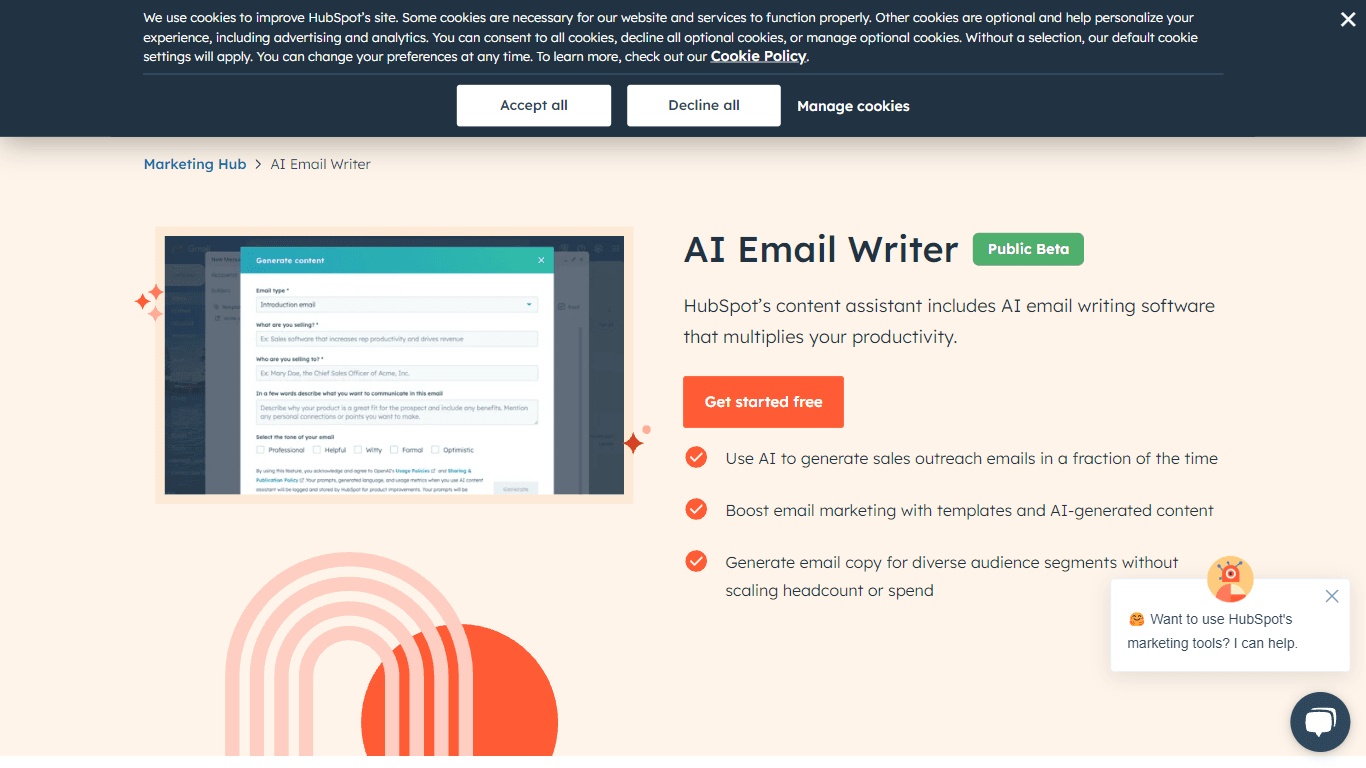
AI Email Writer | HubSpot
The HubSpot AI Email Writer is a groundbreaking tool designed to revolutionize your sales outreach and email marketing strategies. By harnessing the power of AI, this tool significantly cuts down cont

Lucidpic
Revolutionize your visuals with AI-powered 3D photo transformations for engaging, lifelike content.
AI2image
AI creates custom images from English descriptions in seconds.

ActiveCampaign AI
Boost marketing with AI-driven campaign optimization.

Distribution AI
A platform for content distribution across digital channels.

Goran AI
A tool to transcribe and analyze sales calls.
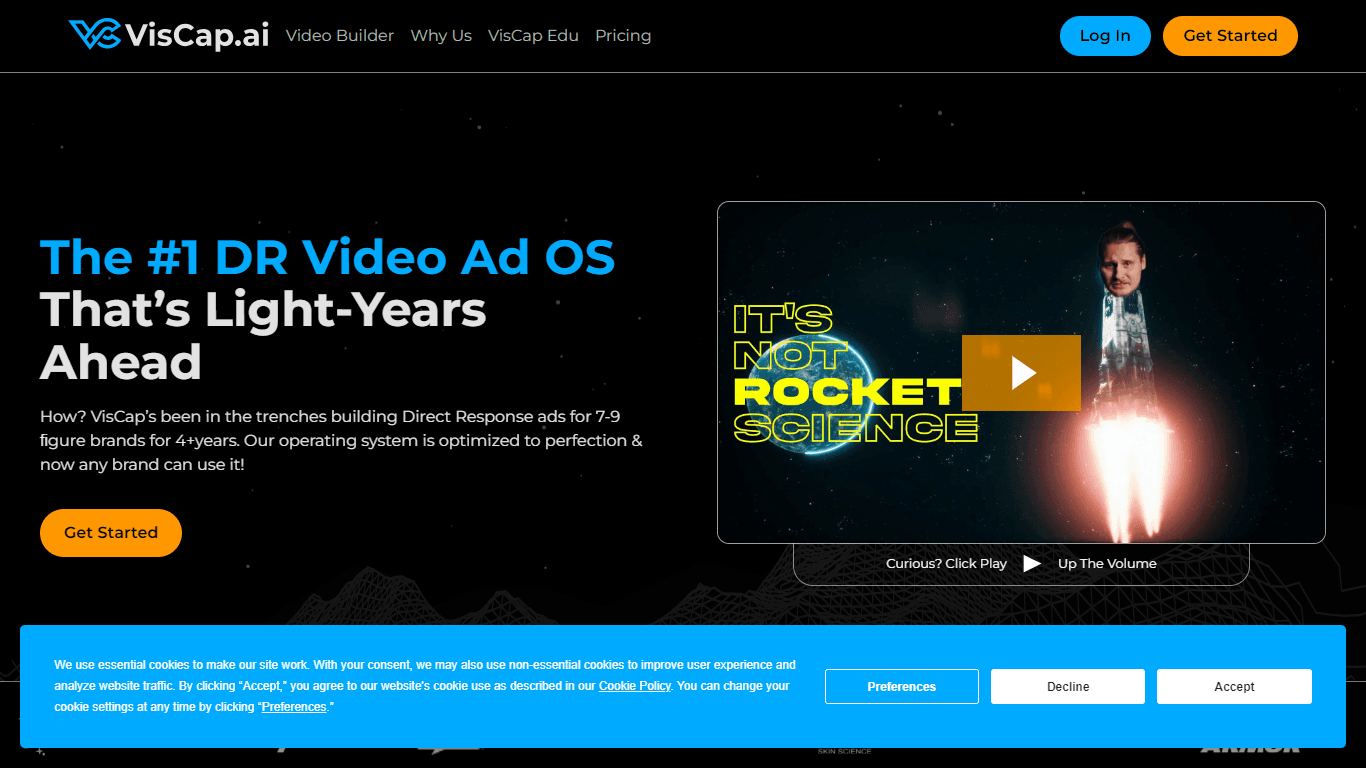
VisCap.ai
VisCap.ai is your go-to platform for cutting-edge Direct Response (DR) video advertisement solutions. Leveraging over four years of expertise in building high-converting ads for 7-9 figure brands, Vis
Spoke.ai
AI-powered tool revolutionizes team communication and project management.