
BrowseWiz
BrowseWiz is a powerful AI copilot designed to transform your workflow by integrating seamlessly into your browsing experience. It allows users to chat with PDFs, translate documents, analyze data, an
10,987
Votes
24,261
Views
6,817
Bookmarks
About
BrowseWiz is a powerful AI copilot designed to transform your workflow by integrating seamlessly into your browsing experience. It allows users to chat with PDFs, translate documents, analyze data, and automate various tasks directly from a side panel. This tool is particularly beneficial for professionals who need to manage large amounts of information efficiently, as it helps streamline processes and reduce the time spent on repetitive tasks. With BrowseWiz, users can easily summarize web pages, extract critical data, and generate targeted content, all tailored to their specific needs. The target audience for BrowseWiz includes professionals across various industries who are looking to enhance their productivity and efficiency. Whether you are a marketer, researcher, or project manager, this tool provides the flexibility to customize AI interactions according to your workflow. The unique value proposition lies in its ability to integrate with existing tools and services, allowing users to create bespoke AI solutions that fit their specific requirements without the need for constant tool switching. One of the key differentiators of BrowseWiz is its high level of customizability. Users can define system instructions, swap personas, and even integrate their own AI models through an OpenAI-compatible API. This level of personalization ensures that the AI assistant can adapt to various roles and contexts, providing relevant and consistent output. Additionally, the Promptbook feature allows users to create, save, and manage their own prompts, making it easier to launch complex tasks with a single click. Technically, BrowseWiz operates through a non-intrusive side panel that can be activated with a simple shortcut. It utilizes Large Language Models to process contextual data from web pages, video transcripts, and file contents, enabling users to extract key information and insights quickly. The tool is designed to handle multiple documents simultaneously, allowing for efficient information synthesis and analysis. This makes it an invaluable resource for anyone overwhelmed by the demands of digital information management. In summary, BrowseWiz is not just another AI tool; it is a comprehensive solution for professionals seeking to optimize their workflows. By leveraging advanced AI capabilities and offering a customizable interface, it empowers users to take control of their productivity and automate complex tasks with ease. With BrowseWiz, you can finally stop adapting to generic tools and start using an AI assistant that works the way you do.
Key Features
- Chat with PDFs to extract key information and insights quickly, making document handling easier.
- Automate complex tasks with customizable workflows, saving time and reducing repetitive work.
- Create and manage a personal Promptbook to streamline your tasks and avoid repeating yourself.
- Integrate your preferred AI models for tailored performance and cost management, enhancing your productivity.
- Summarize long articles, videos, and documents in seconds, providing concise takeaways for quick understanding.
FAQ
How do I activate BrowseWiz?
You can activate BrowseWiz by using the shortcut (Alt+B) or by clicking the extension icon in your browser.
Is there a free version of BrowseWiz?
Yes, you can start using BrowseWiz for free, but the free plan has usage limits.
What types of tasks can BrowseWiz help me with?
BrowseWiz can help you summarize web pages, analyze data, translate documents, and automate various tasks.
Can I customize the AI assistant?
Yes, BrowseWiz is highly customizable, allowing you to define system instructions and create tailored workflows.
What technologies does BrowseWiz use?
BrowseWiz utilizes Large Language Models to process contextual data and your instructions for effective automation.
Can I integrate my own AI models?
Yes, you can integrate your own OpenAI-compatible API for specific models and capabilities.
You may also like
More tools in Productivity

Supametas.AI
A tool to transform unstructured data into structured formats for AI models and knowledge bases.
Assert AI
Automatically generates test cases, identifies bugs, and provides insights.
ZEN AI
Discover unparalleled customer service with ZEN AI, an intelligent customer support assistant designed for businesses of all sizes. ZEN AI operates around the clock, ensuring that your customers alway
Zendesk AI
Explore the transformative power of AI-driven customer support with Zendesk AI. With a suite of intelligent tools, including sophisticated bots, enhanced self-service options, and a wealth of producti

MokSa.AI
Enhances retail operations with AI-driven video intelligence.
Ada
Revolutionize customer service with AI across all digital platforms.
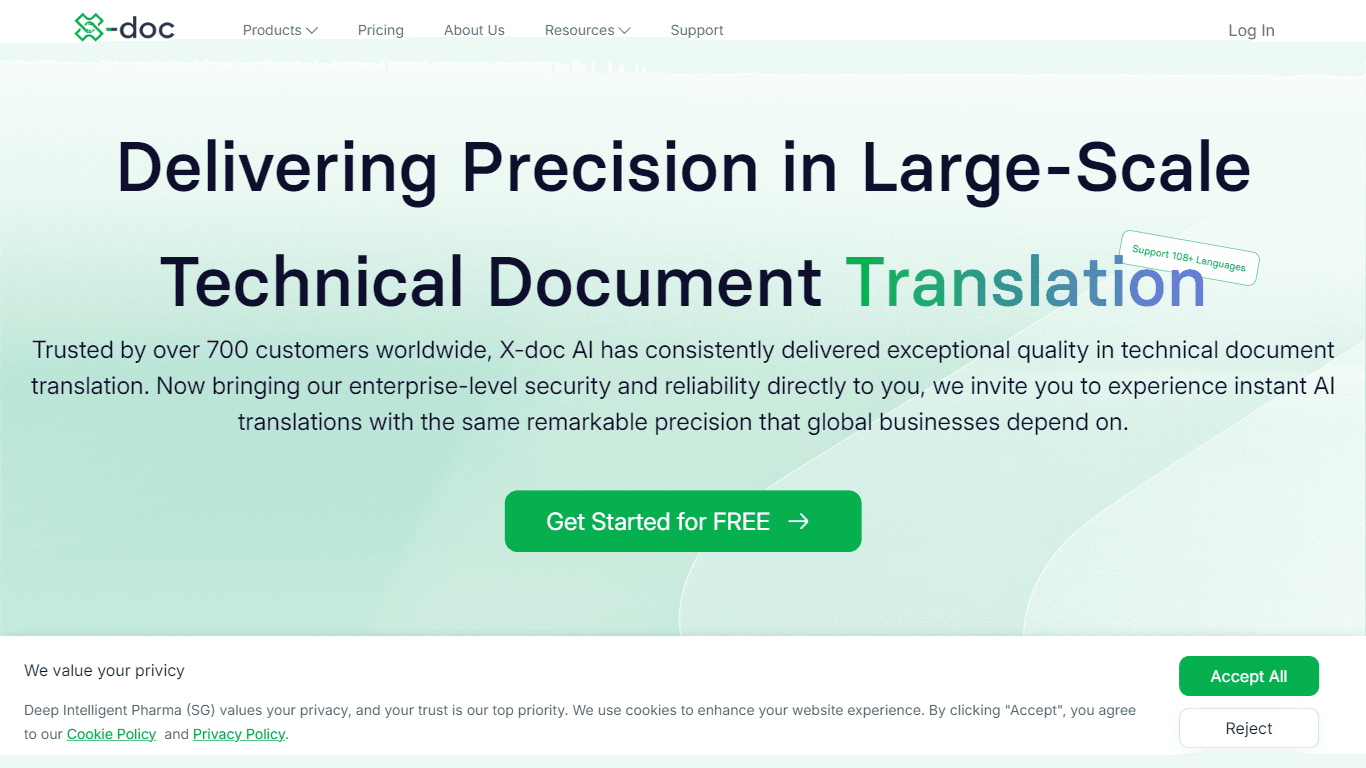
X-doc
X-doc is a cutting-edge AI-driven platform specializing in large-scale technical document translation. Its core functionality revolves around providing instant translations across 108 languages, ensur

Outreach
Optimize sales, enhance workflows, boost efficiency with AI-powered tools.
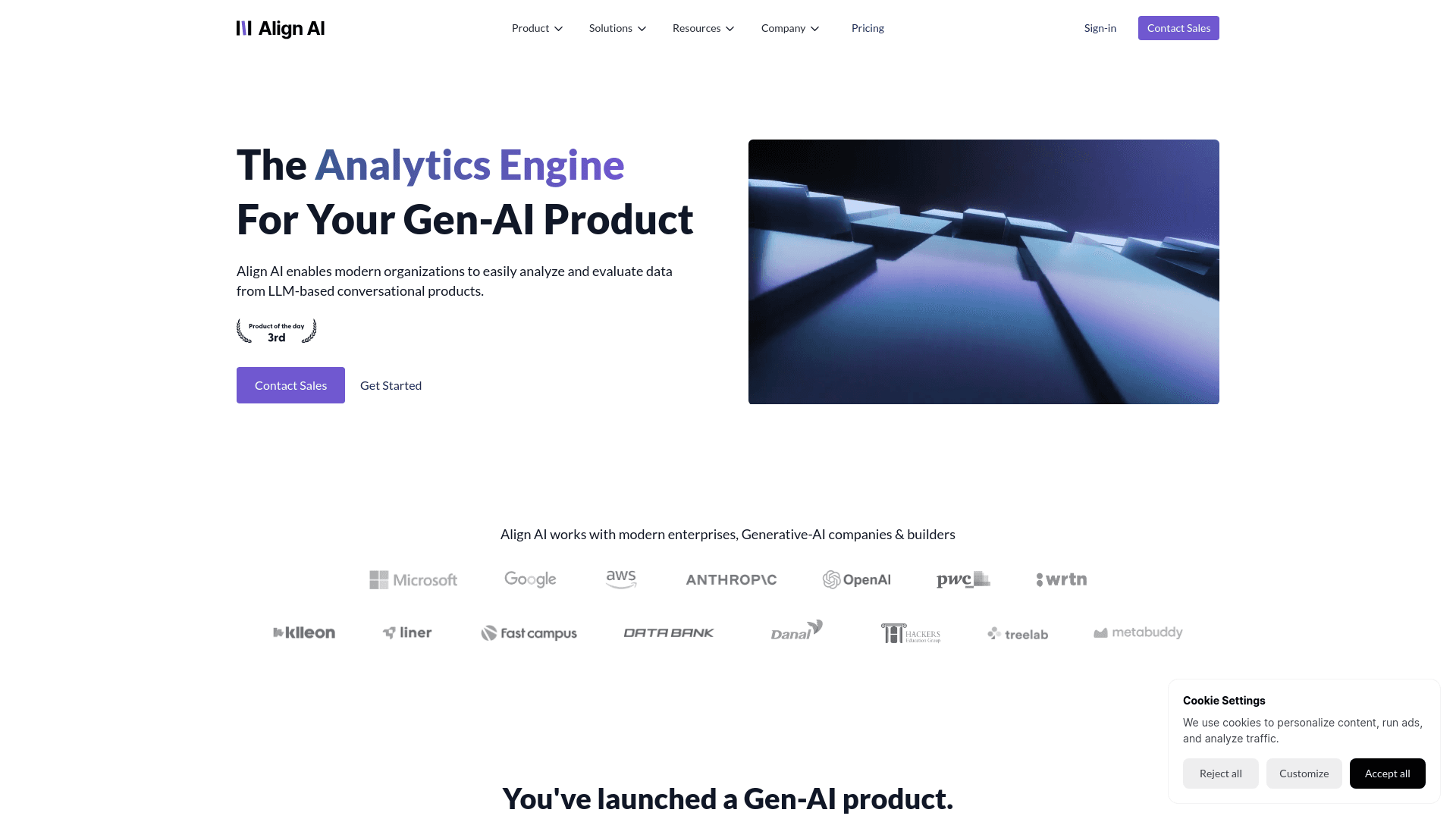
Align AI
Streamlines AI strategy alignment with business objectives.
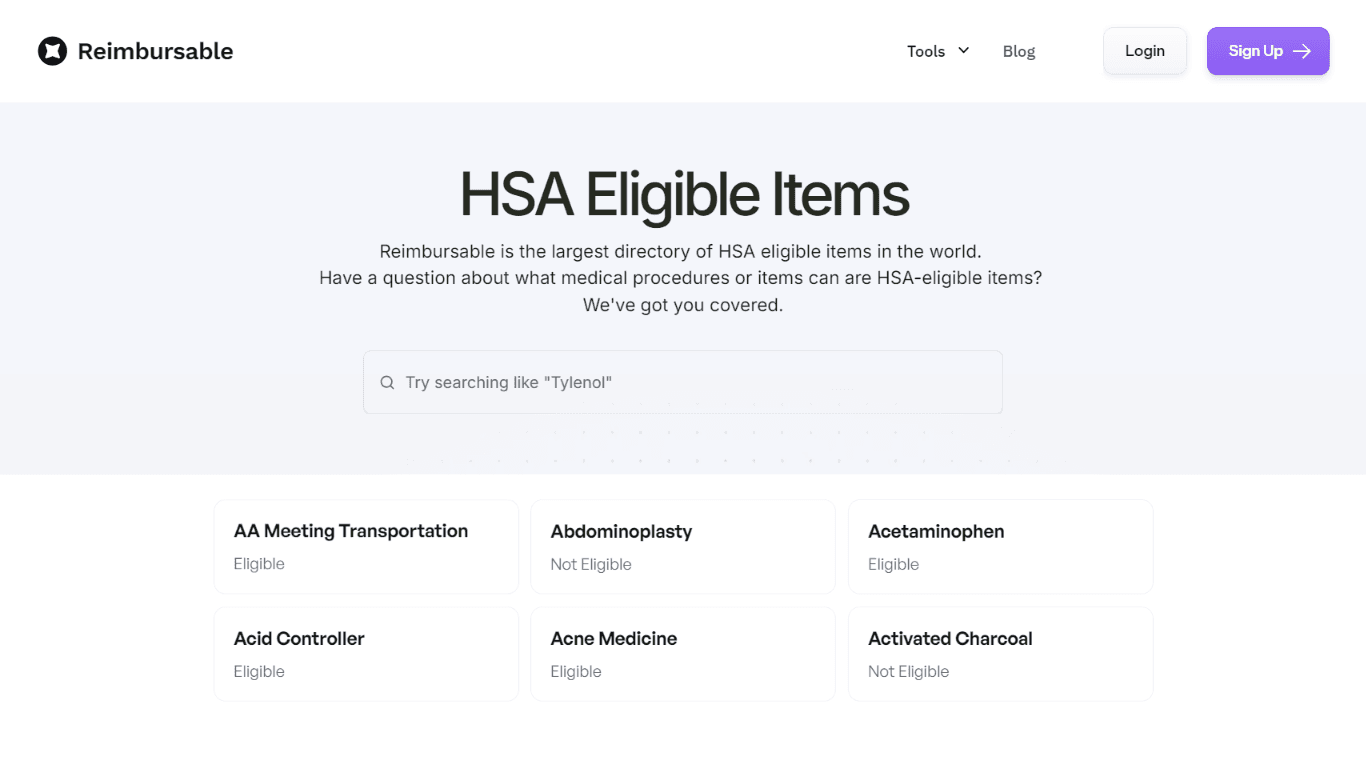
HSA Eligible
The Complete Directory of HSA Eligible Items for Easy Expense Tracking serves as a comprehensive resource for individuals looking to manage their Health Savings Account (HSA) expenses effectively. Thi
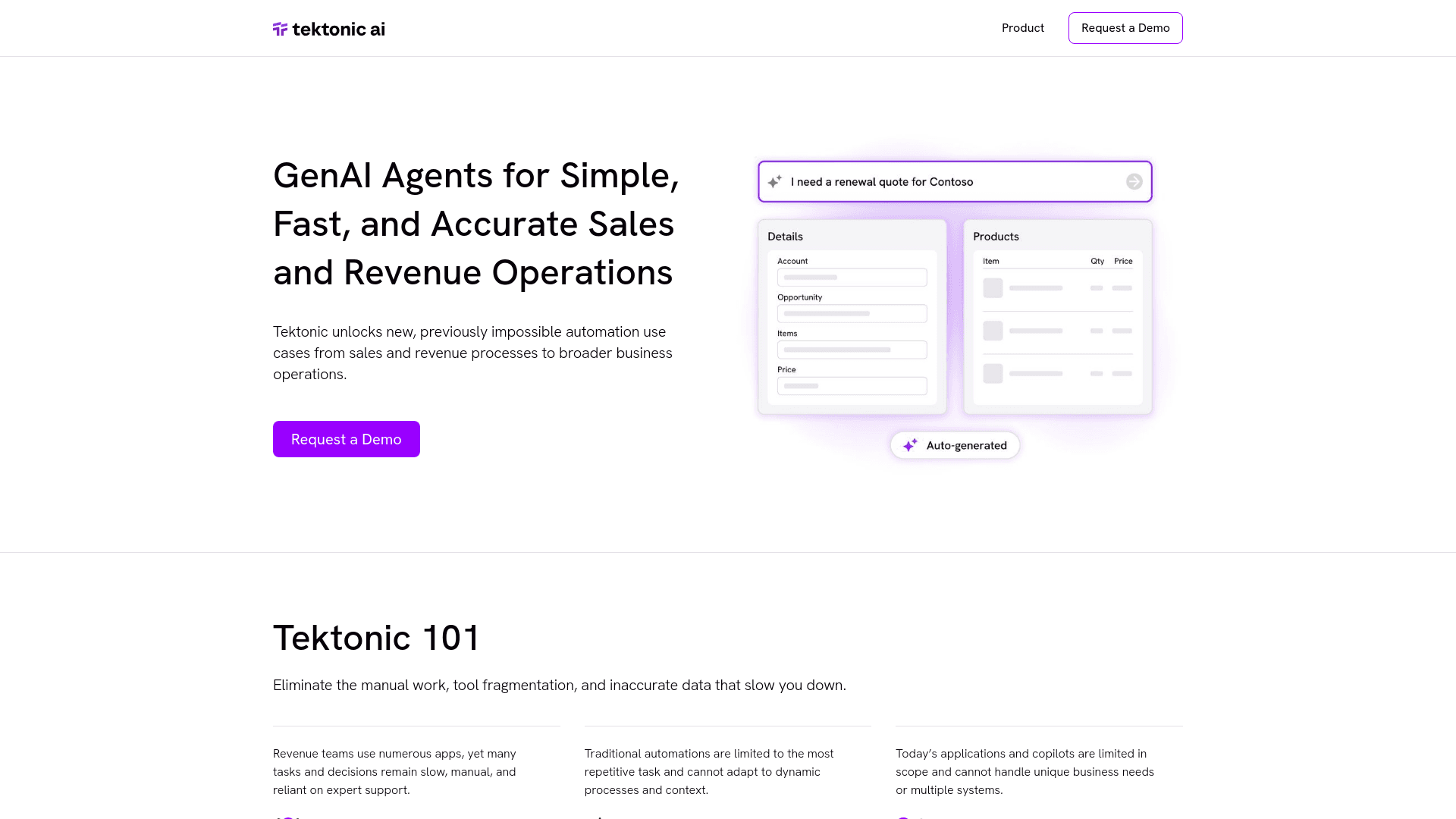
Tektonic AI
Streamline sales and revenue operations with advanced AI-driven automation.
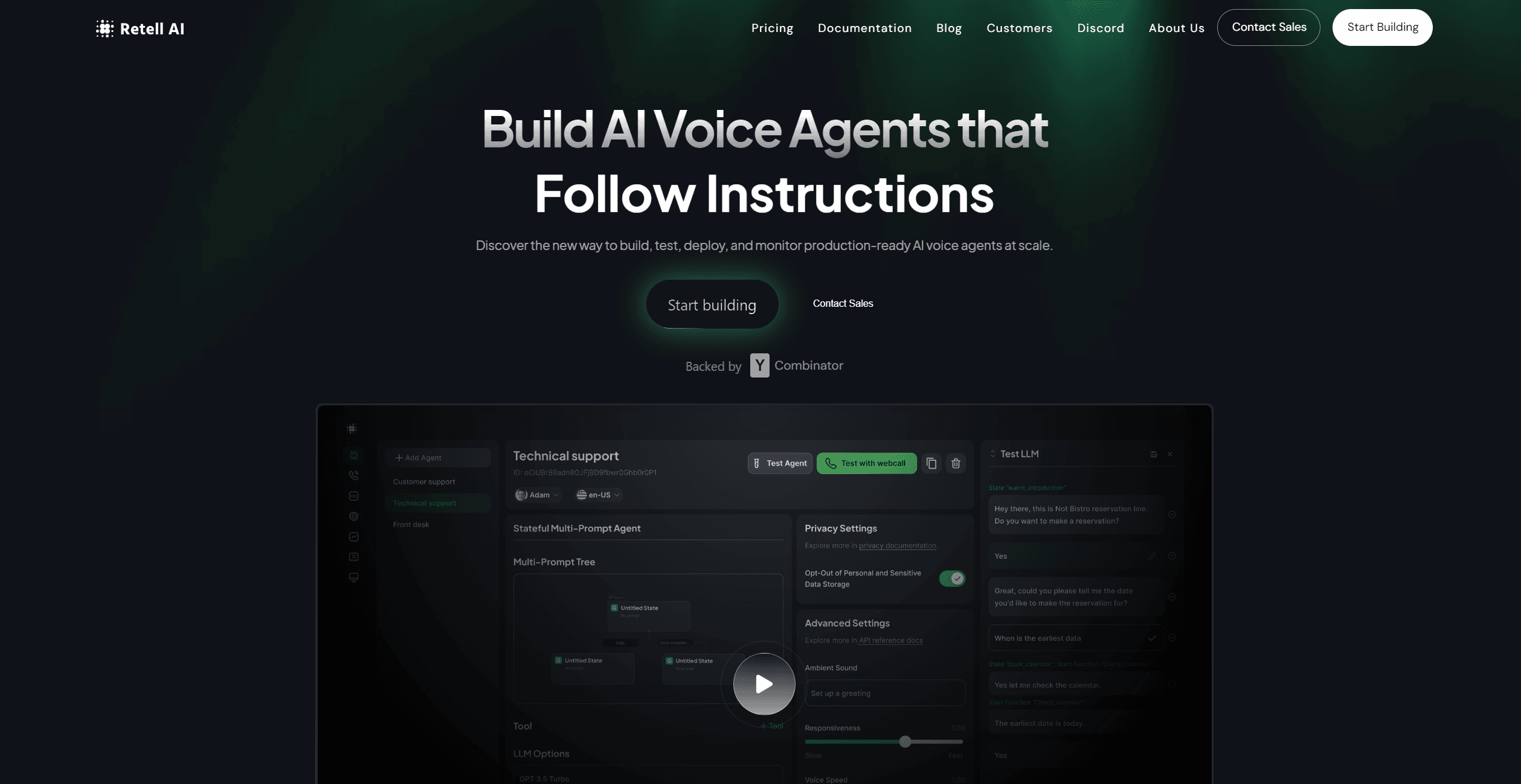
Retell AI
Create lifelike AI voice agents, deploy anywhere, analyze real-time.