
Bhava
Generate and edit diagrams rapidly from text.
10,959
Votes
16,123
Views
7,301
Bookmarks
About
Bhava is an AI-driven diagram editor designed to transform the way professionals create and manage diagrams. With its ability to generate and edit diagrams in seconds, Bhava caters to anyone needing to visualize complex ideas quickly. From flowcharts to architecture diagrams, Bhava simplifies the process with smart layouts and connectors, reducing the time spent on manual adjustments.
Key Features
- AI-Powered Diagram Generation: Instantly create diagrams from text or images, with automatic icon recognition for services like AWS, GCP, and Azure.
- Smart Layouts and Connectors: Spend less time adjusting elements with intelligent positioning and linking.
- Import and Export Flexibility: Bring in existing diagrams from platforms like draw.io or Mermaid and export to popular formats like PNG and SVG.
- All-In-One Editor: Edit styles, layers, and groups with ease, ensuring everything remains flexible and modifiable.
Pros
- Time Efficiency: Create complex diagrams in minutes, drastically reducing the time spent on manual diagramming.
- Ease of Use: The intuitive interface and AI assistance make it accessible for users of all skill levels.
- Versatility: Supports a wide range of diagram types, from mind maps to network maps.
- Collaboration Features: Work alongside AI to enhance creativity and productivity.
Cons
- Initial Learning Curve: Despite its user-friendly design, new users might need some time to fully leverage its advanced features.
- Limited Free Features: The free plan offers basic functionalities, but higher limits and features require a paid subscription.
Who Uses It
- Engineers: Utilizing the tool for system architecture and hardware schematics.
- Product Managers: Employing it to communicate complex ideas visually.
- Educators: Using Bhava to illustrate concepts and facilitate learning.
- Freelancers: Adopting the tool for client presentations and project planning.
- Uncommon Use Cases: Employed by non-profits for strategic planning; Used by hobbyists for personal projects like game design.
Pricing
- Free Tier: Start for free with unlimited diagrams, AI-powered generation, and all export formats.
- Plus Tier: At $9.99 per month, this plan offers higher rate limits and priority support.
- Enterprise Tier: Tailored for teams needing advanced features, pricing is available upon request.
You may also like
More tools in Art Generators

AI Magicx
AI Magicx enhances creativity with AI-driven design and coding.

MimicPC
Unlock AI tools instantly, browser-based, no installs needed.
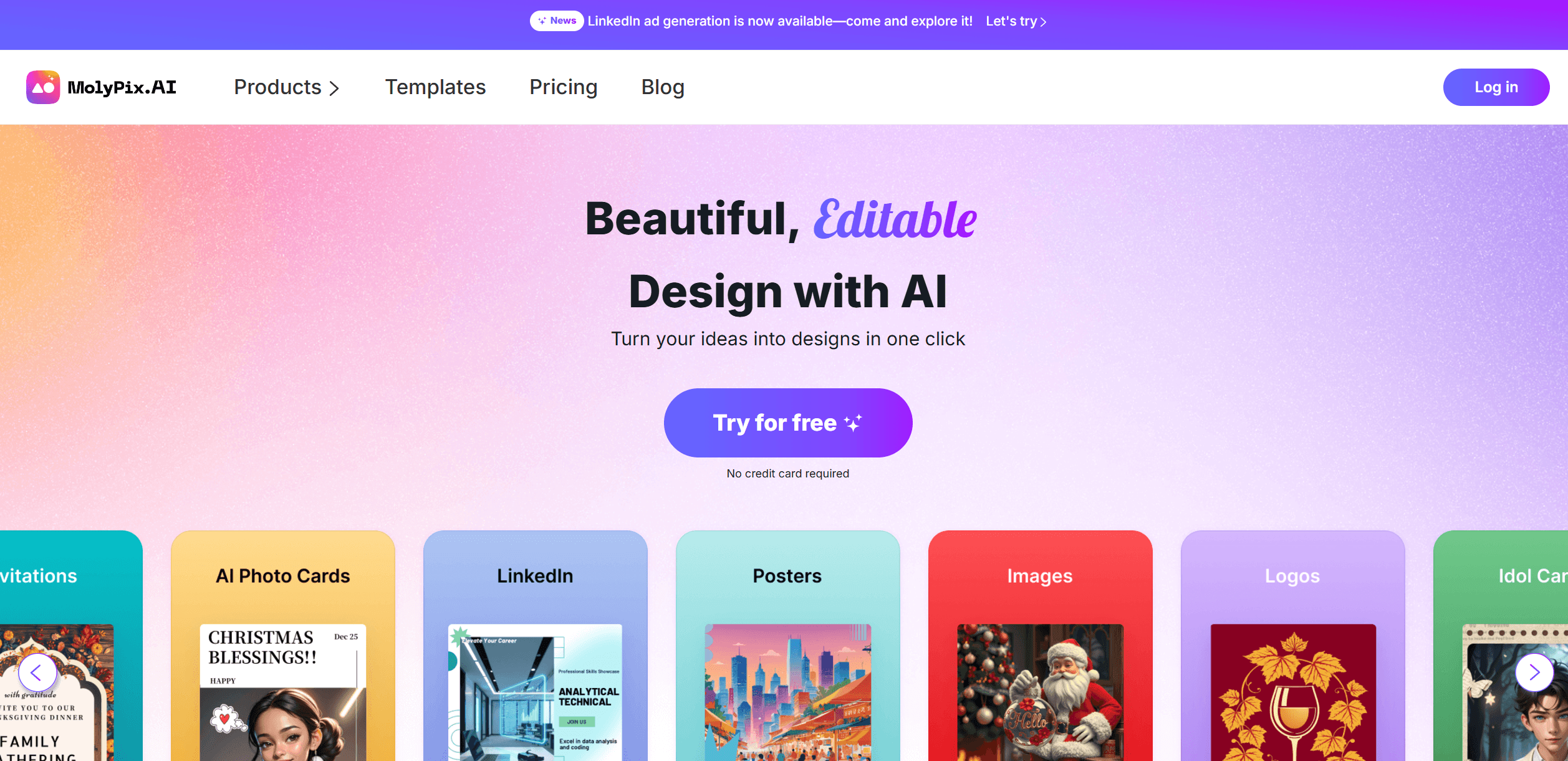
MolyPix.AI
Transform text into stunning, editable designs instantly.
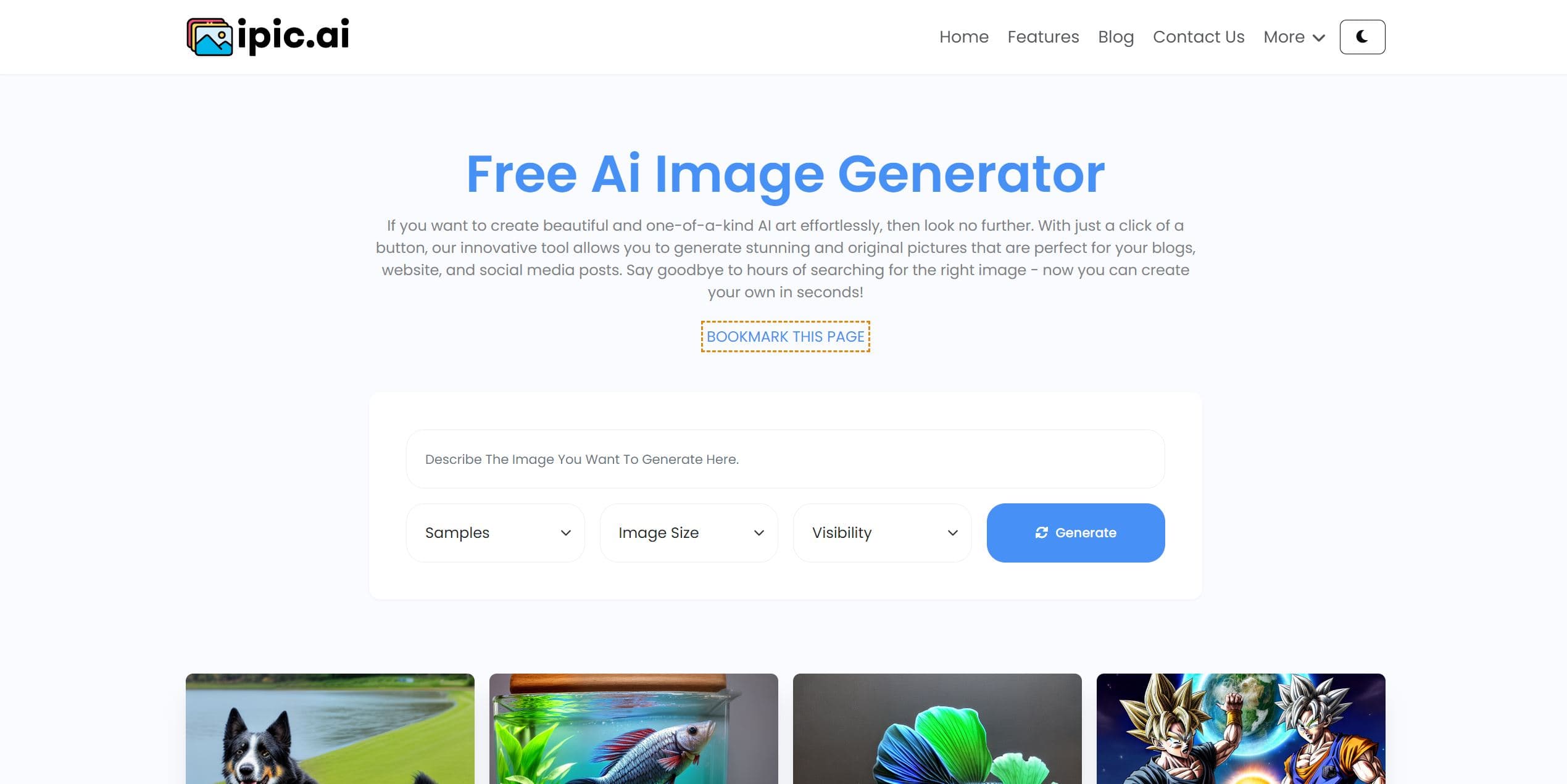
Ipic.ai
AI-powered image enhancement for professionals and hobbyists alike.
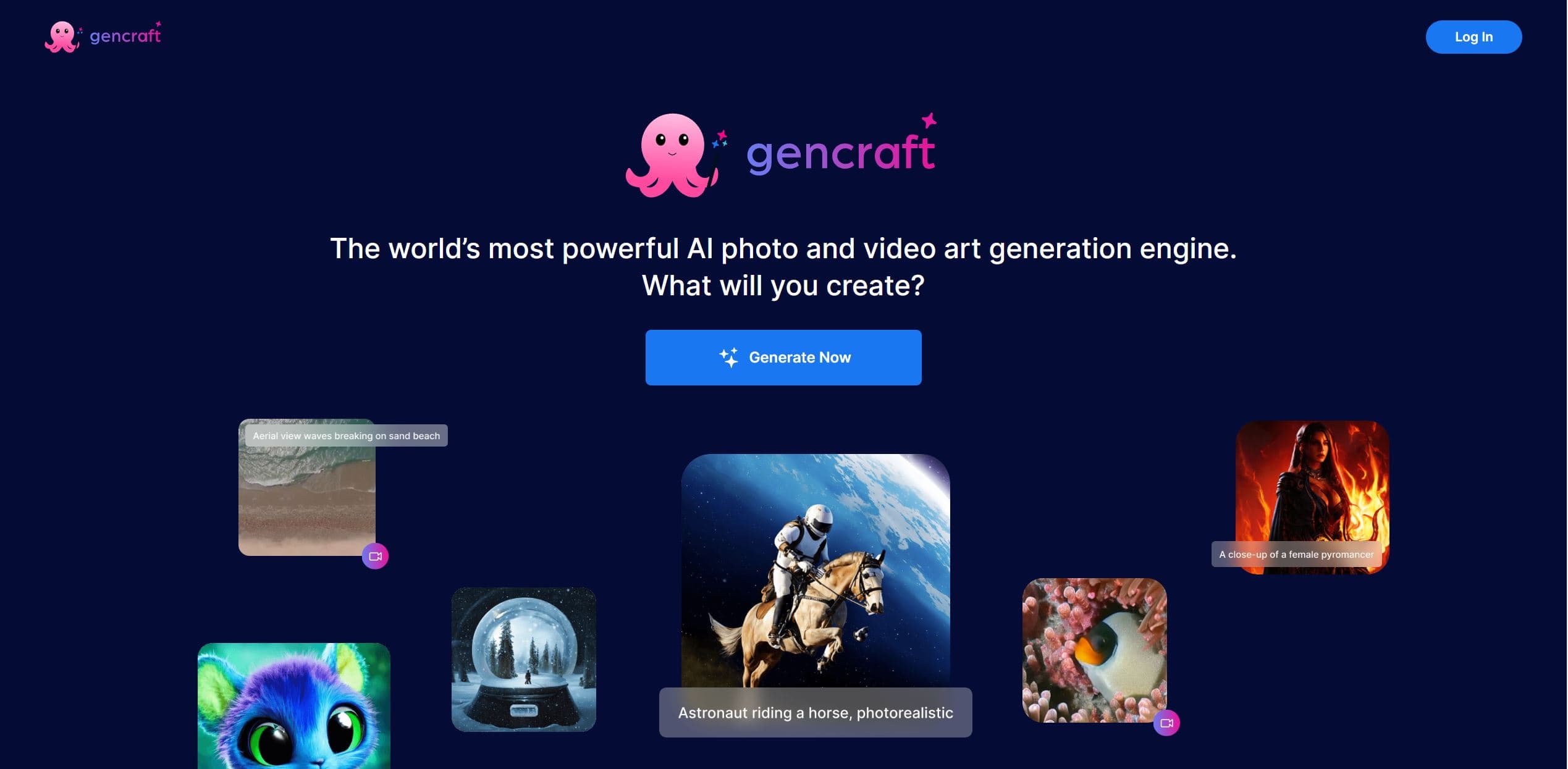
Gencraft
AI-powered tool for creating stunning digital art effortlessly.

Replicate
Unlock AI's potential: run, fine-tune, deploy models easily and cost-effectively.
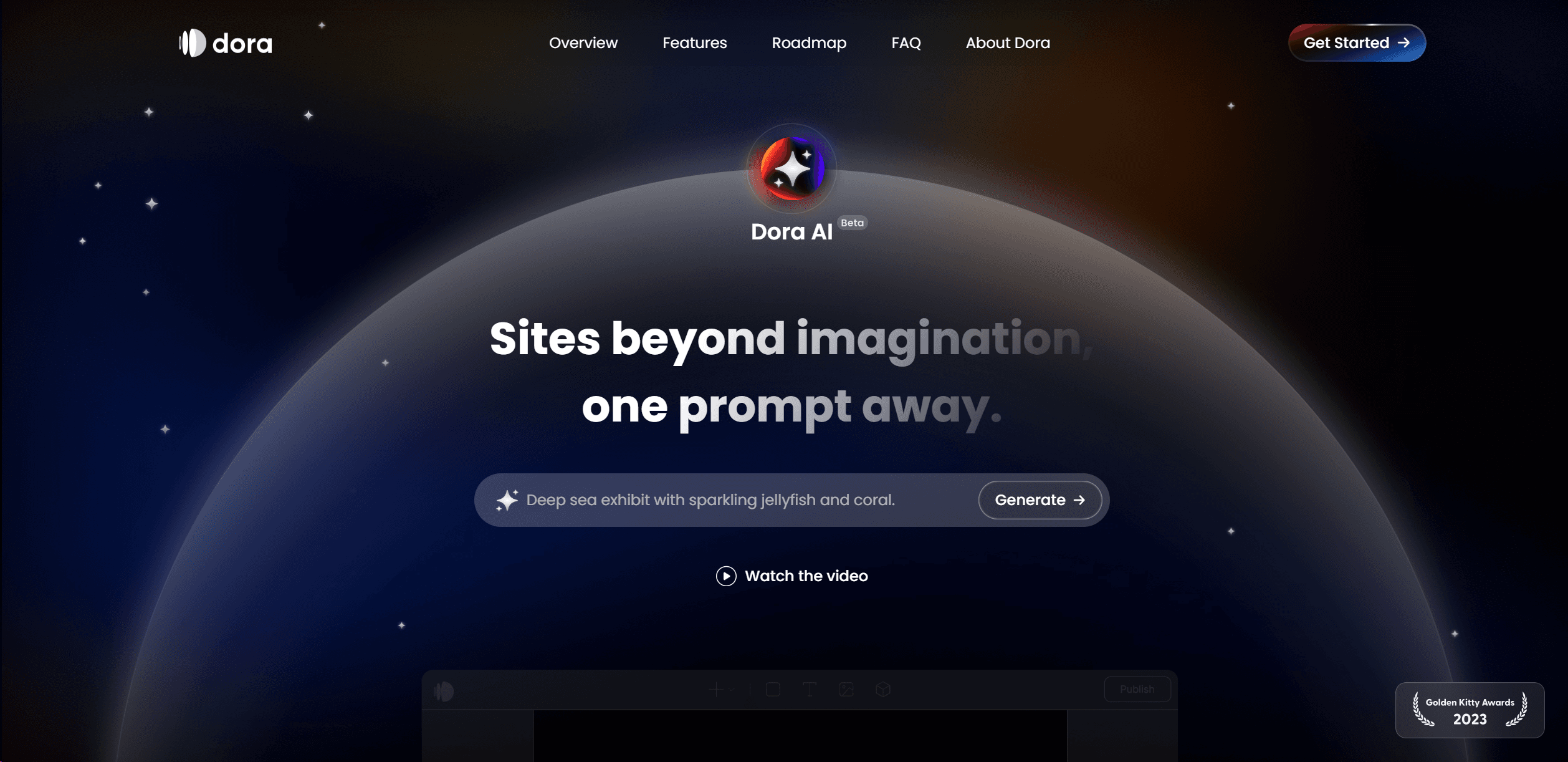
Dora AI
Revolutionize website creation with AI: unique, prompt-driven designs made simple.

Ideogram
Transform text to stunning visuals with AI, enhancing creativity and collaboration.
AI2image
AI creates custom images from English descriptions in seconds.

Pixela AI
Enhance and analyze images with AI-driven precision and scalability.

Inworld
Elevate game development with dynamic NPCs, immersive worlds, and AI-driven content creation.

Midjourney
Unlock true digital artistry.