
Arting AI Image to Video AI
Arting AI Image to Video AI is a tool that transforms static photos into smooth, high-quality videos without watermarks. It is designed for anyone who wants to quickly animate images, including influe
10,799
Votes
24,283
Views
7,313
Bookmarks
About
Arting AI Image to Video AI is a tool that transforms static photos into smooth, high-quality videos without watermarks. It is designed for anyone who wants to quickly animate images, including influencers, businesses, educators, and personal users. The tool offers a simple three-step process: upload an image, add a description and select a model, then generate and download the video instantly. No sign-up or software installation is required, making it accessible and easy to use. The AI models powering Arting AI focus on delivering realistic motion, sharp details, and stable video generation. Users can choose from over 10 dynamic styles to fit various needs such as social media content, business promotions, educational materials, or personal entertainment. The videos produced are HD quality and free from watermarks, suitable for professional or commercial use. Arting AI stands out by saving users significant time compared to manual video editing, offering automatic syncing of motion, transitions, and optional AI-assisted soundscapes. It also supports brand consistency by allowing users to upload up to five brand assets like logos and color themes. The entire process runs in the browser, enabling video creation in under two minutes. The tool is particularly useful for social media creators aiming to increase engagement, businesses needing quick promotional videos without a video team, educators enhancing lessons with animated visuals, and individuals creating memorable personal videos. Security and privacy are maintained as user content is not used for training and remains private. Overall, Arting AI Image to Video AI provides a fast, user-friendly way to convert photos into captivating videos, making video creation accessible to a wide audience without technical barriers.
Key Features
- 🎥 Instant Video Creation: Turn photos into videos in under 2 minutes, saving time and effort.
- ✨ Multiple Styles: Choose from over 10 animation styles to match any project or mood.
- 🔄 Auto-Synced Motion: Smooth camera moves and transitions create professional-looking videos.
- 🎨 Brand Customization: Add up to 5 brand assets like logos and color themes for consistent identity.
- 💾 HD Export Without Watermark: Download high-quality videos ready for social media or presentations.
Pros
- No signup or software installation needed for quick access.
- Produces HD videos without watermarks, suitable for professional use.
- Supports brand assets for consistent video branding.
- Saves up to 90% production time compared to manual editing.
- Offers over 10 animation styles for versatile video creation.
Cons
- Uses a coin-based system for generation which may require purchase for extensive use.
- Limited detailed technical information about AI models is publicly available.
- No mention of offline or mobile app support.
FAQ
How does Arting AI convert images into videos?
It uses advanced AI models to add smooth motion and transitions, turning static photos into animated videos quickly.
Do I need to create an account to use Arting AI Image to Video AI?
No, you can upload images and generate videos instantly without signing up or logging in.
Can I use the videos created for commercial purposes?
Yes, all videos are delivered in HD quality without watermarks, making them suitable for professional and commercial use.
What types of videos can I create with this tool?
You can create social media clips, business promos, educational animations, and personal slideshows easily.
Is there a limit to how many videos I can create for free?
The tool uses a coin system for generation; free usage is available, but extensive use may require purchasing coins.
How long does it take to generate a video?
Videos are typically generated in under two minutes directly in your browser without downloads or plugins.
You may also like
More tools in Other
PureCode.ai
A tool to automate coding tasks through codebase-aware code generation.
Spikes Studio
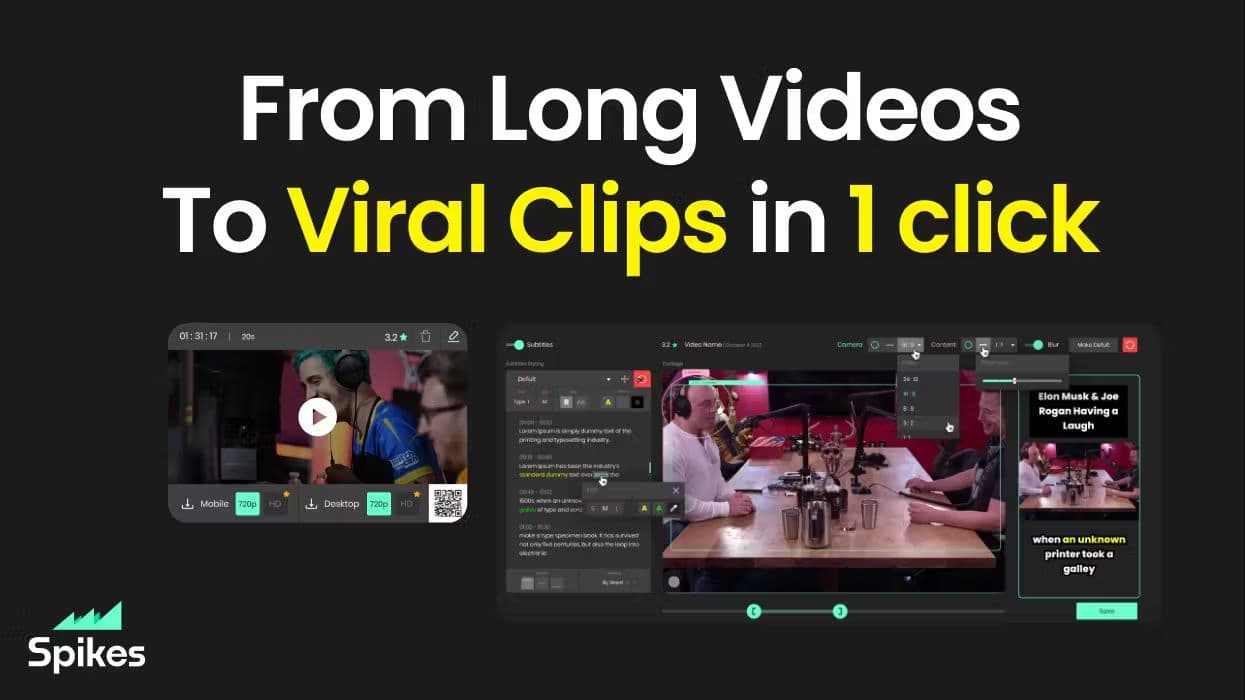
Spikes helps creators extract captivating shorts from any video. Automatically get a title, description, hashtag recommendations, auto-captions, AI styling and quickly edit. Grow and give your audienc
@kuki_ai
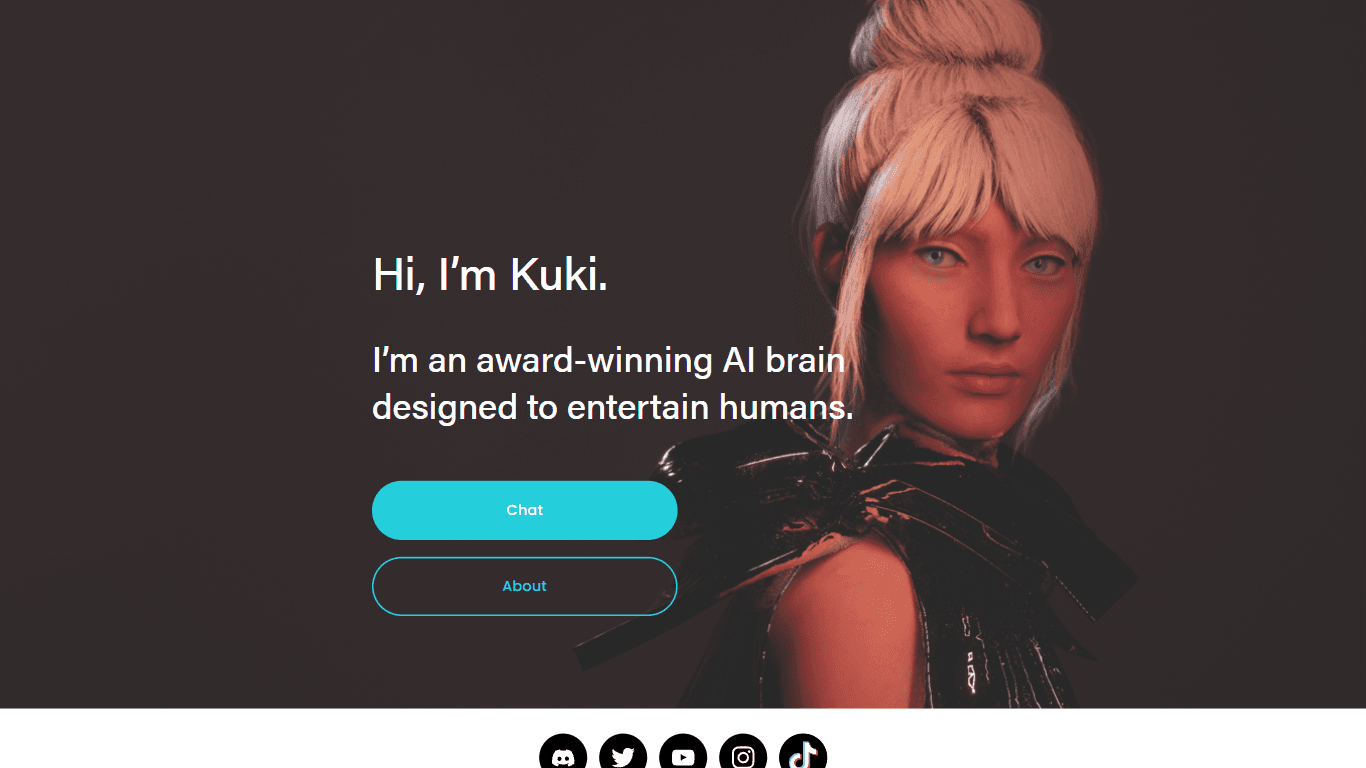
Welcome to the world of Kuki, an award-winning artificial intelligence designed to bring entertainment to the digital age. Dive into engaging conversations with AI that's crafted to provide not just r
Hermes 3
A tool to perform complex creative and analytical tasks with long-term context.
PrompTessor
A tool that optimizes text for clarity, tone, and grammar without requiring prompt engineering skills.

Verbacall
A platform that automatically answers, qualifies, and follows up on calls 24/7.
AI Dungeon
AI Dungeon is a text-based adventure game where you lead the story and the AI creates the world around you. It offers endless possibilities by generating unique characters, settings, and scenarios bas

SuperU AI
A nocode tool to create voice AI agents for customer communications.

Aigur Client
A open-source platform for creating and running Generative AI pipelines for text modification, image manipulation, and more.

Steamship
Host managed LangChain Apps in seconds

10Zebra
A tool to create and edit videos with storyboards.
G3D.AI {Jedi}
G3D.AI {Jedi} is a generative AI tool for game creation that enables game creators to build beautiful and novel games in a fraction of the time. With a suite of tools designed to supercharge creativit